Secure Multi-Factor Authentication (MFA) made simple, quick, and reliable
With Zoho OneAuth — the complete authenticator app, implement MFA for your employees' work accounts, enable 2FA for your social media and other online accounts, all from one app.

Scan the QR code
to download OneAuth
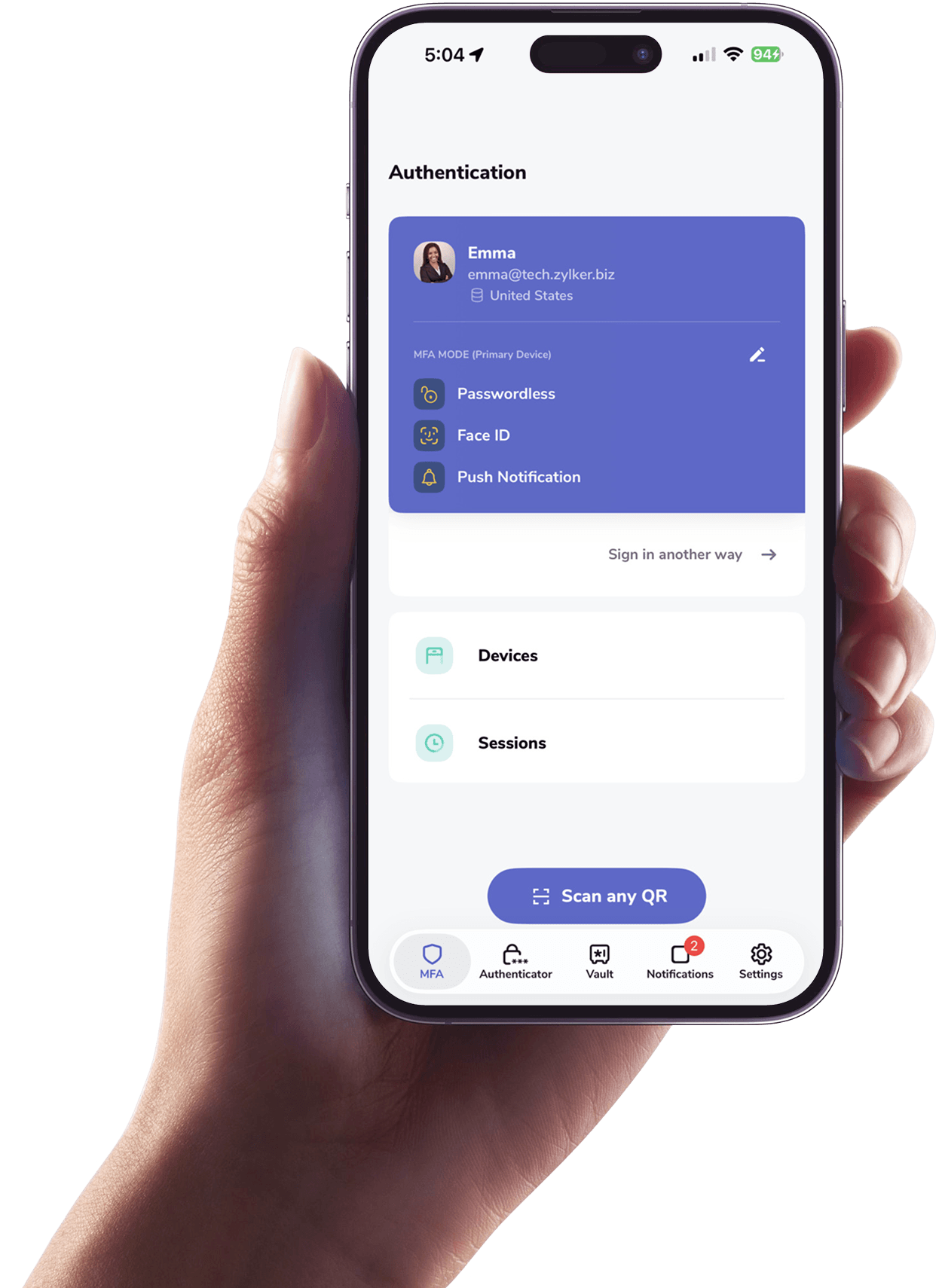
Trusted by millions
Trusted by millions, our multi-factor authentication app ensures secure and seamless access.
6.5M+Downloads
1.76M+Organisations
No user names or passwords required!
Try Smart Sign-inWhy should you enable MFA for your Zoho accounts?
A single stolen password is enough to expose multiple employee accounts and company resources. Another step of verification is thus a necessity. Compromised passwords should not automatically mean account takeovers.
Do it with MFA — Protect your work accounts from credential-based attacks
Authenticator-based MFA utilizes time-based OTPs generated on an external device, which attackers don't control, reducing credential-based attacks by up to 99%.
- SSO
- Passwordless
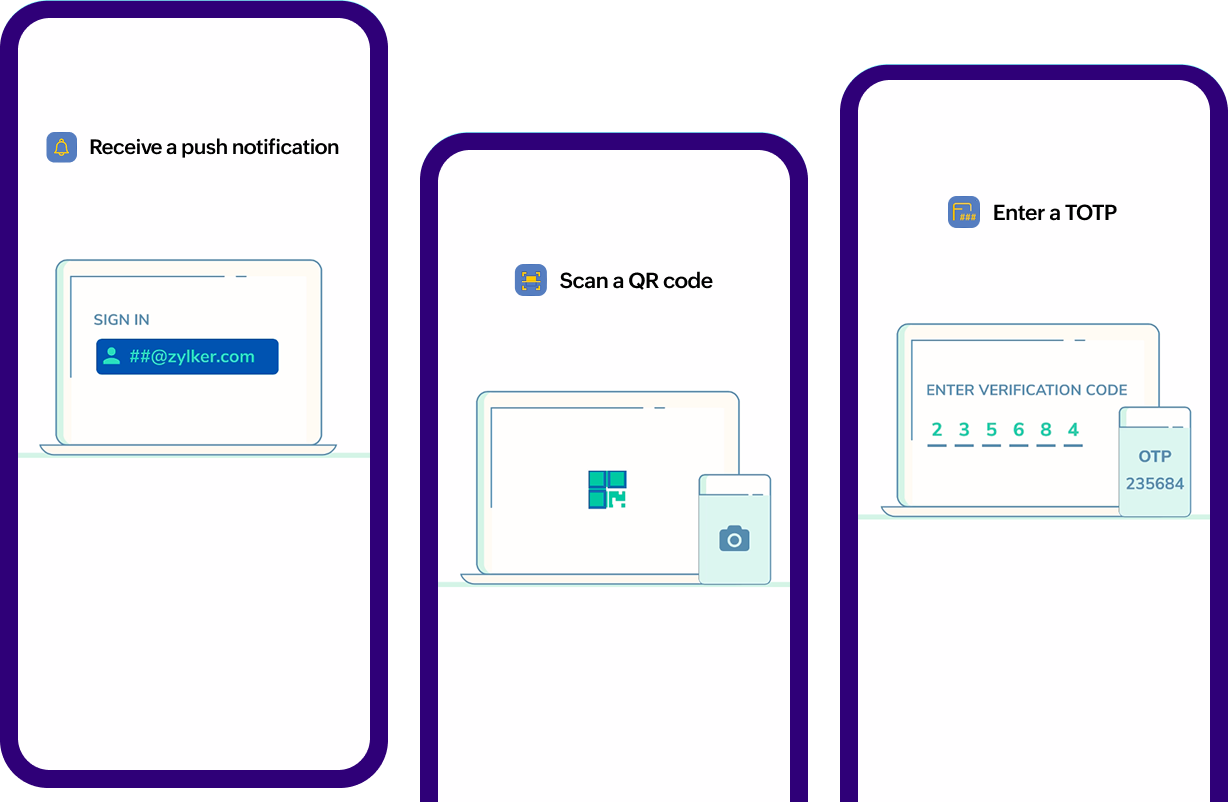
- Modes
- Authentication
Mobile SSO
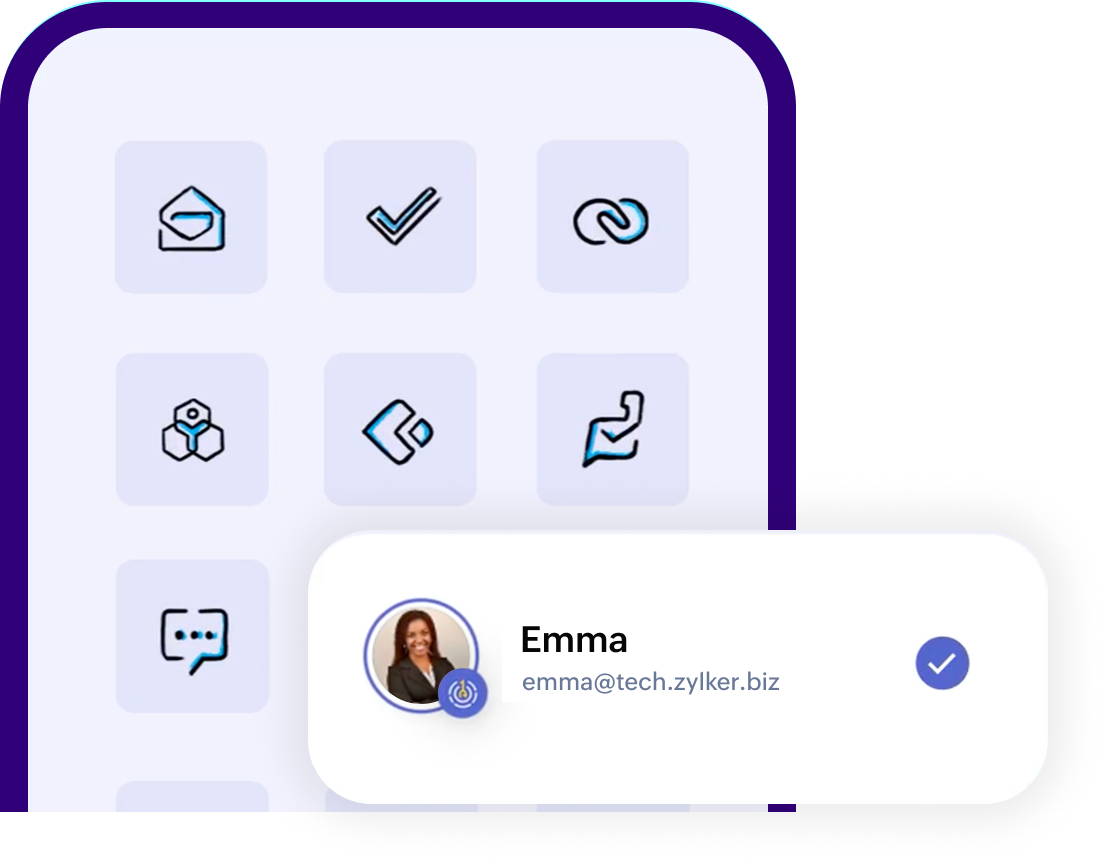
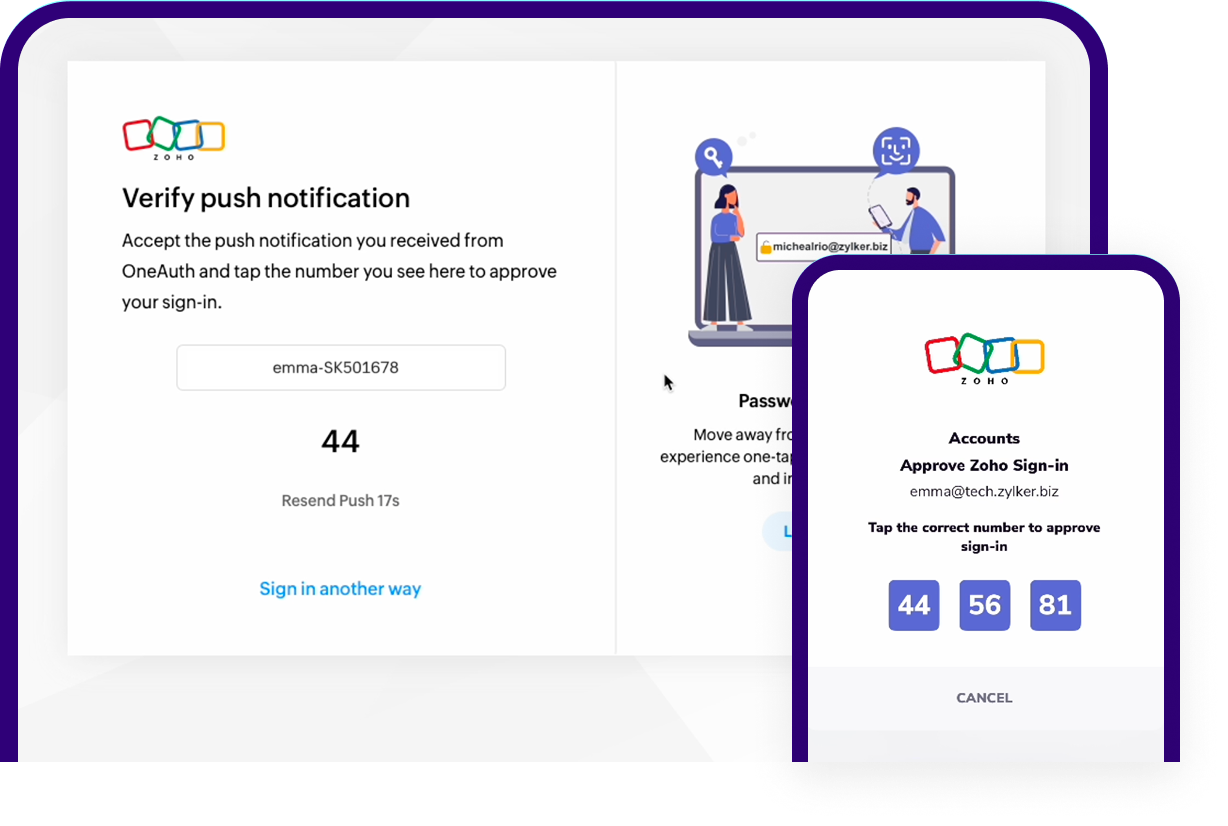
No need to re-enter credentials! Set up OneAuth on your mobile, and access all Zoho apps in a single click from your mobile using SSO.
Complete Org-wide MFA set up in minutes!
With Zoho Directory, your IT Admins can simplify MFA at your organization securely without adding any inconvenience to your employee accounts.
EXPLORE ZOHO DIRECTORY
Enable secure 2FA for your social media and other online accounts
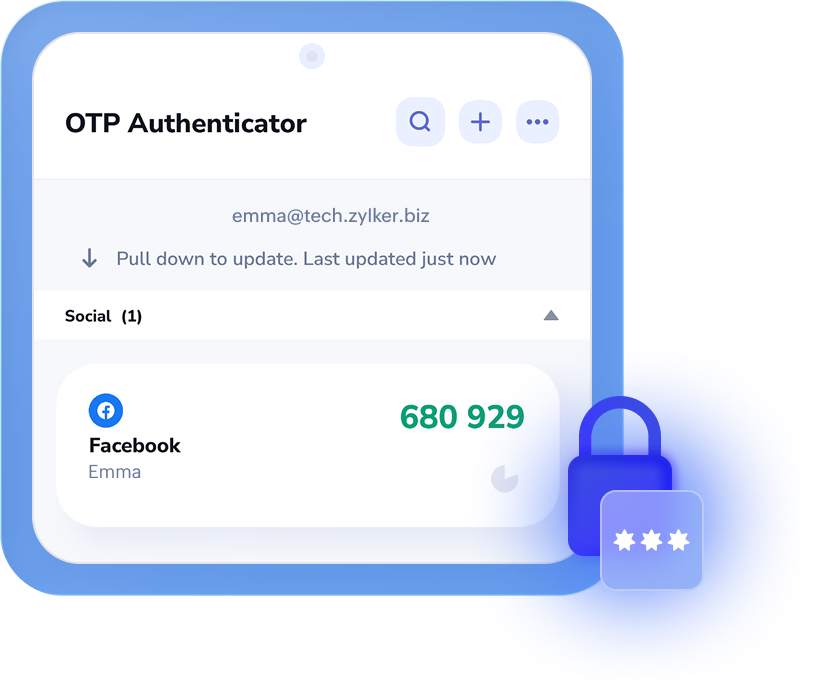
Along with MFA for your Zoho accounts, you can set up and manage 2FA for your work and everyday personal digital accounts from within Zoho OneAuth.
Add all your online accounts — Google, Adobe, Github, Zoom, and social media profiles like X, Instagram, and LinkedIn and ensure there's no unauthorized access to your other third-party accounts.
SECURE ALL YOUR ONLINE ACCOUNTS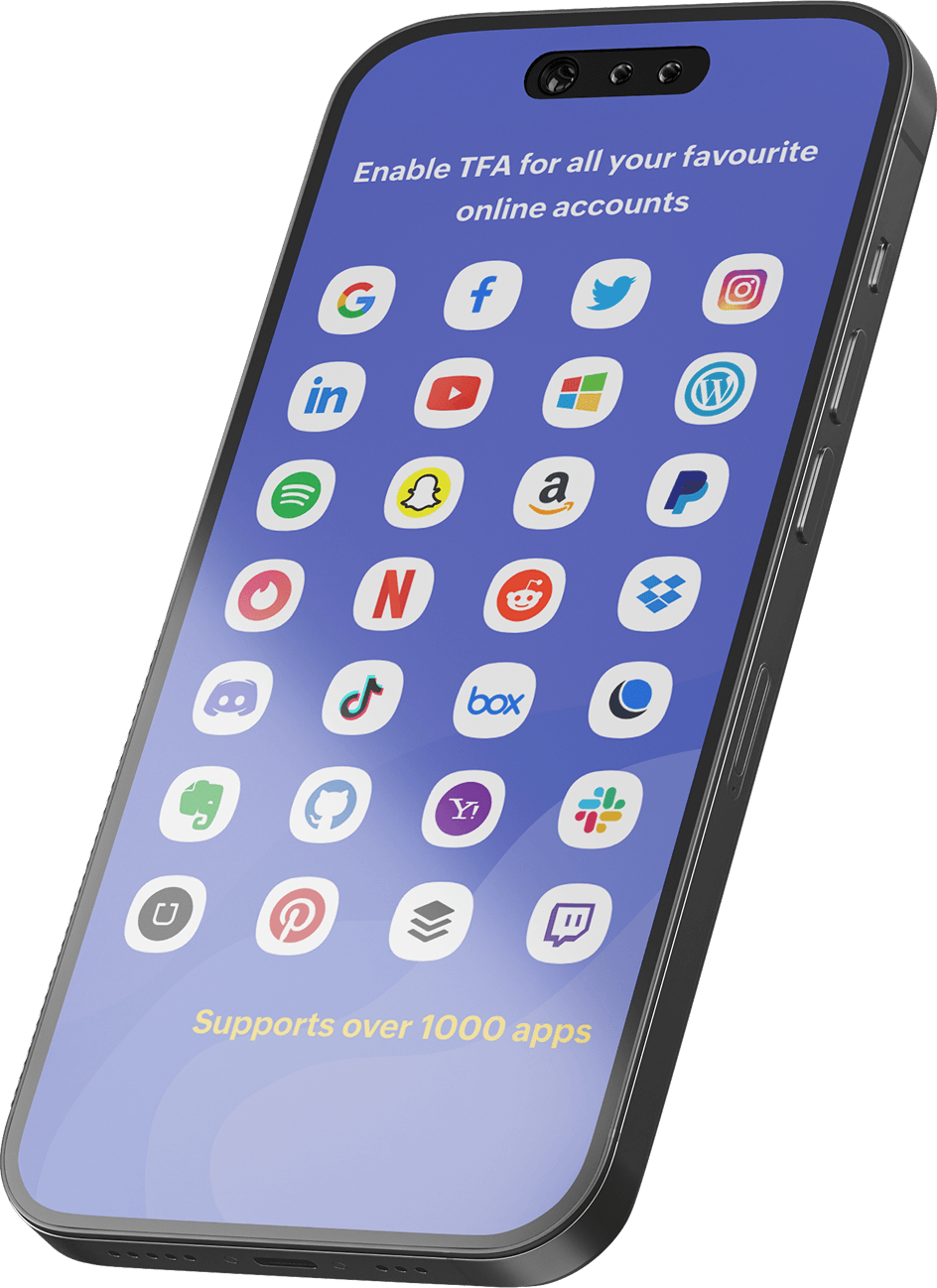
OneAuth features
Account recovery
Passphrase
Get continued access to all your accounts, even during device loss, damage and other mishaps with a passphrase. A passphrase is a combination of characters exclusively for your OneAuth app, similar to a password.
Compatibility
Multi-platform support
OneAuth is compatible on your Apple, Android, and Windows platforms and is free to download across devices, including mobile phones, tablets, laptops, smart watches, and desktops.
Advanced Security Controls
Enable app lock
Unlock your OneAuth app only with biometrics and prevent any account information breaches in case of device takeovers
Remote log out
Remove unwanted sessions even when you are away from a computer, directly from your OneAuth app.
Restrict sign-in
Frustrated with repeated unauthorized login attempts? Want to eliminate login notifications during a break? Turn on "restrict sign-in" and block all future login attempts to your Zoho account. Disable the option to log back in.
Frequently
asked questions
Implementing 2FA with authenticator apps like Zoho OneAuth provides greater security during login as it involves an external device. Unlike SMS OTPs based login, this kind of authentication ensures accounts are free from SIM swap attacks, SMS-based phishing, and more.
A passphrase is a set of characters used to speed up the recovery process and help regain access to your Zoho OneAuth account in case of device loss, formatting, or app uninstallation.
Passphrase also helps sync your OTP codes across devices and use the account across devices.
Yes. Zoho OneAuth is available for free across platforms and can be used to enable MFA for Zoho work accounts as well as secure personal online accounts.