Remote access for healthcare & life science users
Remote access for healthcare allows clinicians, IT teams, and support staff to securely access medical systems and devices from anywhere to resolve issues and keep operations running smoothly. Zoho Assist supports hospitals, clinics, and telehealth environments with live, 24/7 tech support whenever it’s needed.
SIGN UP FOR FREE
Best healthcare remote support software
The critical importance of the healthcare sector makes it essential to keep life-saving technology and services running at all times. Zoho Assist enables organizations to deliver technical support to clinicians and patients across locations. IT teams can securely access, troubleshoot, and manage systems without on-site visits, ensuring continuous operations.
Key features
Zoho Assist brings together the tools that healthcare IT teams need to deliver fast, reliable support across distributed environments.
Use cases
Zoho Assist supports everyday healthcare scenarios where quick access and remote resolution make a real difference.
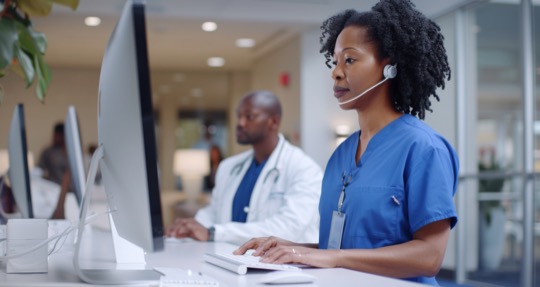
Hospital and clinic IT support
IT teams can remotely access systems across departments, restore applications quickly, and reduce downtime across critical systems without waiting for on-site support.
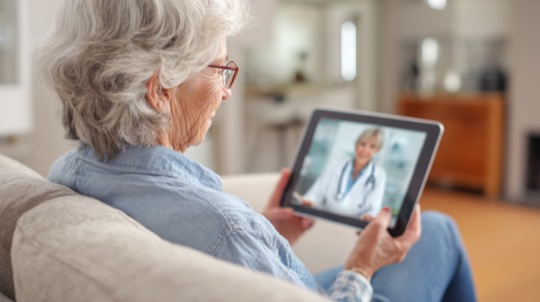
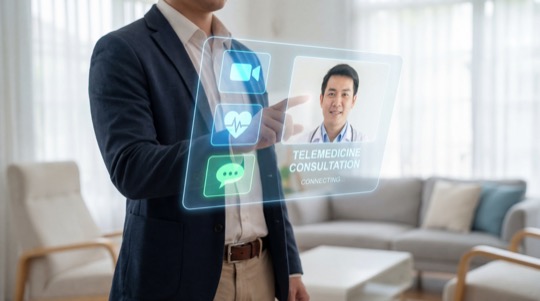
Telehealth support
Technicians can fix audio, video, and connectivity issues during virtual consultations, ensuring smoother communication between healthcare providers and patients.
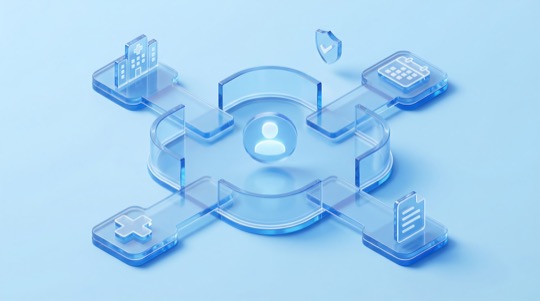
Patient portal assistance
Support teams can improve patients' overall digital experience by helping them with login issues, appointment booking, billing workflows, and form submissions.
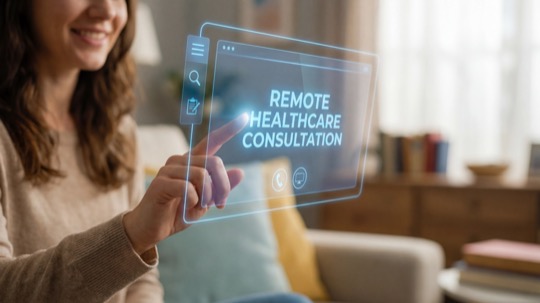
Multi-location IT management
Healthcare organizations can manage systems across clinics, labs, and administrative offices from a centralized platform to ensure consistent support without increasing operational complexity.
Staff onboarding and training
IT teams can train new staff through remote sessions and demonstrate workflows clearly to help employees get up to speed faster.
Security and compliance for healthcare
Zoho Assist includes security controls that help healthcare organizations protect sensitive patient data while enabling secure remote support. Access is controlled, activities are traceable, and data is protected throughout every session. Key security aspects include:

AES-256 encryption with TLS 1.2 to secure all remote sessions
Multi-factor authentication (MFA) for stronger account protection
Role-based access control to limit access based on responsibilities
Session logging and audit trails for monitoring and compliance
Session recording for accountability and review
HIPAA-aligned safeguards with Business Associate Agreement (BAA) support

Why Zoho Assist for healthcare industry
Healthcare IT teams need a solution that is secure, reliable, and easy to use without adding operational complexity.
Quick to get started
Technicians can initiate sessions in seconds, reducing setup time and helping teams respond to issues without delays.
Balanced simplicity and capability
Assist delivers powerful remote support features without a steep learning curve, making it easy for teams to adopt and use daily.
Supports both staff and patient workflows
From IT troubleshooting to helping patients complete digital tasks, Zoho Assist covers both internal and patient-facing support needs.
Cost-effective and scalable
As healthcare organizations grow, Zoho Assist scales with them, helping manage more devices and locations without significantly increasing overhead.
Built for distributed healthcare environments
Multiple hospitals, clinics, labs, and other facilities can be supported remotely from a single platform.

Frequently asked questions
Remote support in healthcare allows IT teams to access and fix systems from another location. It helps keep critical applications like patient records and telehealth platforms running without needing a technician on-site.
Hospitals rely on continuous system availability. Remote IT support helps address issues quickly and ensures staff can access systems without interruptions during patient care.
Yes, when proper security measures are in place. Zoho Assist uses encryption, two-factor authentication, and access controls to ensure only authorized users can access systems and patient information.
Remote support helps fix technical issues during virtual consultations, such as connectivity or device problems. This ensures smoother communication between patients and healthcare providers.
Yes. Support teams can join a patient's browser session and walk them through portals, forms, or appointments without requiring any downloads.
Healthcare IT teams can support desktops, laptops, and mobile devices across operating systems, enabling consistent support across different systems and locations.