Event agenda builder

Build an event

Plan complex event schedules with ease. Zoho Backstage lets you manage session types, tracks, speakers, halls, and visibility settings without relying on spreadsheets or external tools.

Sign up for free

Trusted by event organizers worldwide

    An event website that always

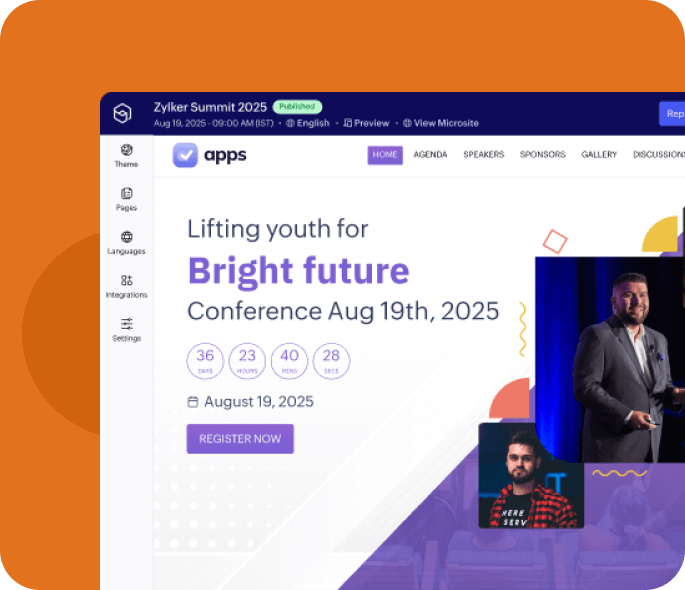
    Connect your session builder directly to your event website. Every speaker assignment, time change, and track update is automatically published. No separate export or manual refresh.

    Build your schedule around how your event actually runs

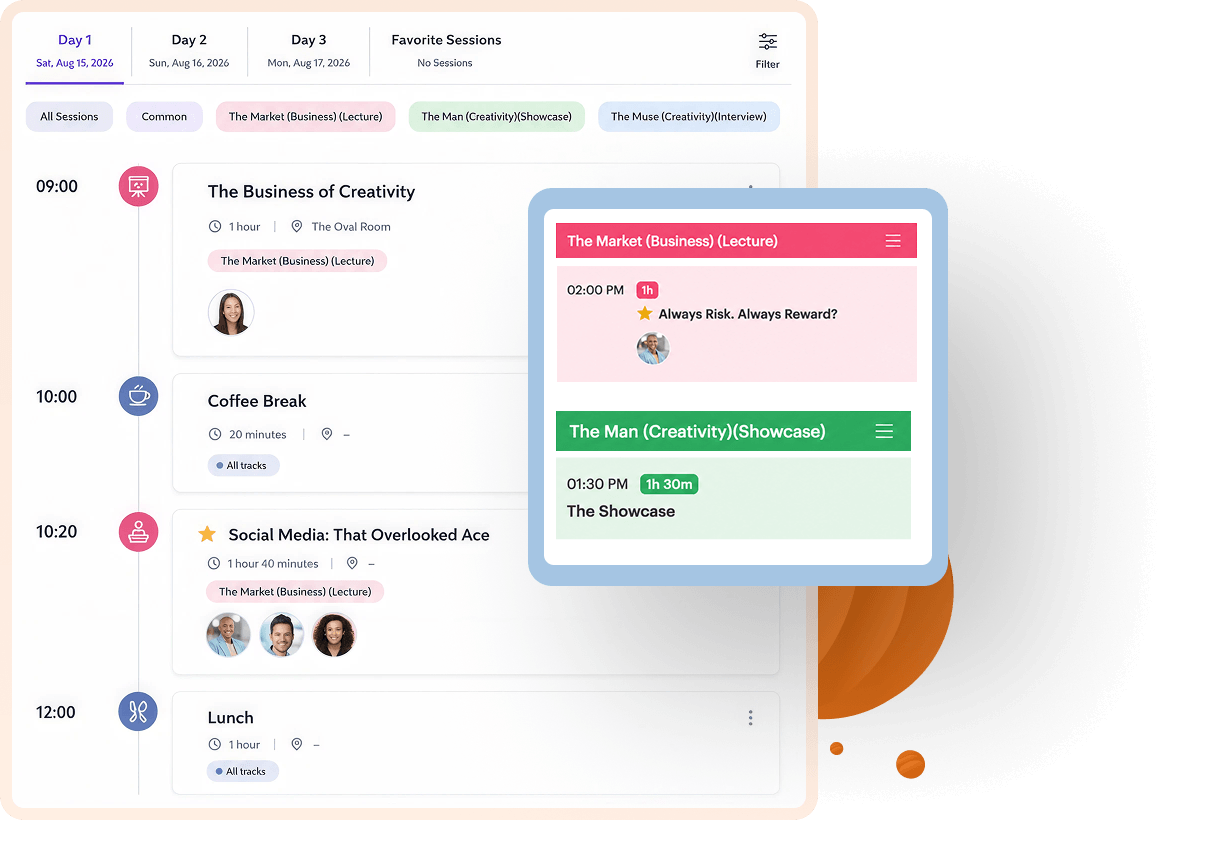
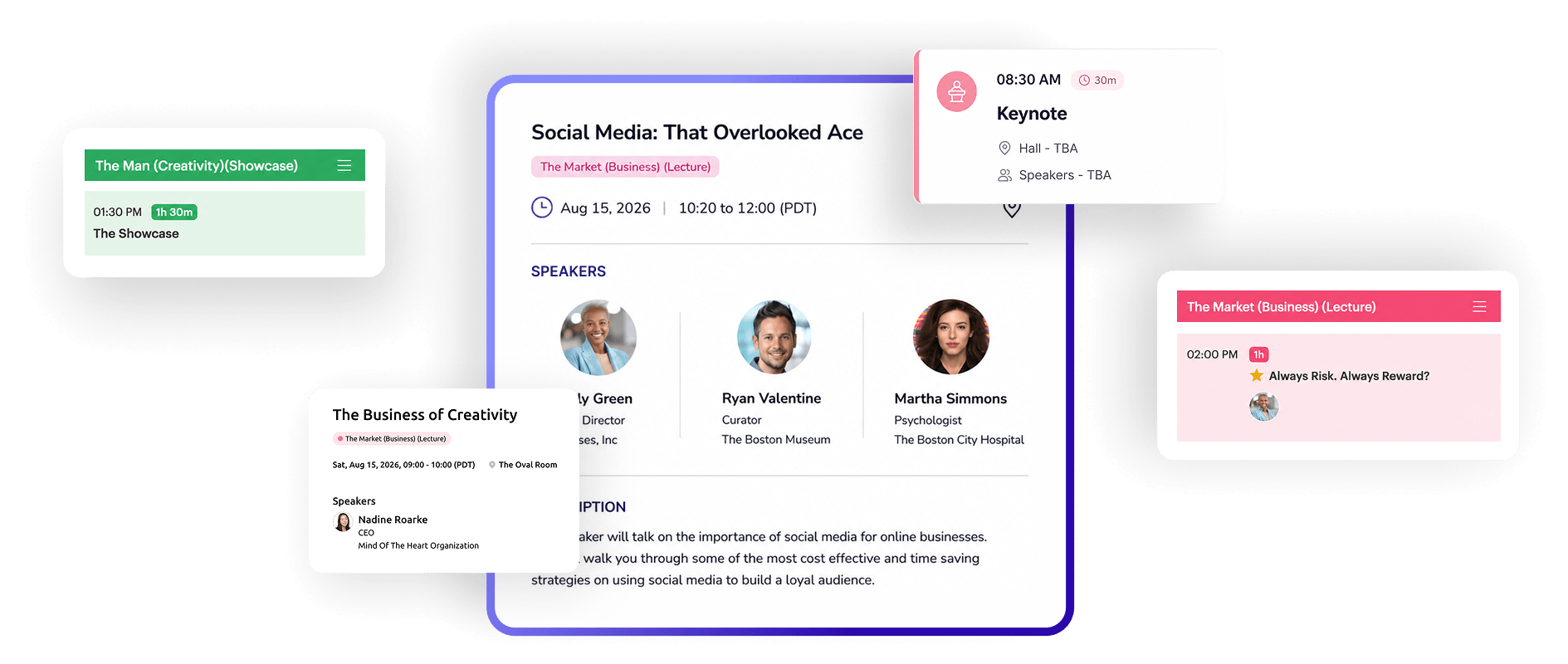
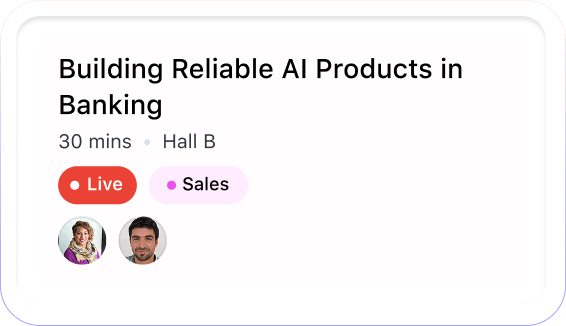
    Plan all types of sessions for any event format, from keynotes to breaks to custom sessions. You stay in control of what attendees see—even when speakers, halls, and times are still being confirmed.

    • Choose from multiple session types to match any event format.
    • Feature key sessions on your homepage to drive attendance.
    • Restrict session access by ticket class to control who sees what.
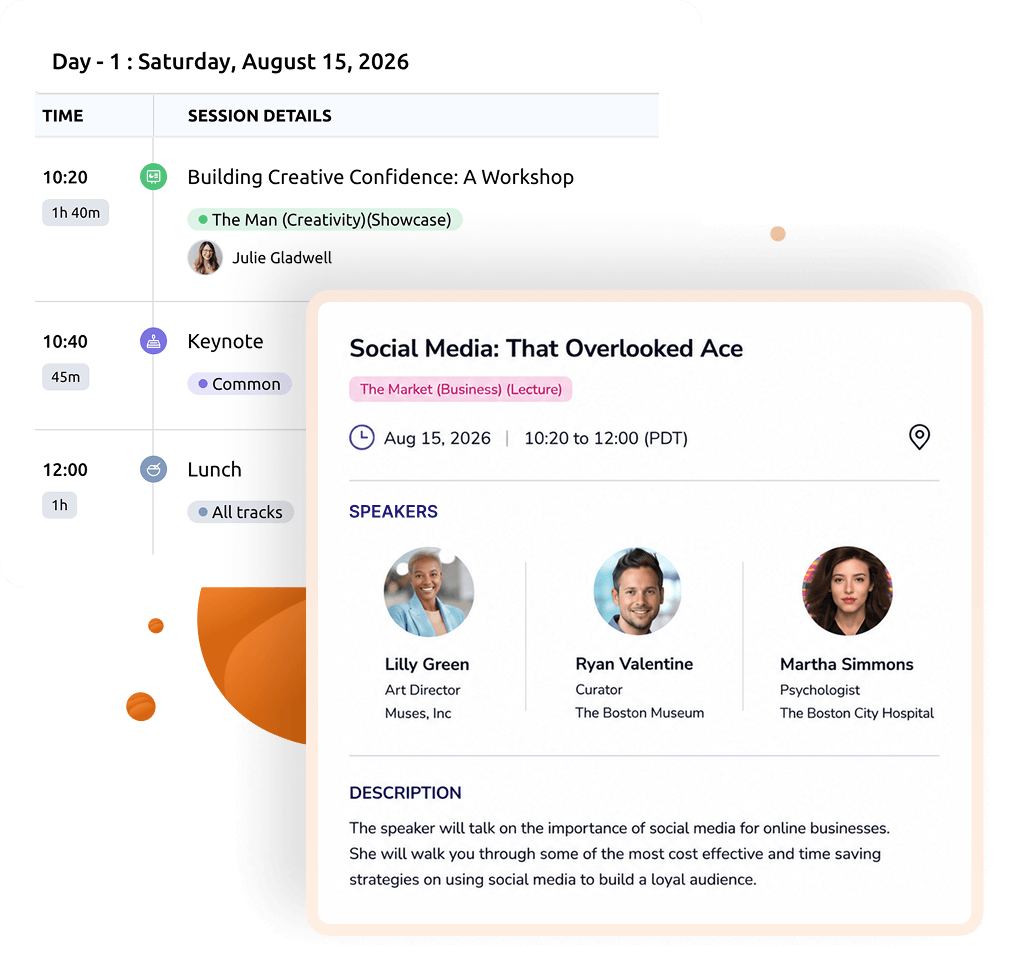
    Give every audience segment their own track

    Build separate tracks for different audience segments and color-code each to make navigation easy. Keynotes and shared sessions automatically carry across every track you create.

    • Color-code tracks so attendees find their sessions instantly.
    • Rearrange tracks as your program evolves without rebuilding.
    • Group tracks by theme, audience, or venue to match your event goals.

    Assign speakers to sessions as confirmations come in

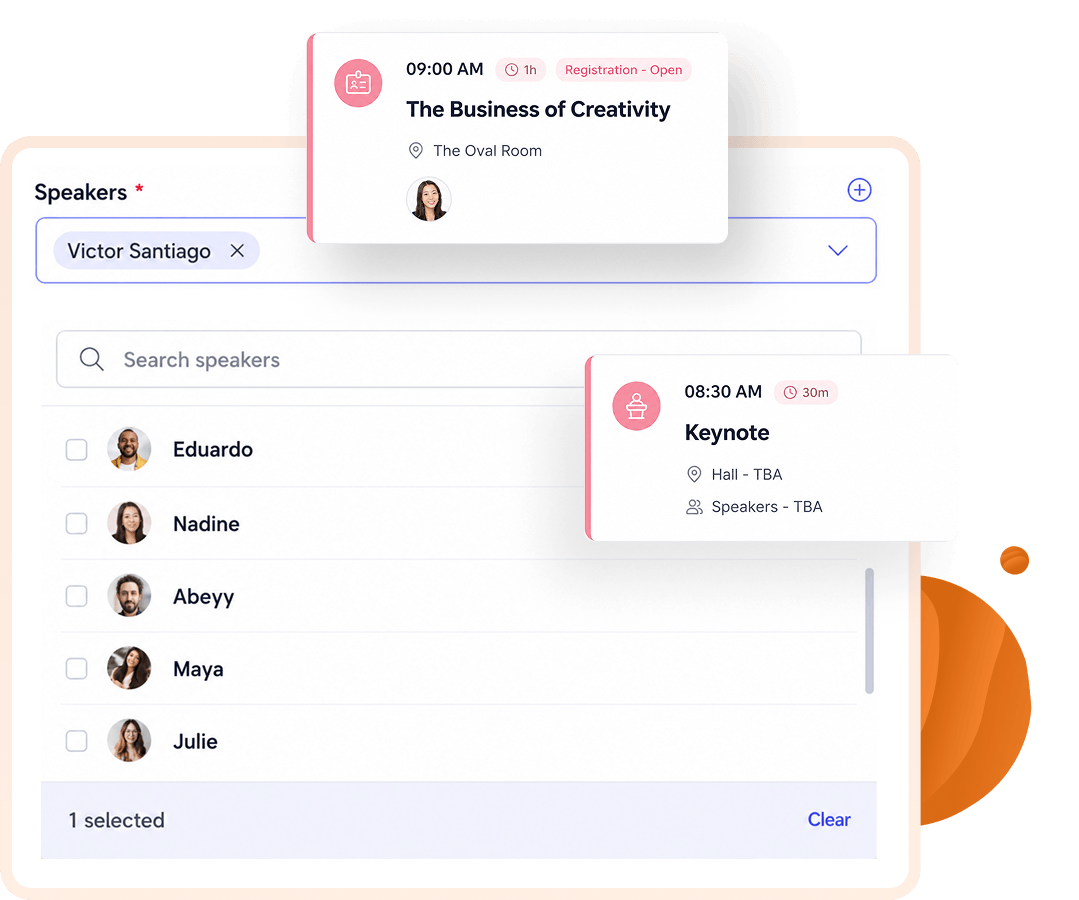
    Speaker confirmations rarely arrive all at once. With Zoho Backstage, you can assign speakers as they confirm, mark the rest as TBA, and swap assignments without touching your speaker roster.

    • Assign speakers from your existing member list without re-entering data.
    • Mark unconfirmed speakers as TBA so planning never stalls.
    • Remove a speaker from a session while still retaining them in your roster.

    Manage your agenda on your terms

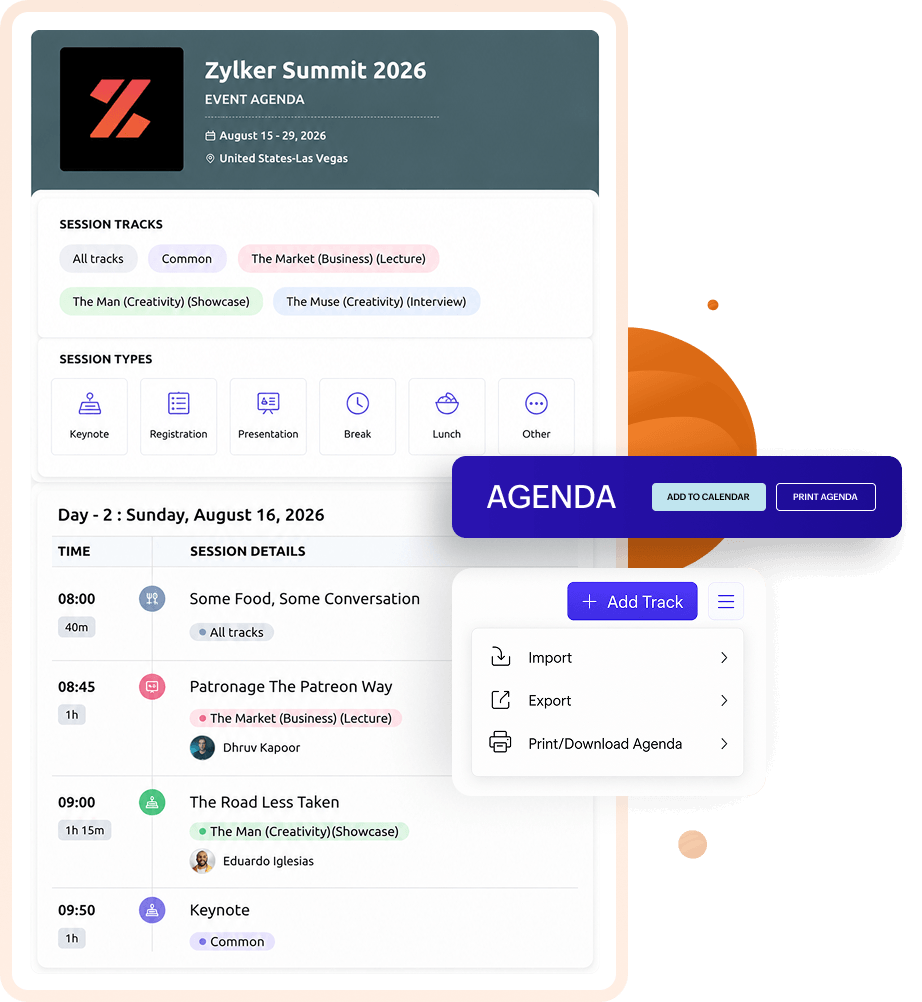
    If you've already built your agenda in a spreadsheet, bring it straight into Backstage and pick up from there. When you're done, export a password-protected copy or download a print-ready version for your team.

    • Import your existing XLS or XLSX agenda without rebuilding from scratch.
    • Export a password-protected copy for stakeholders who need it.
    • Download a print-ready agenda for your onsite team.

    Make your agenda as easy to browse as it is to build

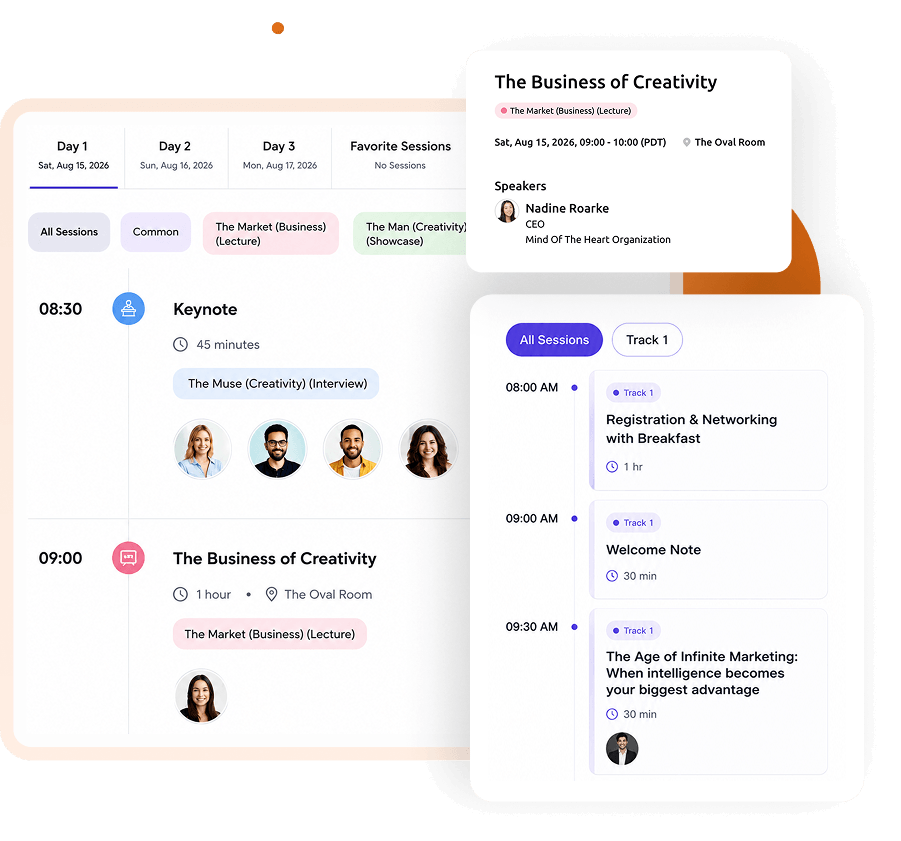
    Gain control over how attendees see and navigate your agenda on your event website. Every layout choice, filter, and display detail is yours to configure, so your schedule looks and works exactly as your event demands.

    • Choose how session details open (pop-up or side panel) to match your site layout.
    • Match your agenda colors to your event branding for a consistent attendee experience.
    • Embed your schedule anywhere on your event website so attendees never lose it.
    It took just a few hours for Zoho Backstage to get our website live, and registrations started flowing in within minutes — something that took us over a month with other platforms.
    Dr. Thamizh Chelvan
    Dr. Thamizh Chelvan,Sri Ramachandra University (ARQ 2025)
    All-in-one event management platform

    Agenda sorted. Now run the rest of your event.

    Your agenda is only part of the experience. Zoho Backstage covers the entire event lifecycle, from registration to post-event follow-up.

    Ticketing and Registration

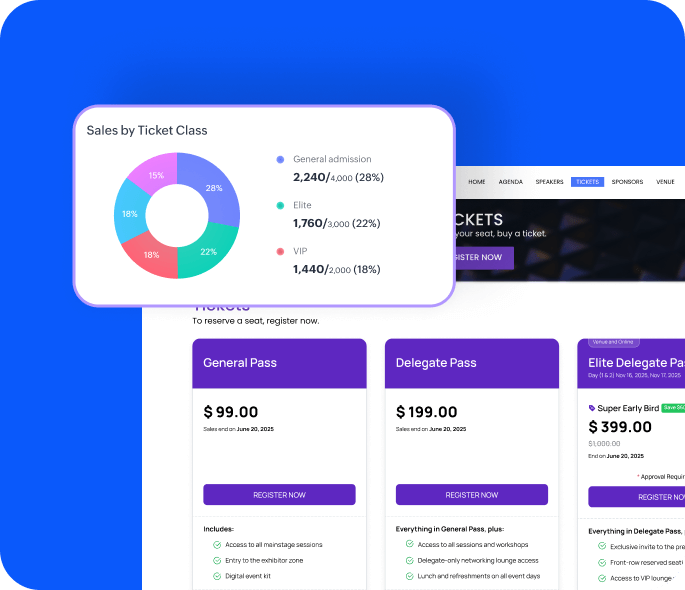
    Multi-tier pricing, online payments, and registration approval flows—all from one place.

    Learn more
    event-website-builder

    Event Website Builder

    Build and publish a professional event website without code. Customize, update, and go live in minutes.

    Learn more
    custom-event-mobile-app

    Custom Mobile App

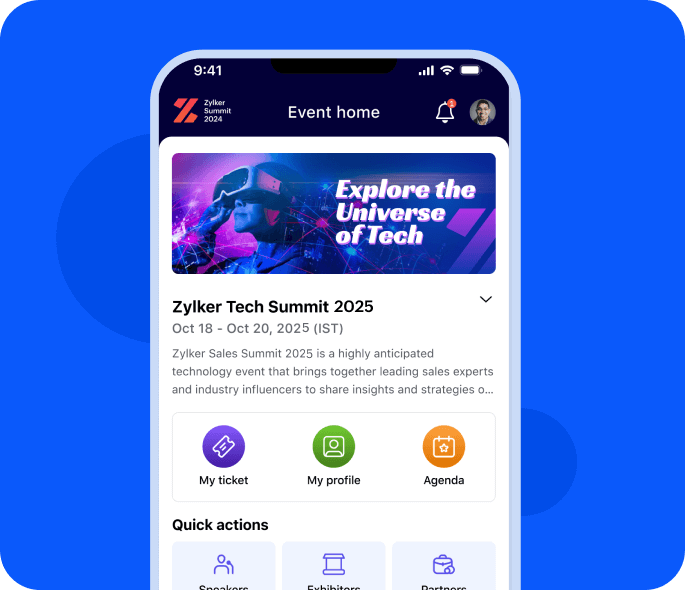
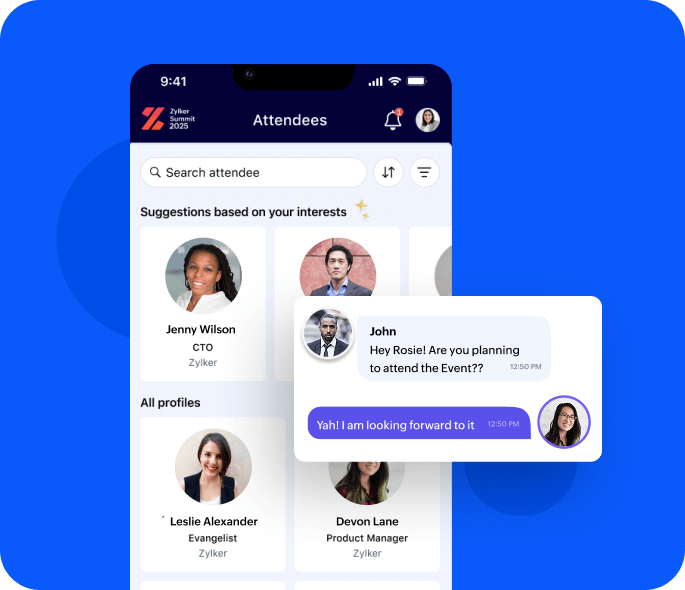
    A fully branded attendee app for agendas, networking, push notifications, and gamification.

    Learn more
    event-badging-platform

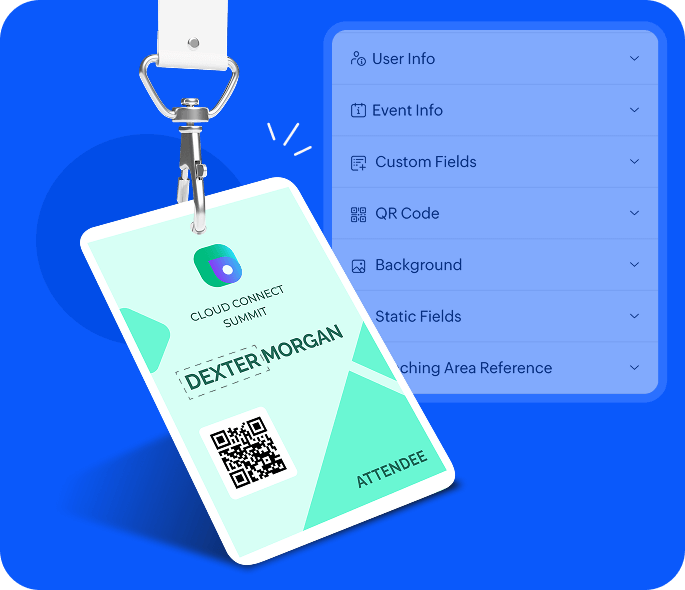
    Event Check-In

    QR-based check-in with onsite badge printing. Fast entry, no queues, and full attendee visibility.

    Learn more
    audience-engagement

    Audience Engagement

    Live polls, Q&A, session feedback, slide reactions, and post-session analytics—all from the mobile app.

    Learn more
    exhibitor-management

    Exhibitor Management

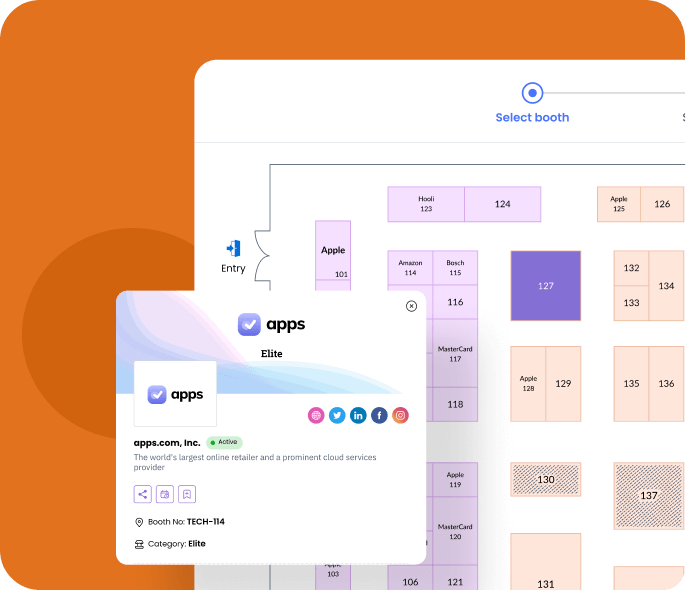
    Digital booths, lead capture (Hot/Warm/Cold), and exhibitor analytics that prove ROI to sponsors.

    Learn more
    Event agenda builder

    Frequently Asked Questions

    Zoho Backstage gives you five core session types: Registration, Welcome Note, Keynote, Presentation, and Reception. You also get dedicated break types for Breakfast, Lunch, Tea, Dinner, and general breaks. For anything outside these, you can define a custom session type to match your event format.