Event check-in

The event check-in platform that adapts to your hardware

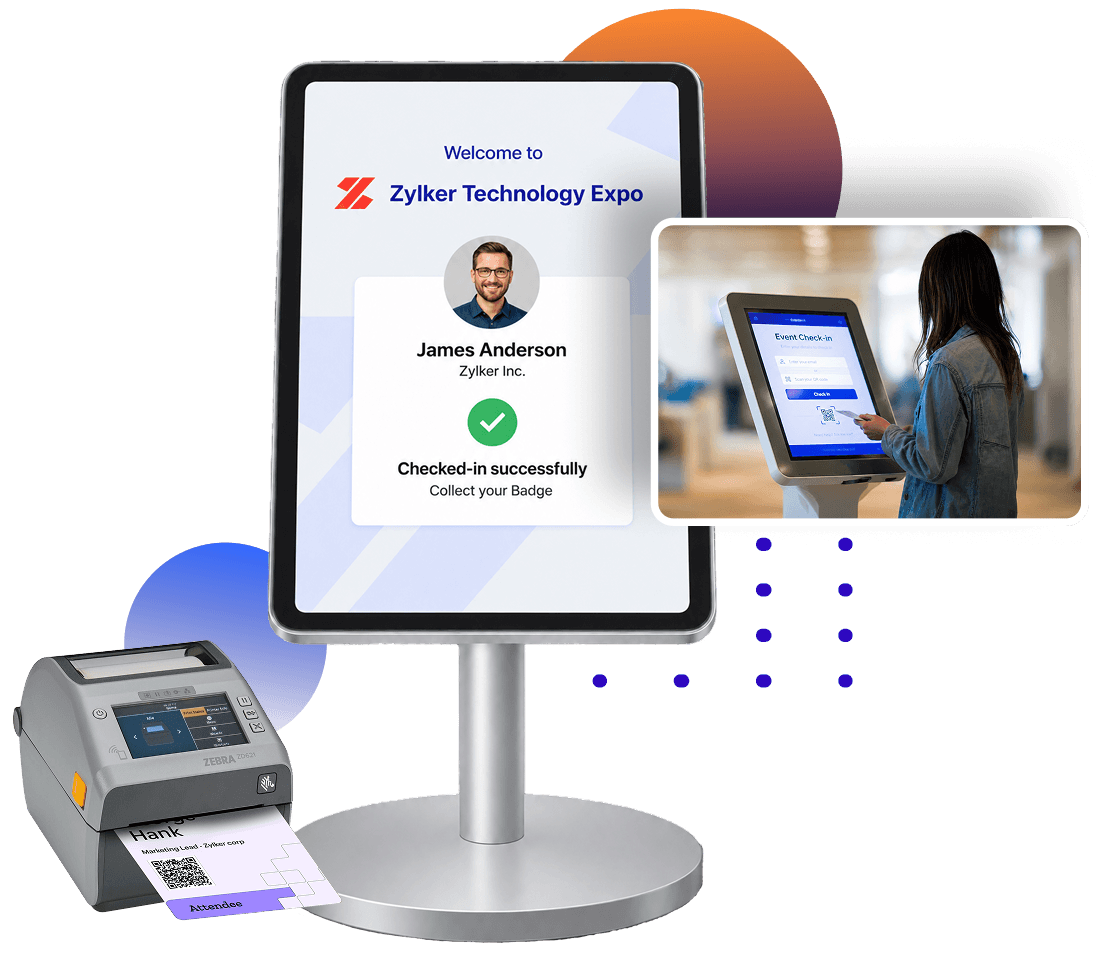
Your hardware shouldn't dictate your check-in experience. From tablets and kiosks to badge printers and scanners, Zoho Backstage works with the hardware that fits your event, so you can create a smooth check-in experience without changing your setup.

Sign up for free

Trusted by event organizers worldwide

    Check-in hardware that arrives light and goes live fast

    Whether you need a full kiosk setup or a single handheld device, Zoho Backstage works with the hardware you have. Plug in, configure, and start checking in attendees in minutes.

    Turn your mobile phone into a self-serve check-in kiosk

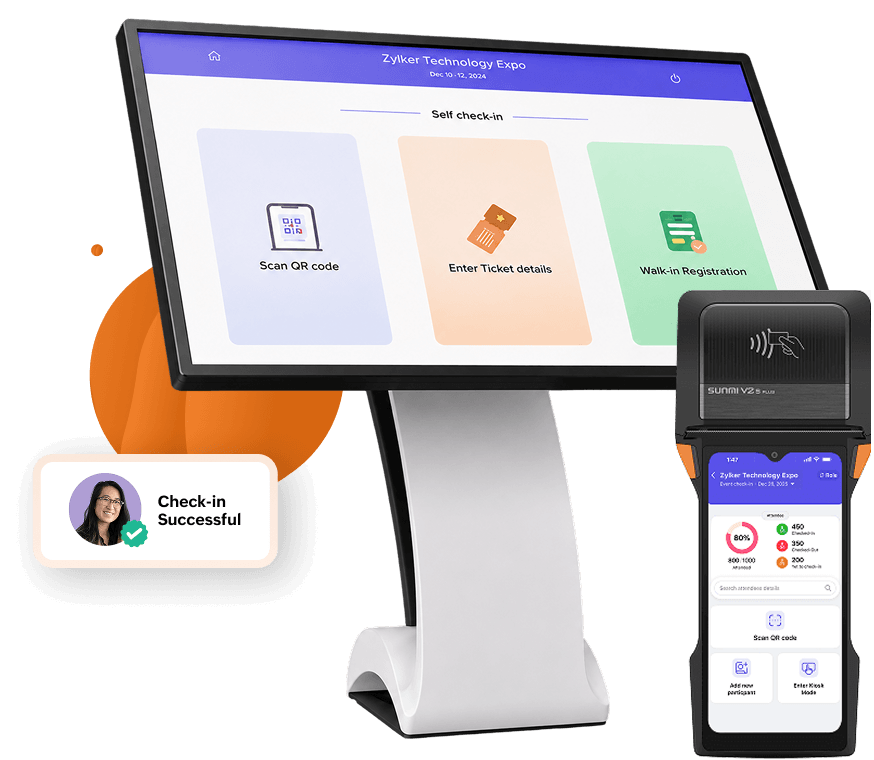
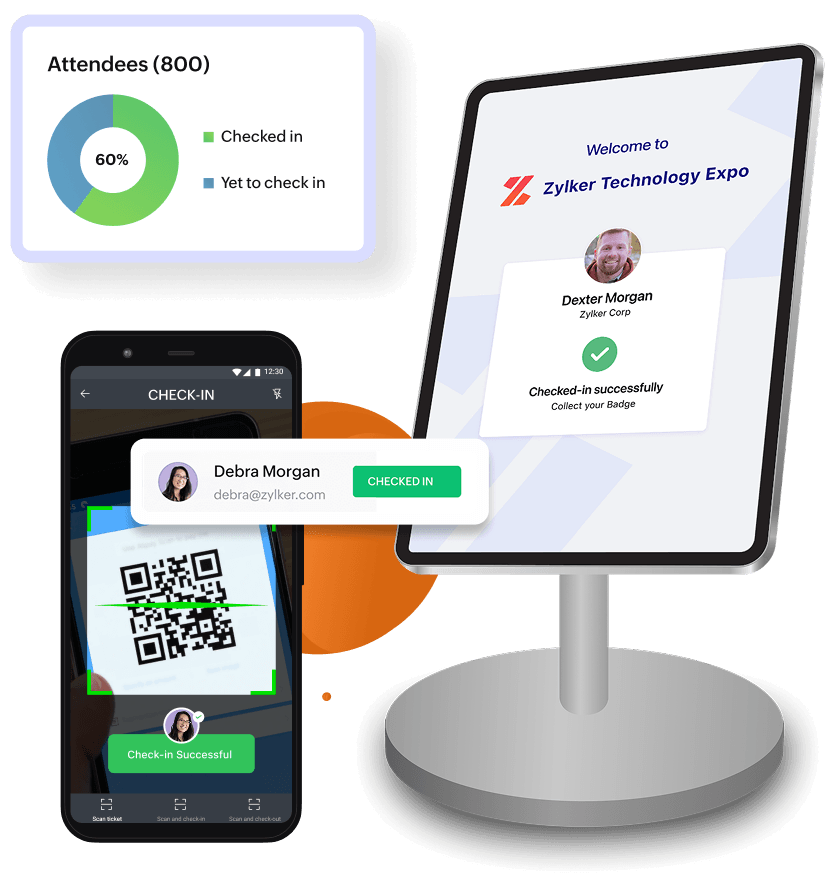
    Activate kiosk mode on any iOS or Android device and let attendees check themselves in by scanning their QR code or searching by name. Walk-ins can register directly at the kiosk so no one gets left at the door.

    • Let attendees check in by scanning their QR code or searching by name.
    • Control which ticket classes are available for walk-in registration.
    • Protect kiosk settings with a passcode so only your team can make changes.
    Set up smart mobile terminals with SUNMI

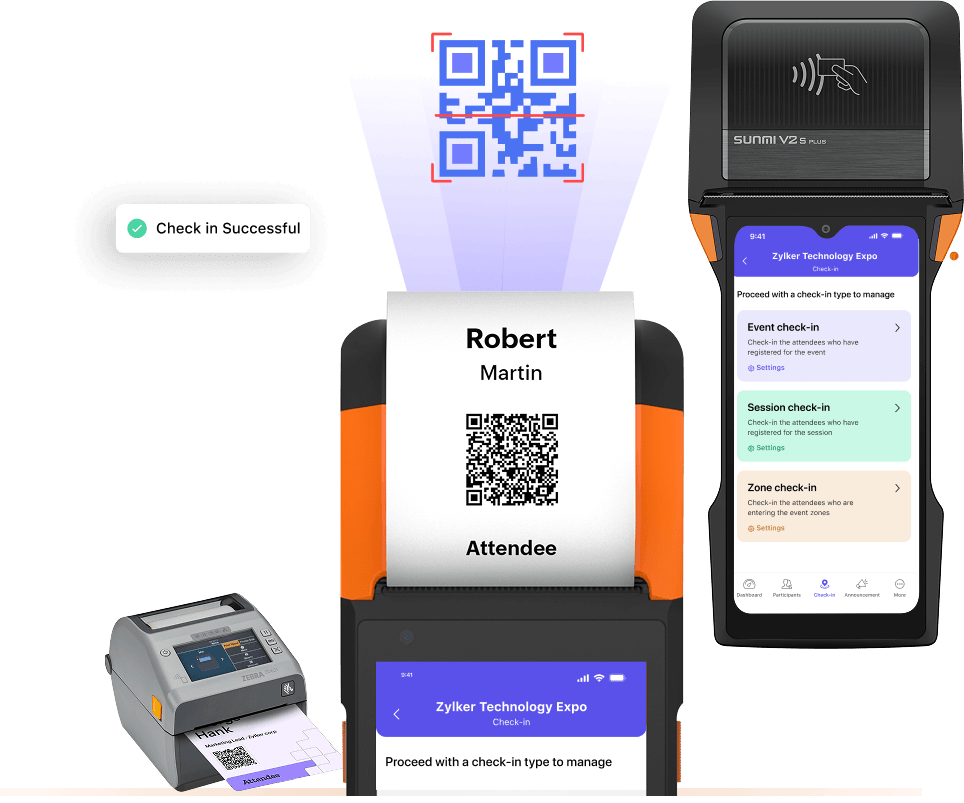
    The SUNMI V2s Plus packs a QR scanner and badge printer into one handheld device, so your team can walk into any venue, start checking in attendees, and print badges on the spot—no bulky setup required.

    • Scan and print badges instantly without switching between devices.
    • Start checking in attendees the moment you sign in—printer auto-detects.
    • Switch to an external printer anytime and revert automatically if it disconnects.

    Manage entry into sessions, not just the main door

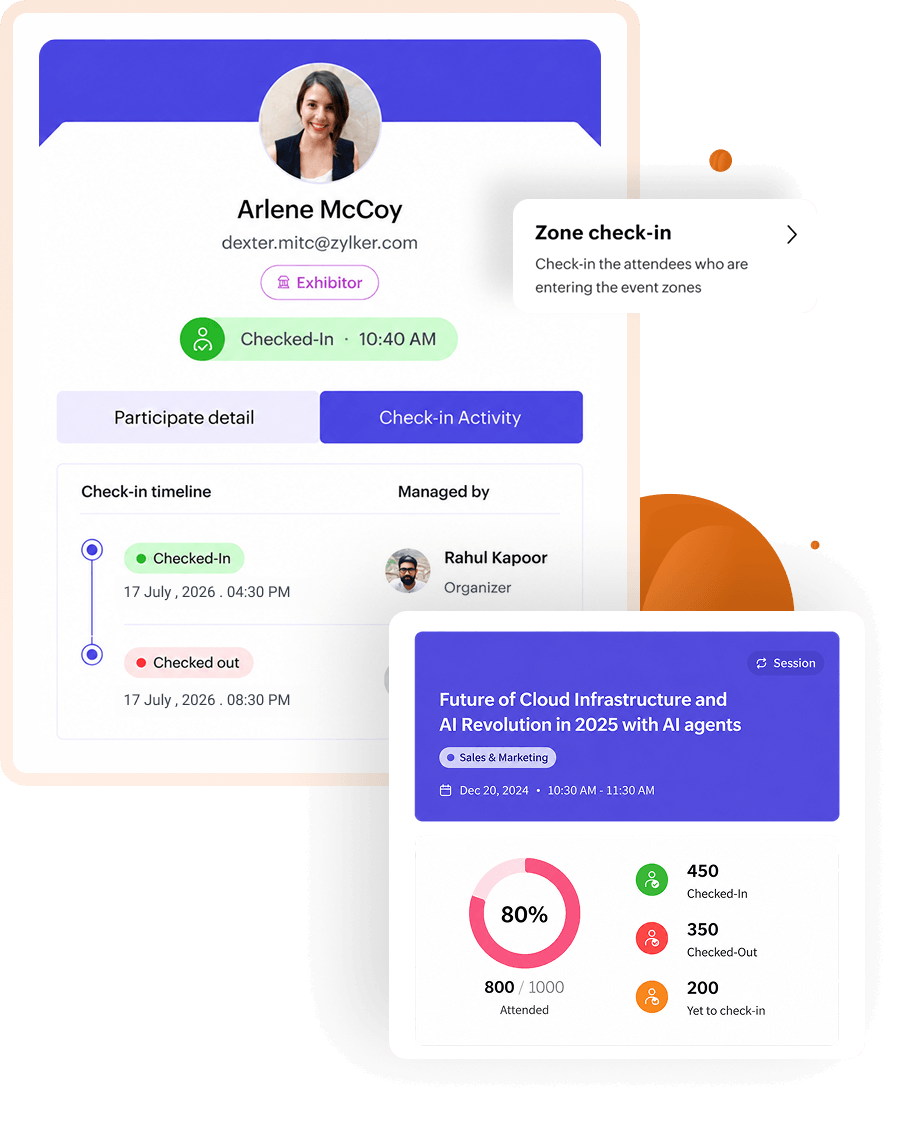
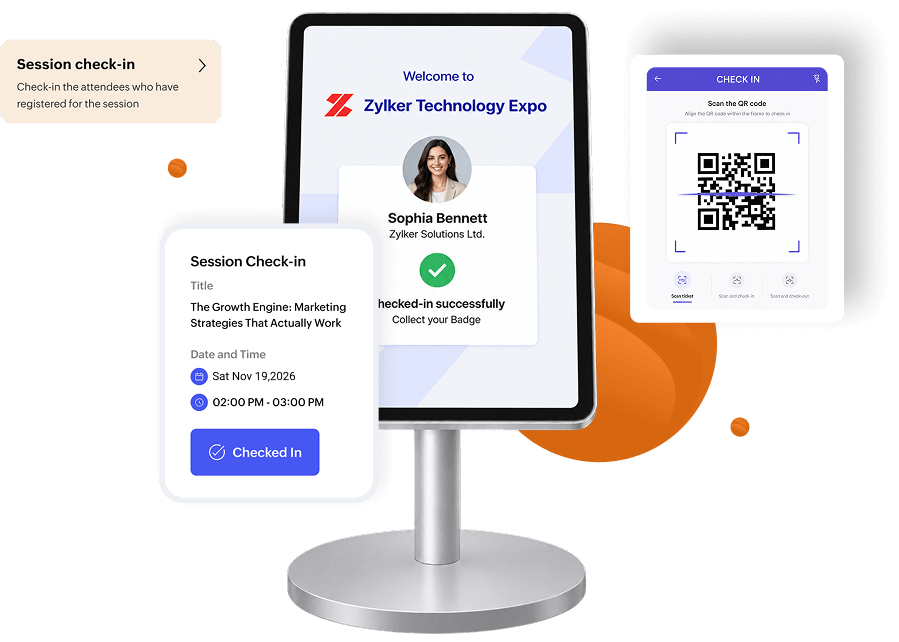
    Attendees move between sessions all day. Check them in and out of each one so you have a clear record of who attended what—tracked separately for every day of your event.

    • Check attendees into specific sessions by scanning their QR code or searching manually.
    • Check out attendees mid-session to maintain accurate attendance records.
    • Register unregistered attendees on the spot and check them into a session instantly.

    Be ready for every arrival—paid or not, planned or not

    Not every attendee registers in advance or arrives on time. Enable early check-in before your event starts and handle walk-ins, payments, and last-minute registrations on the spot.

    • Start checking in attendees early, so your team isn't swamped when doors open.
    • Add walk-ins on the spot, assign a ticket class, and get them in without a queue.
    • Collect payments at the desk and mark attendees as paid so your records stay clean.
    The check-in process was incredibly smooth. Attendees arrived, scanned their QR codes, and had their badges printed in seconds. Compared to previous years, where they had to search for their badges manually, this was a game-changer!
    Craig Jackson
    Craig Jackson UK Partnerships Director, ActionCOACH UK
    All-in-one event management platform

    Check-in sorted. Now run the rest of your event.

    Check-in is one piece. Zoho Backstage covers the entire event lifecycle — in one platform.

    Ticketing and Registration

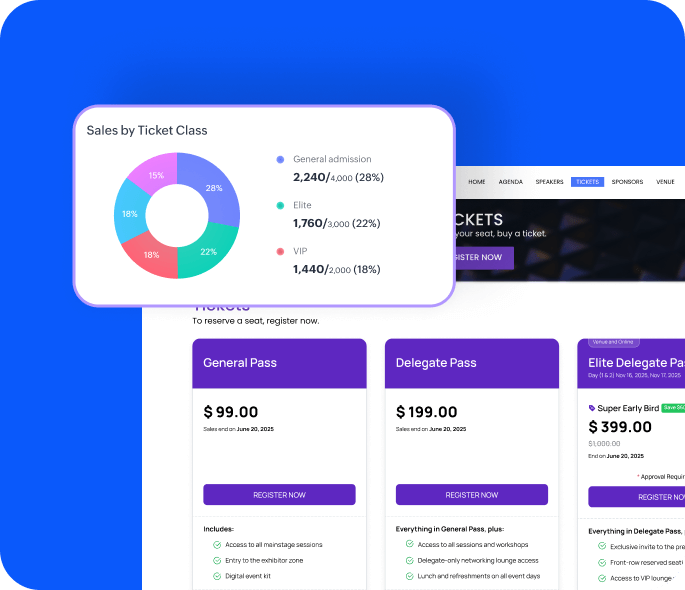
    Multi-tier pricing, online payments, and registration approval flows — all from one place.

    Learn more
    voluptate

    Event Website Builder

    Build and publish a professional event website without code. Customize, update, and go live in minutes.

    Learn more
    anim

    Custom Mobile App

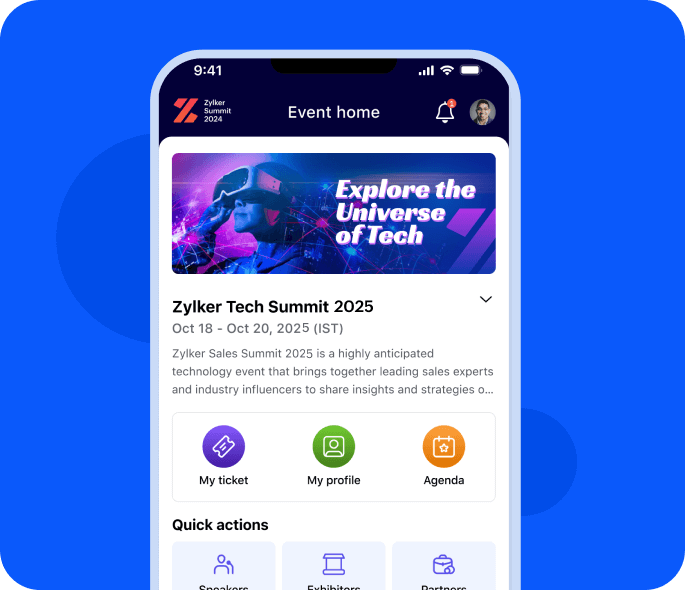
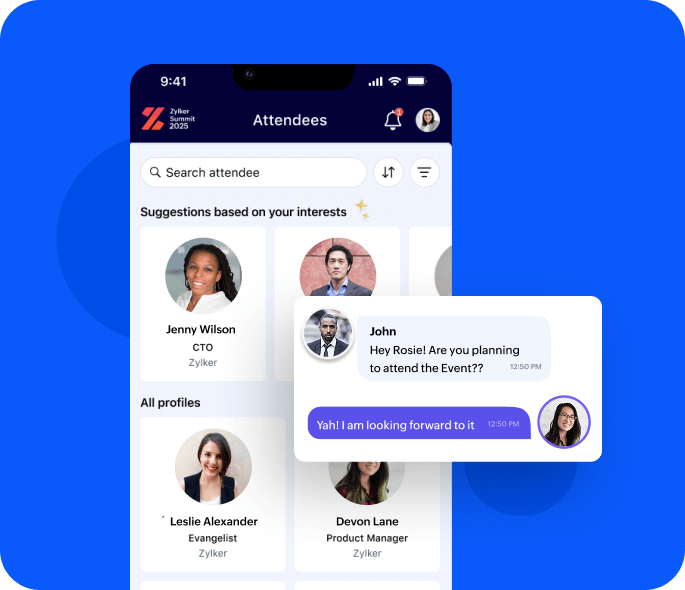
    A fully branded attendee app for agendas, networking, push notifications, and gamification.

    Learn more
    ex

    Attendee Engagement

    Live polls, Q&A, session feedback, slide reactions, and post-session analytics—all from the mobile app.

    Learn more
    excepteur

    Exhibitor Management

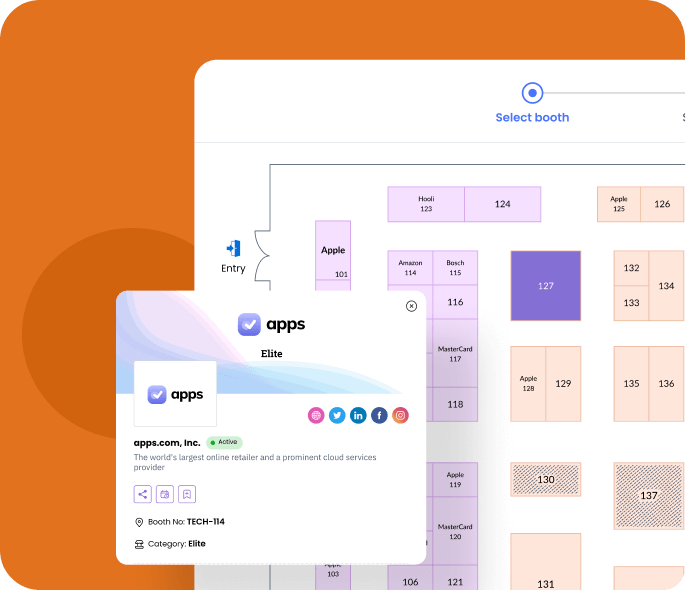
    Digital booths, lead capture (Hot/Warm/Cold), and exhibitor analytics that prove ROI to sponsors.

    Learn more
    Event check-in software

    Frequently Asked Questions

    The Zoho Backstage for Organizers app runs Kiosk Mode on any iOS or Android device. Set a passcode to lock your kiosk settings so only authorized staff can make changes during the event.