Event Website Builder

On-brand event

Get full control over your branded event website. Customize every detail while Zoho Backstage handles SSL, cookie compliance, and data security behind the scenes.

Sign up for free

Trusted by event organizers worldwide

  • Amazon logo
  • BusinessNZ logo
  • Levis logo
  • ITP Media logo
  • Victoria university logo
  • Razorpay logo
  • The Hindu logo
  • Hindustan times logo
  • Thenudge institute logo
  • Startup TN logo
  • Tie Global logo
  • PSAI logo
  • India space congress logo
  • Sri Ramachandra logo
  • Melbourne United logo
  • St Vincent's Health Australia logo
  • Australian Childcare Alliance logo
  • Sports Medicine Australia logo
  • Green Building Council of Australia logo
  • Mirvac logo
  • Csiro logo
  • NAWO logo
  • Khalifa university logo
  • ACI logo
  • ifza logo
  • American University of Beirut logo
  • Middle East Council of Shopping Centres & Retailers logo
  • Dataxis ogo
  • University of Hertfordshire logo
  • YOTA logo
  • UDST logo

Launch an event website

You shouldn't need three tools just to handle last-minute changes. Zoho Backstage connects your website to your tickets, sessions, and attendees. Update anything once, and it's done everywhere.

Design your event website down to the last pixel

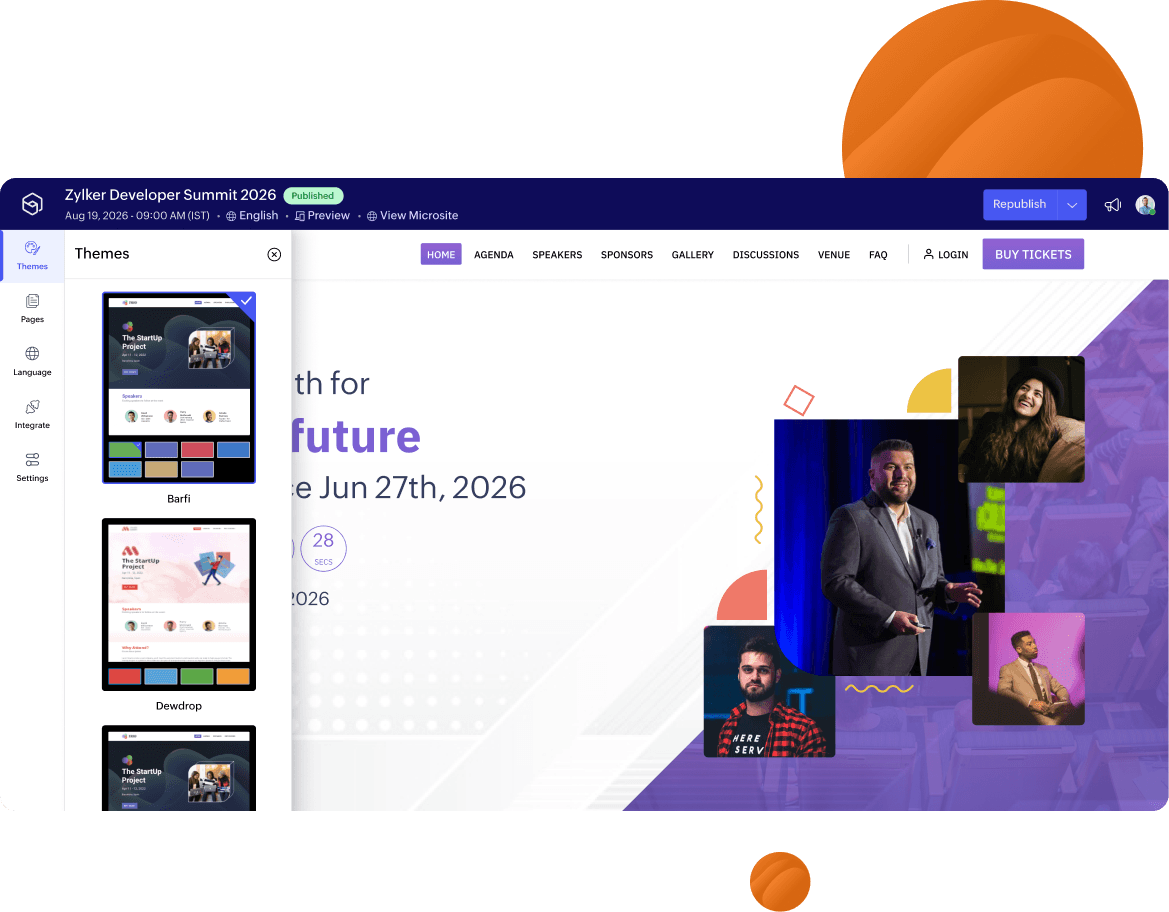
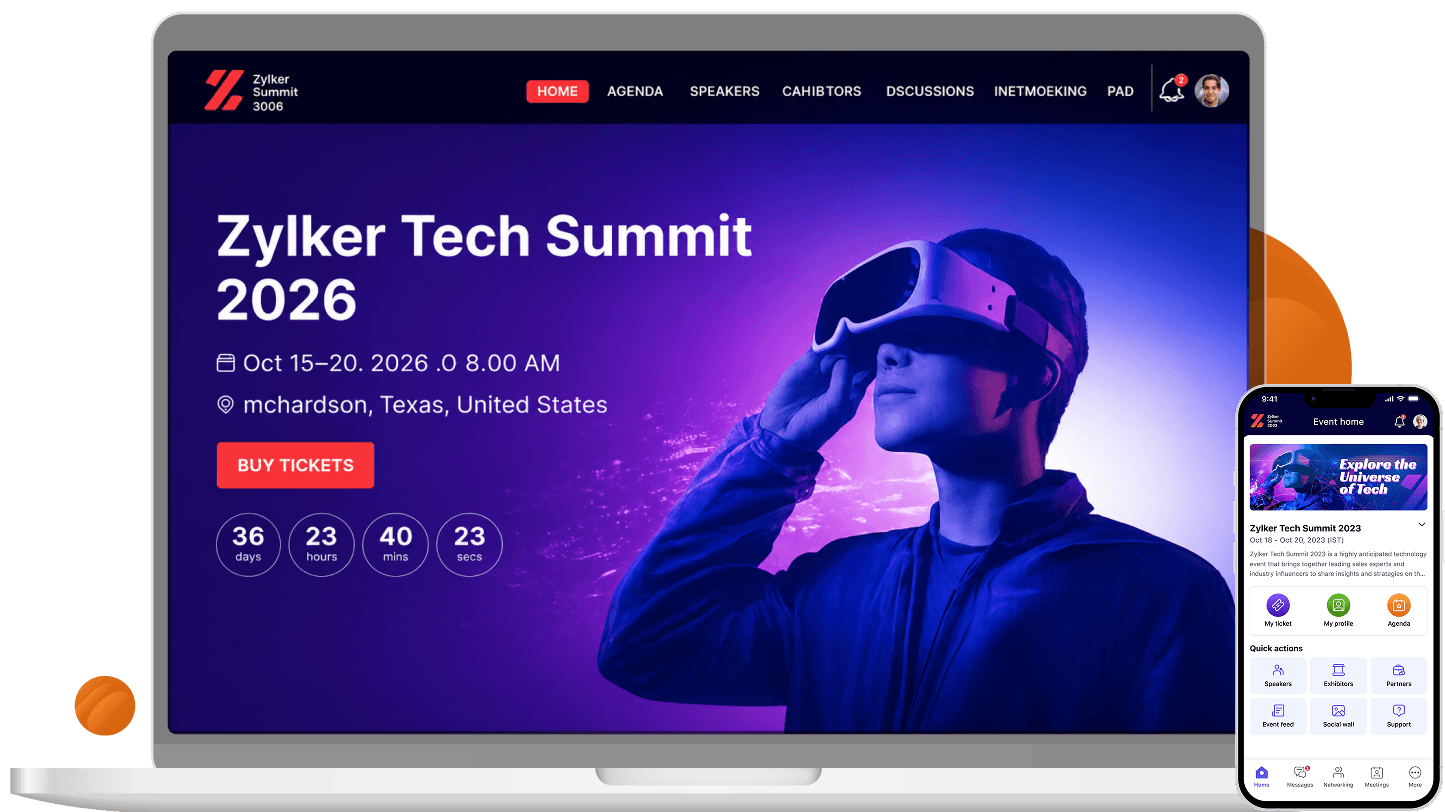
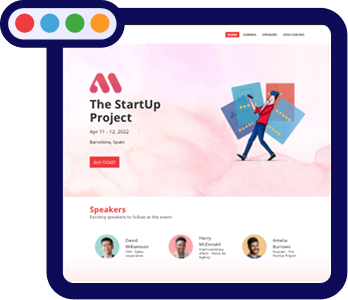
Pick a theme, apply brand color, build pages, and go live with your website in under an hour. Building a professional website with Zoho Backstage is faster than briefing a designer.

  • Choose from professionally designed themes that fit any event style.
  • Apply your brand colors, fonts, logo, and favicon across every page.
  • Add pre-built CTA buttons (Register Now, Get Tickets, Become a Sponsor) without code.
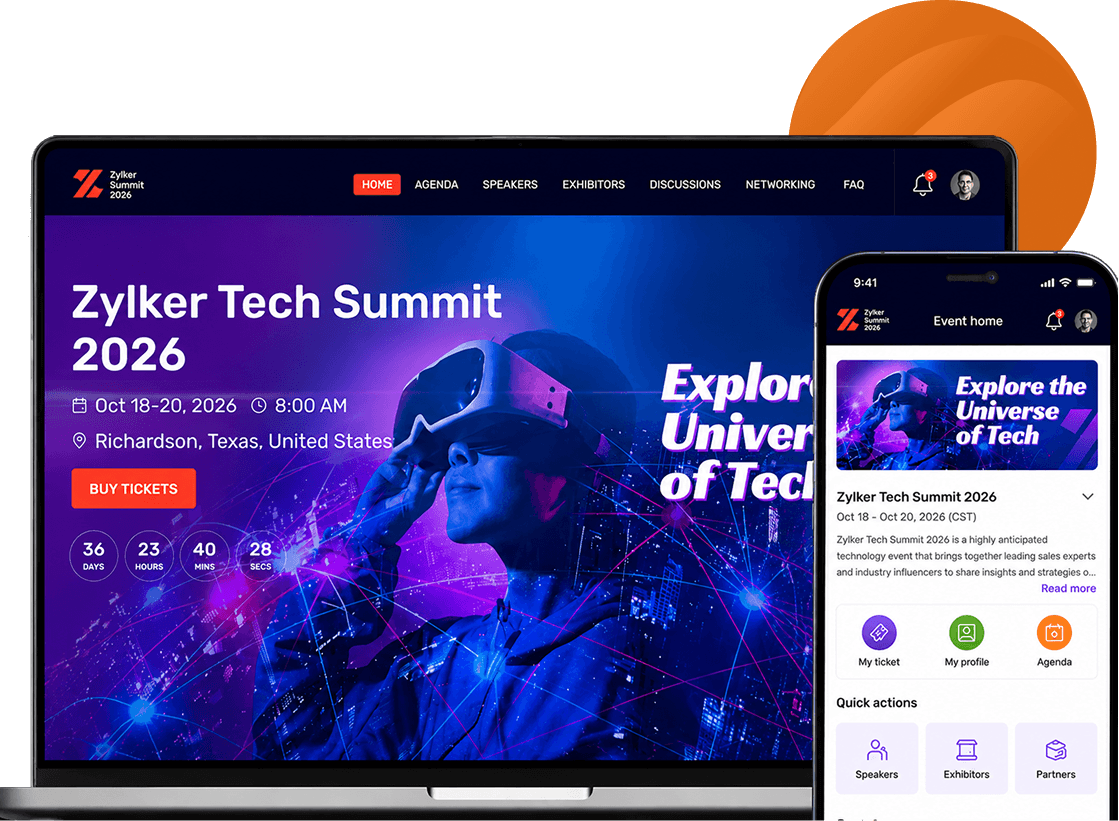
Own every page, every section, every word

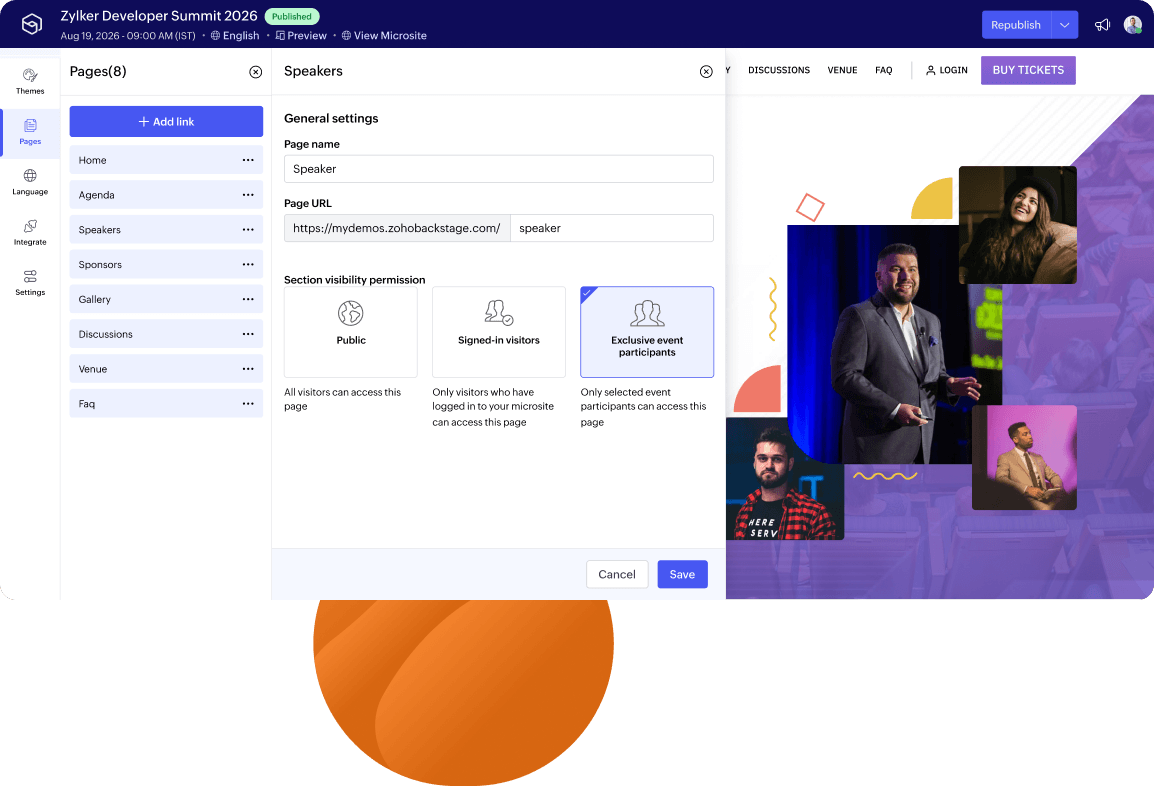
Create custom pages for any audience—sponsors, speakers, VIP ticket holders, or general attendees. Every page has its own visibility setting, so the right people see the right content.

  • Build new pages for sponsor decks, speaker bios, and resource hubs.
  • Set visibility by ticket tier, speaker, sponsor, or exhibitor group.
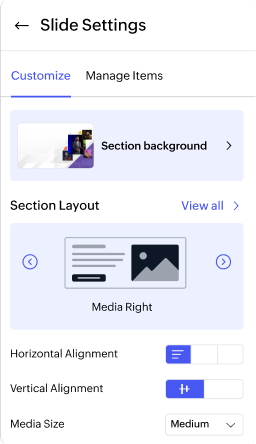
  • Edit, reorder, hide, or delete any section directly on the page.

Structure navigation around your event

Get the structure, layout controls, and branding options to build a navigation your attendees can move through without friction.

  • Build your navigation structure with links, submenus, and nested menus.
  • Add pre-built action buttons (Register Now, Become a Sponsor, Sign In) directly in your nav bar.
  • Pick from six layout styles and customize link colors, active states, and more to match your brand.

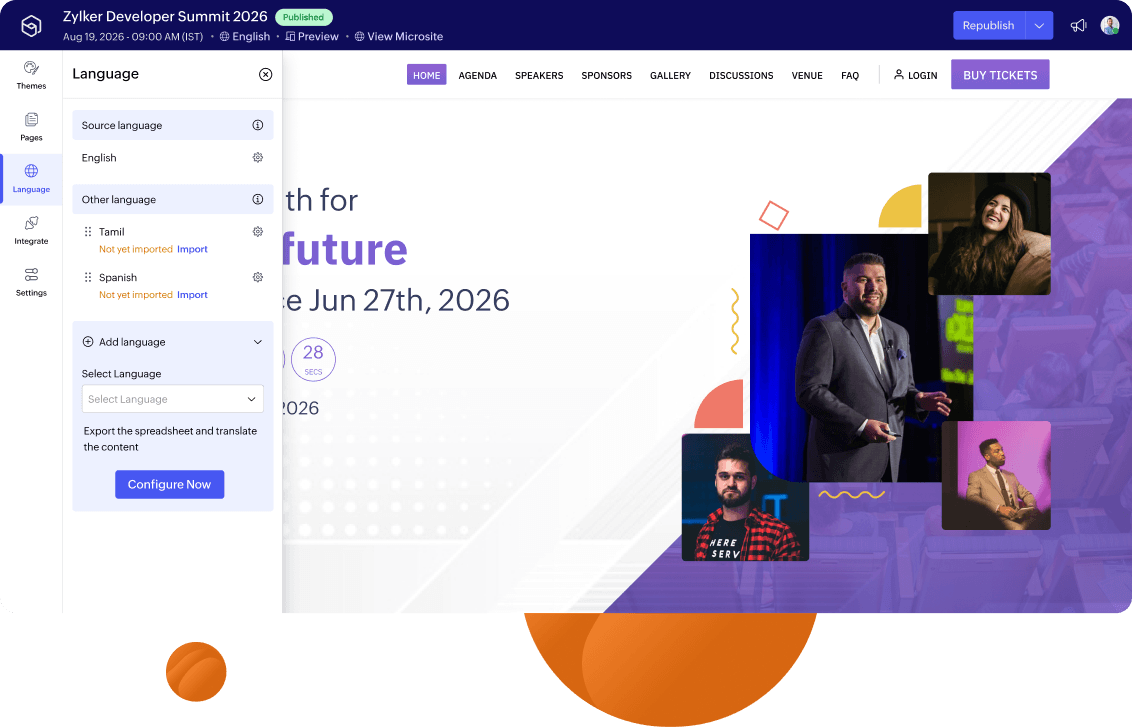
Reach every attendee in their language

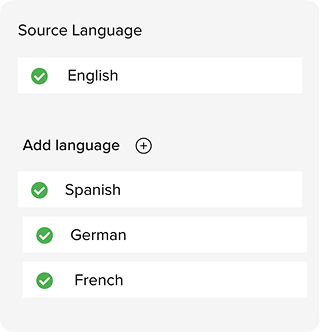
Make your event website accessible to a global audience. Add as many languages as your event needs, without rebuilding your site from scratch

  • Launch your event website in any of 89 languages—no attendee gets left out.
  • Add a language switcher to your nav bar so attendees can switch easily.
  • Get notified by email if your translation import has errors.

Build trust with a branded custom domain

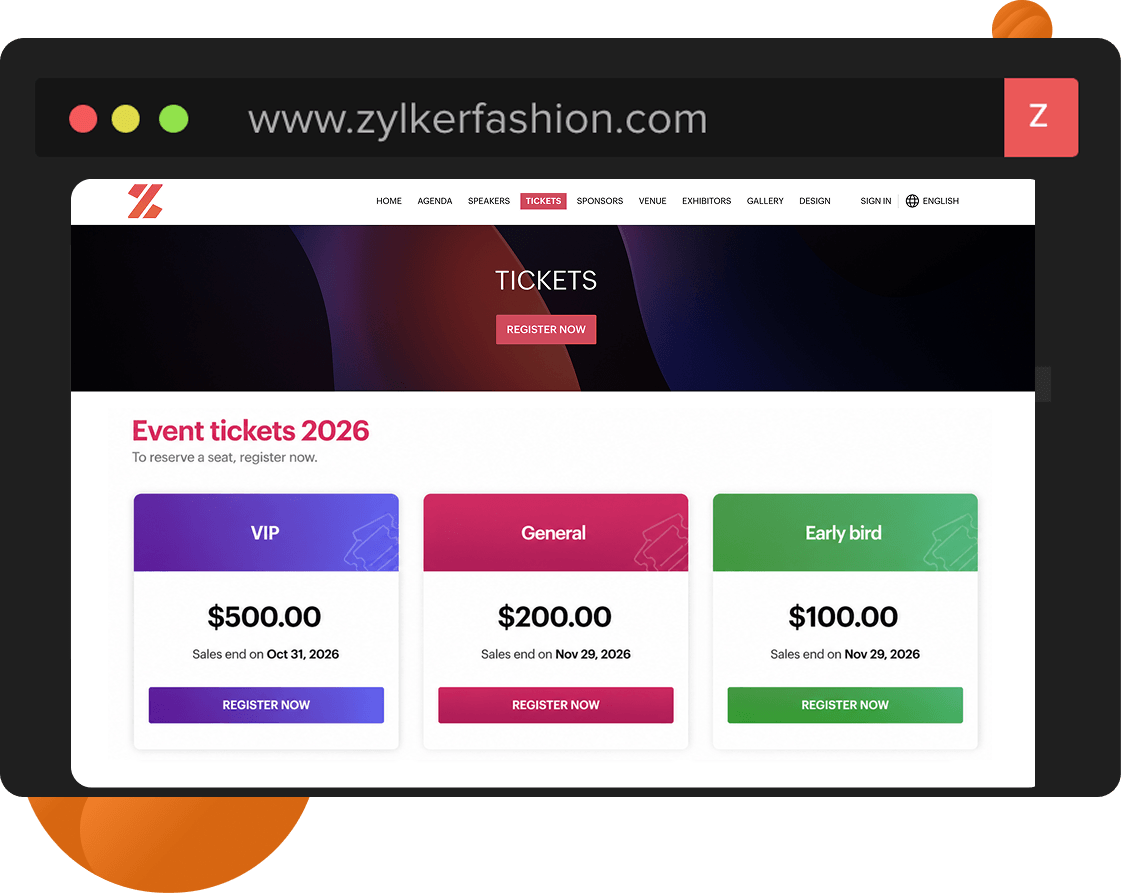
Put your brand behind every event link using a custom domain. Replace generic event URLs with branded web addresses that reinforce trust and visibility from the first click.

  • Access your event through a fully branded, custom domain that matches your organization.
  • Enjoy a consistent experience from invitation to registration on a trusted URL.
  • Navigate a secure, HTTPS-enabled event website built for reliability and trust.

Ship a fully secured, compliant event website

Zoho Backstage runs on its own tech stack and data centers—no third-party cookies, no data mining. Every website you publish comes with SSL certification, cookie controls, sign-in controls, and SEO-friendly architecture out of the box.

  • Add GDPR-compliant cookie consent banners with custom policy URLs.
  • Upload your Terms of Use and Privacy Policy directly to your website.
  • Control visitor sign-in and authenticate attendees by ticket ID.
  • Improve event visibility with SEO-friendly website pages and tags.

Understand how your event website performs

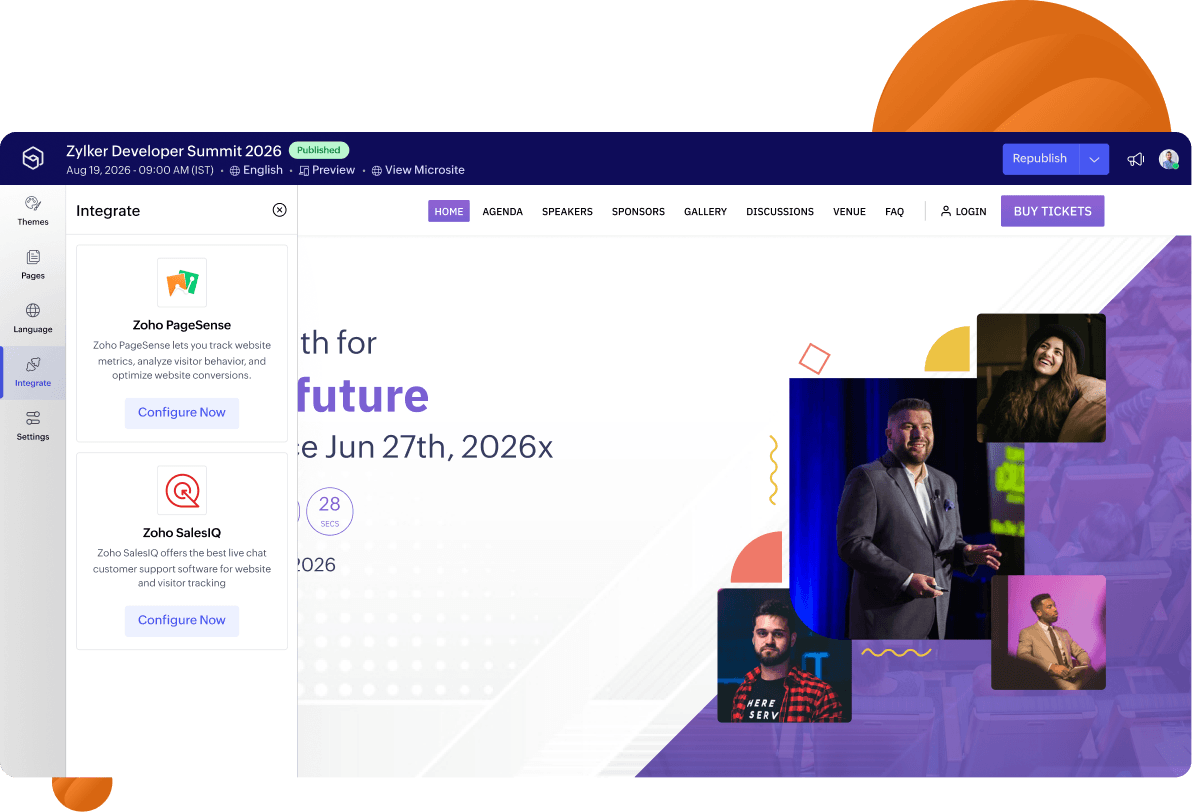
Integrate with Zoho PageSense, Zoho SalesIQ, and Google Analytics so you can see where attendees drop off, what they click, and how to get more of them to register.

  • A/B test your website pages to find what drives more registrations.
  • Run heatmaps, session recordings, and funnel analysis.
  • See who's on your website in real time and engage them with live chat.
It took just a few hours for Zoho Backstage to get our website live, and registrations started flowing in within minutes — something that took us over a month with other platforms.
Dr. Thamizh Chelvan
Dr. Thamizh Chelvan,Sri Ramachandra University (ARQ 2025)
All-in-one event management platform

Powering every part of

Your event has more going on than a website. So does Zoho Backstage.

Ticketing and Registration

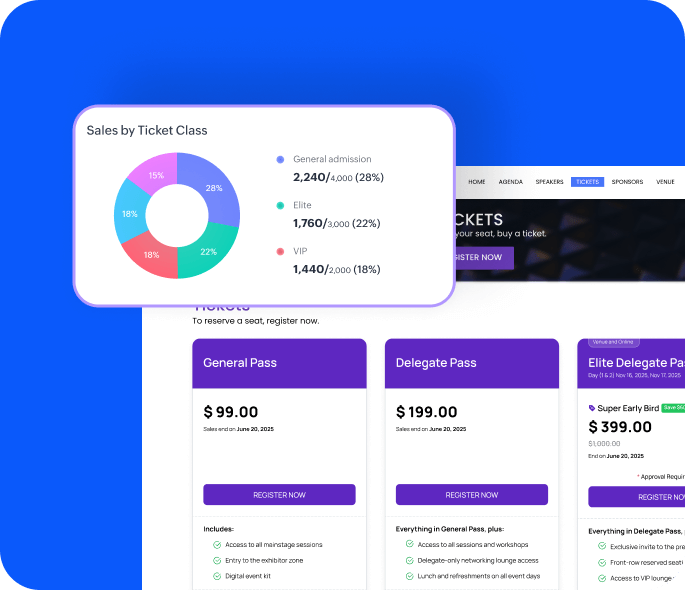
Multi-tier pricing, online payments, and registration approval flows — all from one place.

Learn more
custom-event-mobile-app

Custom Mobile App

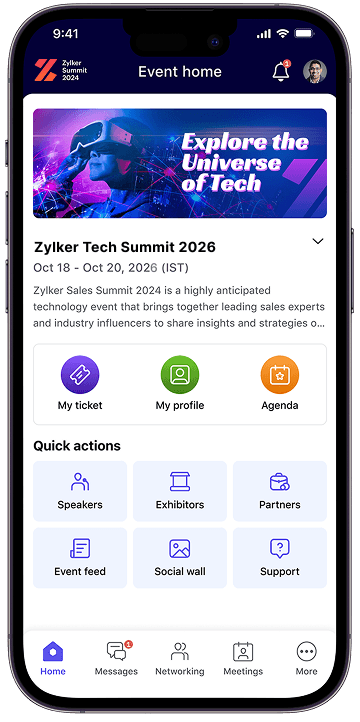
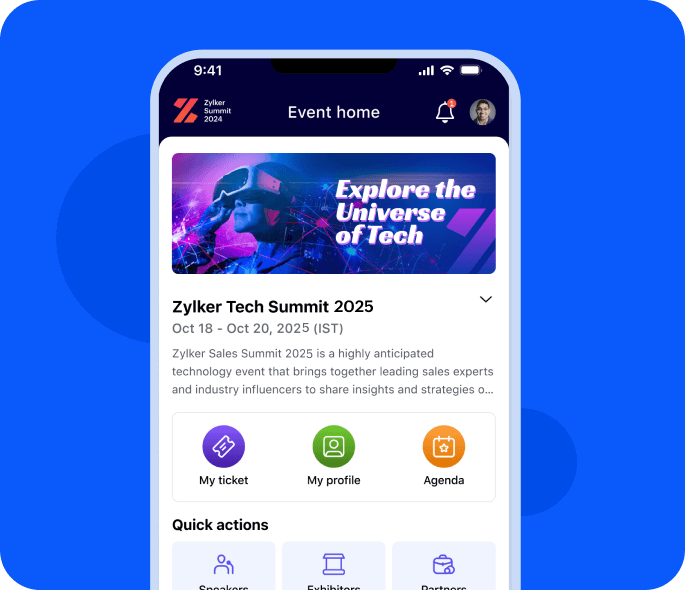
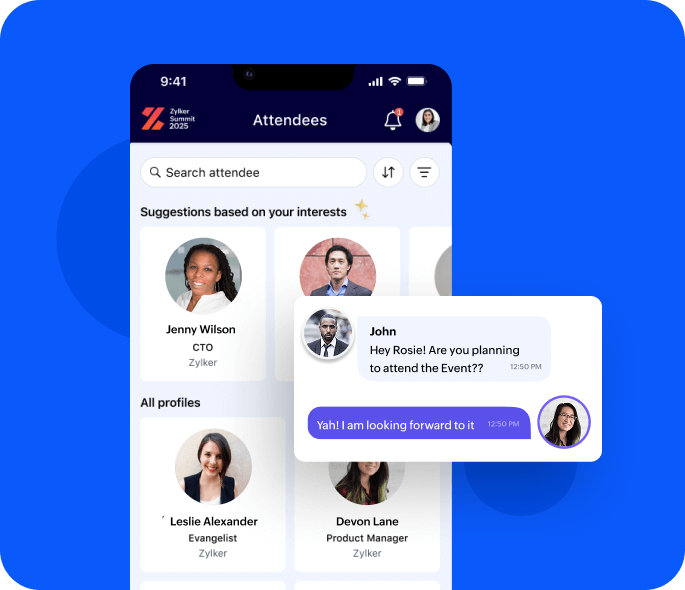
A fully branded attendee app for agendas, networking, push notifications, and gamification.

Learn more
event-badging-platform

Event Check-in

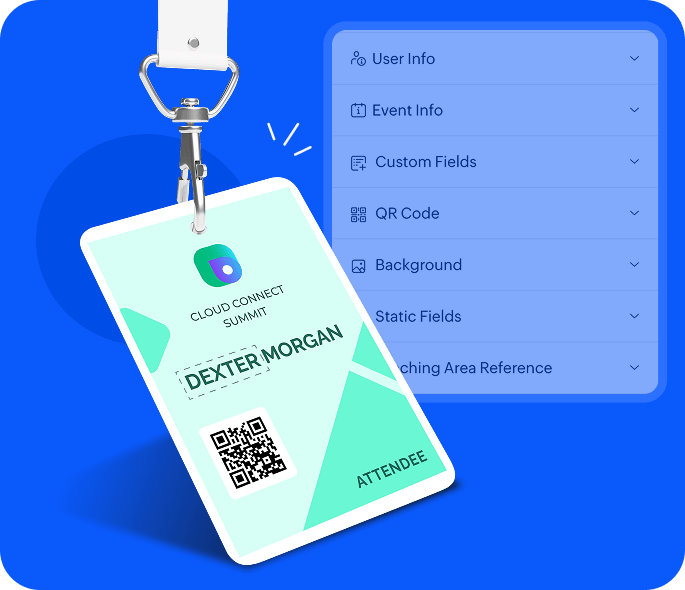
QR-based check-in with onsite badge printing. Fast entry, no queues, full attendee visibility.

Learn more
audience-engagement

Audience Engagement

Live polls, Q&A, session feedback, slide reactions, and post-session analytics — from the mobile app.

Learn more
exhibitor-management

Exhibitor Management

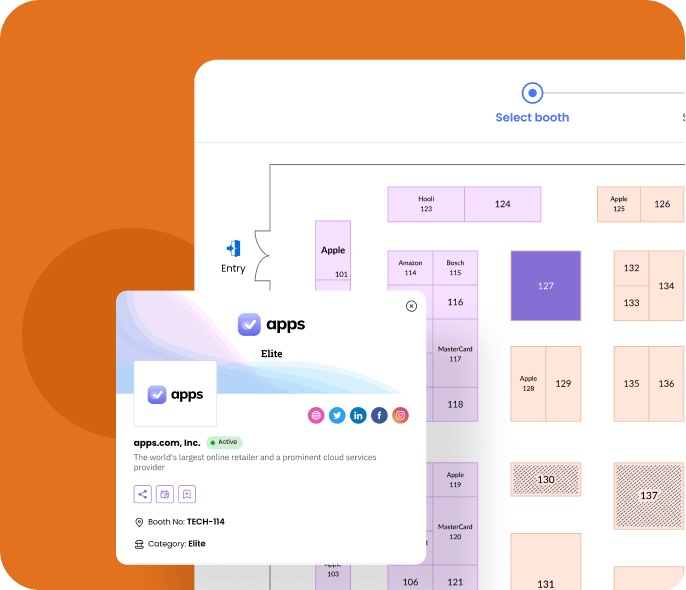
Digital booths, lead capture (Hot/Warm/Cold), and exhibitor analytics that prove ROI to sponsors.

Learn more
Event website builder

Frequently Asked Questions

No. Anyone on your team can build, customize, and publish a professional event website without writing a line of code or having any design experience. If details change after launch (a new speaker, a revised schedule, a new sponsor), you can update and republish instantly without involving anyone technical.