
Designed to help you move faster
2x
Faster template load time
100+
pre-designed ready-to-use template
0
Zero coding skills needed, design, edit and send – all in one place.
Create an email template in no time
Your emails, ready before you finish your coffee
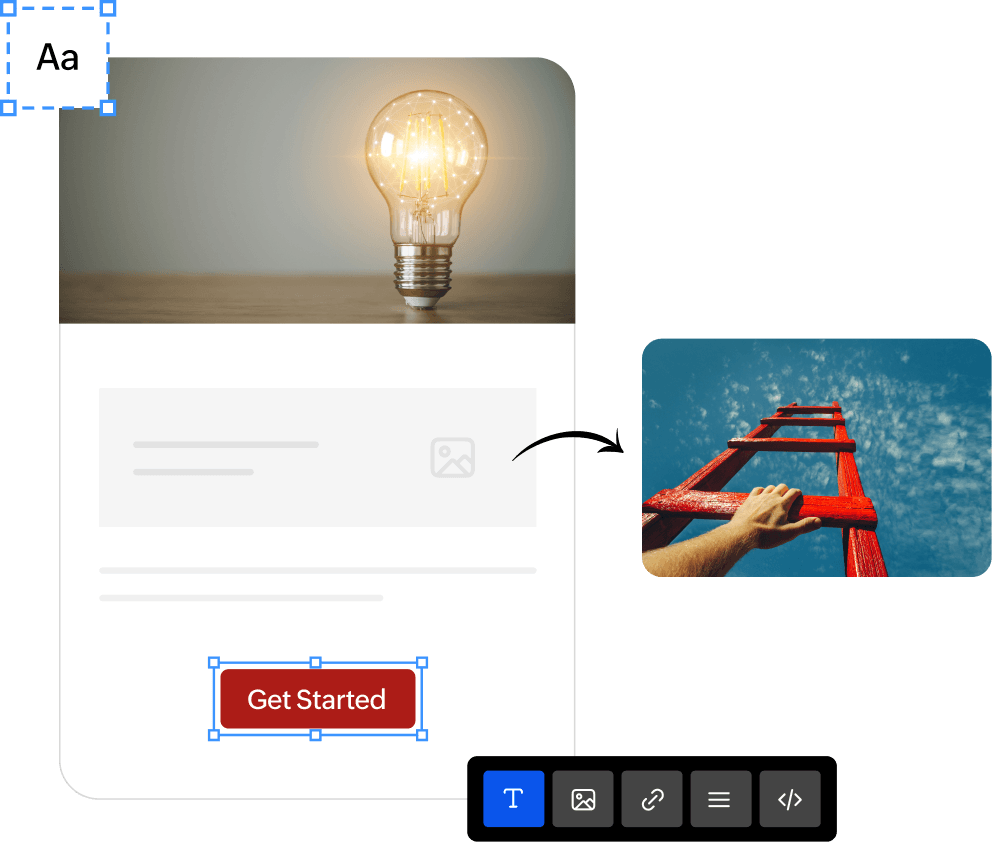
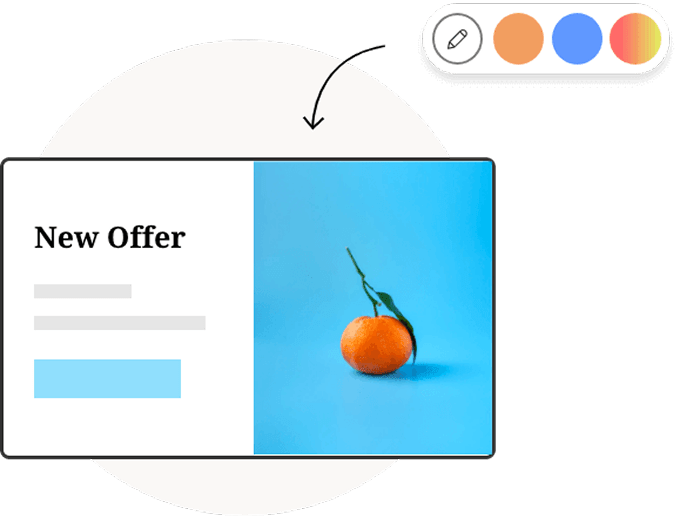
The template editor is clean, fast, and built to load in a flash. No clutter. No learning curve. Set your primary and secondary brand colors once, and every linked element updates automatically. Stay on-brand and reuse templates across campaigns without tedious edits.
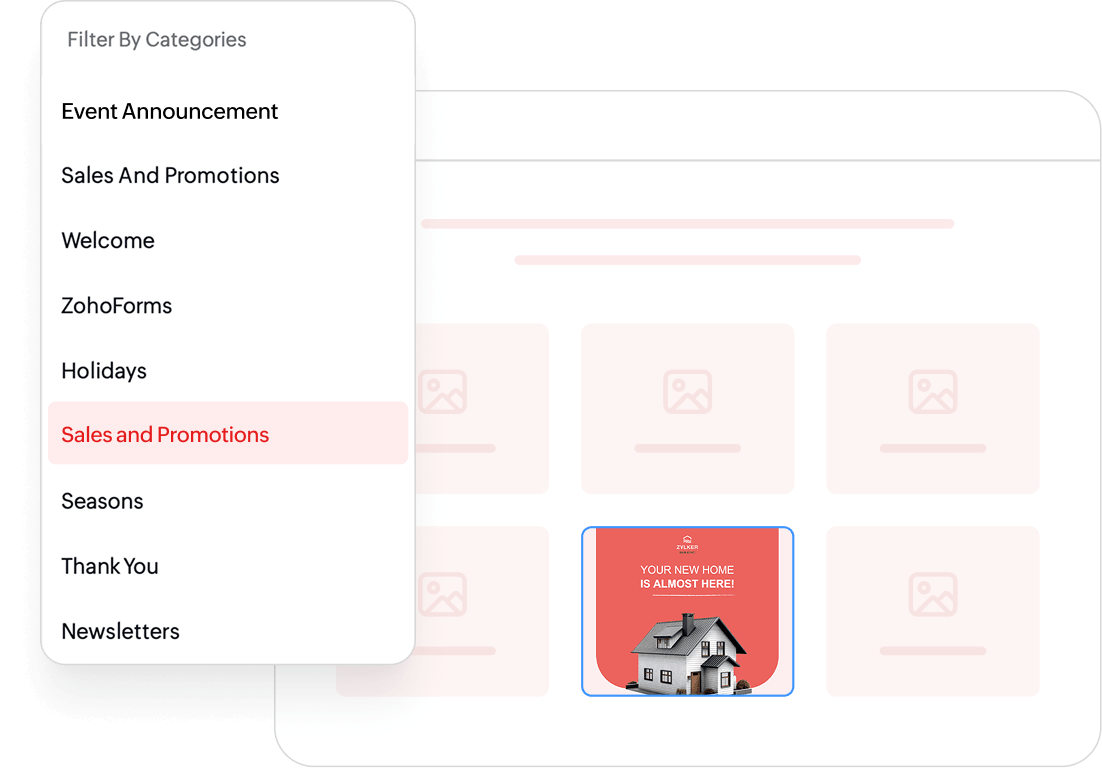
100+ templates, so you're never starting from scratch
Festivals, product launches, welcome emails, re-engagement — there's a template for it. Each one professionally designed and ready to customise. Just pick what feels right and make it yours.
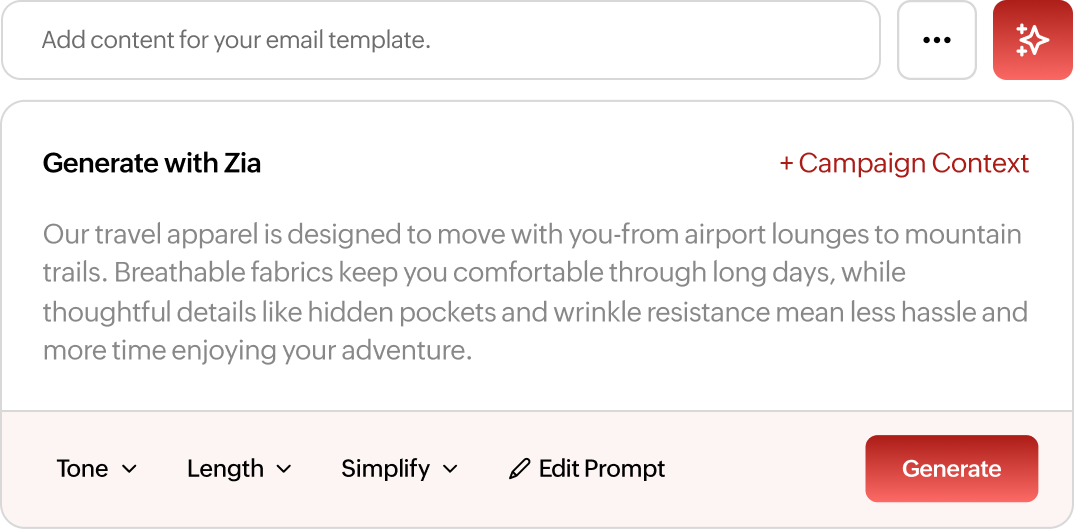
Write faster with Zia AI
Tell Zia about your campaign once. Add the context—your offer, audience, goal, deadline, or anything else that matters—and Zia uses it to generate relevant subject lines, pre-headers, email content that stay consistent with your campaign. Set the context once, and it carries across every channel.
Refine any AI-generated content with a click. Rewrite it, change the tone, shorten or expand it, simplify the language, fix grammar, translate it, or generate a completely new variation.
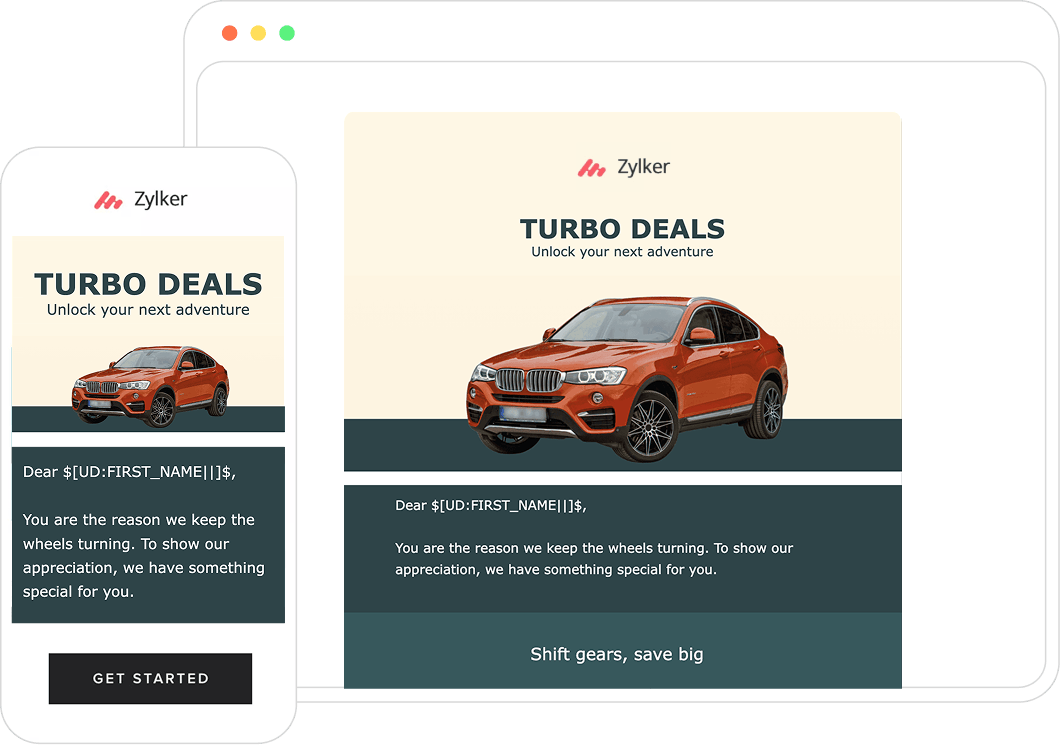
See exactly how your email looks on every screen
Switch between desktop and mobile views as you design. Edit directly in mobile view, fine-tune layouts, and know — before you send — that your email looks great wherever it lands.
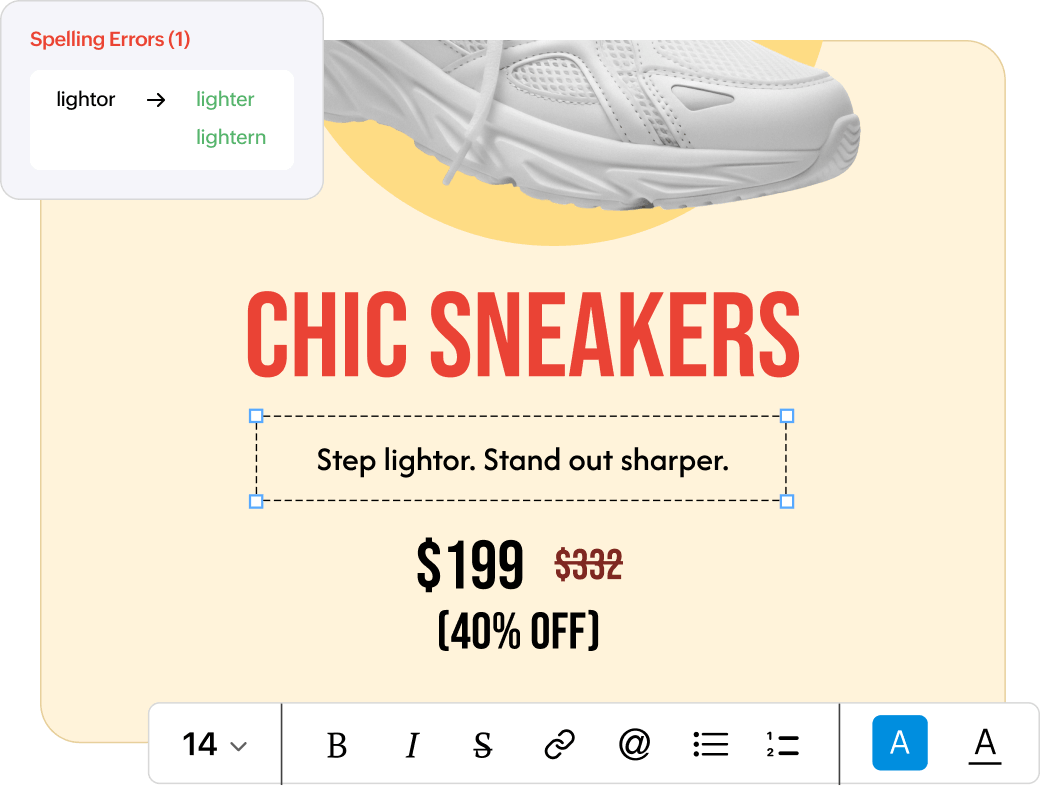
Refine your writing in real time
The built-in writing assistant checks your spelling, flags readability issues, and nudges you when something could land better.
How do I begin?
Browse 100+ ready-made templates or start from a blank canvas. Filter by industry or occasion.
Pick a template
Browse 100+ ready-made templates or start from a blank canvas. Filter by industry or occasion.
Make it yours
Edit text, swap images, set your brand colours, and preview on desktop and mobile — all in the same editor.
Send it
When it looks right, send it. Check how it performs. Come back and do it better next time.
How do I design email templates?
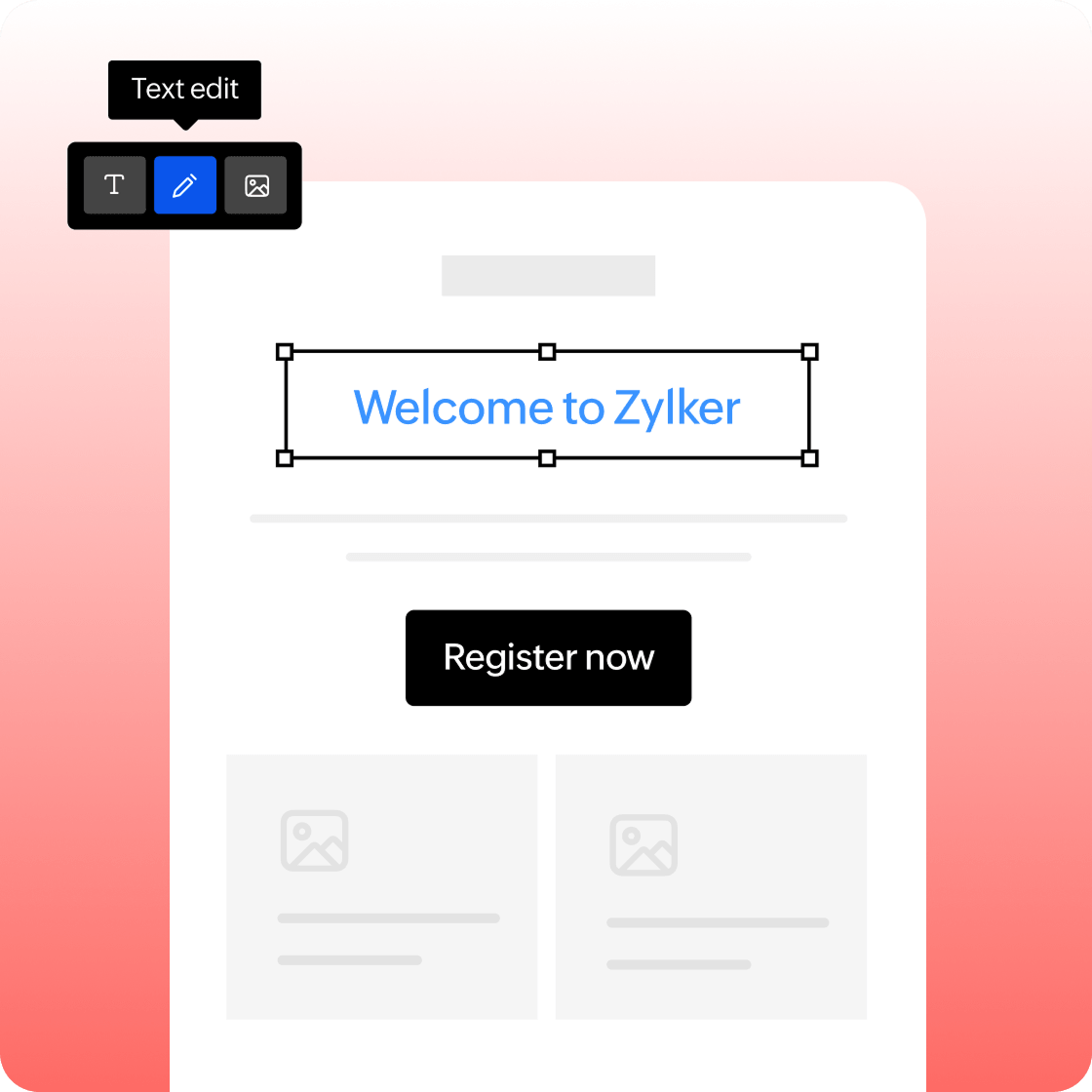
Make sure that your emails are attention grabbers with good design. Customize and build your email template layout by adding color, images and adjusting size elements to fit your taste.
Composition
Add elements like images, text, buttons, tables, and more to optimize your emails. The template editor in Zoho Campaigns with basic and advanced options will help you to align your emails and draw the attention of recipients to keep them hooked.
Focus on content
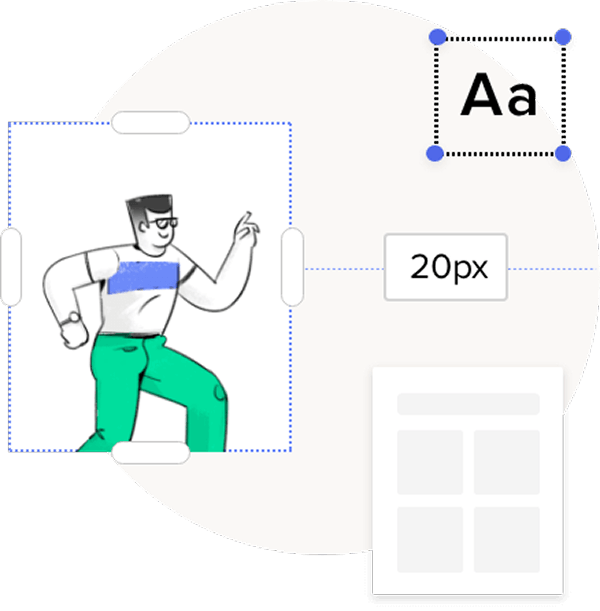
Keep people engaged by adding relevant information using dynamic content. Gather opinions using email polls, and keep them talking by including videos, files and social media widgets.
Layout
Explore the color that best suits your business and decide on your email layout (background color, inner design, and many more elements) by checking out the 'design' menu in our email template builder.
Before hitting the send button
The fundamental reason for any email campaign is to build a better relationship with your contacts. Make sure to avoid things that will get you unsubscribes.
Preview and test
The preview and test options in Zoho Campaigns give you a chance to improve your writing and design. Make sure you send a test email to yourself and check for grammatical errors, design glitches, etc., so that you can feel confident when you hit send to your list.
Email pre-header
Pre-headers play an important factor in the decision to open an email. Write a perfect pre-header for your emails to improve the open and click rates.
Personalize your emails without the fuss
Upload your HTML, paste it in, or start from plain text. The editor works around you — not the other way around. And if you need visuals, Canva and Pexels are just a click away, right inside the editor.
HTML editor
Upload or import your own HTML template and take full control of the design.
Plain text editor
Sometimes simple is better. Write clean, no-frills emails that feel personal.