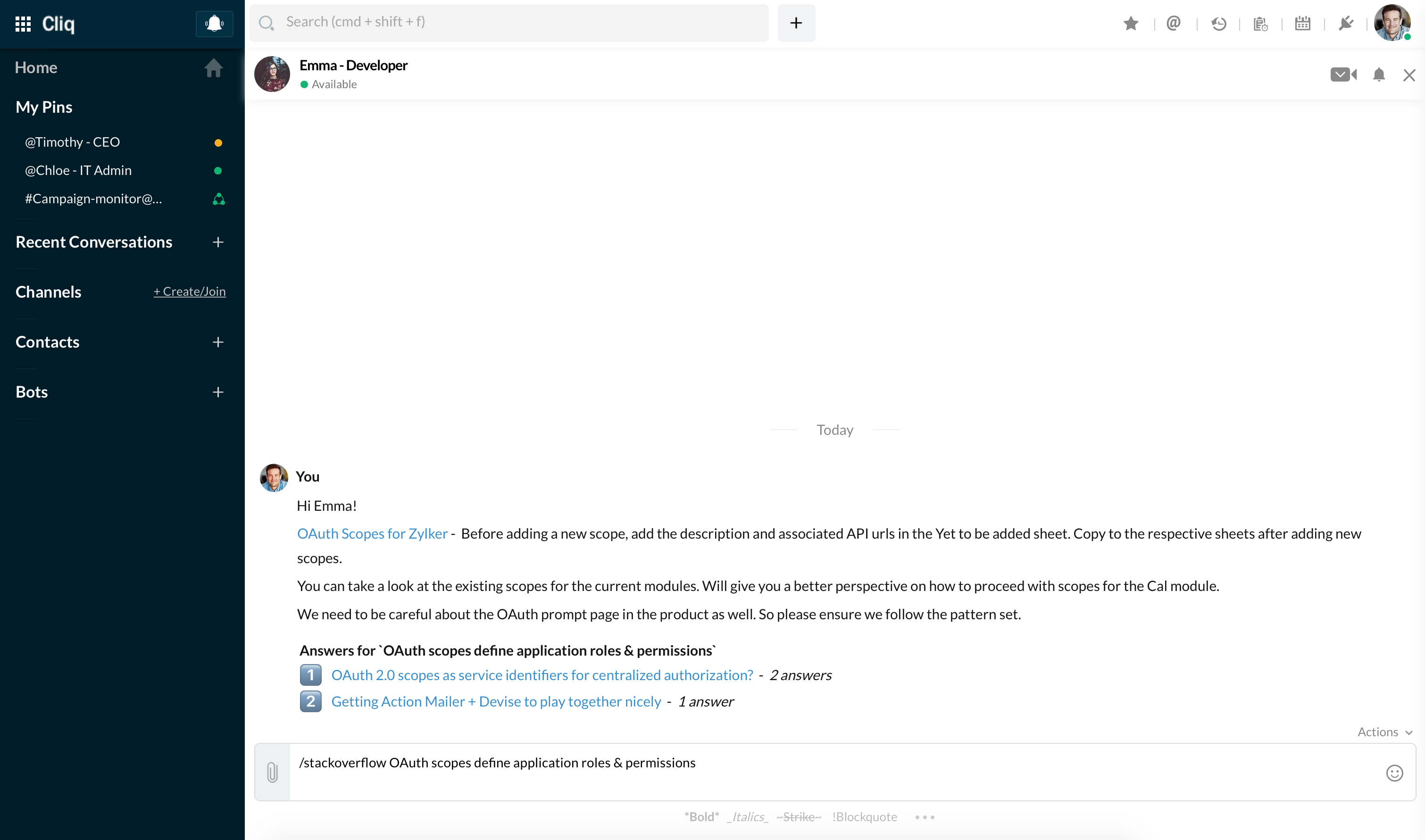
Post To Chat
Use the zoho.cliq.postToChat deluge task to post message to a particular chat, using the chat ID. The chat ID is available as an attribute in the Chat object.
Syntax: zoho.cliq.postToChat(chat.get(“id”),"Hello!");
Note:
Using the zoho.cliq.postToChat task will directly post the message in the chat without the usual message preview.
Example
Create a /stackoverflow command to search answers for a query and share it in a chat directly. The question can be passed as arguments along with the command.
message = Map();
params = Map();
params.put("sort","relevance");
params.put("site","stackoverflow");
params.put("pagesize",5);
// arguments key contains the search query passed along with the command.
params.put("q",arguments);
response = invokeurl
[
url :"https://api.stackexchange.com/2.2/search/advanced"
type :GET
parameters:params
];
info response;
items = response.get("items");
text = "";
count = 0;
for each item in items
{
count = count + 1;
title = item.get("title");
link = item.get("link");
text += count + ". [" + title + "](" + link + ")\n";
}
message = {"text":text,"card":{"theme":"modern-inline"}};
zoho.cliq.postToChat(chat.get("id"),message);
return message;