Live chat in
your community
Add a chat widget to your community with Zoho SalesIQ, so members can start a conversation with your team from your community.
A direct channel for your members
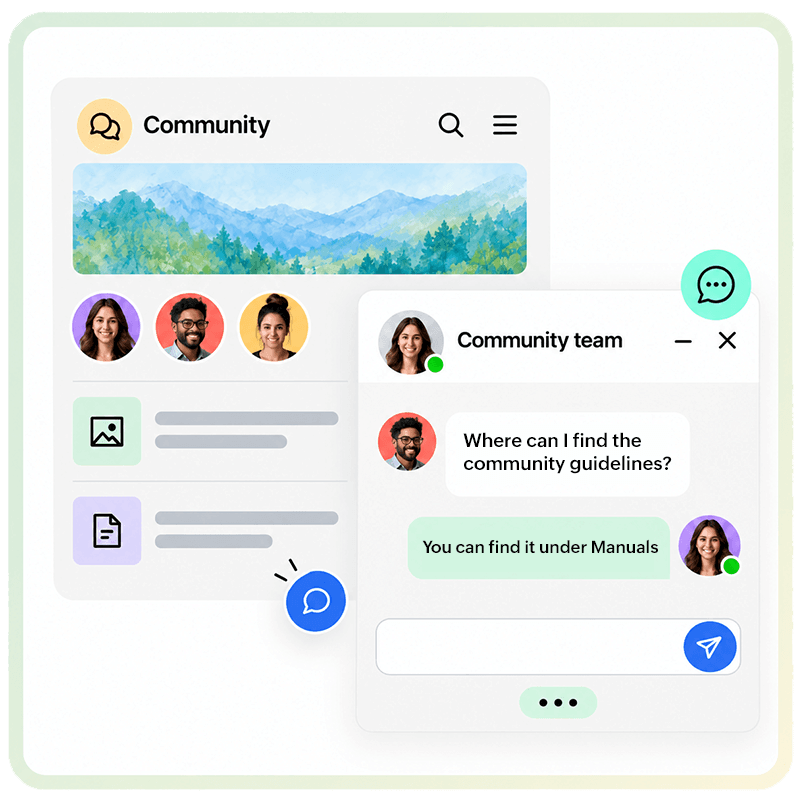
Some questions are better answered one-to-one. When a member needs a straight answer about membership, an event, or a policy, waiting for a thread reply isn’t always the right fit. Live chat gives them a way to reach the people running the community directly, without going to a separate tool or support channel.
For your hosts and adminsConversations come in through Zoho SalesIQ, where your team picks them up and responds.
For your membersA chat window they can open from your community to get a response from the people they’re trying to reach.
Setup inside Zoho CommunitySpaces
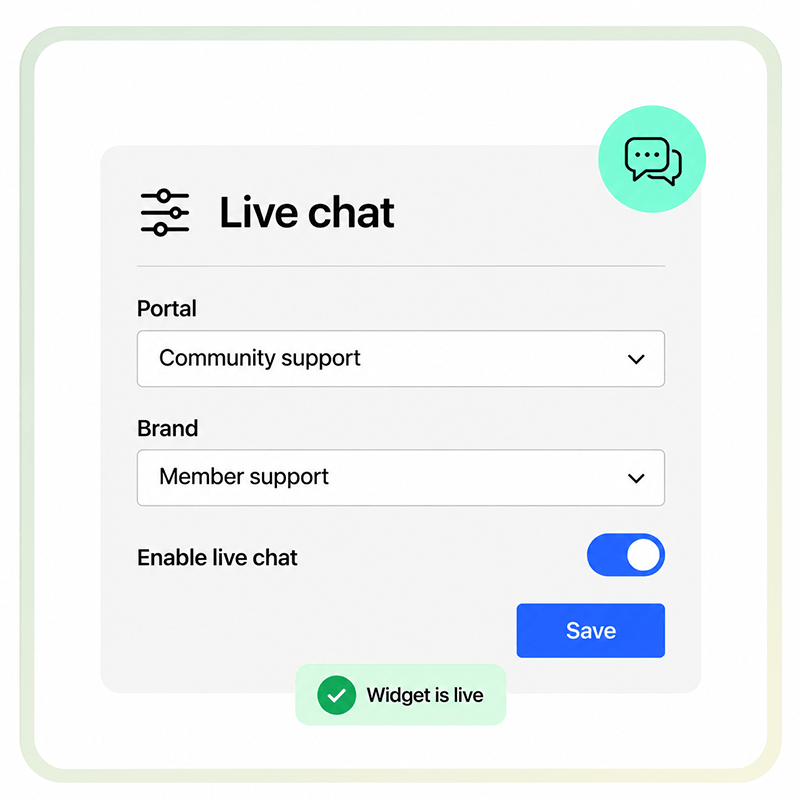
The widget is configured inside Zoho CommunitySpaces. You pick the Zoho SalesIQ portal and brand you want it to use, turn it on, and it's live. You can turn it back off from the same place.
The Answer Bot handles what your team can't
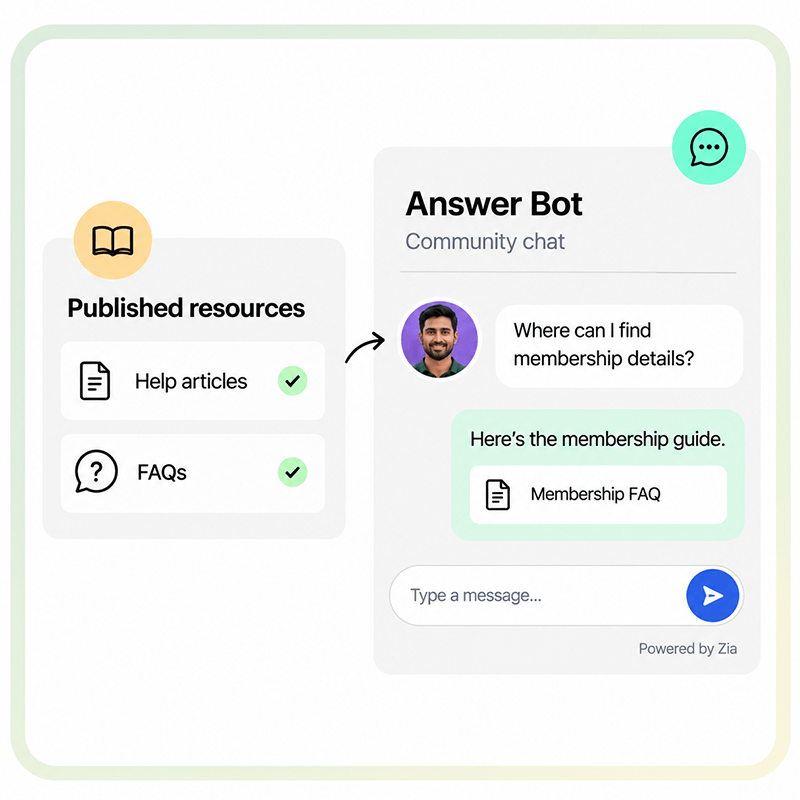
When the community host is unavailable, Zoho SalesIQ’s Answer Bot can step in. It responds from the published resources you’ve already set up in Zoho SalesIQ, so members still get a response.
Your resources, as the sourceAdd your published resources in Zoho SalesIQ, like help articles and FAQ pages.
Powered by Zia, or an AI model of your choiceBy default, the bot uses Zoho's AI, Zia, to pull answers from those resources. If you'd rather use a different AI model, you can select one when you set up the bot, and it generates answers the same way.
Tied to your SalesIQ brandThe bot is tied to the Zoho SalesIQ brand you configure the widget with, so whatever you've set up in Zoho SalesIQ carries into your community.
Frequently
asked questions
Yes. You need a Zoho SalesIQ account with a portal and a brand set up before you can configure the widget in Zoho CommunitySpaces.
Yes. You can switch off the chat widget from the same Zoho CommunitySpaces settings where you enabled it.
Conversations come into the Zoho SalesIQ portal and brand connected to your community, where your team can respond.
Yes. The Answer Bot configured for the Zoho SalesIQ brand connected to your widget can respond to member questions using your published resources.