Participation widens
Employees who may not speak up in meetings get a simple way to ask questions, share ideas, and contribute to discussions.
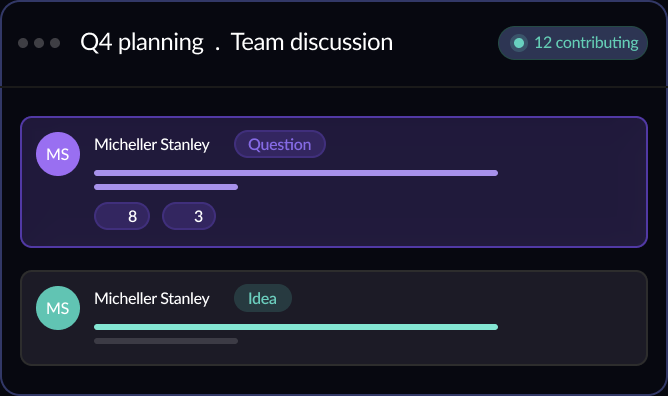
Give employees a structured space to share expertise, exchange ideas, ask questions, and discuss work openly. Zoho Connect forums help organizations bring conversations out of private inboxes and chats, preserve valuable knowledge, and create a more connected workplace.
Start your 14-day free trial



Employees who may not speak up in meetings get a simple way to ask questions, share ideas, and contribute to discussions.
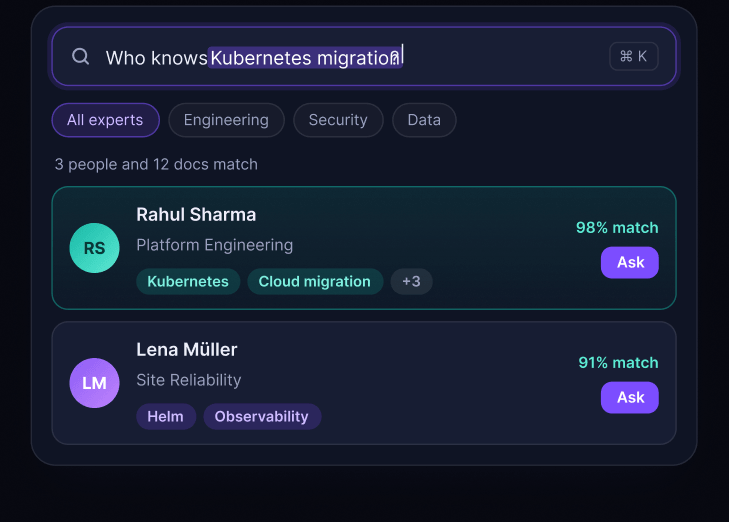
Expertise held by individuals or teams becomes searchable organizational knowledge that others can access when they need it.
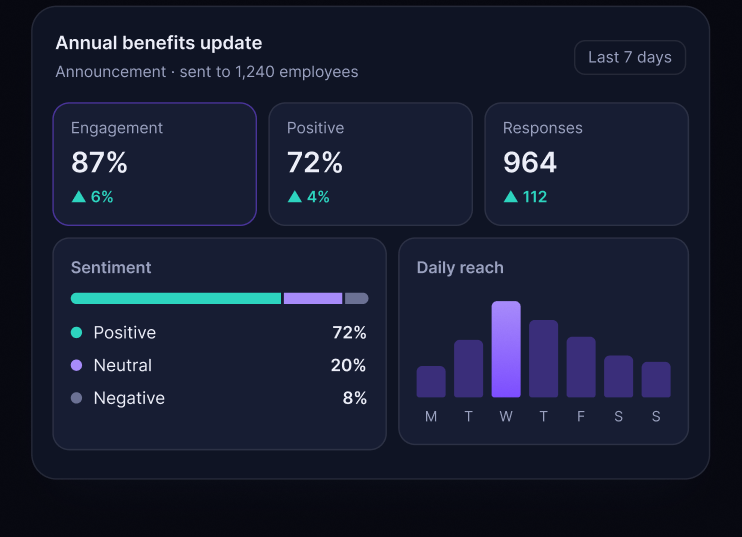
Engagement and sentiment data help HR and internal communication teams understand how employees respond to important messages.
Questions get resolved more effectively when the right people can respond in the same conversation. Instead of answers getting buried in individual chats or inboxes, forum discussions keep the question, response, and context together.
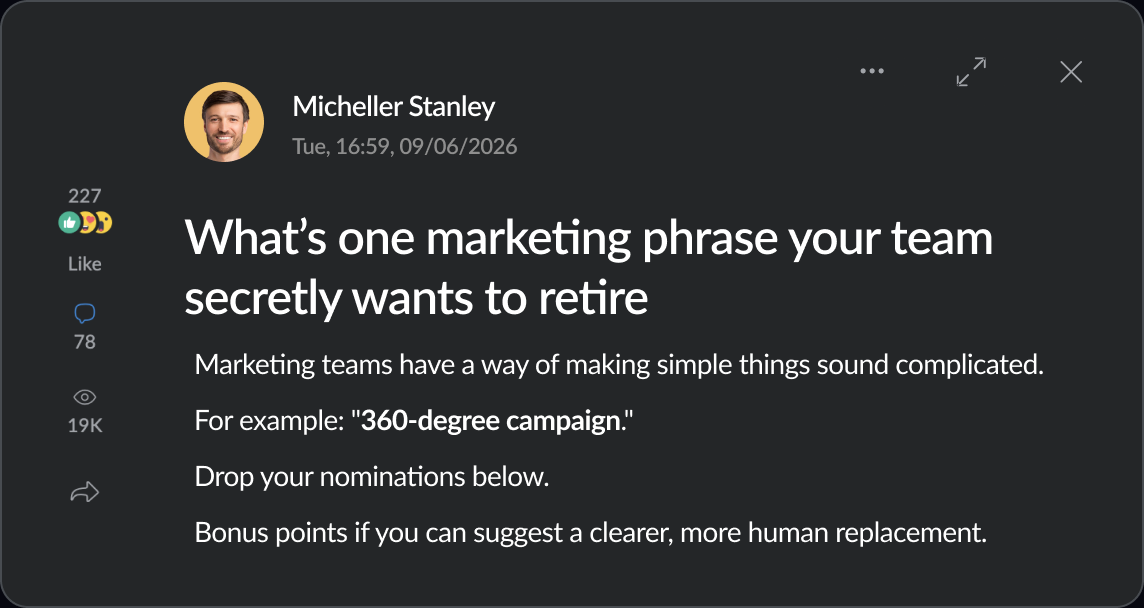
The people closest to a problem are not always the people responsible for solving it. Forums give employees a place to share ideas and observations with a wider audience, helping useful suggestions reach the right teams.
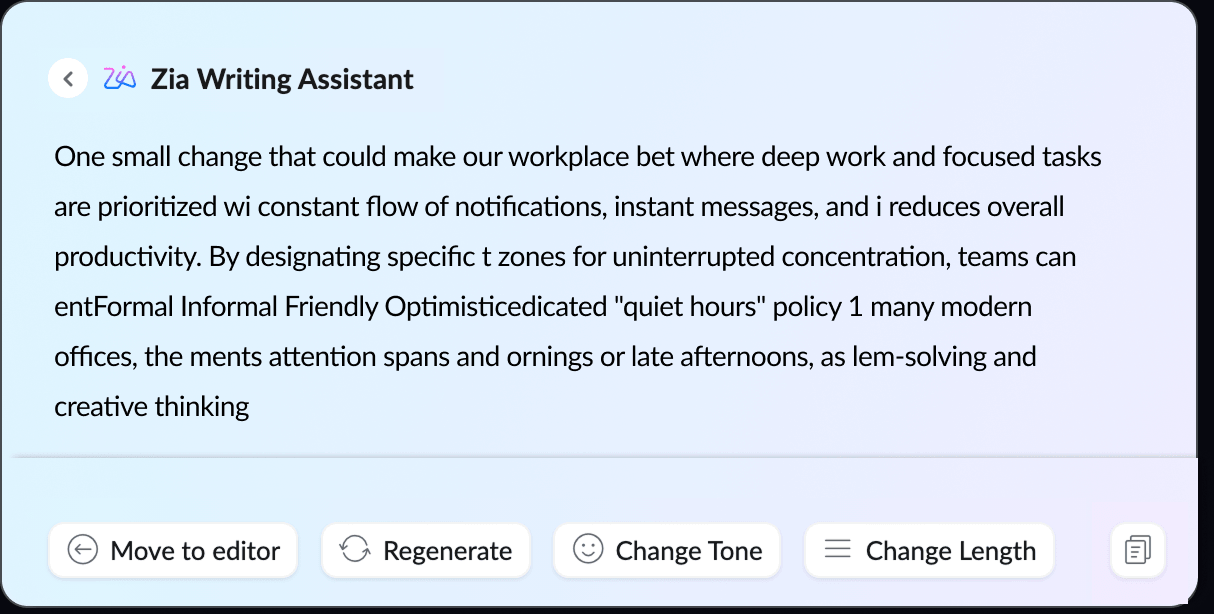
A blank page should not stand between employees and a good idea. Zia, the AI assistant in Zoho Connect, helps employees create and refine forum posts so they can communicate clearly and confidently.
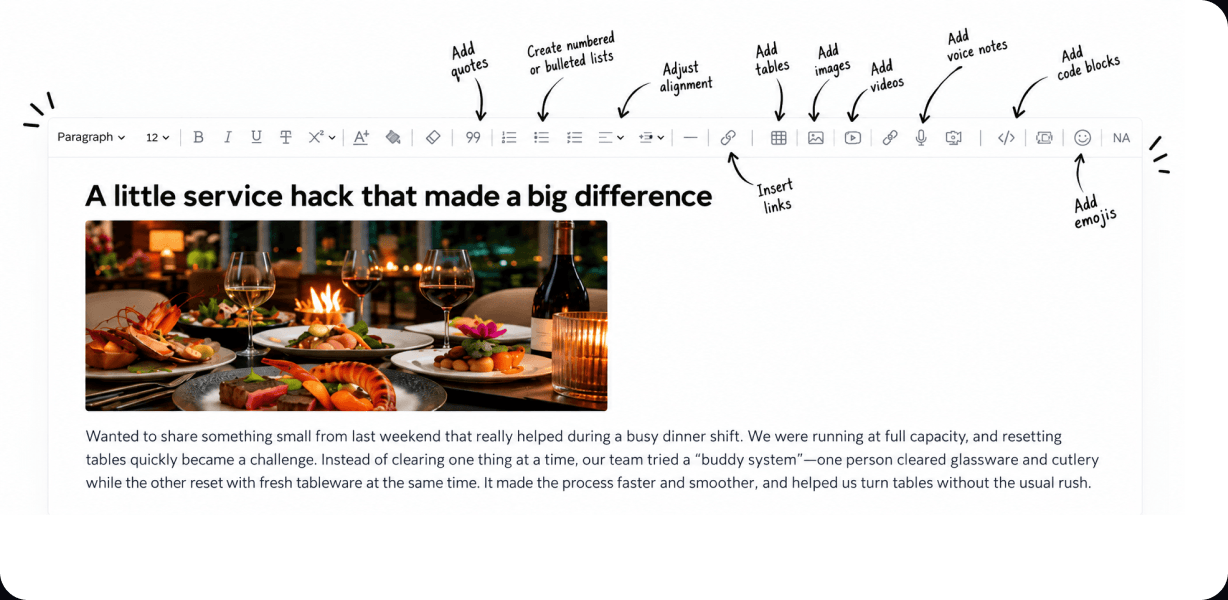
Some ideas need a screenshot, others need a checklist. Forum posts support the formats employees already use, so the whole conversation stays in one place.
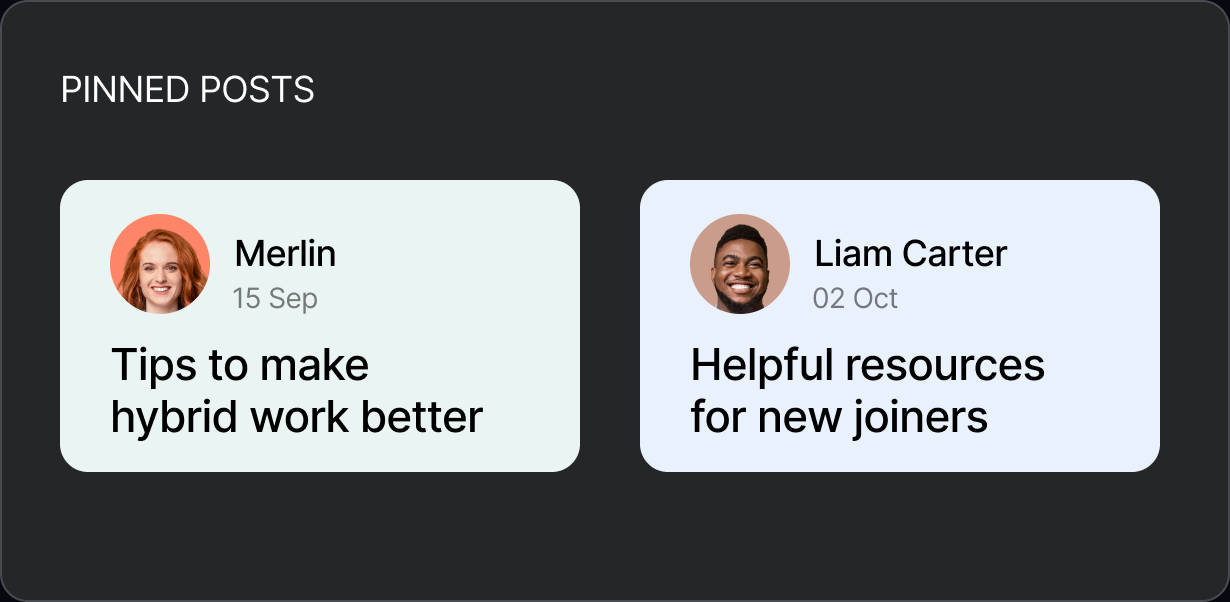
As workplace discussions grow, employees need an easy way to discover the conversations relevant to them. Categories and tags help keep forum content organized and accessible.
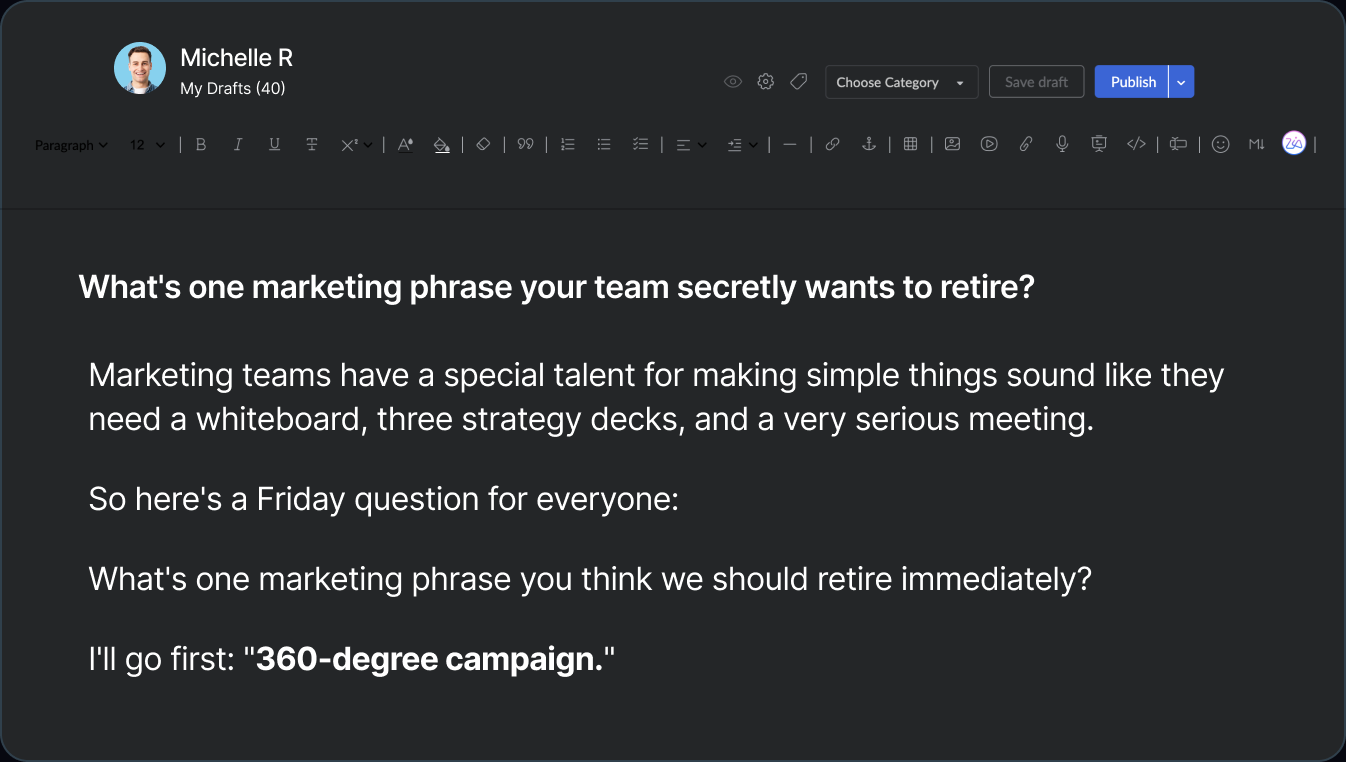
Important internal communication often needs a final review before it is published. Drafts, previews, and comment controls give employees and communication teams more control over what goes live and how others can respond.
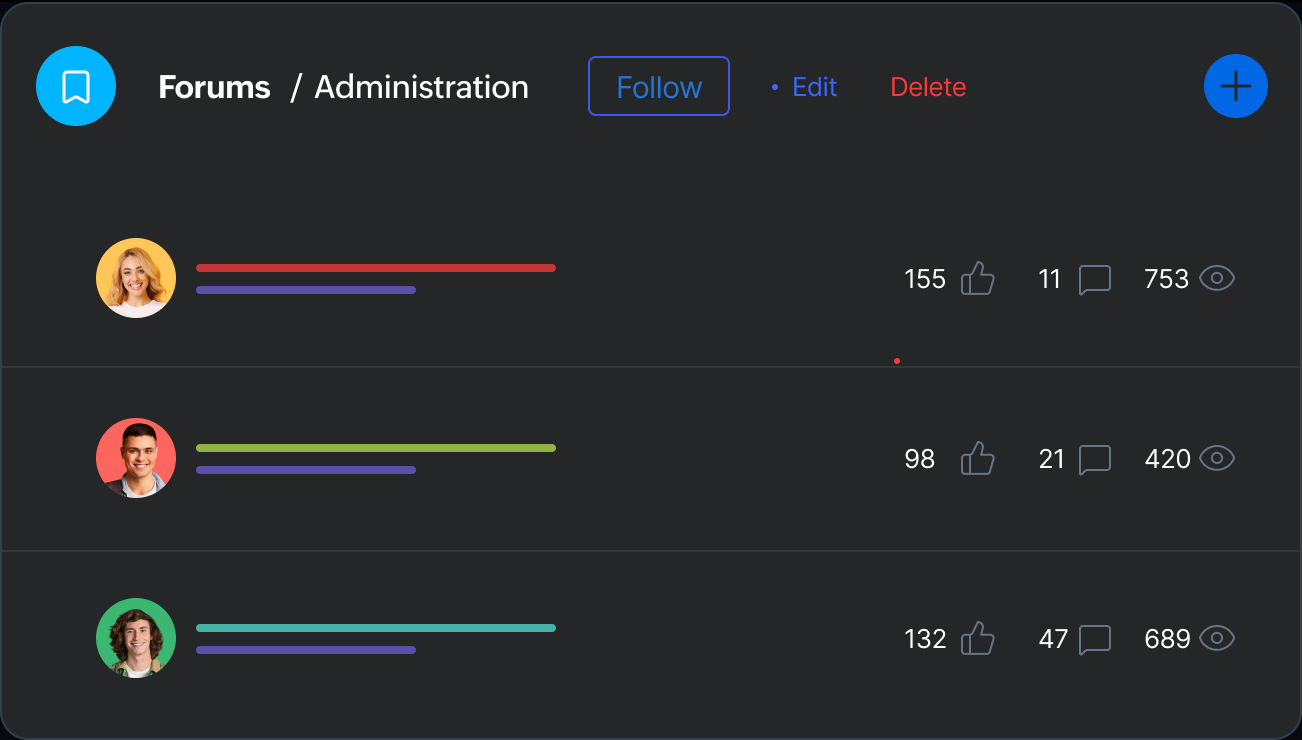
Employees do not need every conversation in their feed. Following tools help them stay connected to the topics and discussions that are most relevant to their work.
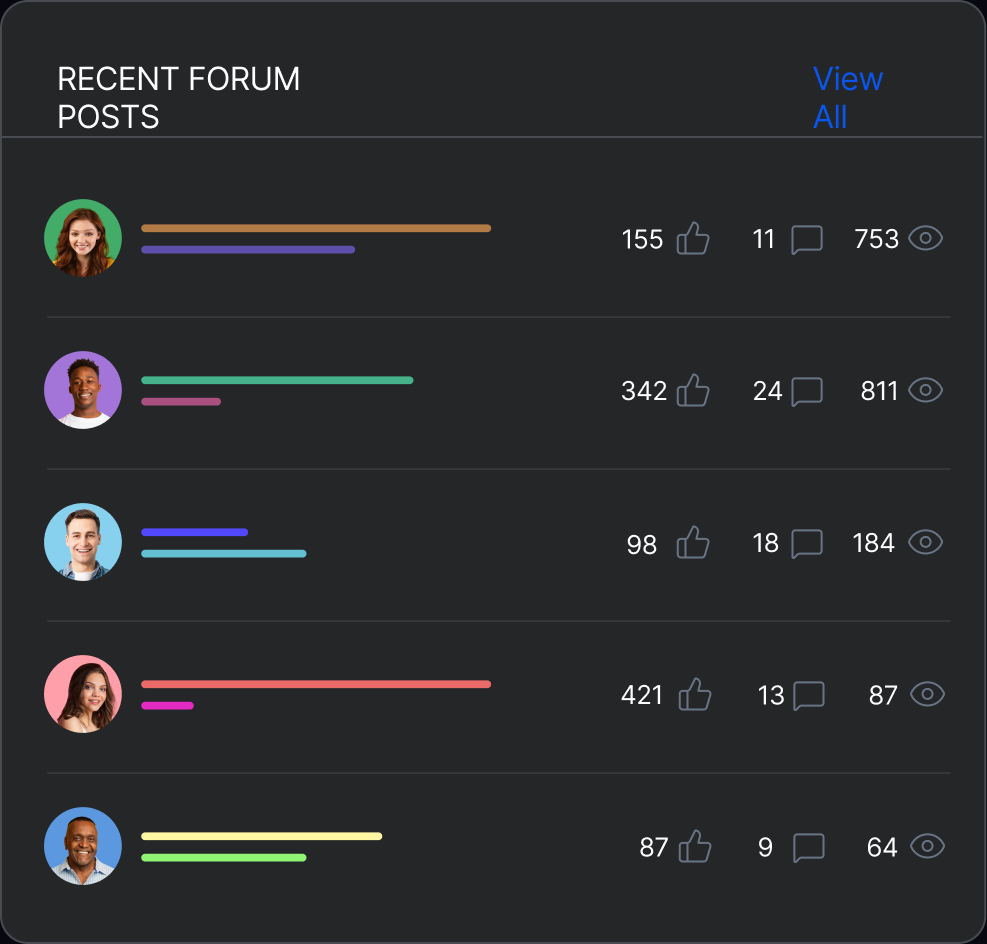
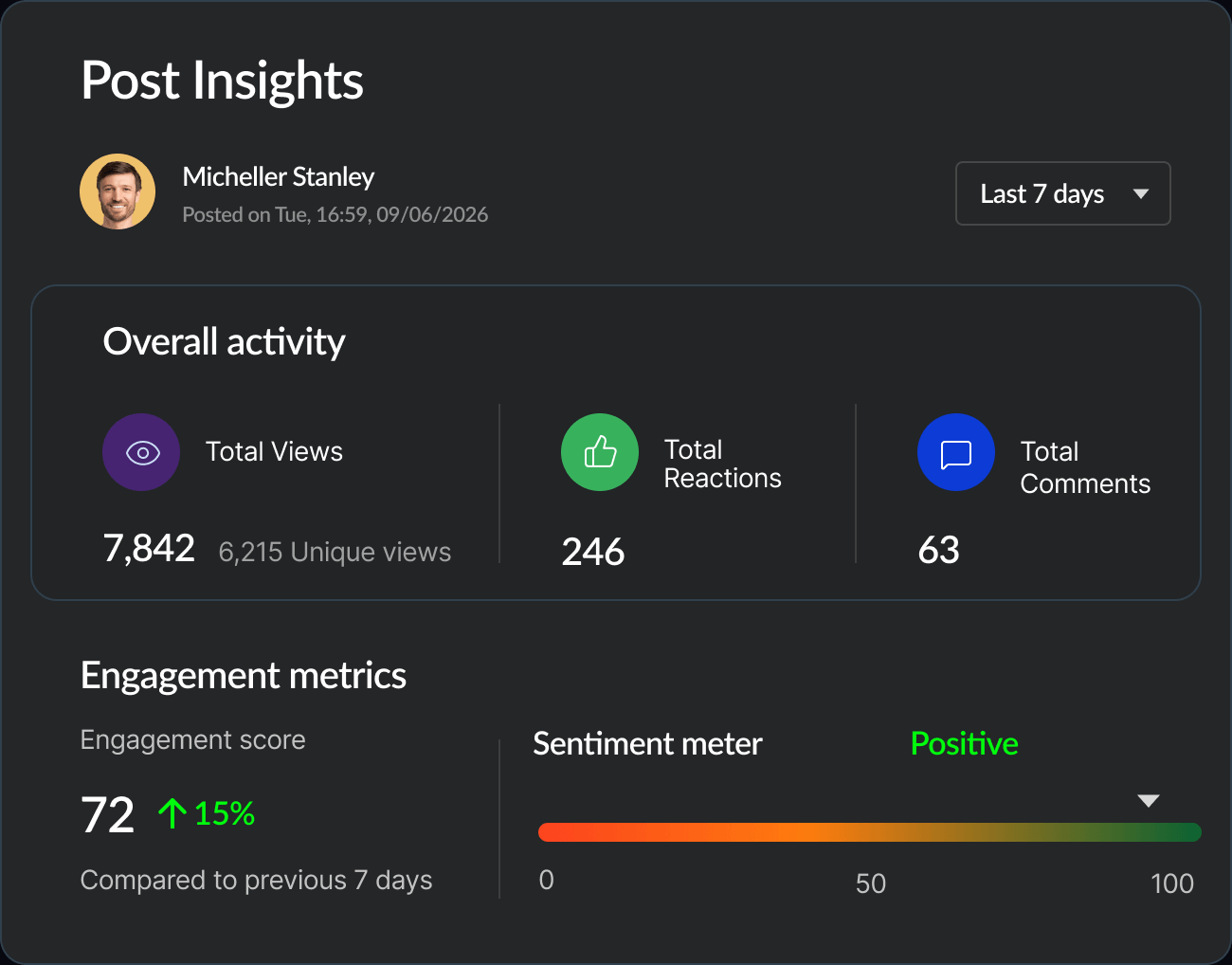
A view count only shows that a message was seen. Post Insights gives HR and internal communication teams a broader picture of how employees interacted with a post and how the conversation developed.
Forums can support everyone in the organization, while giving the people responsible for communication, engagement, and decision-making a more direct way to understand and connect with employees.
Use discussions and engagement data to see how employees respond to policies, initiatives, and organizational changes, and identify where additional communication may be needed.
Give employees a place to respond to announcements, ask questions, and share feedback instead of limiting communication to one-way broadcasts.
Give department heads a shared space to capture decisions, ideas, expertise, and discussions that teams may need to revisit later.
Give leadership an open channel to ask questions, gather perspectives, and understand what employees across the organization are thinking about.

A question can become an answer
Forums in Zoho Connect provide a structured space for employees to ask questions, share ideas, exchange knowledge, and participate in workplace discussions. Conversations can be organized by categories and tags, making them easier to discover and refer to over time.
Forums are useful for discussions that benefit from broader participation or may need to be referred to later. Organizations can use them for employee questions, knowledge sharing, policy discussions, ideas, feedback, announcements, and conversations that involve people across teams.
Group chats work well for quick, real-time conversations, while email is useful for sending information to a defined group of people. Forums are better suited to discussions that need broader participation, organized conversations, and a lasting record that employees can find later.
Anyone in the organization can use Forums to share information and start conversations. Internal communication teams can invite questions and feedback on announcements and see how employees respond. HR teams can share policies, answer questions, and gather feedback. Managers and department heads can share knowledge, discuss ideas, and record decisions with people across teams.
Yes. Employees can follow categories and individual posts that are relevant to them and bookmark discussions they want to return to later. This helps them stay informed without having to follow every conversation in the organization.
Zia can help employees generate or improve a post, adjust its tone and length, and review the content for grammar, clarity, repetition, and contradictions. This makes it easier to turn an idea or rough draft into a clear Forum post.
Post Insights shows views, unique readers, reactions, and comments for each post, broken down by department, designation, and work location. Zia also analyzes the language in posts and comments to show the overall sentiment of the discussion. Together, these help teams see how different groups engaged with a post and how the message was received.
Yes. Forums can be used within private groups with controlled membership. Permissions can determine who can view, post, and moderate discussions within specific categories.