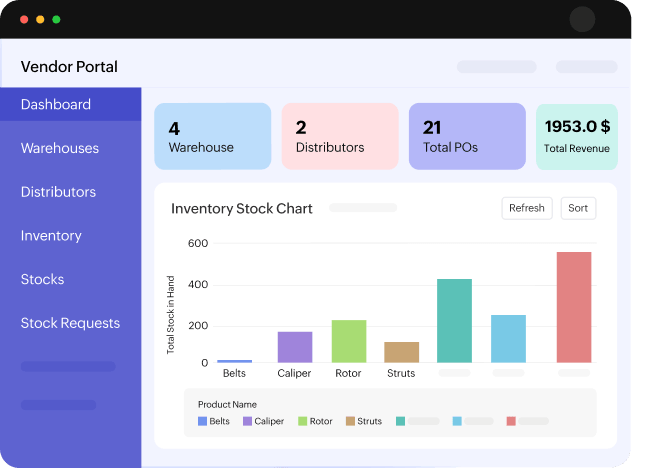
Vendor support portal
Enable vendors to submit invoices, track payment status, manage orders, and upload supporting documents.






Design, secure, deliver, and connect — every layer of a portal, accounted for.
Start with readymade layouts tailored for common portal scenarios and tailor them to your needs.
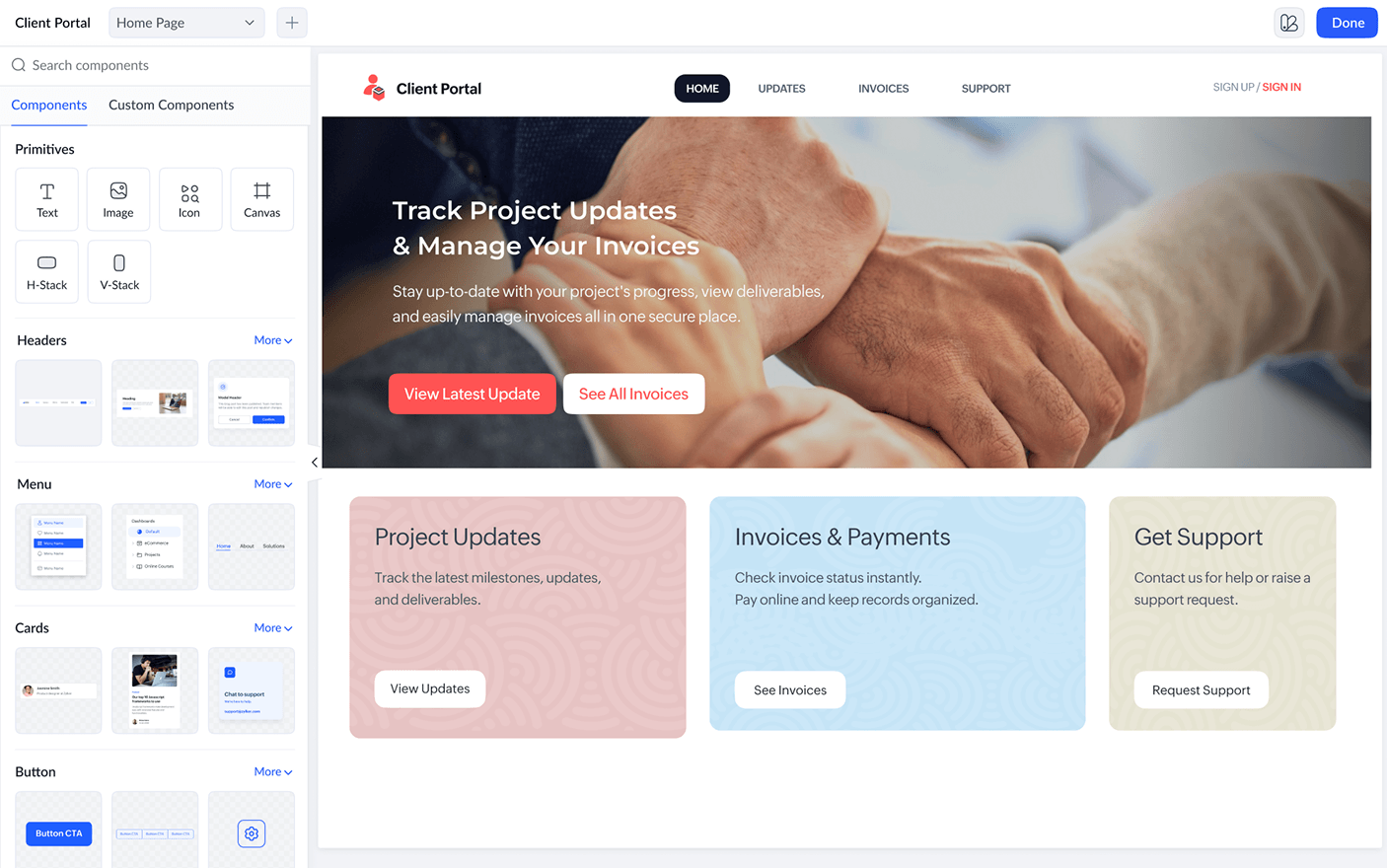
Explore moreUse drag-and-drop controls to add forms, lists, reports, dashboards, hero sections, headers, footers, and more.
Explore moreApply your brand’s fonts, colors, and layouts, and add your custom domain.
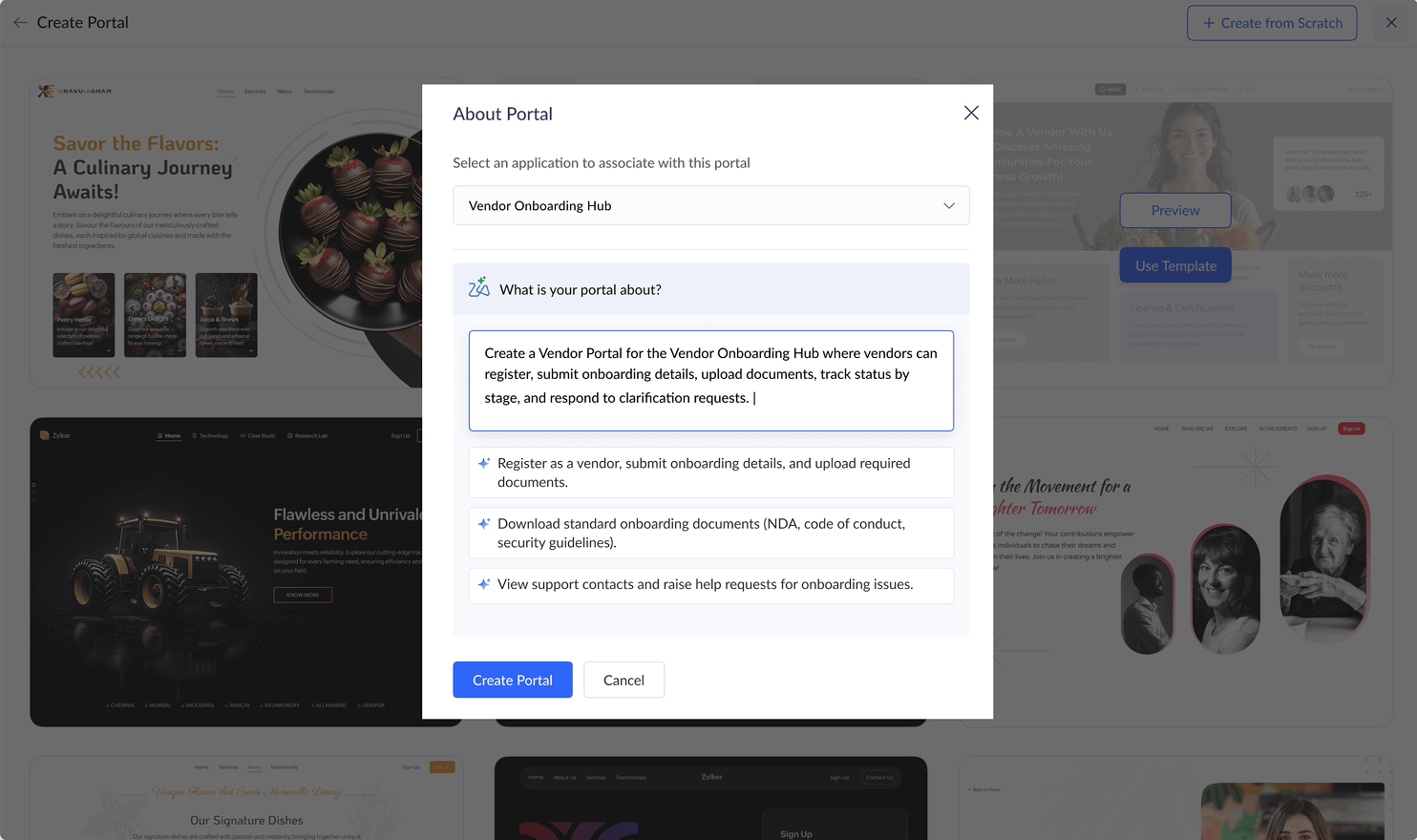
Explore moreUse Zia to intelligently refine layouts with contextual suggestions.
Explore moreDeliver consistent experiences across mobile, tablet, and desktop devices.
Explore more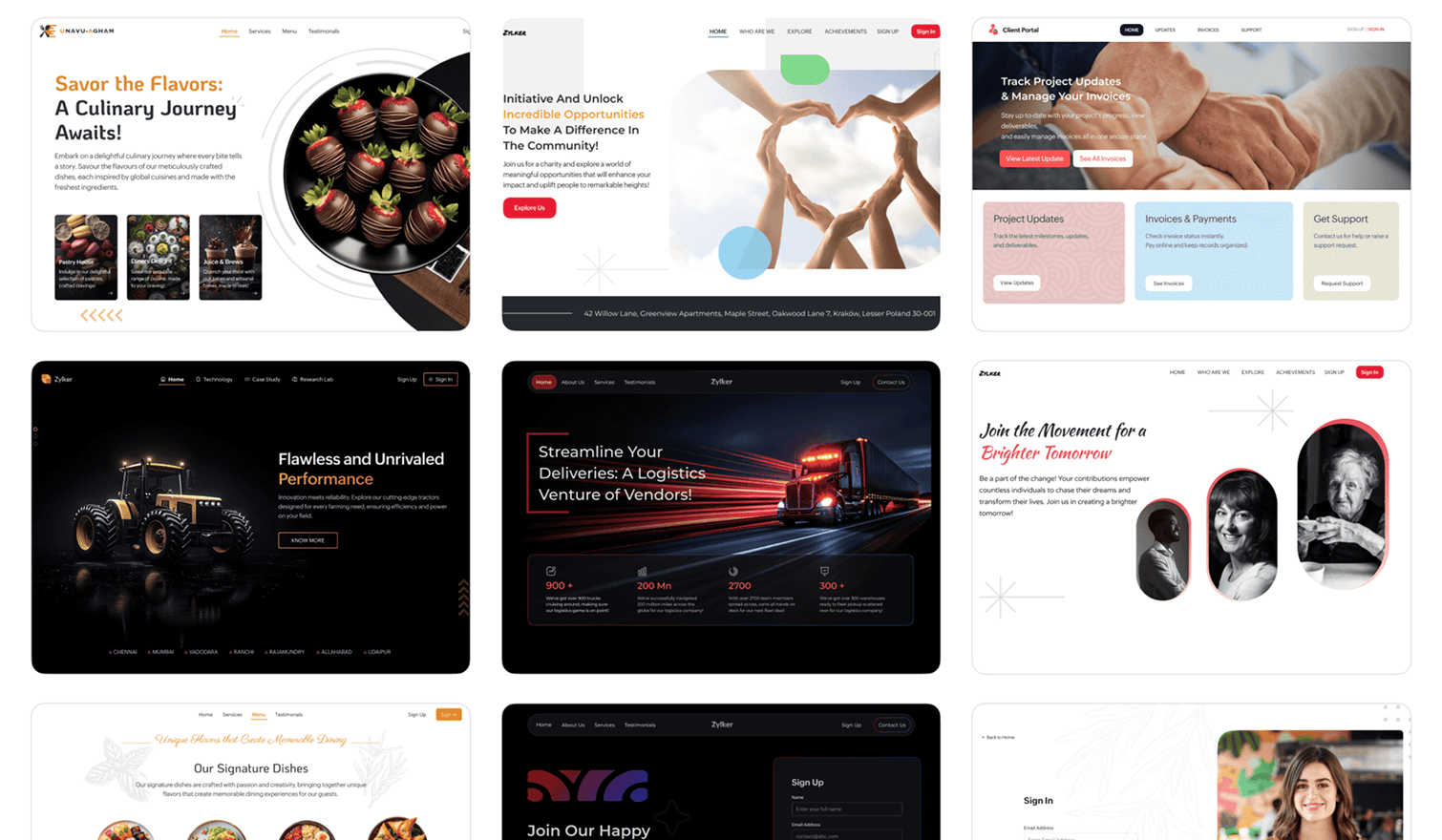
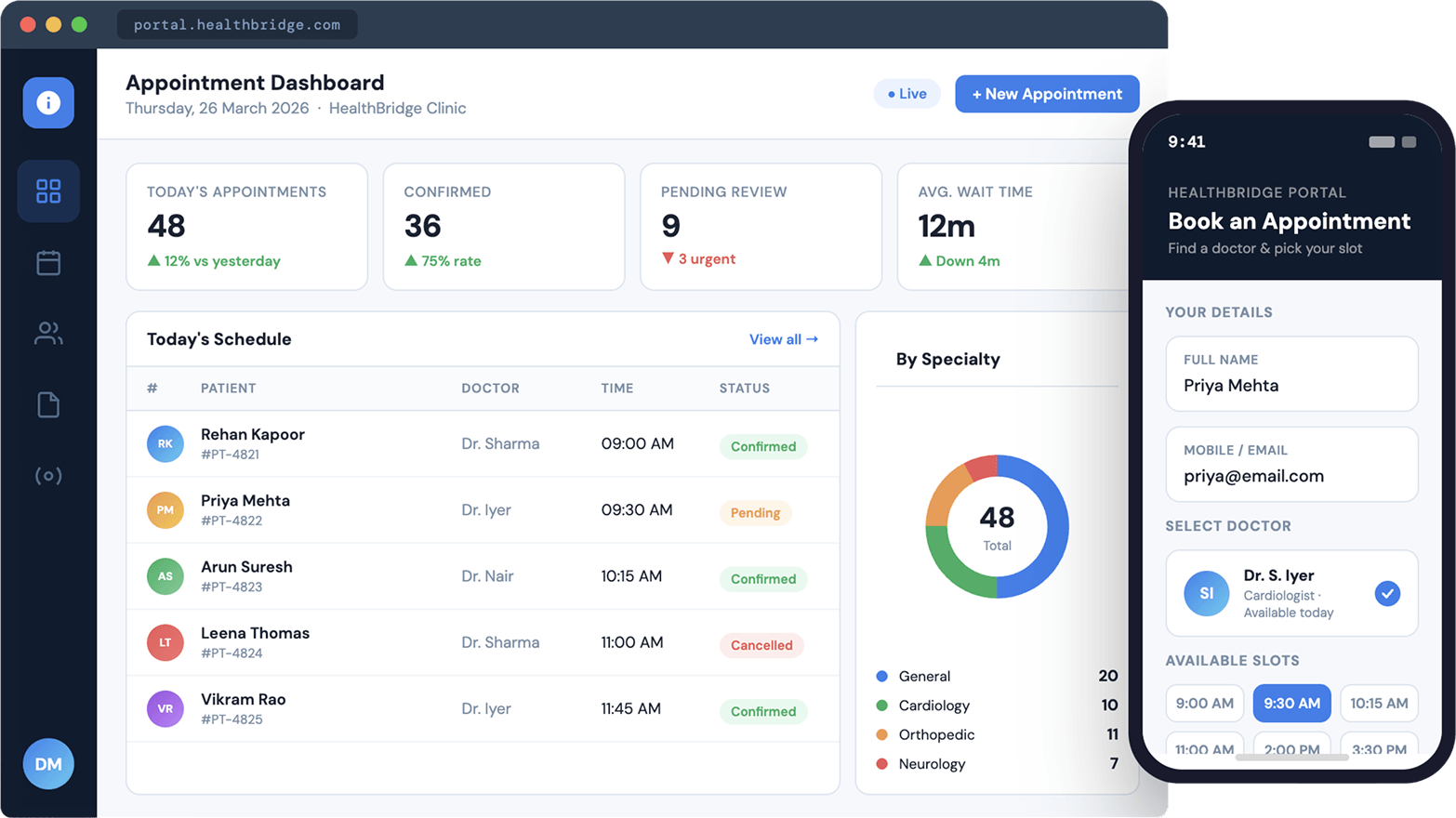
Import or manually add external users.
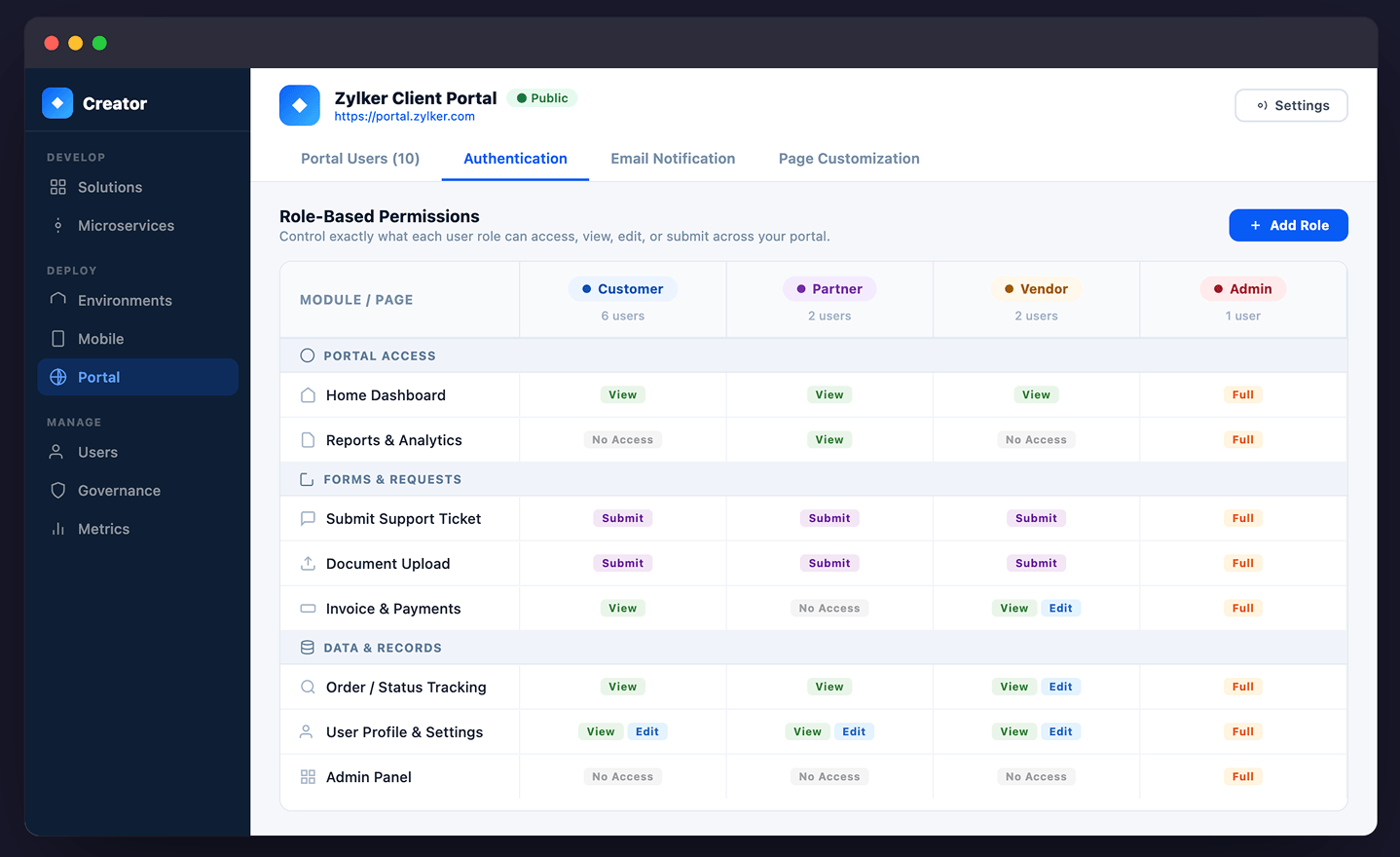
Explore moreControl exactly what each audience can see or do.
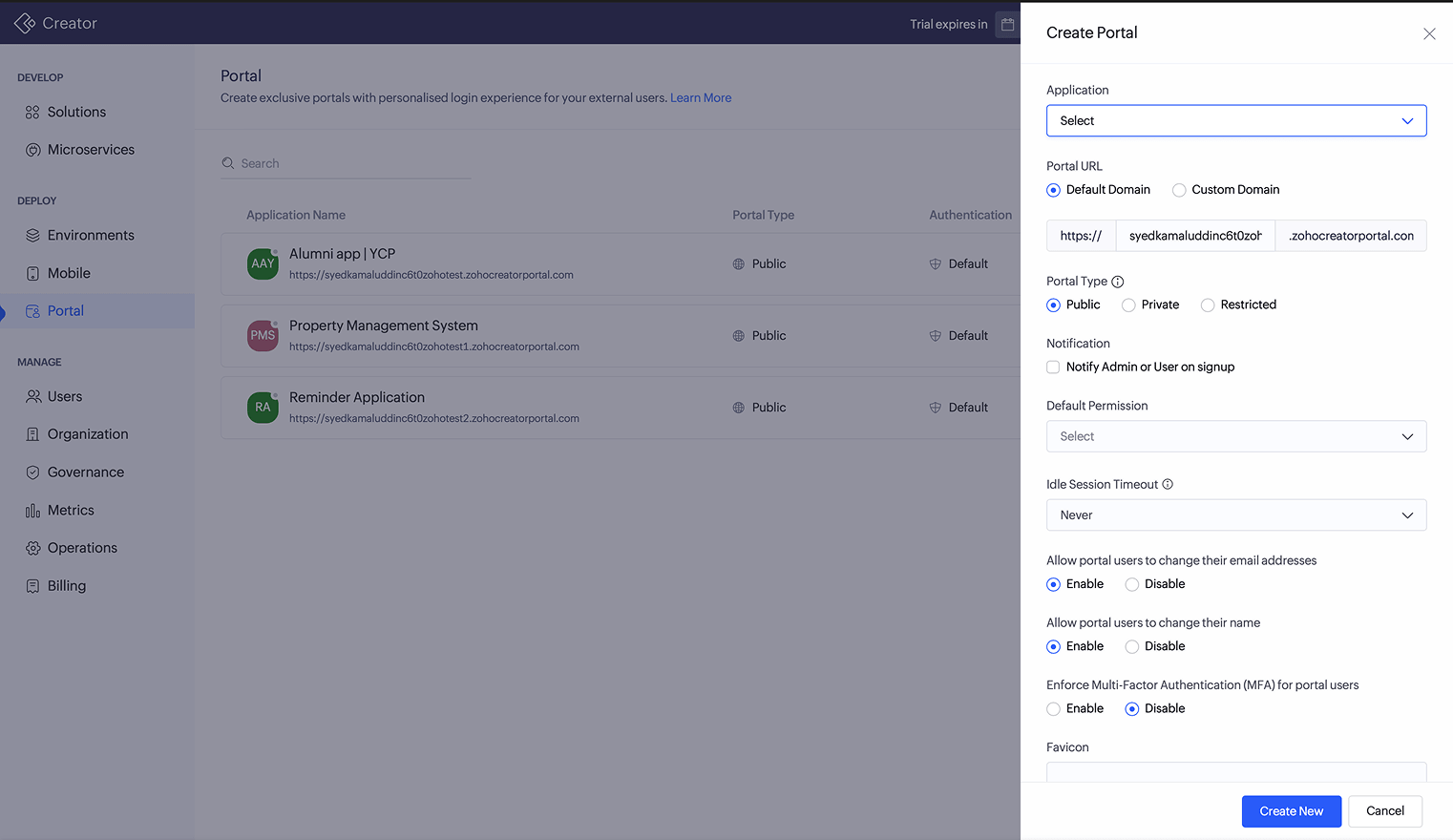
Explore moreConfigure your portal as public, private, or restricted.
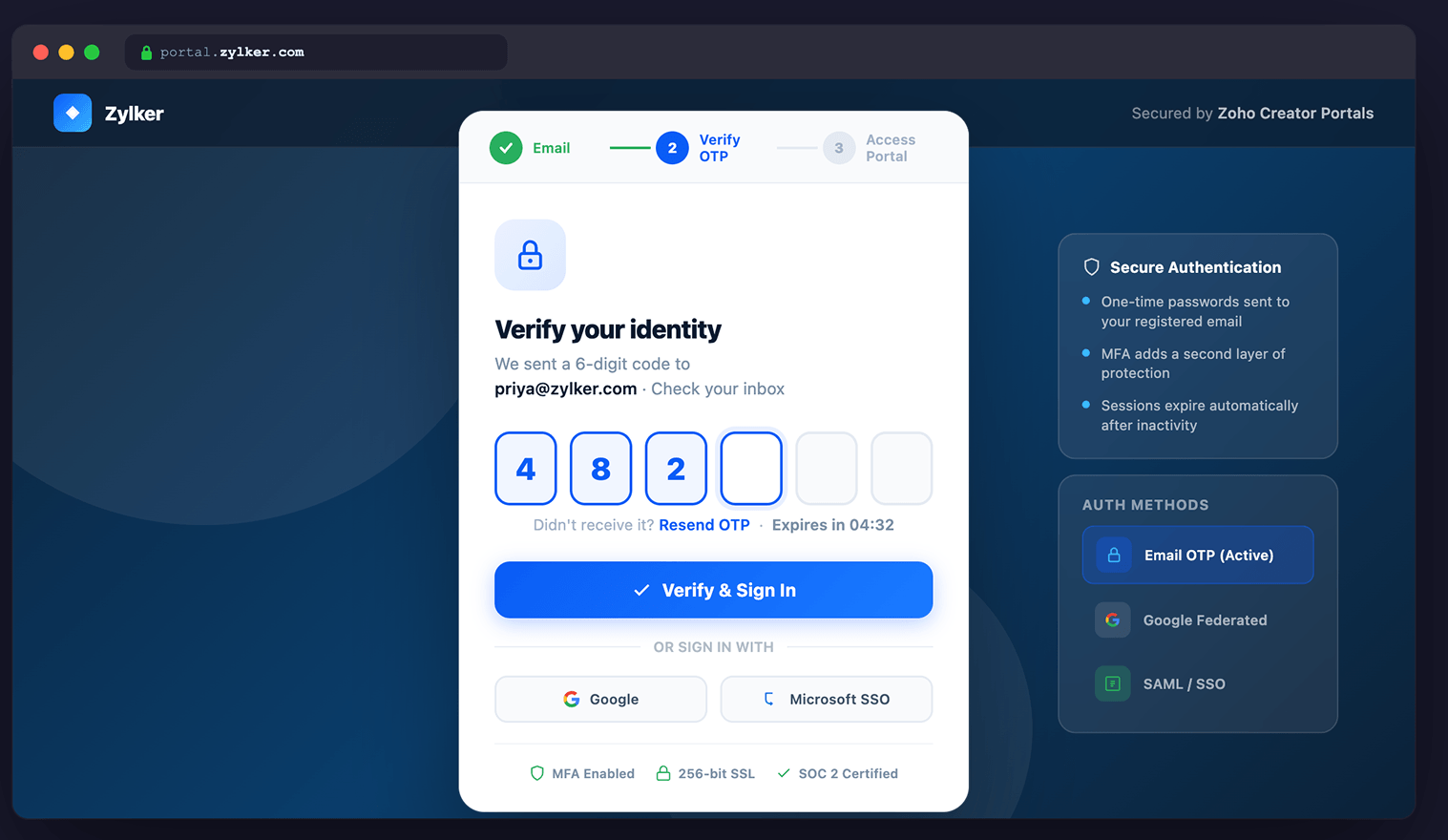
Explore moreEnable multi-factor authentication (MFA) for stronger login security.
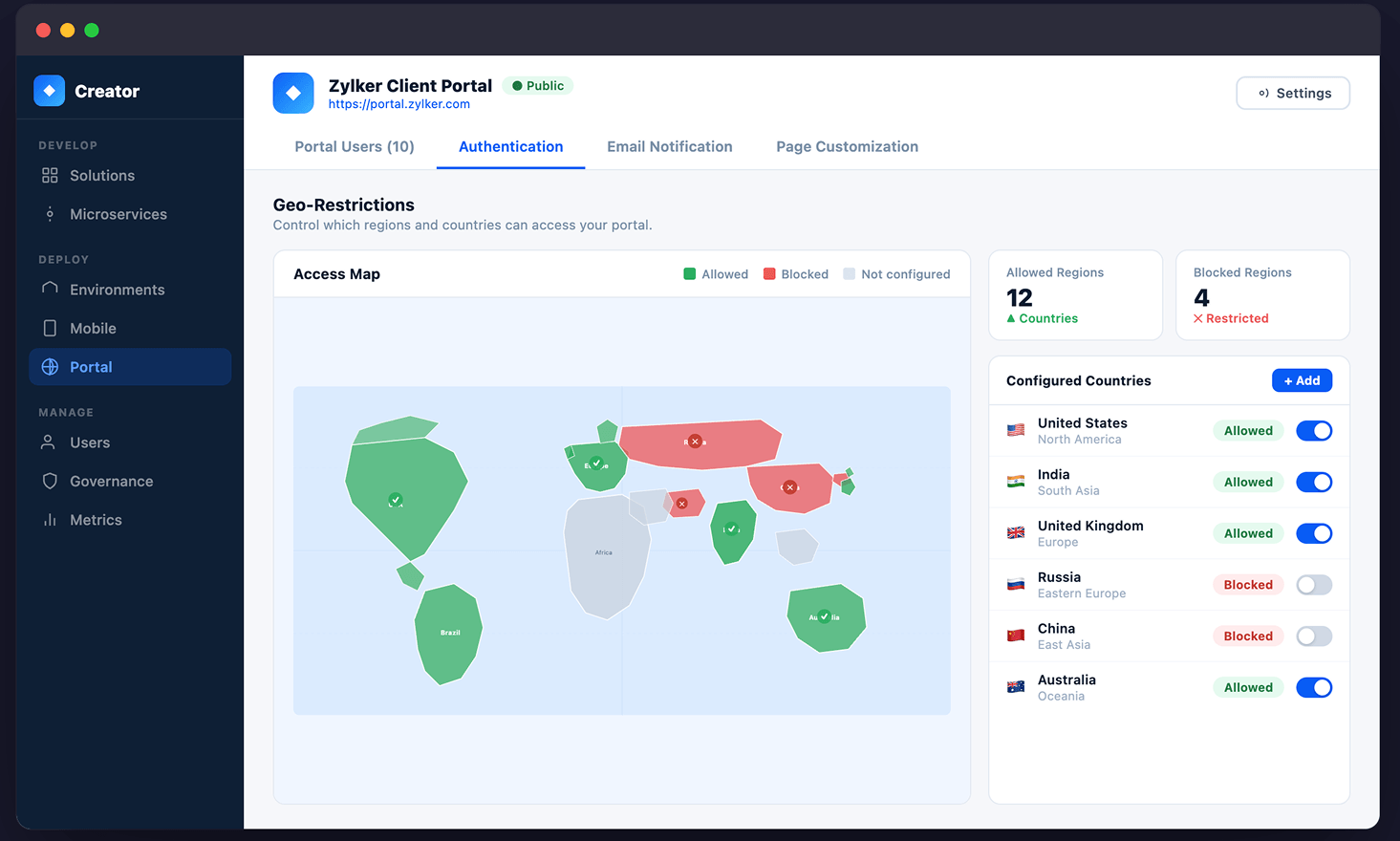
Explore moreLimit access to specific regions or locations.
Explore more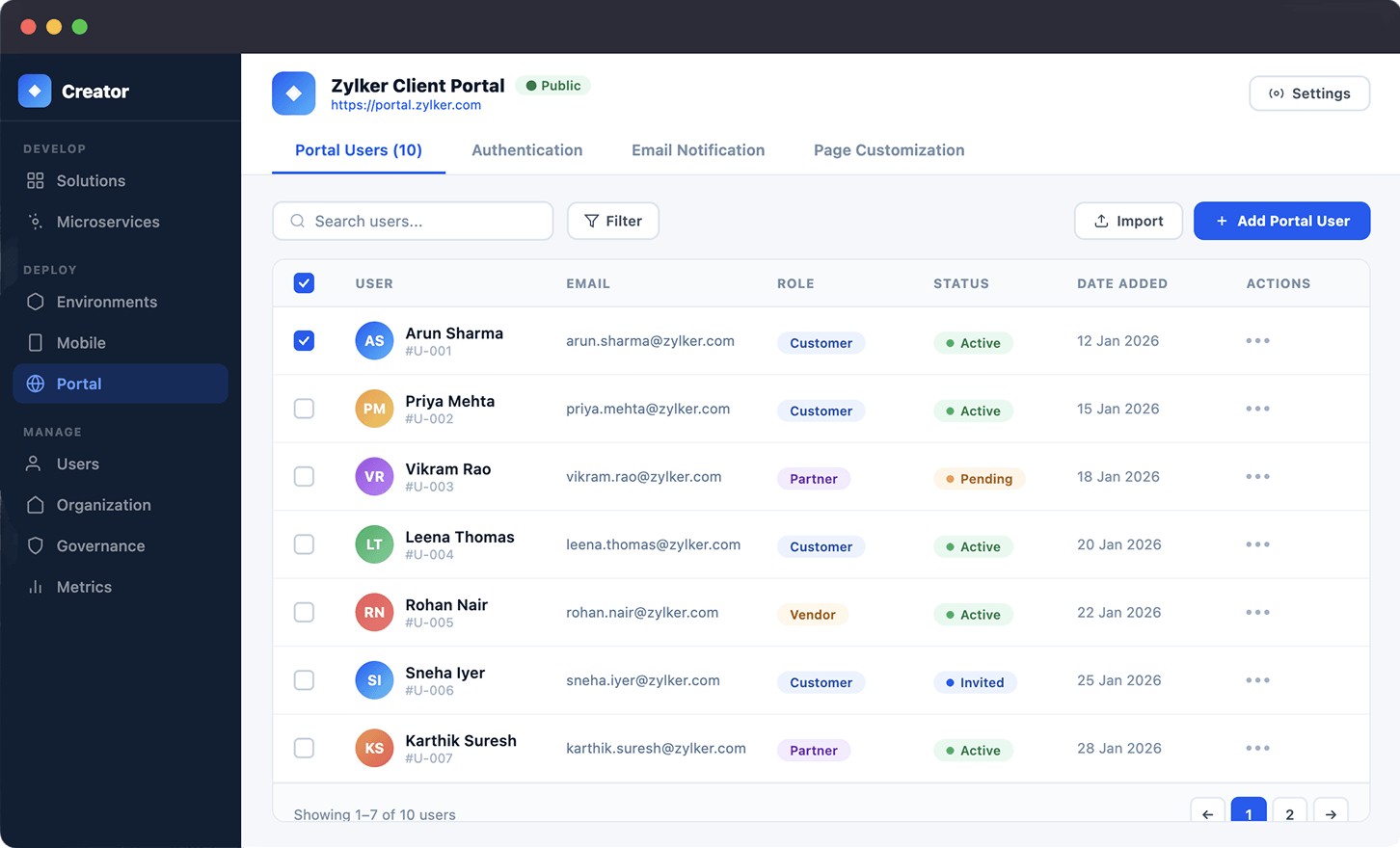
Allow users to submit forms and requests.
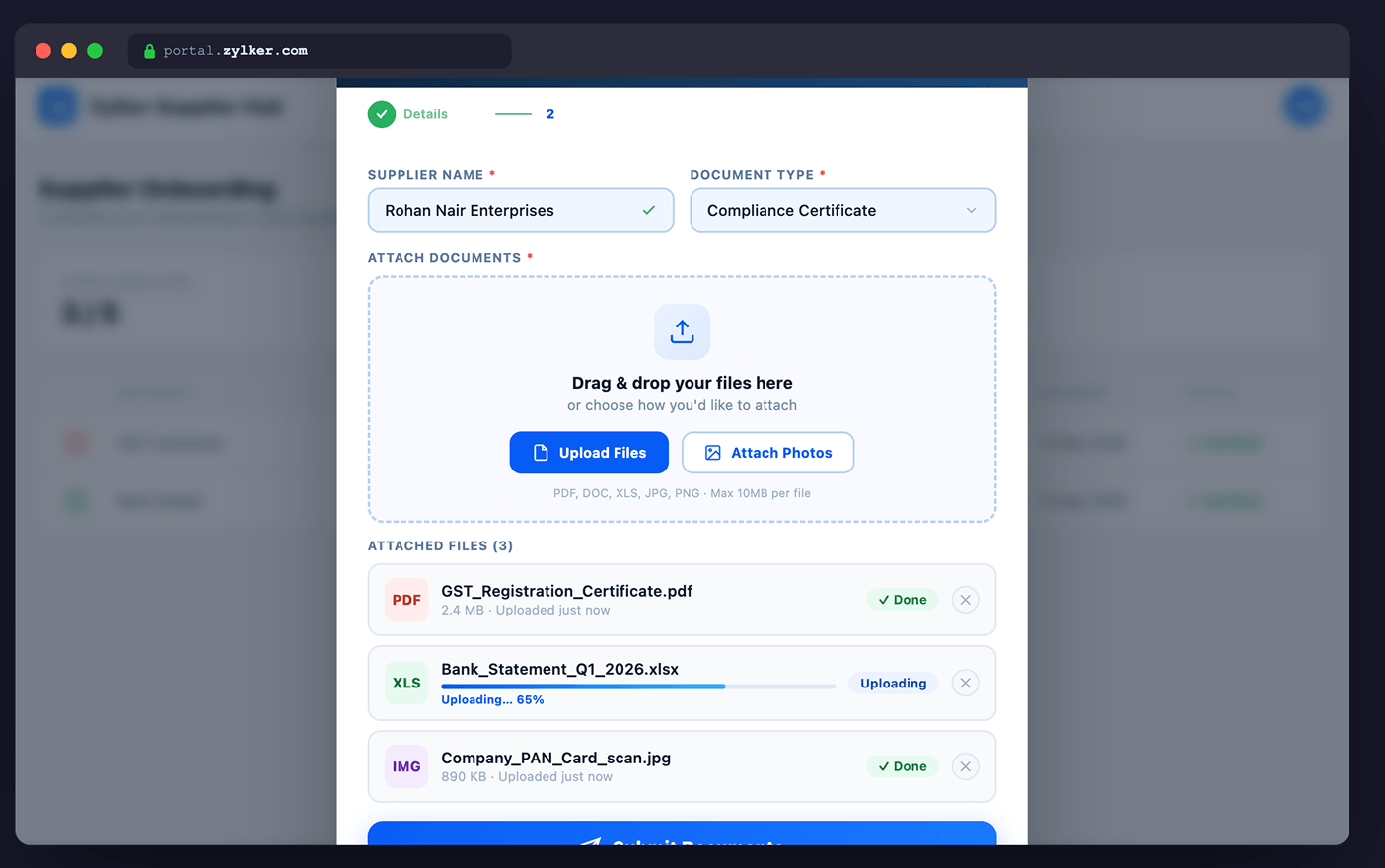
Explore moreLet users move files securely.
Explore moreSee updates and progress in real time.
Explore moreDisplay information tailored to each audience.
Explore more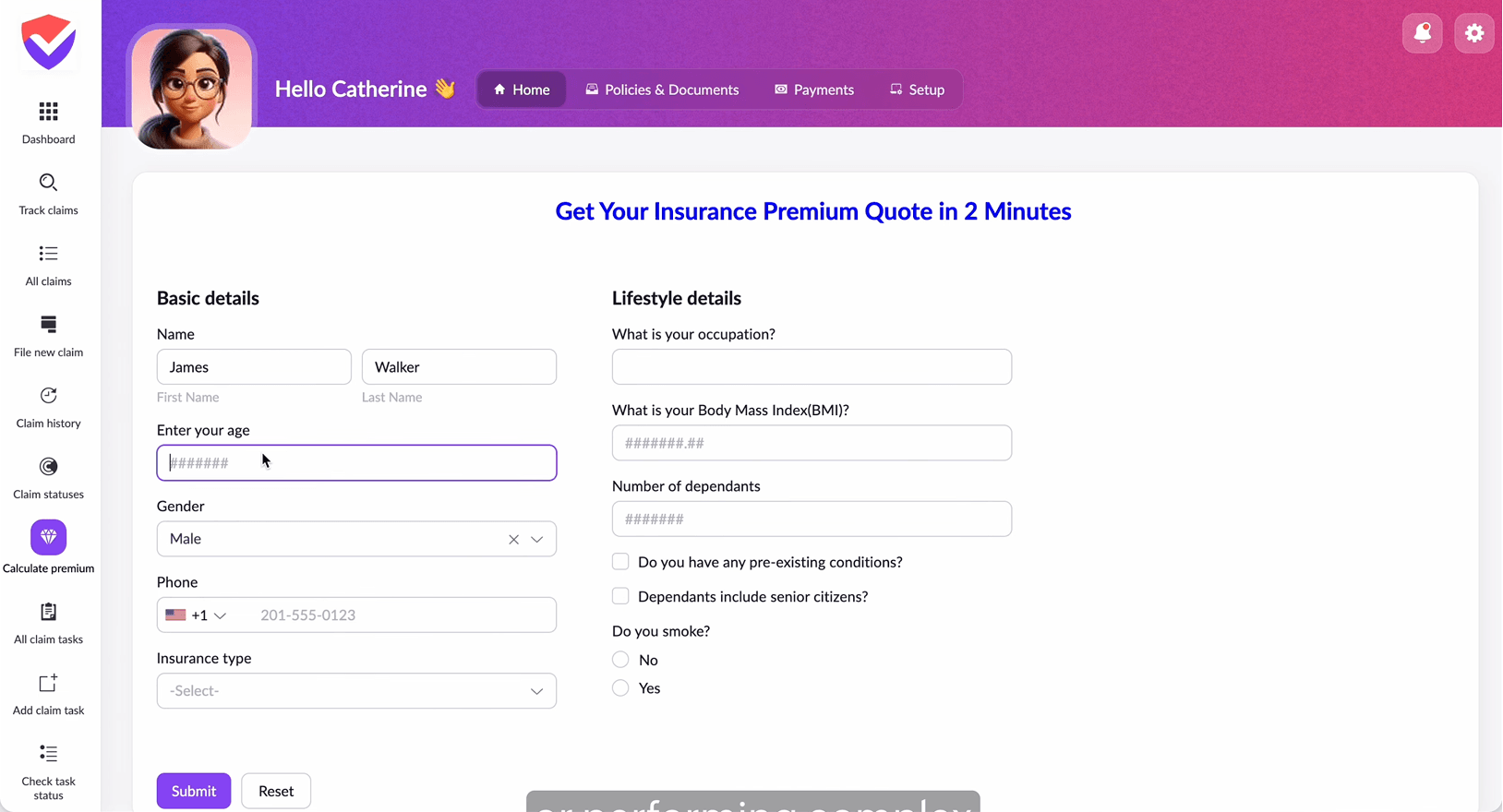
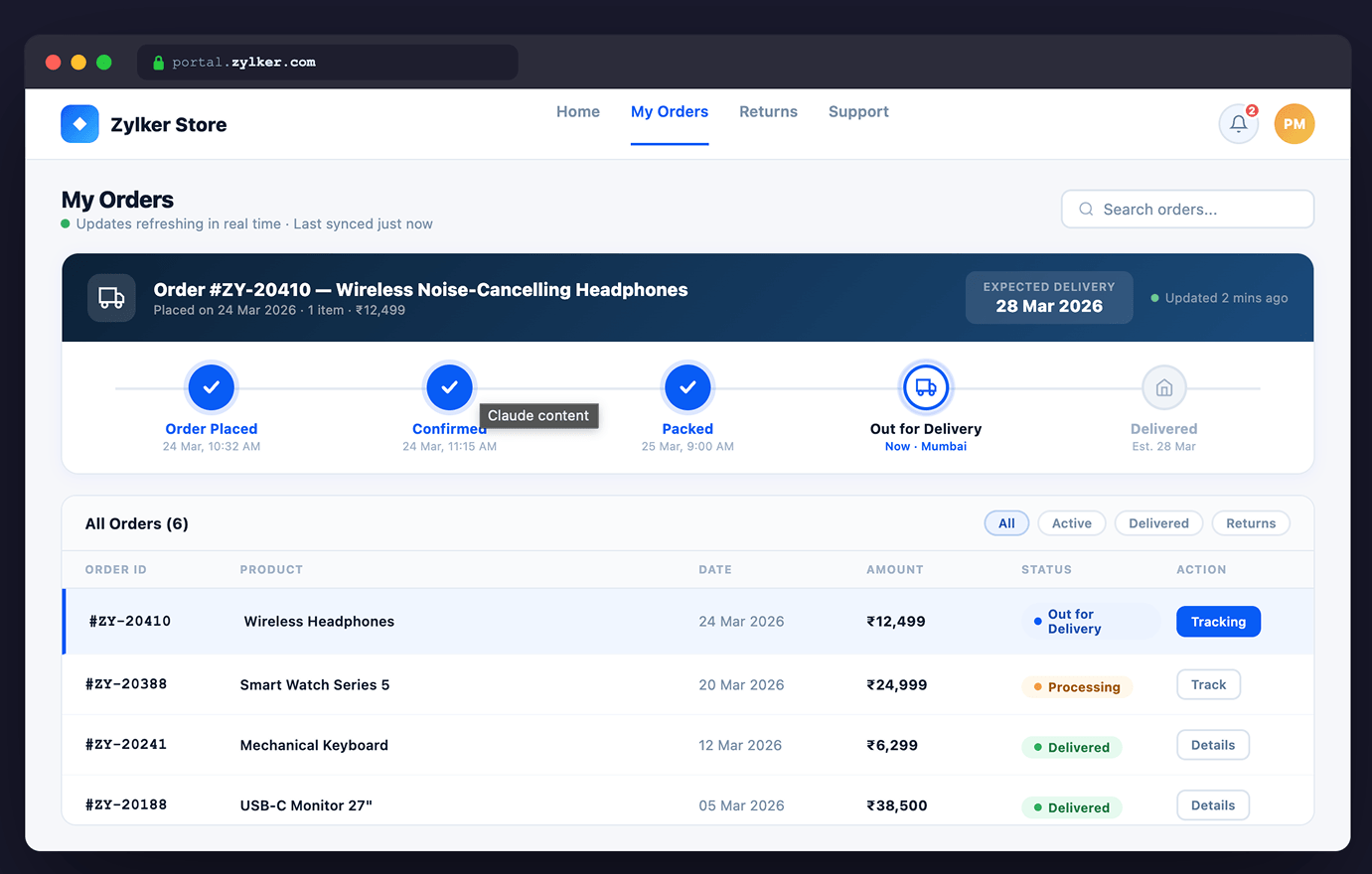
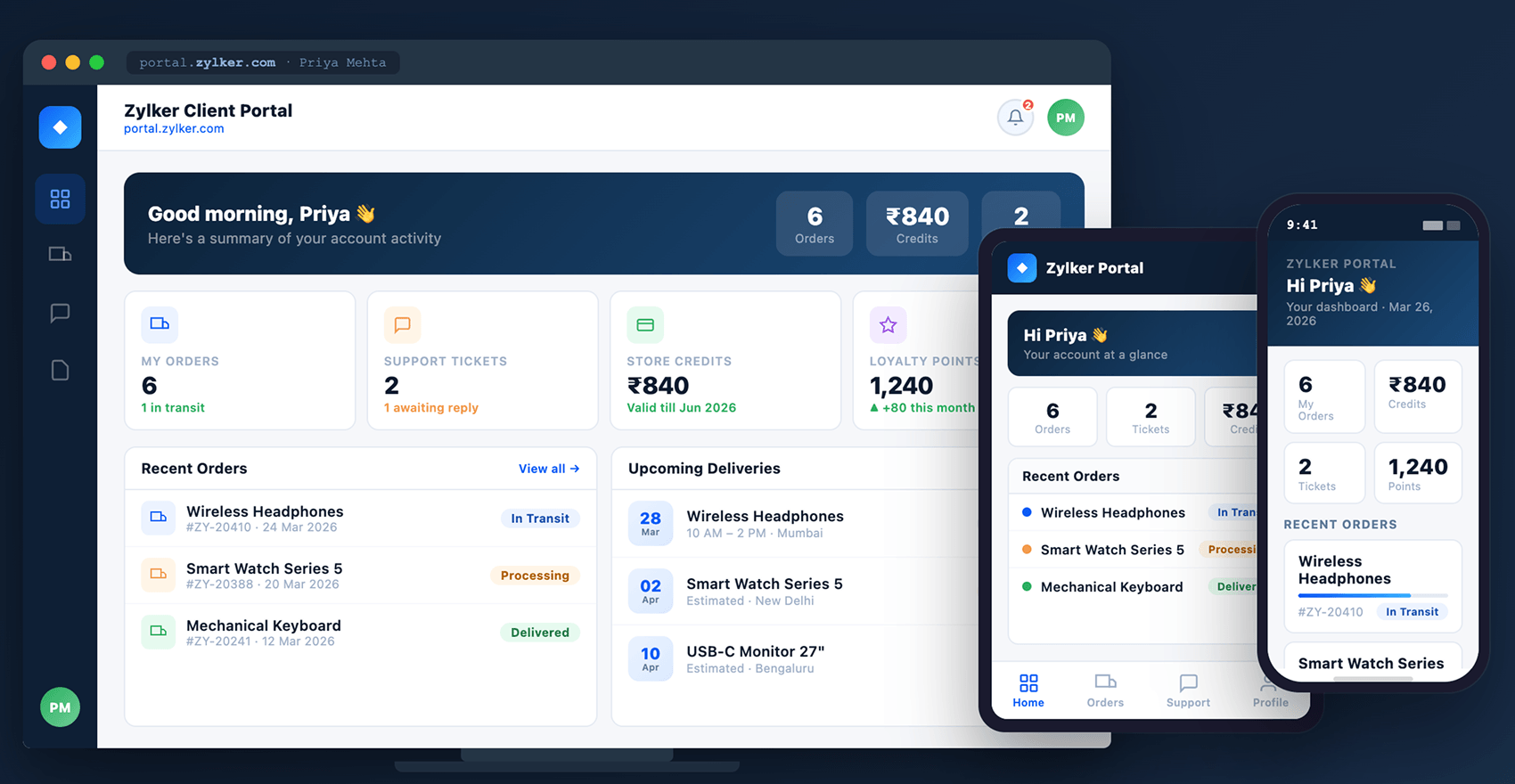
Sync your portal to ERPs, CRMs, databases, and third-party tools.
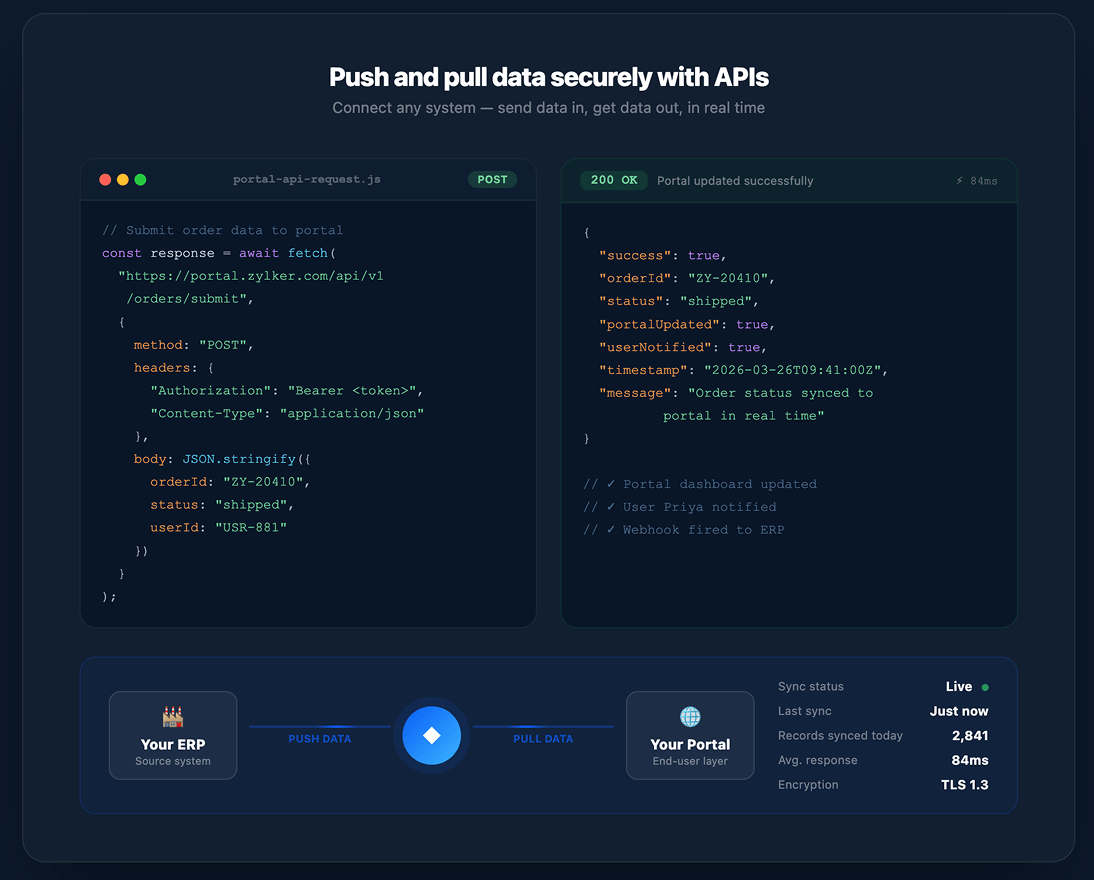
Explore morePush and pull data securely with APIs.
Explore moreTrigger automated actions when users submit or update information.
Explore moreKeep portal data accurate across systems.
Explore more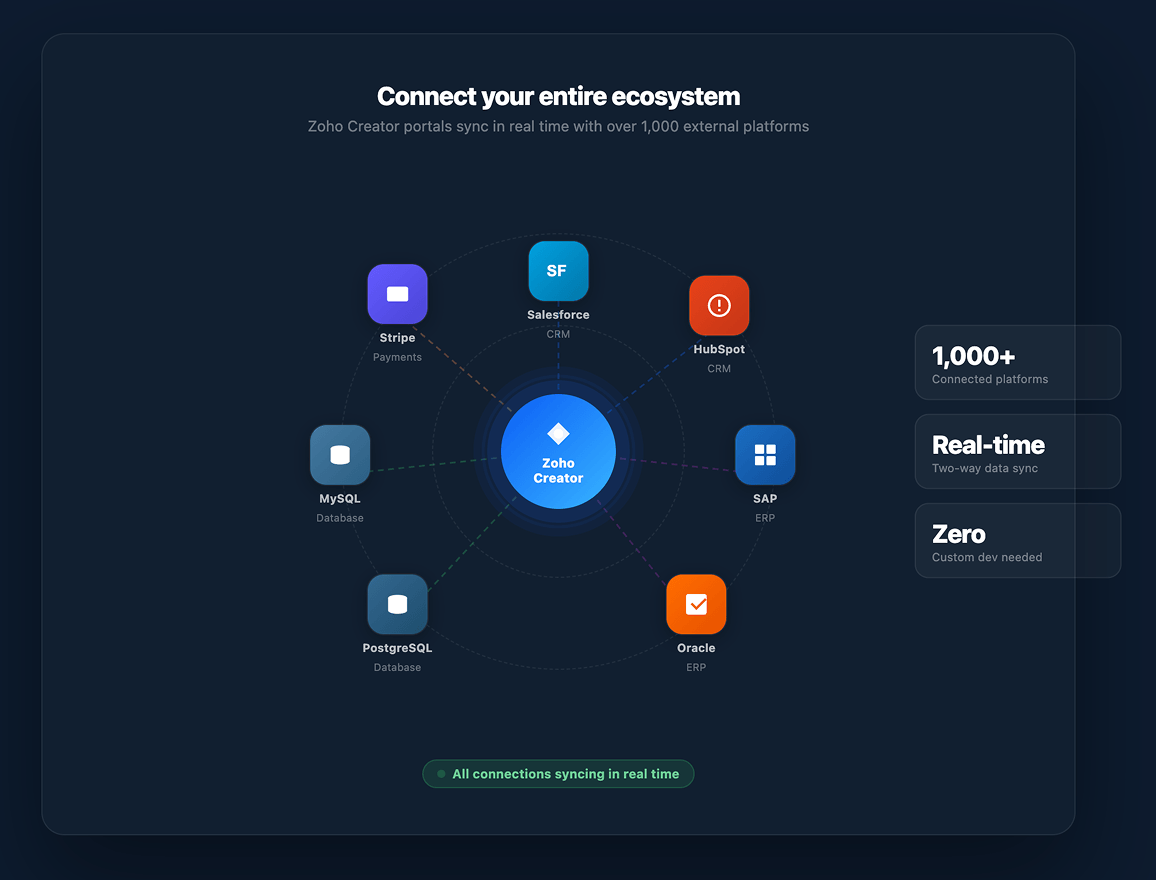
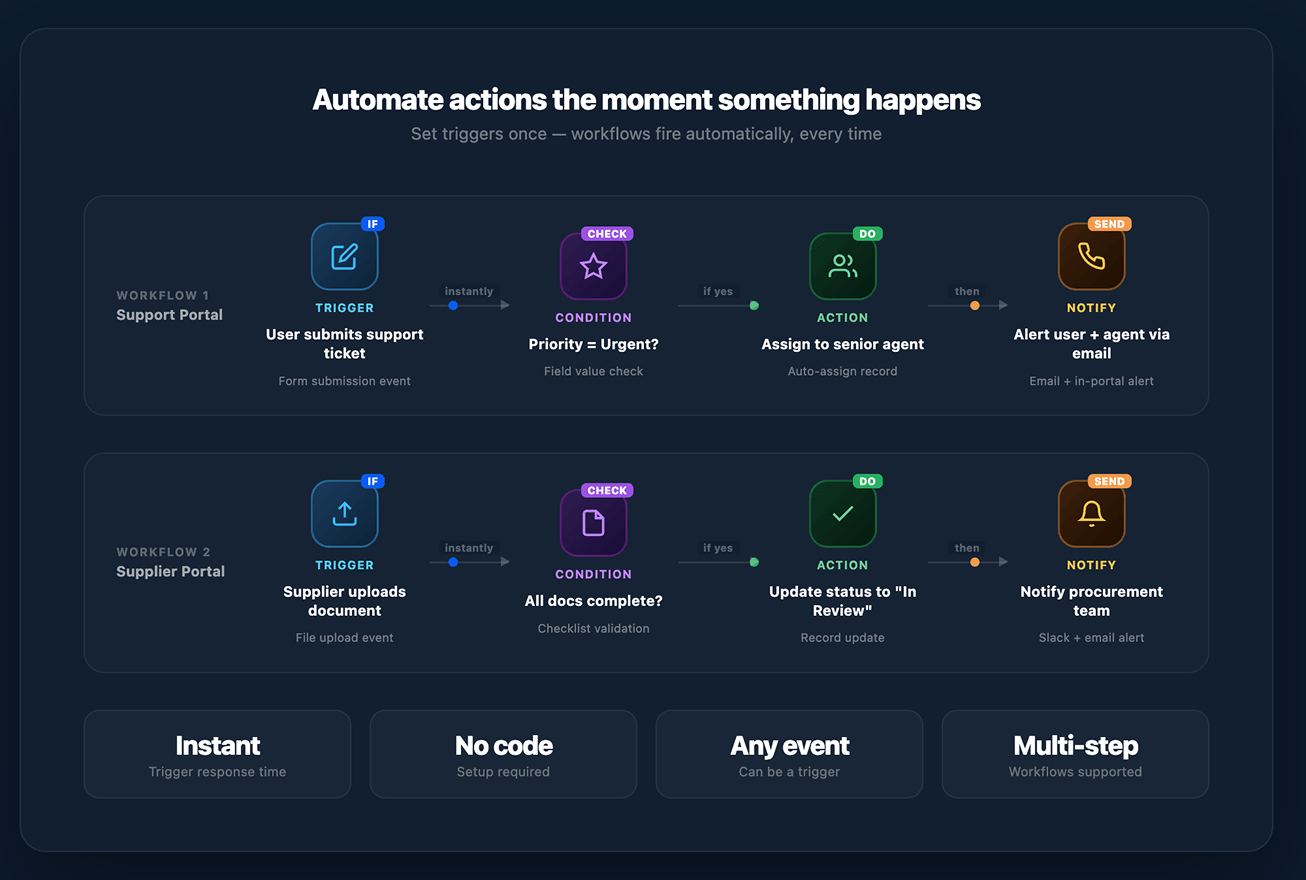
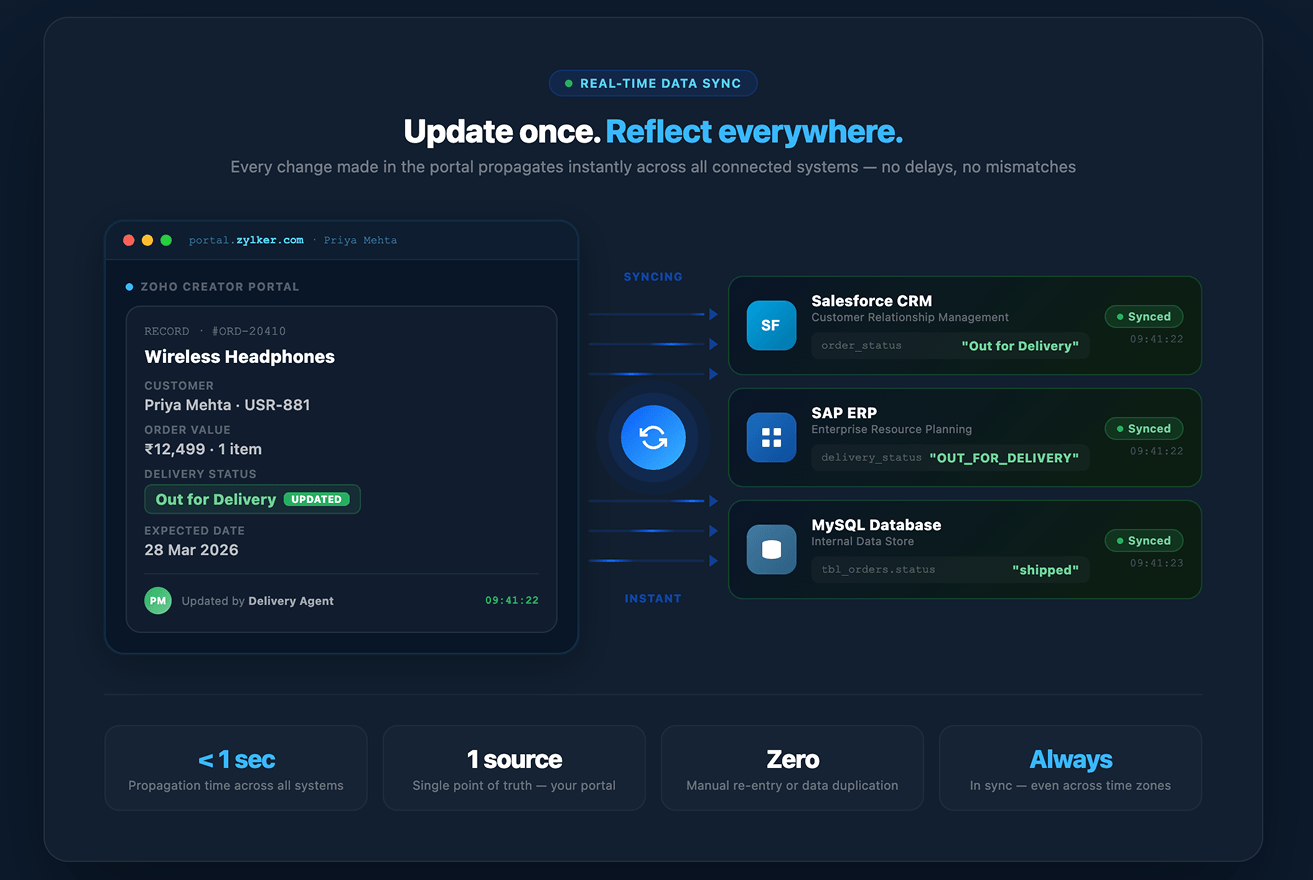
Zoho Creator lets you create portals tailored to specific business workflows. Here are a few examples of what you can build:
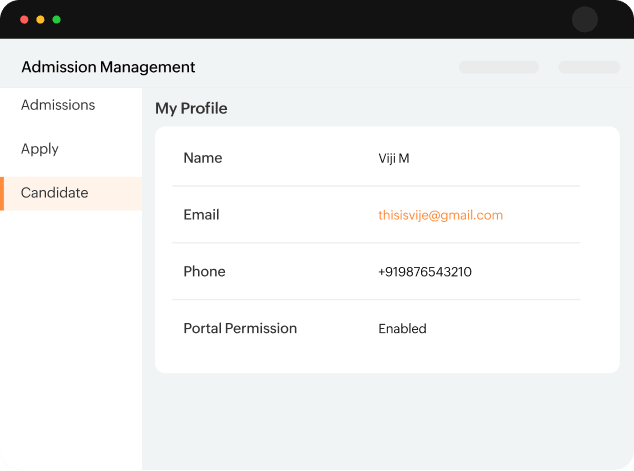
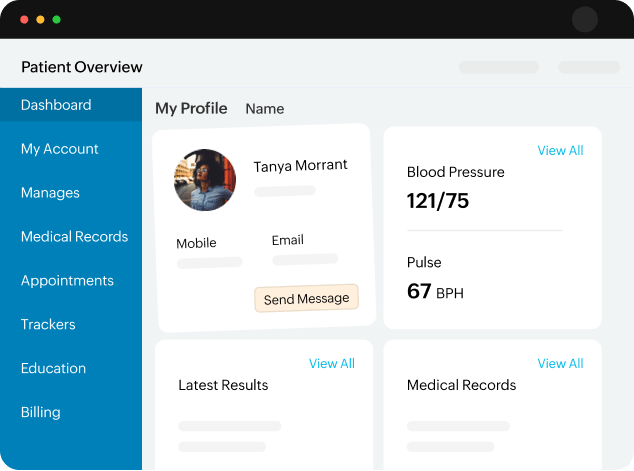
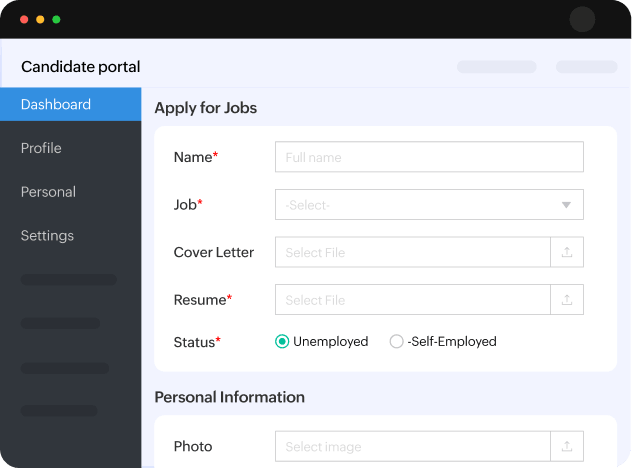
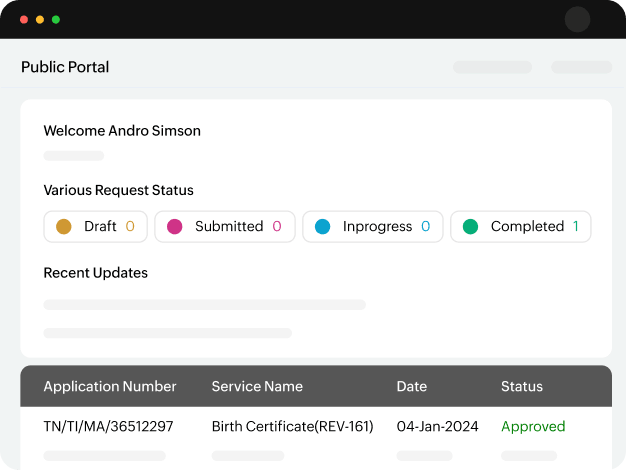
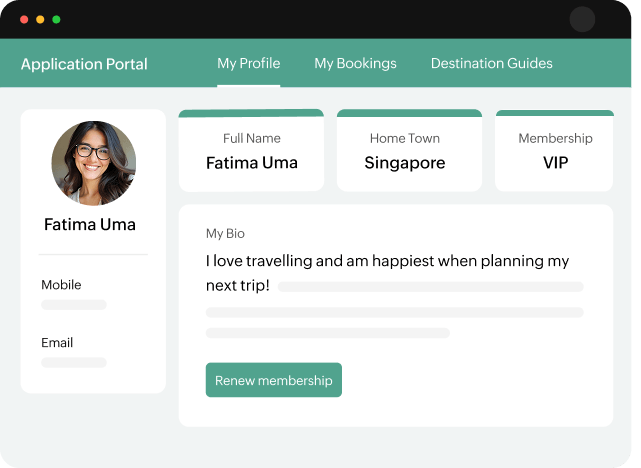
Here are more use cases
Build and evolve portals without heavy engineering cycles or infrastructure overhead.
Support thousands or millions of users without rework or architectural changes.
Connect to over 1,000 external systems, ERPs, CRMs, databases, and more, without custom development.
“The exciting moment was when we sent out this URL to all the students to choose the courses and faculty. Within 30 minutes, I could see about 2,000 registrations.“

Prof. C.MuthamizhchelvanVice Chancellor, SRM University

“Greater Chennai Corporation has a dedicated platform for vaccination, and that was entirely built on Zoho Creator. We're very happy with the performance. It's user-friendly, has a fast processing time, and over 300,000 vaccines have already been booked via the application.“

Azhagu Pandia Raja MPCity Innovation Officer, Greater Chennai Corporation
“We can't measure reduced costs because we wouldn't have been able to get to this scale without Zoho Creator in the first place! Our productivity metrics increased by 100%, and by being able to scale at low cost, we increased revenue many times over.“

Ben Walwyn Chief Technology Officer, Yellow

“Having a platform like Creator allowed us to quickly build, revise, and iterate to stay one step ahead of the needs of both customers and internal users. Zoho Creator allowed us to move at a pace that big banks couldn't match.“

David Clifford Chief Strategy Officer, Tectonic Financial

Portals are secure online gateways that let external users interact with your Zoho Creator applications and data.
Instead of accessing your internal systems, users log in to a dedicated portal where they can view information, submit requests, and track updates relevant to them.
Visit our help documentation to learn more about portals.Portal users are external stakeholders like customers, vendors, partners, or students who need controlled access to your applications. For example, a university can create a portal that allows students to access academic information without exposing internal systems.
Internal users, on the other hand, access Creator applications directly and do not require portal licenses.
Yes. Zoho Creator allows you to customize portals based on different user roles and use cases. Businesses have built portals for customer support, order tracking, supplier onboarding, recruitment, loan applications, student services, and more.
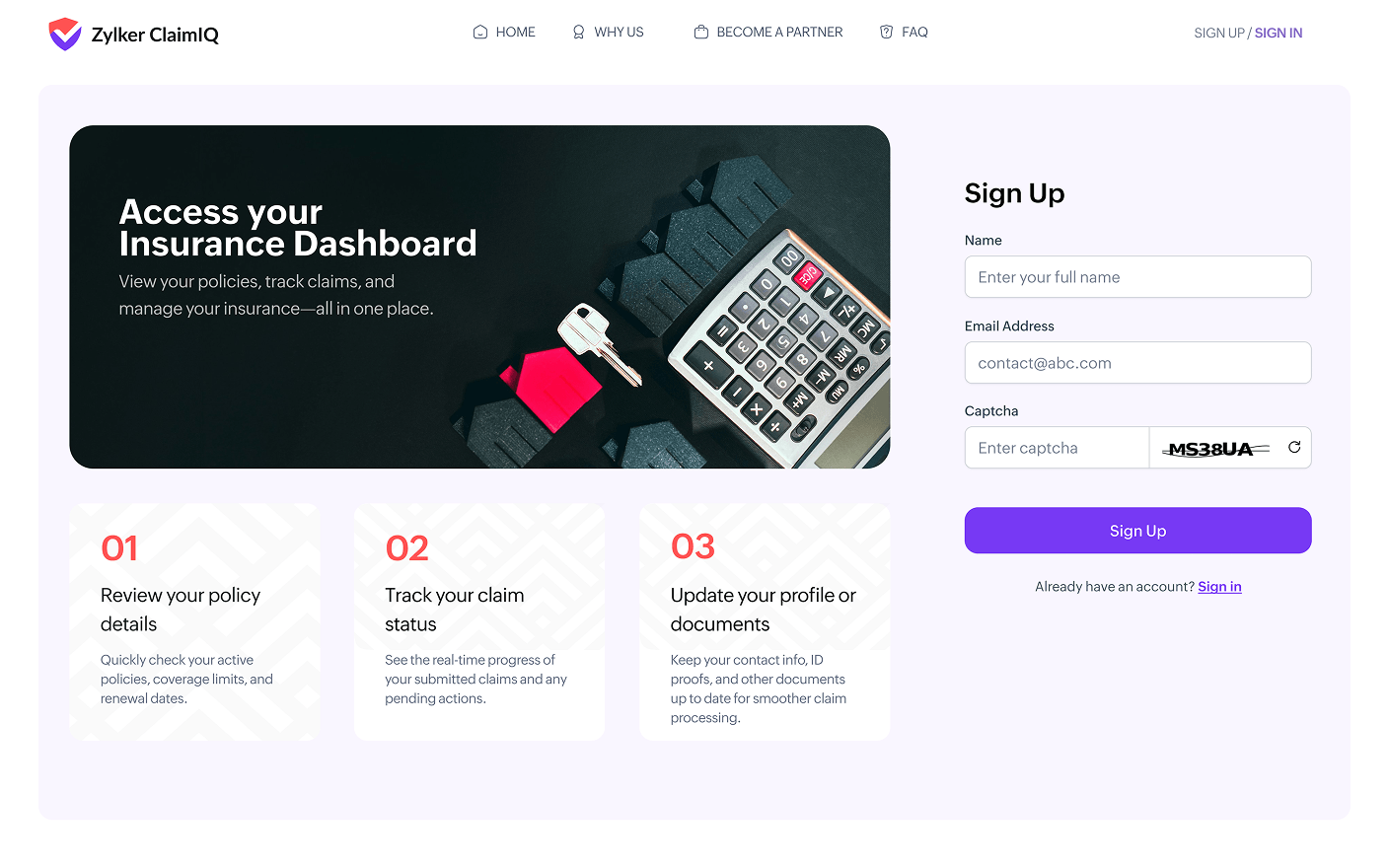
You can also customize login, sign-up, and password reset pages using the portal page designer to create a branded and consistent user experience.
Zoho Creator supports multiple authentication mechanisms to ensure secure access, including:
Admins can also define role-based permissions to control what portal users can view or manage.
Portal access is available as an add-on for the Standard, Professional, and Enterprise plans. Licensing is based on the number of external portal users and applies only to users accessing the portal.
Status tracking