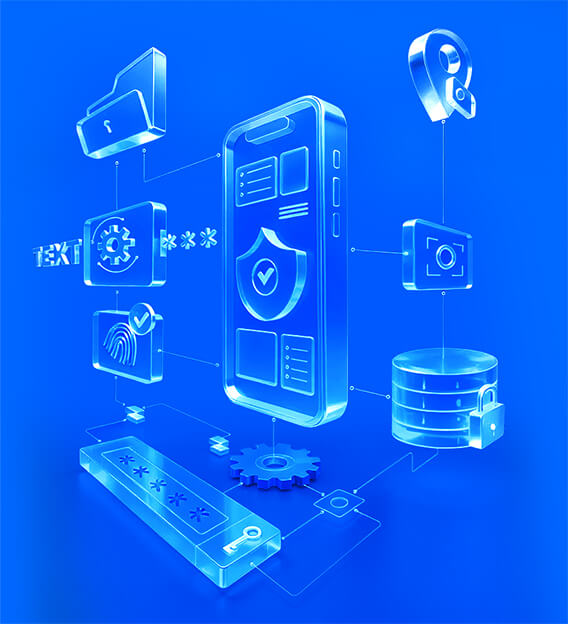
Experience trust with Zoho CRM's mobile privacy features

Your mobile device is your office, network, and dealmaker. With so much at stake, privacy isn't optional; it's essential. At Zoho CRM, we give you full control over how data is accessed, used, and shared—so your data privacy always stays in your hands.

lead-generation-through-zoho-sites

Access and authentication

Safeguard your CRM data from unauthorized access.

Password and biometric lock

Add an extra layer of protection with app-level password and biometric authentication. Use face ID, fingerprint, or a custom password to unlock the app and securely protect your sensitive CRM data and ensure it stays safe even if your device is lost or shared.

Jailbreak alerts

Devices with weakened security become vulnerable to security threats. The CRM app blocks sign-ins from such devices and allows access only from secure devices, protecting your account from potential risks.

Automatic data removal upon logout

Logging out automatically clears all temporarily stored CRM data from your device, keeping your information private and secure.

Data transfer and sharing

Decide exactly where your CRM data can go.

Clipboard restriction

Prevent any copy-pasting from your CRM app and make sure your data can't be moved to personal chats or notes.

Address sharing control

Maps apps can access records only when you choose. You fully control whether address data is shared outside the CRM or kept private within it.

Siri and Spotlight control

Decide for yourself whether to share your activities with Siri and whether CRM data appears in Spotlight searches. This gives you complete control over how your information is used on your device.

Caller ID and contact preference

Enable caller ID to share CRM contact details with your device so incoming calls display the caller's name and number. Turn this setting on or off at any time.

Input privacy

Protect every keystroke

Third-party keyboard restrictions

Block third-party keyboards that can capture what you type. Only trusted system keyboards are allowed in Zoho CRM fields.

Predictive text for sensitive fields

Disable predictive text to ensure sensitive field data isn't shared with the keyboard. This prevents predictions from appearing while you type.

Stored data protection

Keep your data safe on your device.

Encrypted database

All CRM data is encrypted using advanced standards when stored on your device. This means even if someone accesses your phone's storage, they can't read CRM data without a decryption key.

Files and media encryption

Attachments like voice notes, PDFs, or customer documents are encrypted while stored, adding an extra layer of protection beyond the database.

Controlling action on sensitive fields

During exports, restrict sensitive fields like email addresses, phone numbers, healthcare data, or financial details to keep customer information secure.

Device management

Give your teams the tools they need to protect data responsibly.

Screen capture

Prevent screenshots, recordings, and copying of CRM data outside the app. This protects sensitive information from unintentional sharing or storage, especially in industries like finance, healthcare, and legal.

App Diagnostics Sharing

The CRM app collects crash reports and diagnostic information without tracking personal data such as usernames, emails, or phone numbers. You can choose to opt in, opt in anonymously, or opt out entirely.

Admin controls

Admins have centralized controls to define how data is accessed, shared, and protected on mobile devices. With policy-driven settings applied across teams, organizations can enforce consistent privacy standards while allowing employees to work securely on the go. Data stays protected without adding friction to daily workflows.

Your privacy; your control

At Zoho CRM, privacy isn't just a feature; it's a commitment. Every safeguard is designed to keep your data compliant and secure, and ensure nothing moves without your knowledge out of Zoho CRM.