
Uncomplicated access
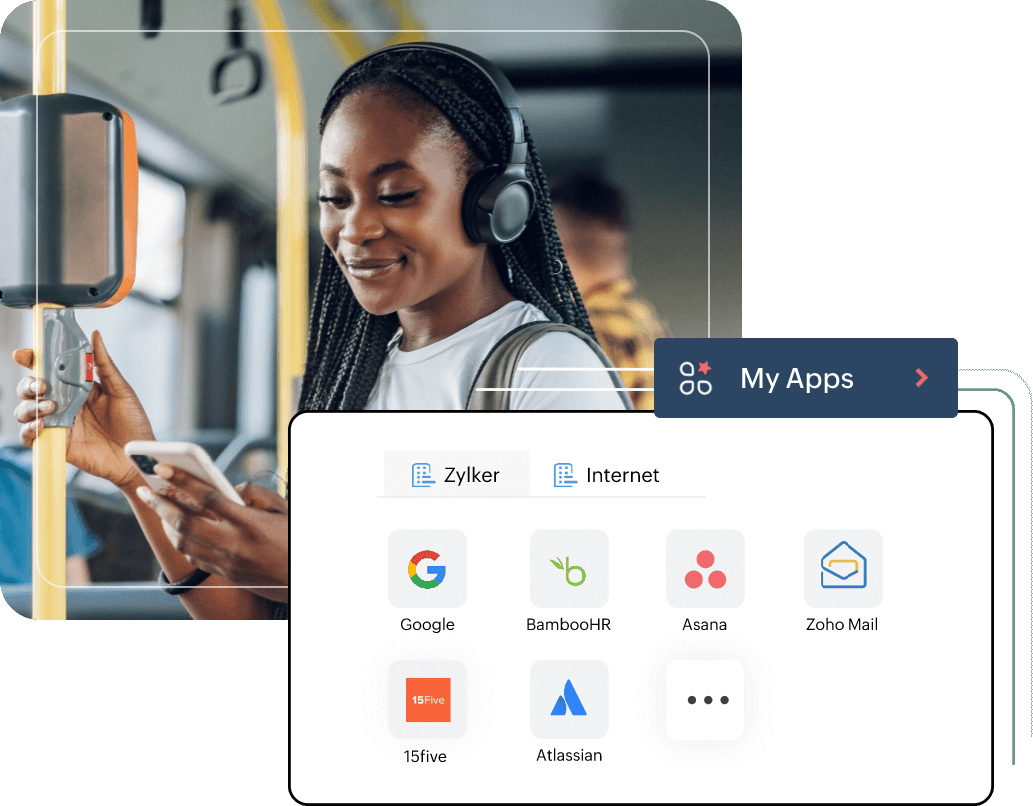
Enable your employees to access 1000+ applications like Google Workspace, Dropbox, Zendesk, and more with one set of credentials.
Now employees can acess all their work apps from one single place.
Unobstructed experience
Create a seamless user experience for your employees by removing multiple logins to their devices and work applications. Single Sign-On saves time and improves overall workforce productivity.
Unburden IT Admins
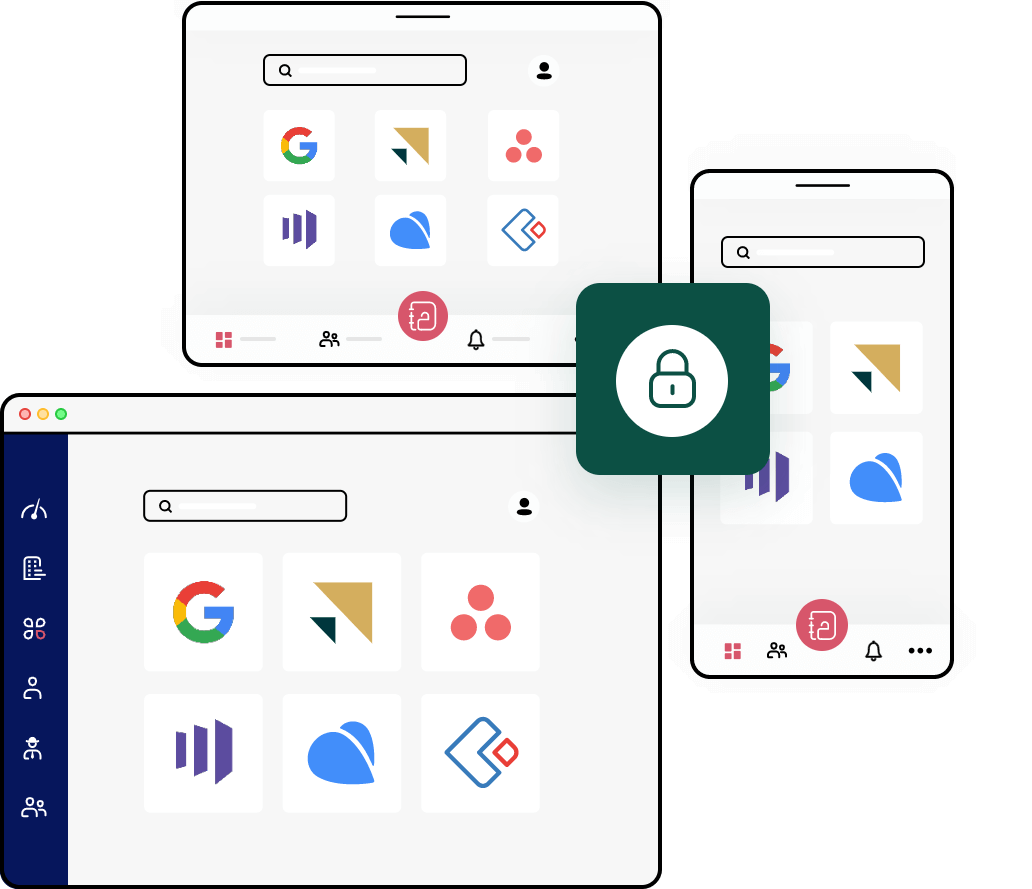
Reduce the load on IT admins and teams with one secure credential to access all work applications. The time saved for IT admins can be used in critical tasks and is bound to reduce IT costs of your organization.
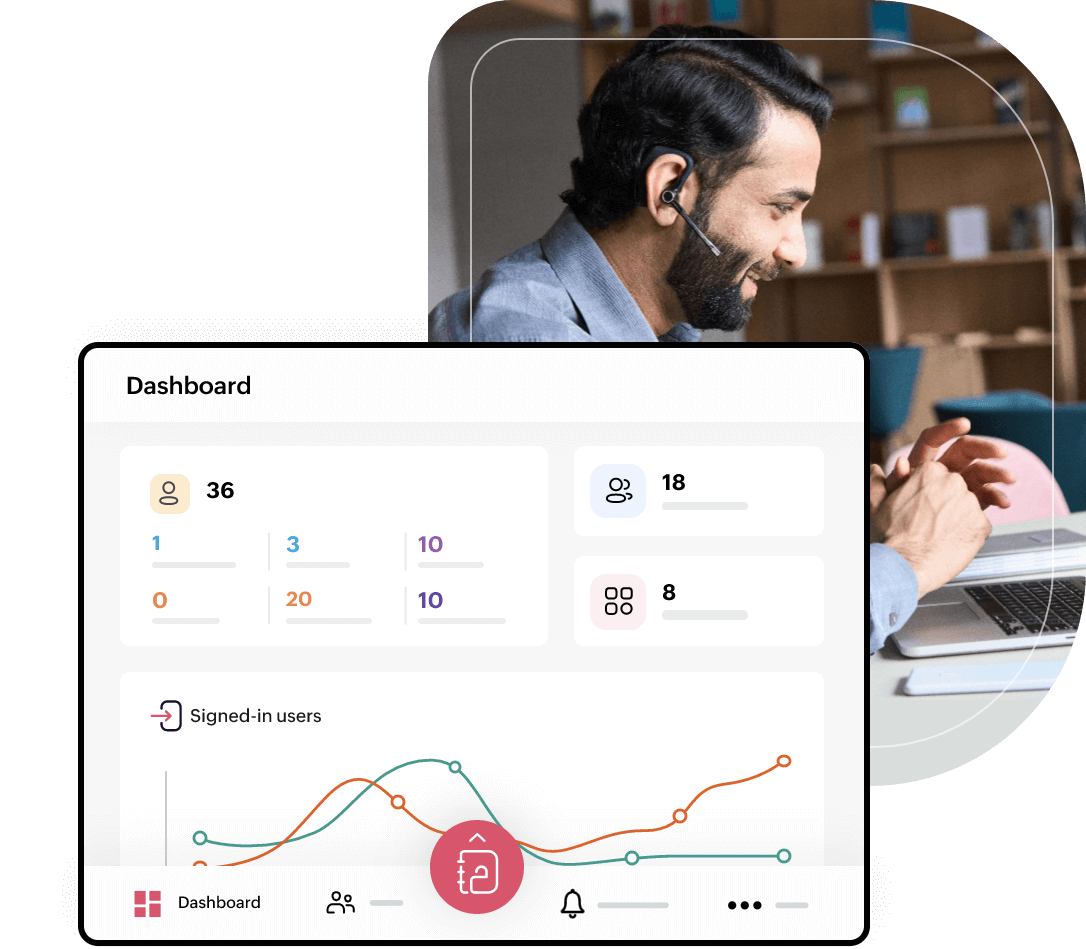
Manage the interactions from an intuitive central console designed for IT teams.
Uncompromised security
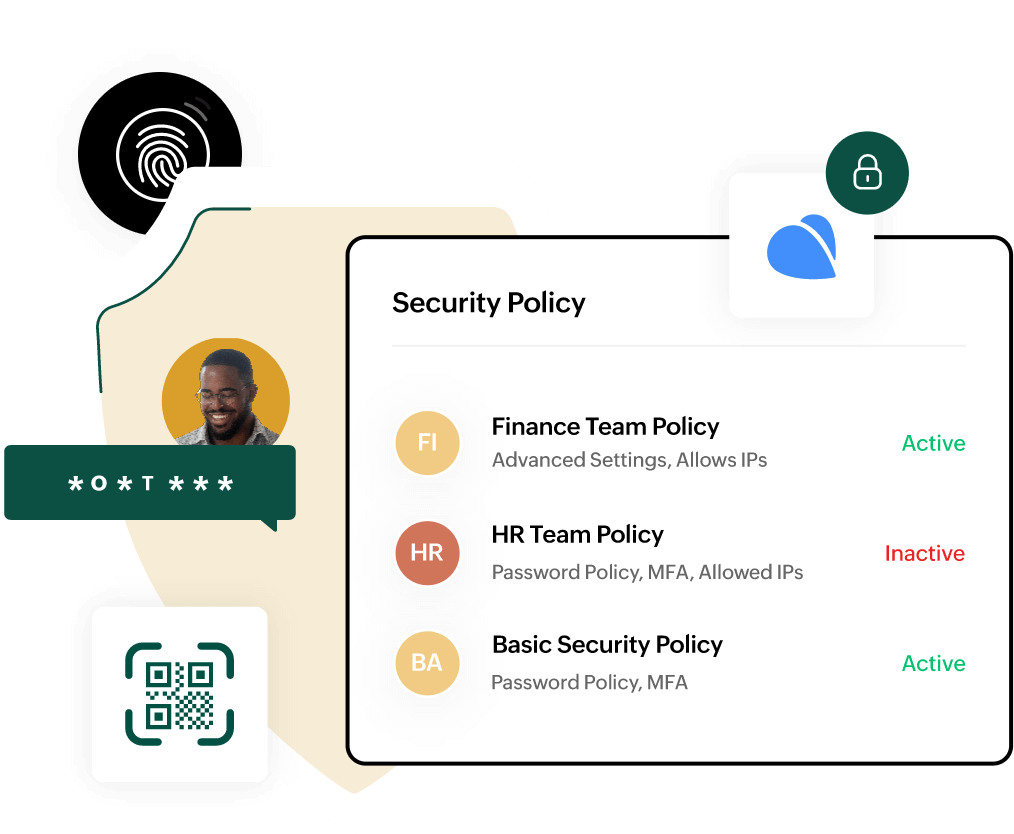
Frame security policies based on user profiles and applications, and protect your company from cyber attacks and poor password management.
Implementing SSO in your organization is the first step to introduce other org-level security controls like Multi-Factor Authentication (MFA), password security, and IP restrictions.
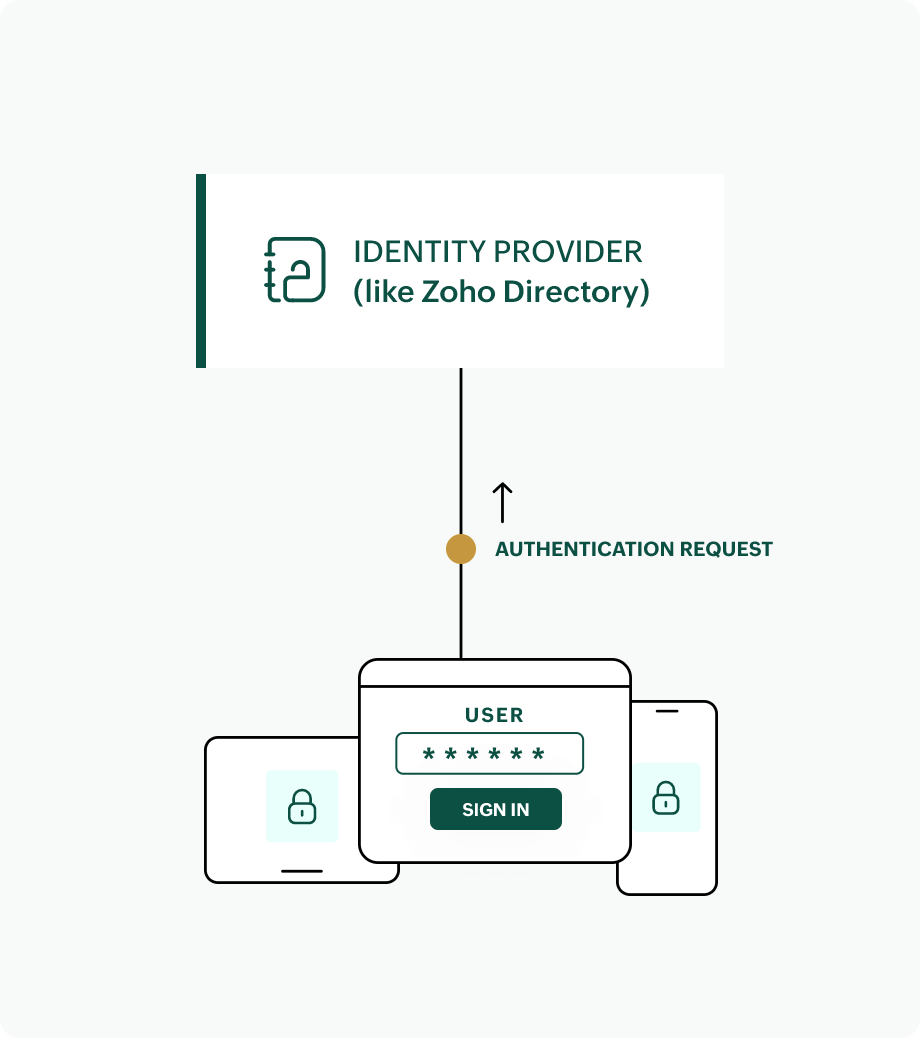
How does Single Sign-On(SSO) work?
If you are manually managing application access in your organization, Zoho Directory's Single Sign-On (SSO) will feel like magic. SSO is realized when there is a secure exchange of user information between an app, device, or website (called a service provider) and an identity provider (like Zoho Directory).
Next, the identity provider proceeds to authenticate the user based on the information received. Once the user authentication is complete, the user is allowed to access the app, device, or website. All these steps happen in the blink of an eye, like magic.
SSO in action
Add Applications to Zoho Directory (ZD)
Configure SSO with one-click
Assign Apps to Users
500+ plug-and-play app integrations that help you enable SSO the simple way










How to choose the best SSO solution
Choosing the right SSO solution is essential for streamlining IT management and improving user experience. IT admins should evaluate key factors such as:
Integration capabilities
A SSO solution should seamlessly integrate with existing business tools and cloud applications like Google Workspace, Microsoft 365, and other cloud applications. This ensures users can access everything they need without managing multiple passwords.
Ease of use for IT Admins
It should simplify user access management, allowing IT teams to provision and de-provision users efficiently, enforce access policies, and resolve login issues with ease.
Industry standards & Compliance
Ensure the solution meets compliance standards such as GDPR, HIPAA, or SOC 2 to help organizations adhere to regulatory requirements.
Essential security features
Look for Multi-Factor Authentication (MFA), role-based user management, support for authentication protocols like SAML and OAuth 2.0, and seamless enterprise application integration to maximize security and efficiency.
Challenges in implementing SSO and its solutions
Implementing SSO can be a game-changer, but businesses often encounter a few challenges along the way. Here’s what to expect and how Zoho Directory can help:
Misconfiguration of SSO
Improper SSO configuration can lead to login failures and security risks. Businesses may struggle with setting up authentication flows correctly across multiple applications.
Zoho Directory simplifies SSO configuration with pre-built connectors for 500+ popular apps, offering guided setup and automated configurations to minimize errors.
Security concerns
Organizations worry about putting all access control under a single credential. If compromised, it could lead to unauthorized access to multiple applications.
Zoho Directory strengthens security by supporting Multi-Factor Authentication (MFA), password policies, and conditional access controls to prevent unauthorized entry.
User adoption resistance
Employees and IT teams may be resistant to adopting SSO due to unfamiliarity or concerns about accessibility.
Zoho Directory offers a user-friendly interface and extensive documentation to guide organizations through the transition, ensuring a smooth and efficient adoption process.
Best practices for implementing SSO
REQUEST A DEMOTo maximize SSO benefits:
- Implement MFA alongside SSO for added security.
- Define clear user roles and access policies to prevent unauthorized access.
- Monitor authentication logs for security insights and anomaly detection.
- Educate employees on secure login practices to reduce human errors and security risks.
Frequently asked questions
Why is Single Sign-On important for employees?
Single Sign-On (SSO) helps everyday users by letting them log in once and access all their apps without entering multiple usernames and passwords. This makes it faster and easier to use different services and significantly improves everyday login experience.
What kind of businesses benefit the most from SSO?
SSO is especially beneficial for businesses that rely heavily on cloud applications—whether for communication, file sharing, HR, customer support, or operations. Companies with many employees or remote teams using multiple tools will see improved productivity and fewer login-related issues.
What are some of the SSO protocols?
Popular SSO protocols include SAML (Security Assertion Markup Language), and OpenID Connect. These protocols enable secure authentication and seamless integration across apps and services.
How long does it take to set up SSO for a company?
SSO setup time depends on the number of apps and users, but with tools like Zoho Directory, setup can take just a few hours to a few days. Most providers offer step-by-step guides and support to make it easy.
Do I need technical skills to set up SSO?
You don't need deep technical knowledge, especially with user-friendly solutions like Zoho Directory. However, basic IT knowledge helps when configuring app connections and troubleshooting.
How does SSO improve password security?
SSO improves security by letting users access all their apps with just one login. This means they only need to remember one password—making it easier to choose a strong, unique one.
When SSO is paired with multi-factor authentication (MFA), security is even stronger. MFA adds an extra layer of protection, making it much harder for anyone to access accounts without permission—even if the password is stolen.
Can hackers access all my apps if my SSO account is compromised?
If your main SSO account is hacked, it can potentially expose all connected apps. That's why it's crucial to use strong passwords, enable MFA, and choose a reliable SSO provider like Zoho Directory that offers advanced security features.
What happens if I forget my SSO login password?
You only need to reset one password—your main SSO account. Once it's reset, you regain access to all your apps. This is much faster and more convenient than resetting passwords for each app individually.
Can SSO make it easier for new employees to get started?
Yes, SSO simplifies onboarding. New hires can be given access to all necessary apps with just one login setup. It saves time for both employees and IT staff and ensures new team members can start working right away.
What applications can I integrate with Zoho Directory?
Zoho Directory offers pre-built connectors for over 500 popular applications, allowing you to set up secure Single Sign-On quickly and easily. You can browse the app catalog and select the apps you want to integrate with just a few clicks.
What if the app I need isn't available in Zoho Directory's App Catalog?
If your desired app isn't listed, you can integrate your desired app—as long as it supports SAML or OIDC protocols. Additionally, you can submit an integration request to let the Zoho team know your requirement, and they'll work to include it in future updates.