Present your options with clarity
How you present choices changes how people respond. The choice fields allow your respondents to pick from a multitude of options provided by you.
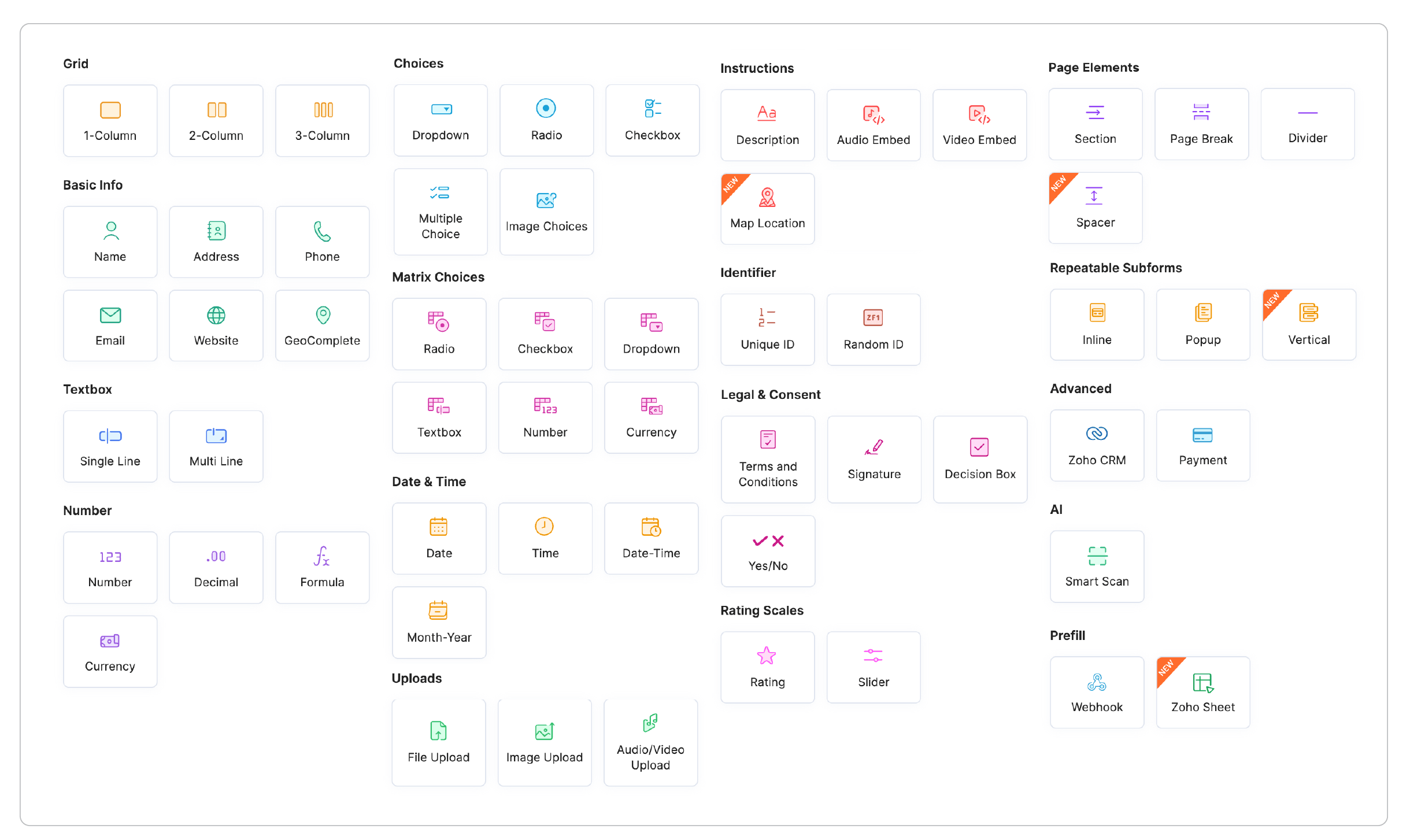
Choice fields go beyond plain text
Present options in the way that makes the most sense for your audience with radio buttons, checkboxes, dropdowns, image choices, and matrix-style selections. Use Image Choice fields when visuals communicate better than words, organize extensive option lists with Grouped Dropdowns, and maintain consistency across forms with reusable Global Choice Lists. Need help creating options? Let Zia generate relevant choices for you in seconds, saving time while ensuring comprehensive answer sets.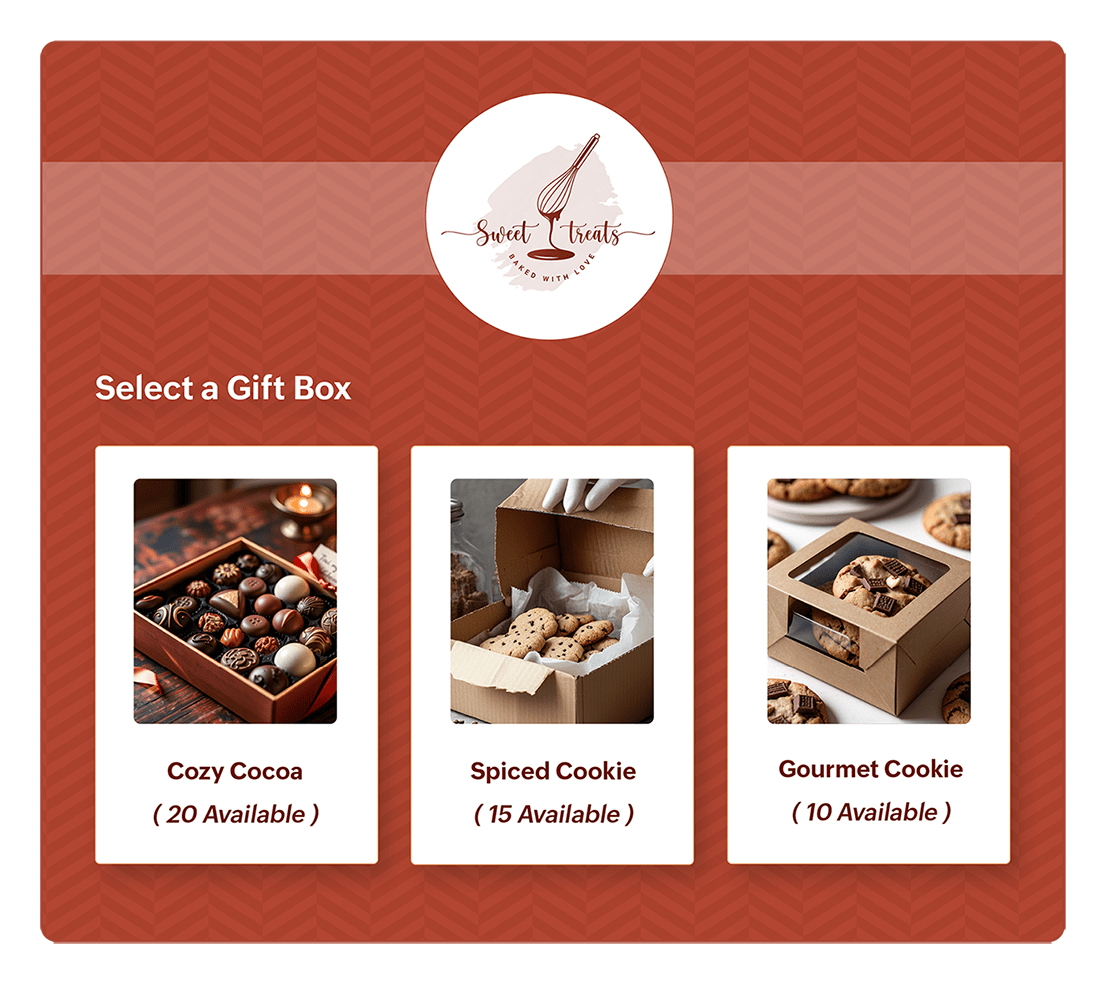
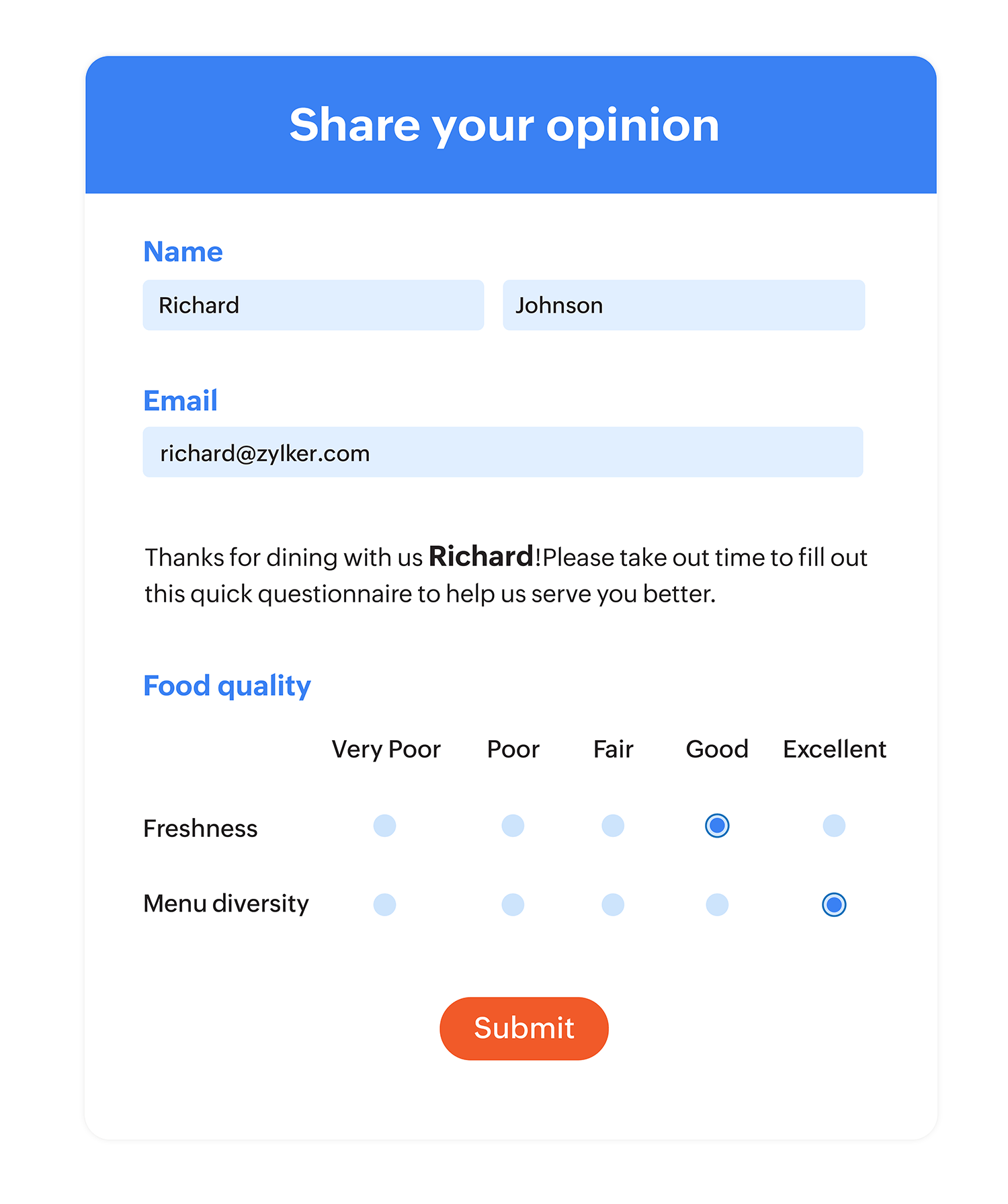
Collect structured responses with the Matrix Choice field
Combine multiple choices into a single, organized grid to gather ratings, selections, or comparisons across several items at once.Respondents can complete multiple related questions quickly without navigating through repetitive fields. Support single or multiple selections, customize rows and columns to match your requirements, and capture detailed, consistent responses in a clean, easy-to-complete layout.Make long lists easier to navigate with Grouped Dropdowns
Organize related options under meaningful categories to create a cleaner, more intuitive selection experience. For example, in a course registration form, group courses under categories like Marketing, Sales, Human Resources, and Finance, allowing respondents to quickly find and choose the options relevant to them. Grouped Dropdowns reduce scrolling, improve readability, and help prevent selection errors, making them ideal for forms with extensive lists such as training programs, product catalogs, job roles, locations, departments, or service offerings.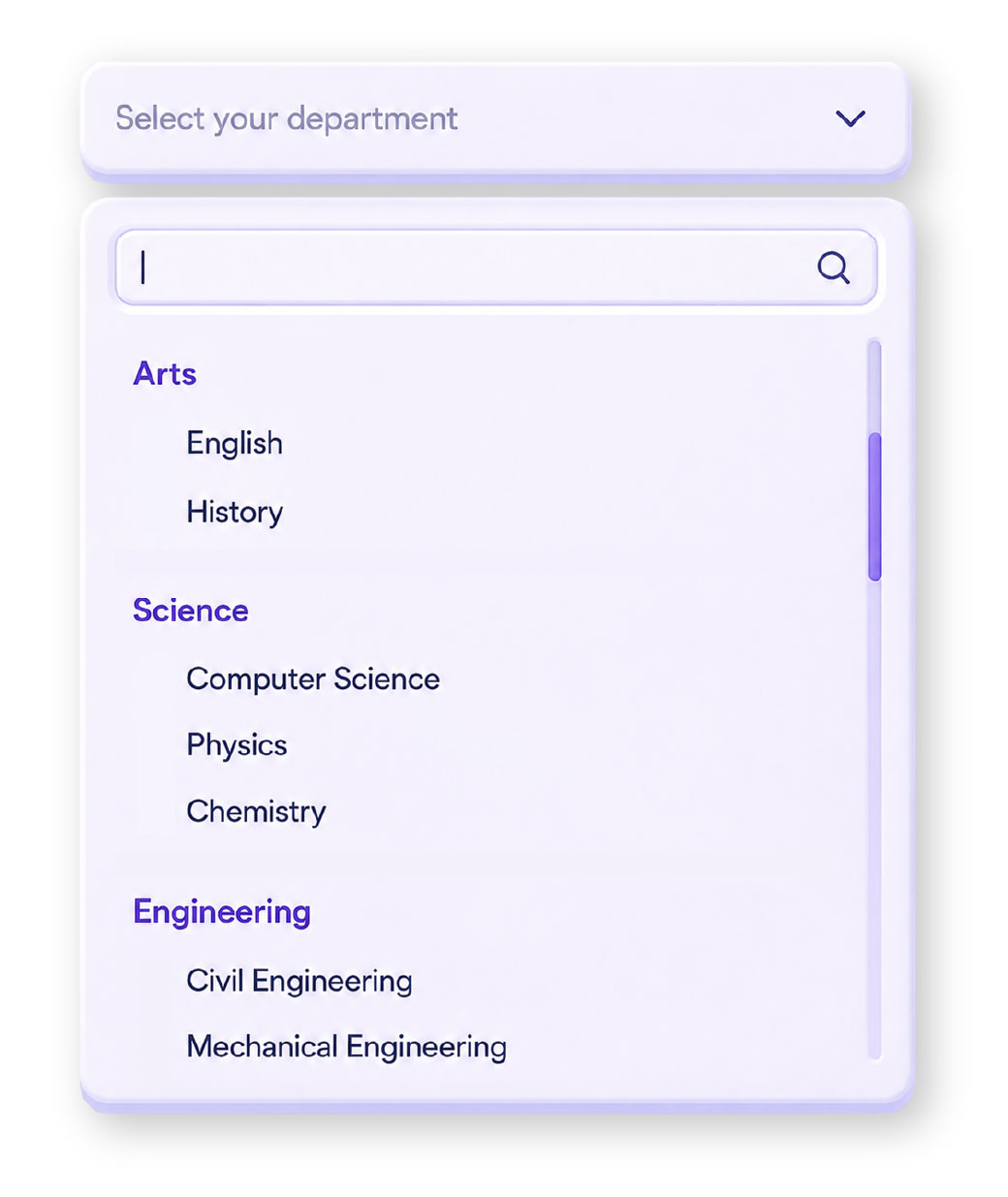
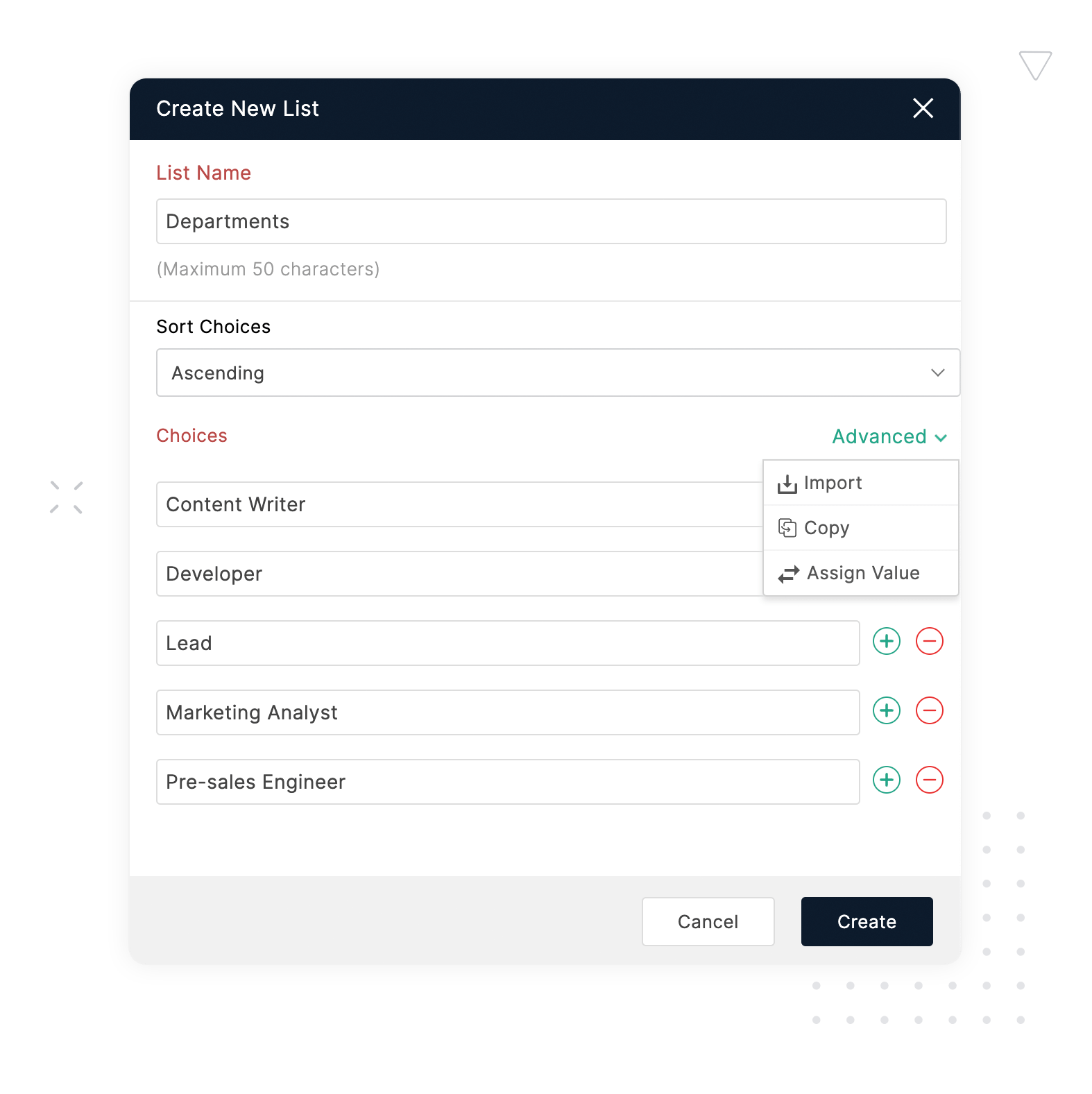
Simplify repetitive choices with Global Choice Lists
Avoid manually adding and updating the same set of options across multiple forms by creating reusable choice lists that can be applied wherever you need them with the Global Choice List feature. For instance, when distributing inter-departmental forms such as Employee leave applications or appointment bookings, integrate a global choice list with department names. Any updates made to the global list automatically reflect across all associated forms, ensuring consistency, reducing maintenance effort, and saving valuable time when managing large-scale data collection workflows.
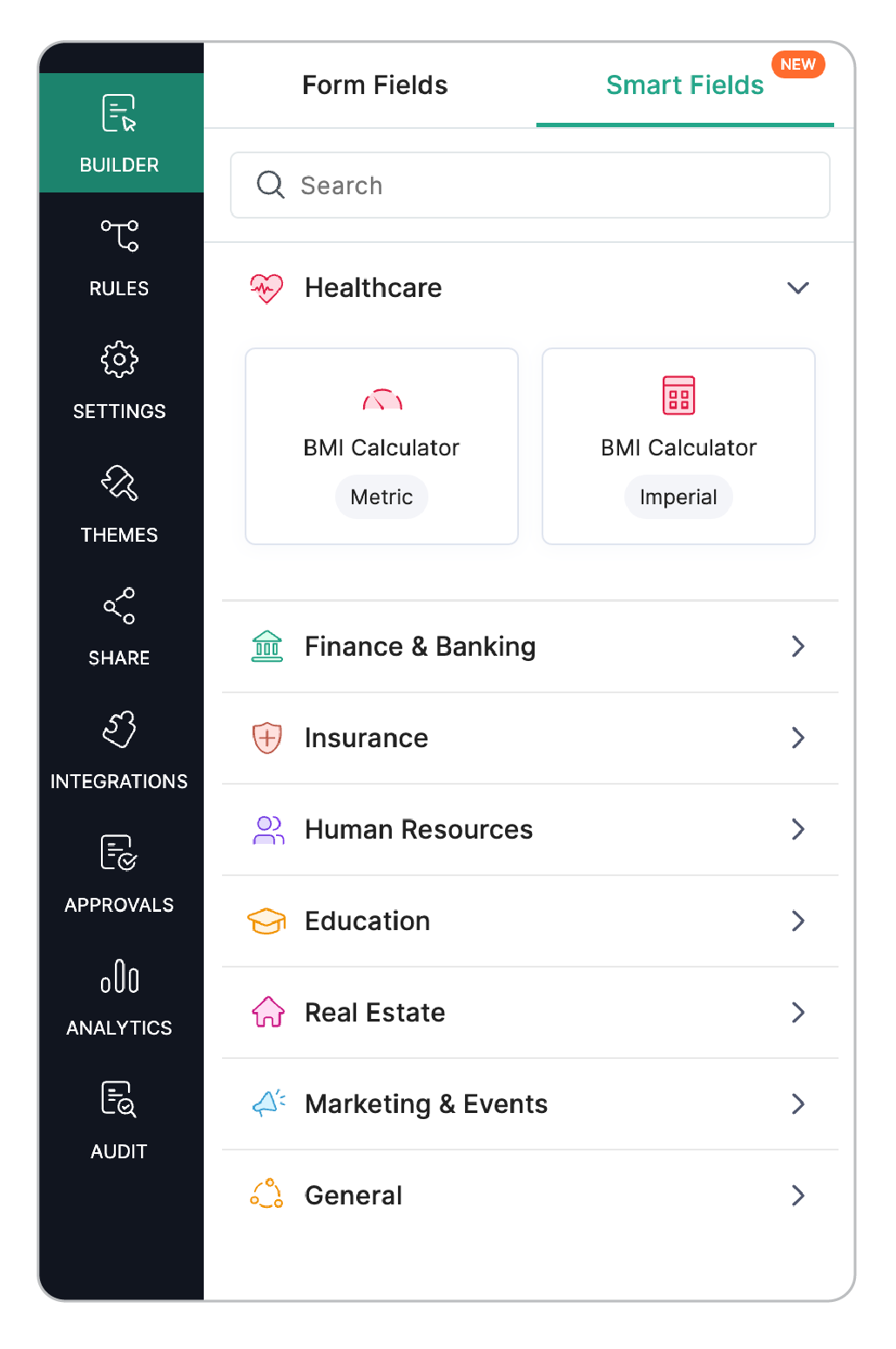
Automate calculations with smart fields
Use Smart Fields that come with pre-built formulas, saving you the time spent on configuring complex calculations. Whether you need to calculate total, determine scores, or derive values from respondent inputs, simply choose a ready-made formula and let Zoho Forms do the math for you. Combine Formula fields with Currency fields to handle multiple denominations and display accurate monetary values.
From quote to checkout - without leaving the form.
Turn your forms into complete transaction workflows by using the Payment field to connect to secure gateways, so customers can pay right when they fill in the form. Create product-based pricing, assign different values to items, apply quantity-based calculations, and automatically generate accurate totals in real time. Payment fields simplify the entire checkout experience by bringing data collection and payment processing together in one seamless flow.
Collect sensitive information in a securely
With purpose-specific fields, collect data from respondents either by text input or digital signatures. You can also allow them to attach files and images to your form. Fields containing personal and sensitive information from your respondents can be marked as personal and encrypted for additional security. Zoho Forms aims to always provide you and your customers with a secure form filling experience. Effortlessly collect signatures, capture images, and upload them instantly, even while you're on the go, with the Image upload and Signature fields available on the Zoho Forms mobile app.

A long form is fine (if it's well-organized)
Create visually appealing forms that are well-organized and easily readable for respondents. Reduce the clutter by breaking forms into sections and pages. Section breaks, page breaks, descriptions, and headers help you structure long forms into logical, readable steps.
Provide clear instructions for the respondents to follow by adding links, images, and text to guide them at each step.
The Unique ID field auto-generates a reference number for each submission. The Subform field lets respondents add multiple entries within a single question like team member lists, or line-item orders.
And the Large List field handles dropdowns with hundreds or thousands of options, so you never have to type them out one by one and your respondents can find their options quickly.
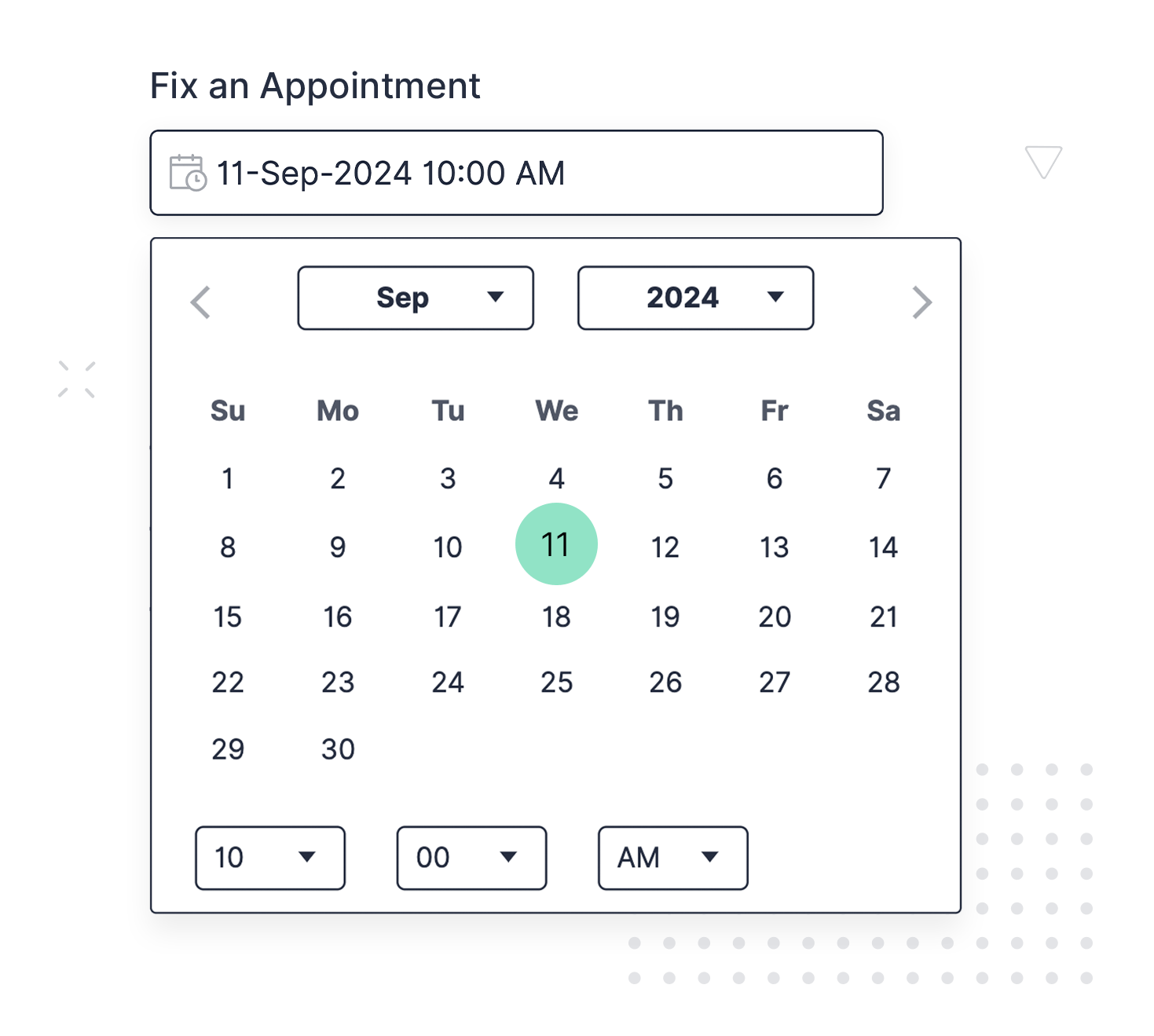
Turn your form into a booking calendar.
With advanced date and time fields, present a neat booking calendar for your respondents to reserve time slots and schedule appointments. Your customers can use your forms for service and meeting appointments, to book rooms and venues, and to schedule events with ease.
Forms that respond to the person filling them.
Make your forms interactive by using user input data from a respondent's answers to previous fields, in the questions that follow. Display contextual fields and pages based on an answer and make your forms more dynamic by configuring conditional logic or rules. Use points and rating scales to let your customers rate your service and share their opinions by allowing them to note down their thoughts in a text box.
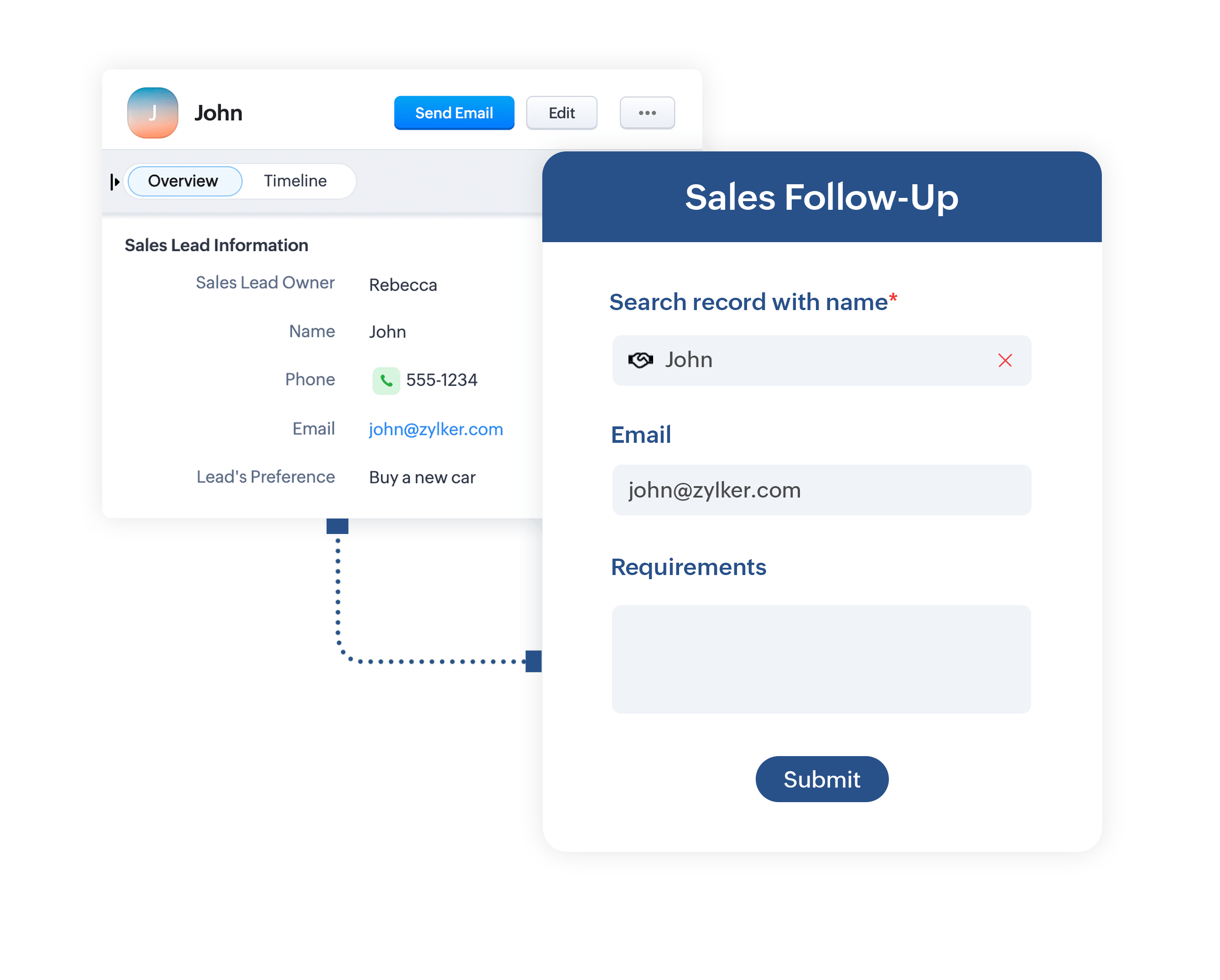
Stop asking for information you already have.
Prefill your forms by fetching data from respondent information stored within a Zoho CRM module or from any other service you use via webhooks. Simplify the form filling process by prefilling data into your form, saving precious time, resulting in a smoother experience for your respondents.
Types of Form Fields
Feeling overwhelmed with your choices? Here's a quick breakdown of the types of form fields we currently offer.
| Grid | Basic Info | Textbox | Number | Choices | Date & Time | Uploads | Rating Scales | Instructions | Identifier | Legal & Consent | Page Elements | Prefill | Repeatable Subforms | Advanced | AI |
|---|---|---|---|---|---|---|---|---|---|---|---|---|---|---|---|
| 1-Column | Name | Single Line | Number | Dropdown | Date | File Upload | Rating | Description | Unique ID | Terms and Conditions | Section | Webhook | Inline | Zoho CRM | Smart Scan |
| 2-Column | Address | Multi Line | Decimal | Grouped Dropdown | Time | Image Upload | Slider | Audio Embed | Random ID | Signature | Heading | Zoho Sheet | Popup | Payment | |
| 3-Column | Phone | Regex | Formula | Radio | Date-Time | Audio/Video Upload | Video Embed | Zoho Sign | Page Break | Vertical | |||||
| Currency | Checkbox | Month-Year | PDF Embed | Decision Box | Divider | ||||||||||
| Website | Multiple Choice | Day Availability | Map Location | Yes/No | Spacer | ||||||||||
| GeoComplete | Large List | Date-Time Availability | Image Slider | ||||||||||||
| Image Choices | Banner | ||||||||||||||
| Matrix Choices |