

- 100KCustomers
- 554KForms Created
- 1.7BForm Views
- 125MForm Submissions
Everything you need to build perfect forms No software to download
Powerful features designed to make form creation effortless, efficient, and enjoyable for everyone.
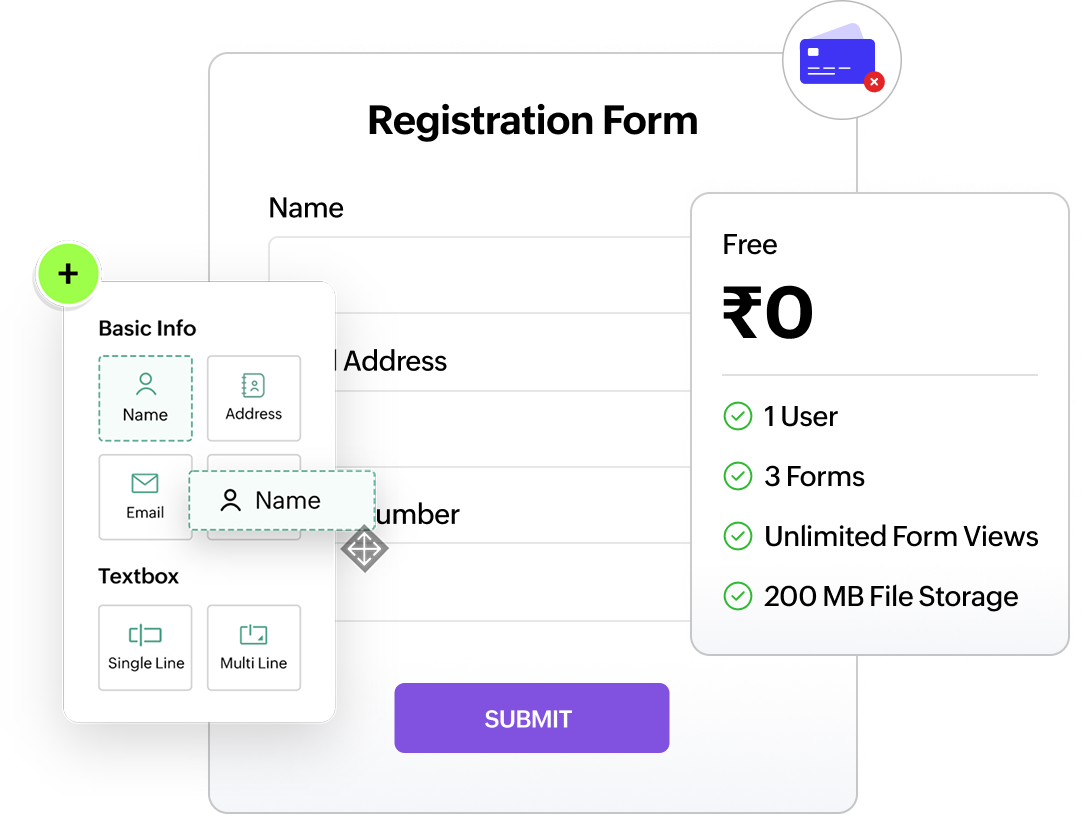
Free forever - No credit card required
Start creating forms instantly without entering any payment information. We will not ask for your card unless you choose to upgrade on your own terms.
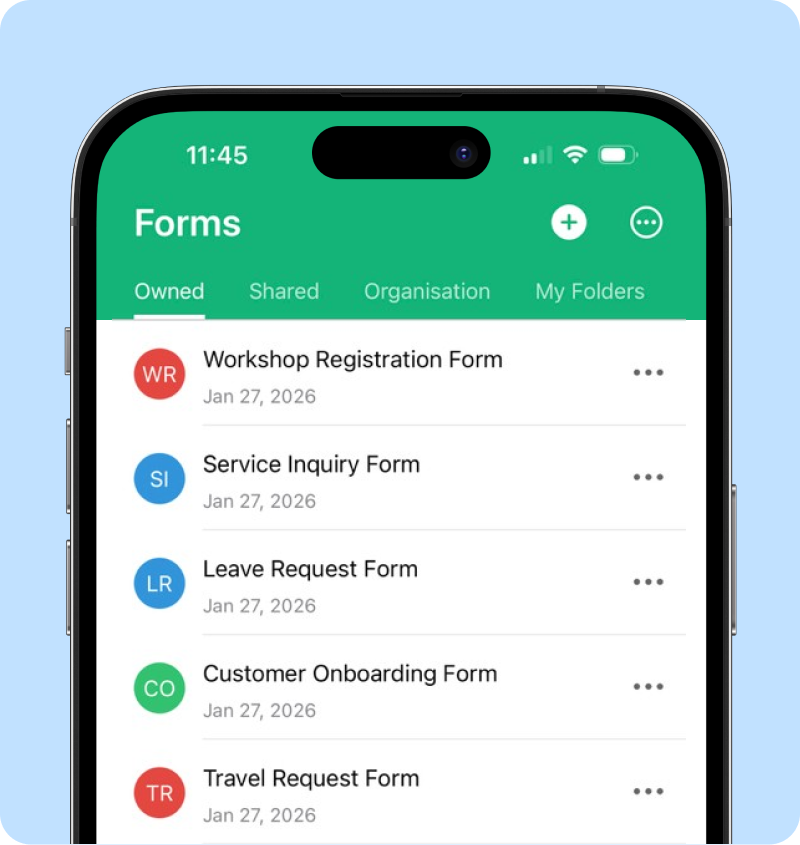
Free mobile app
Our mobile forms app lets you create forms online or offline without any technical expertise. With 30+ fields to choose from and a simple user interface, you can build a form in minutes.
Free online forms
Access your forms anytime, anywhere. Zoho Forms is a cloud-based platform, ensuring your forms are always available online for free.
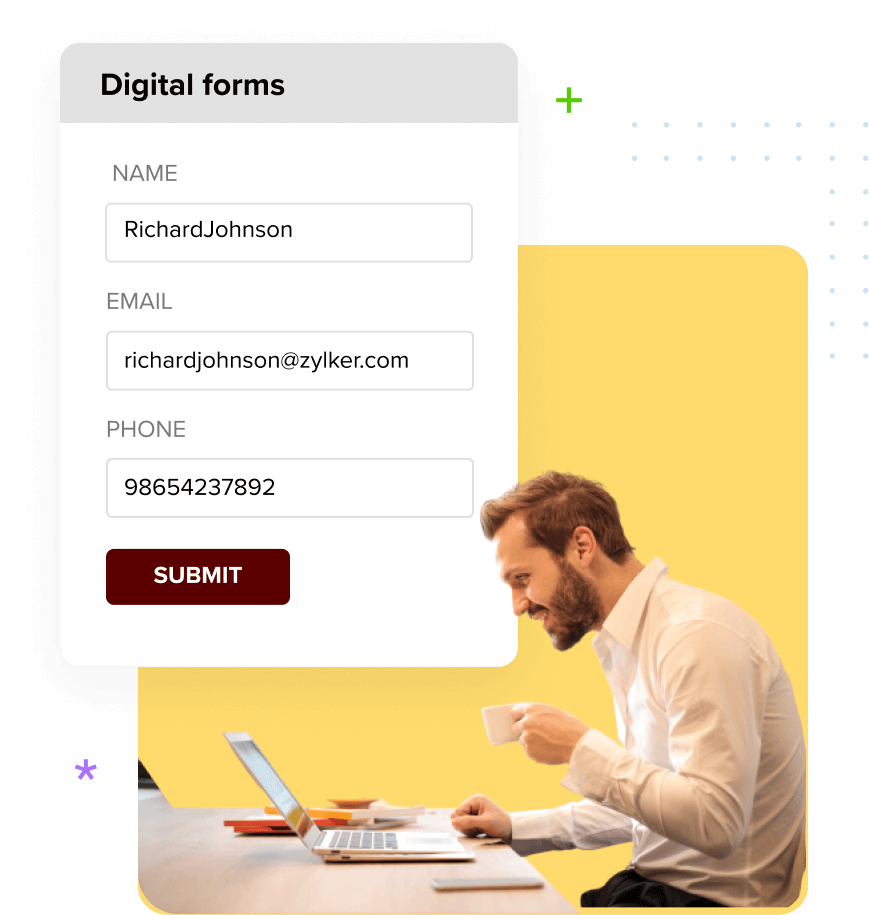
Free forms template
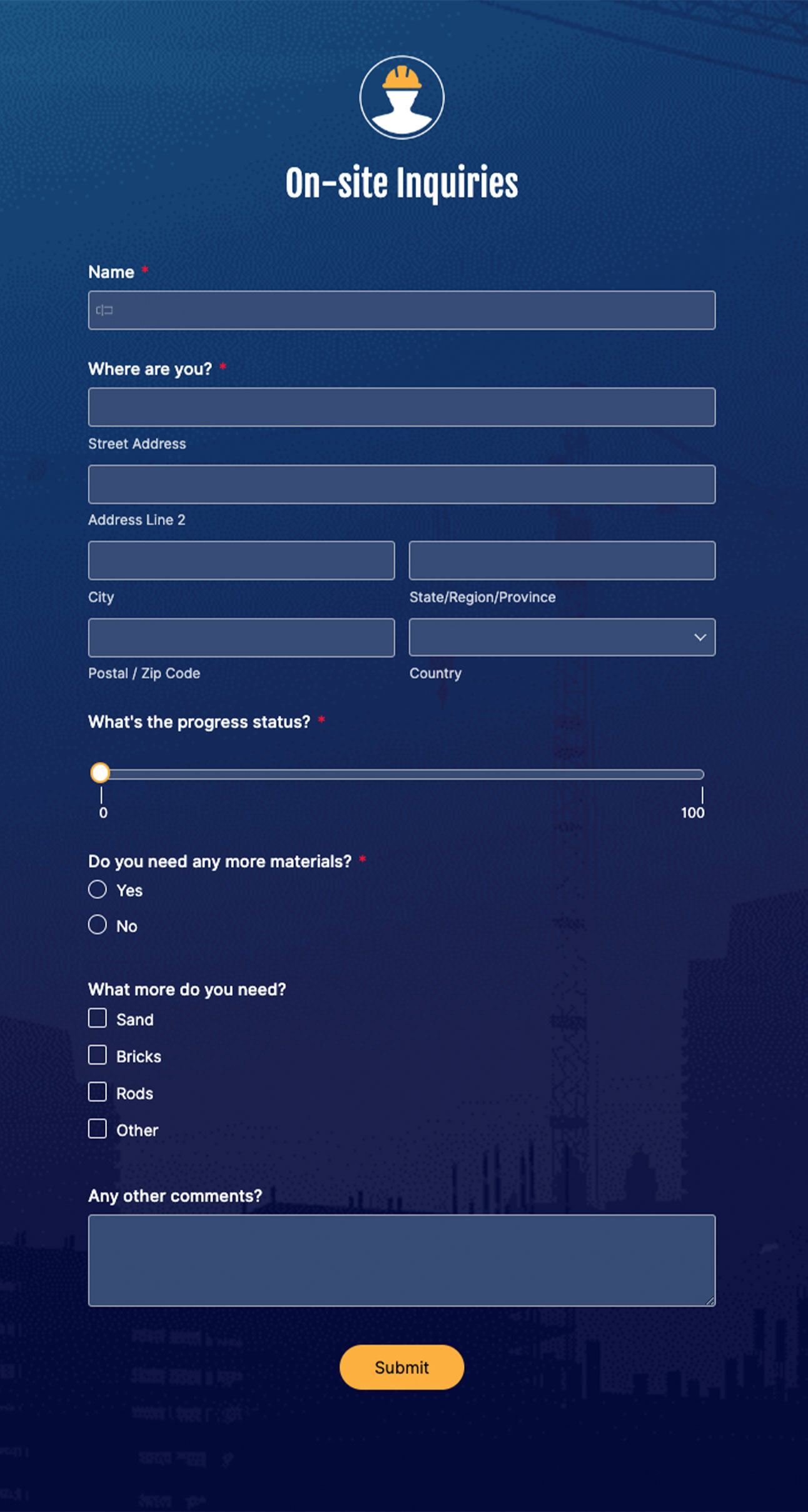
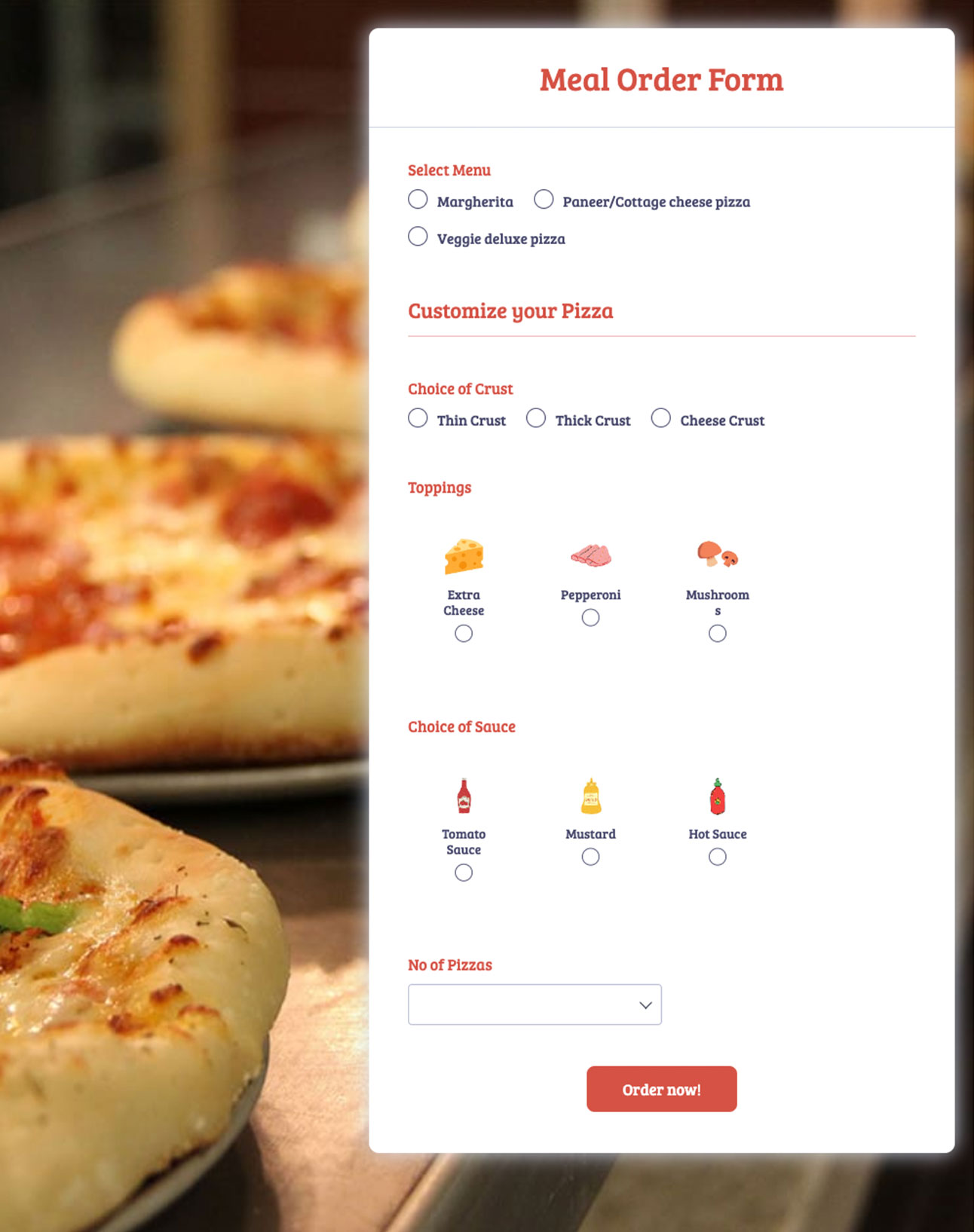
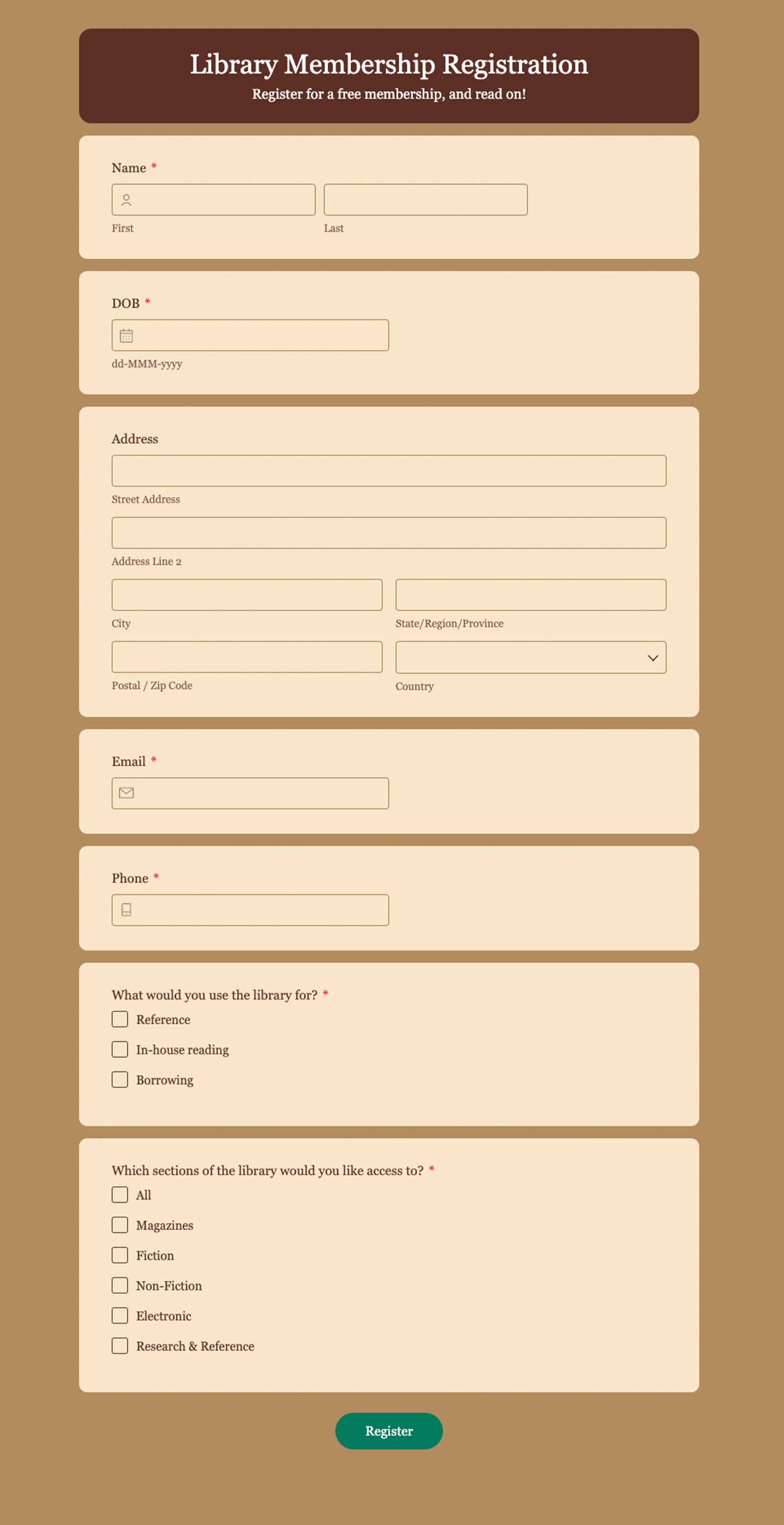
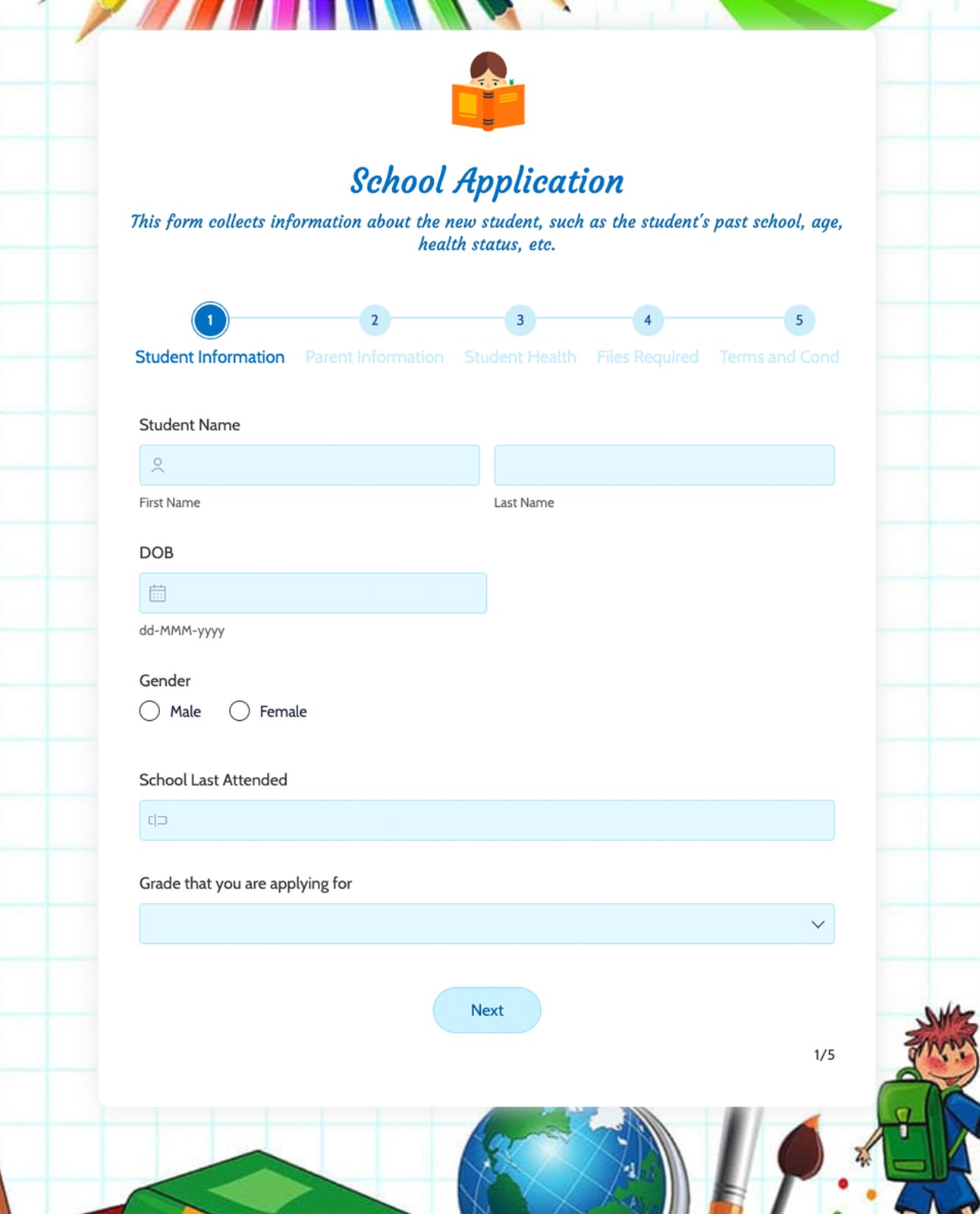
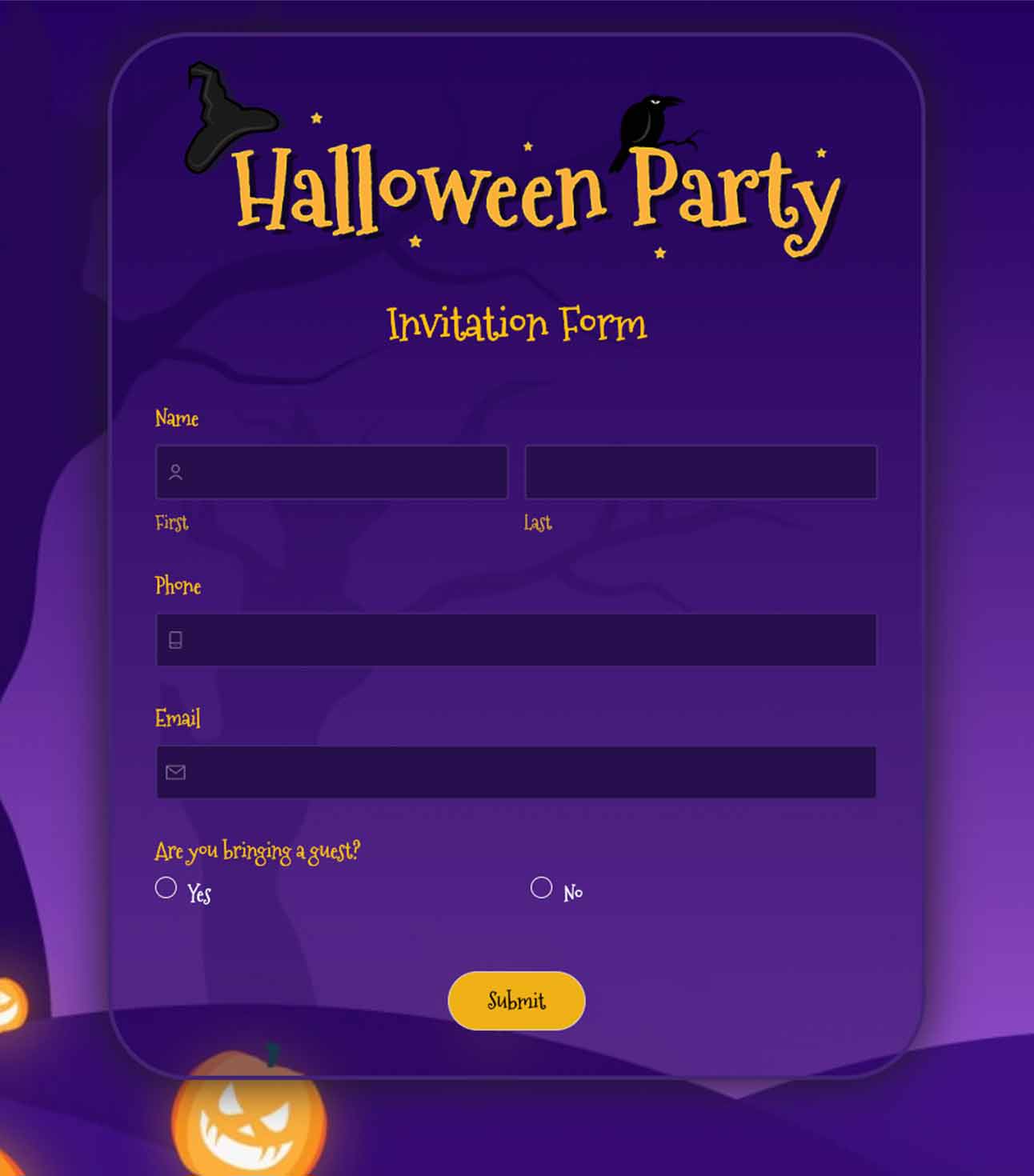
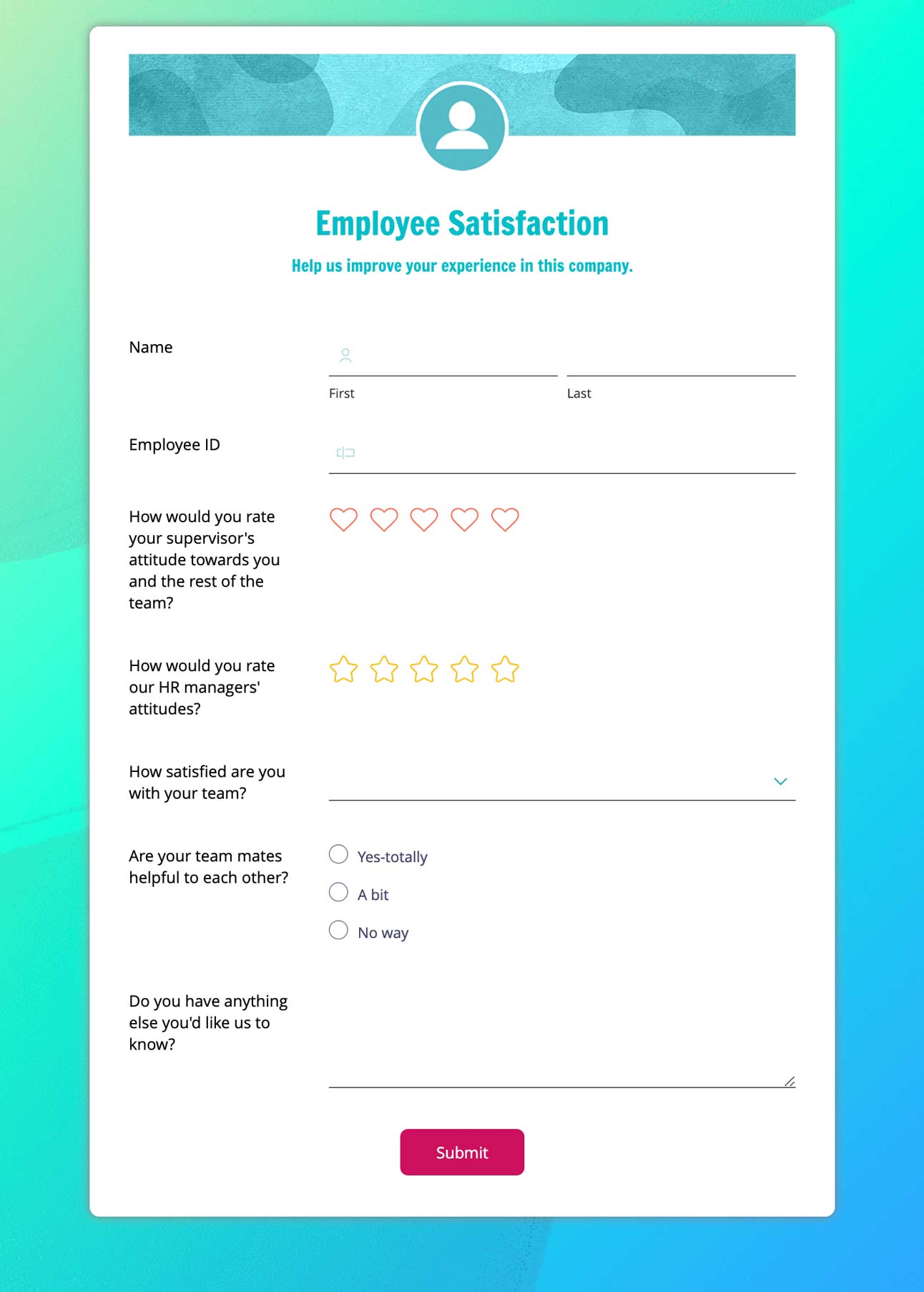
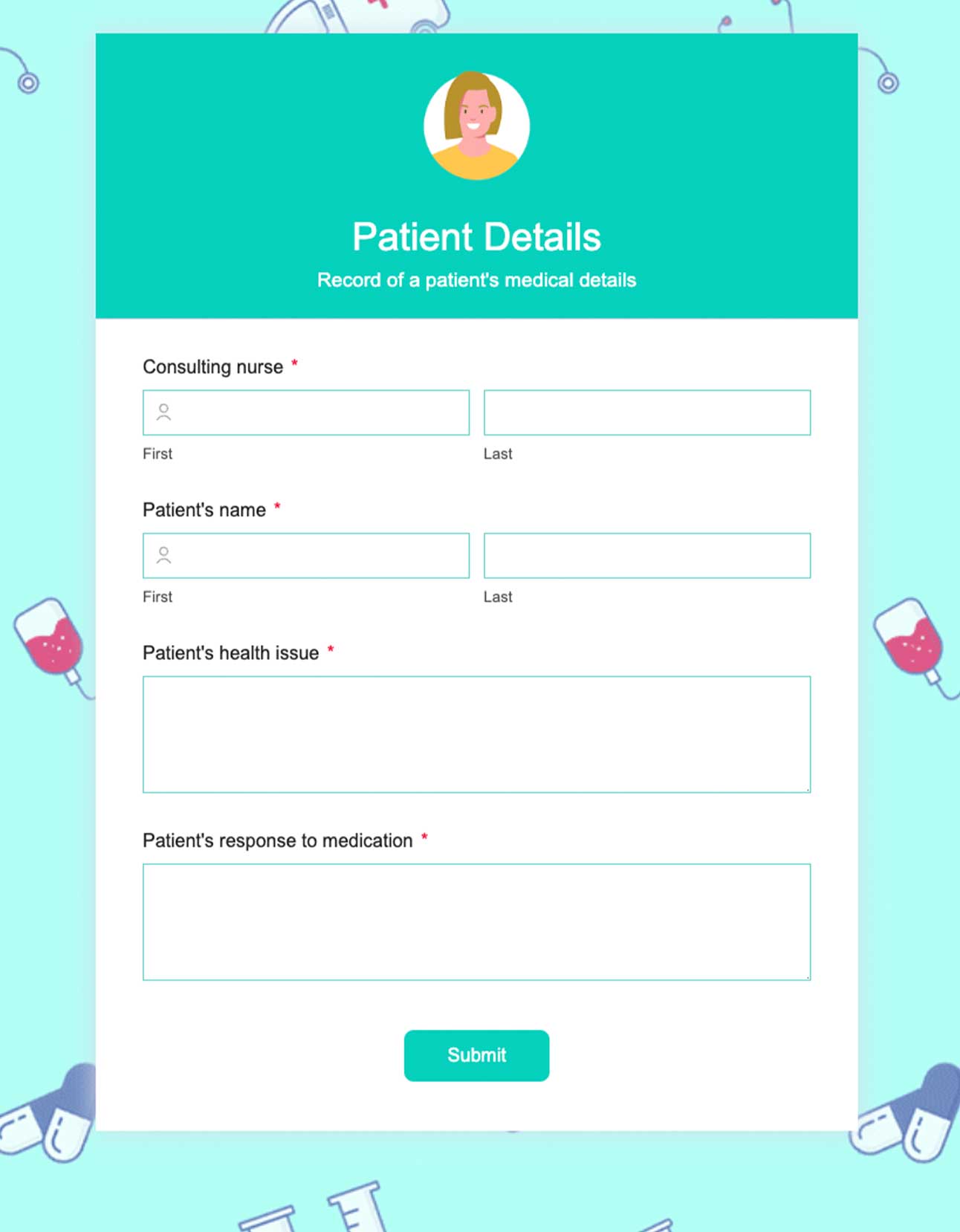
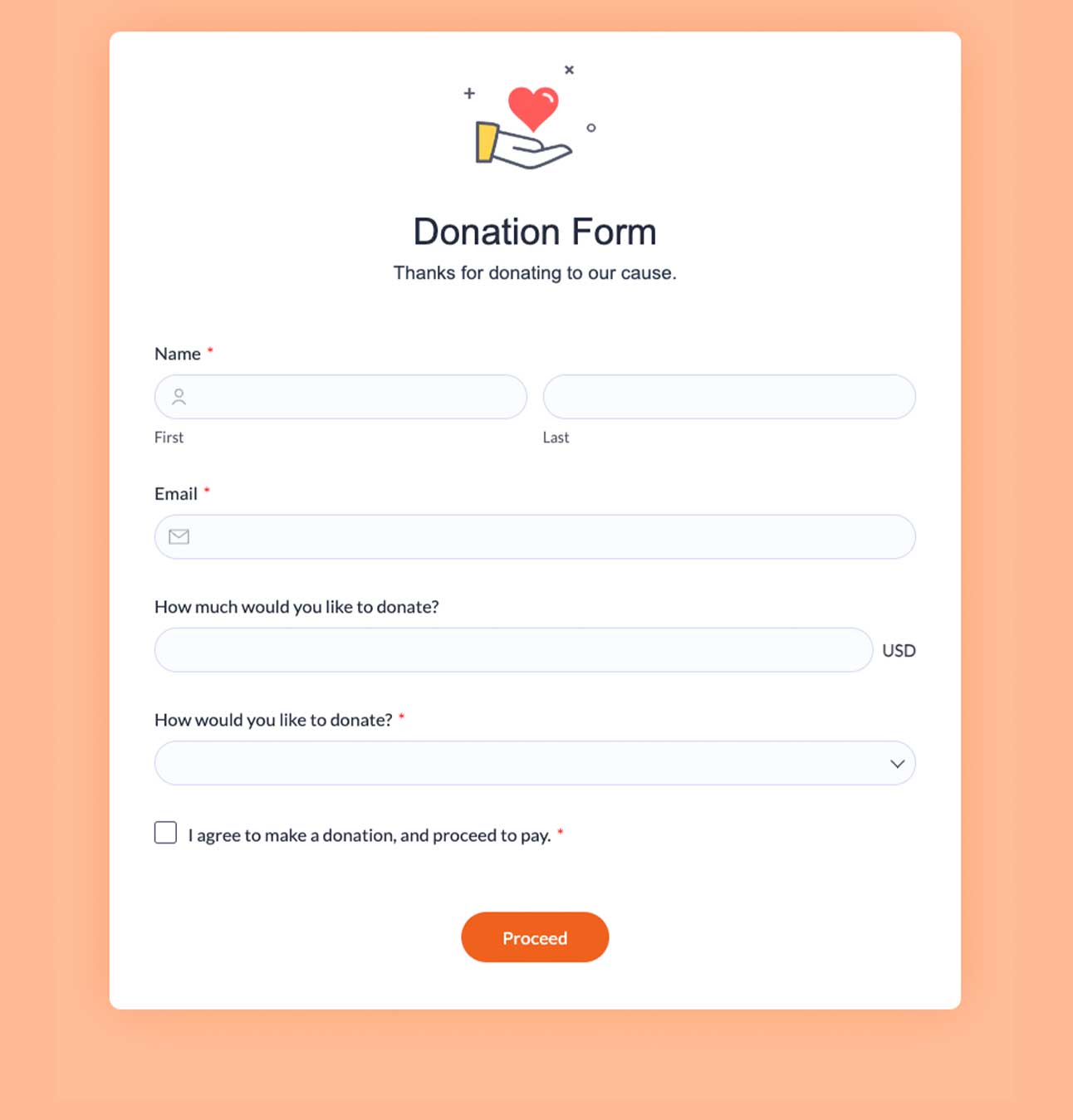
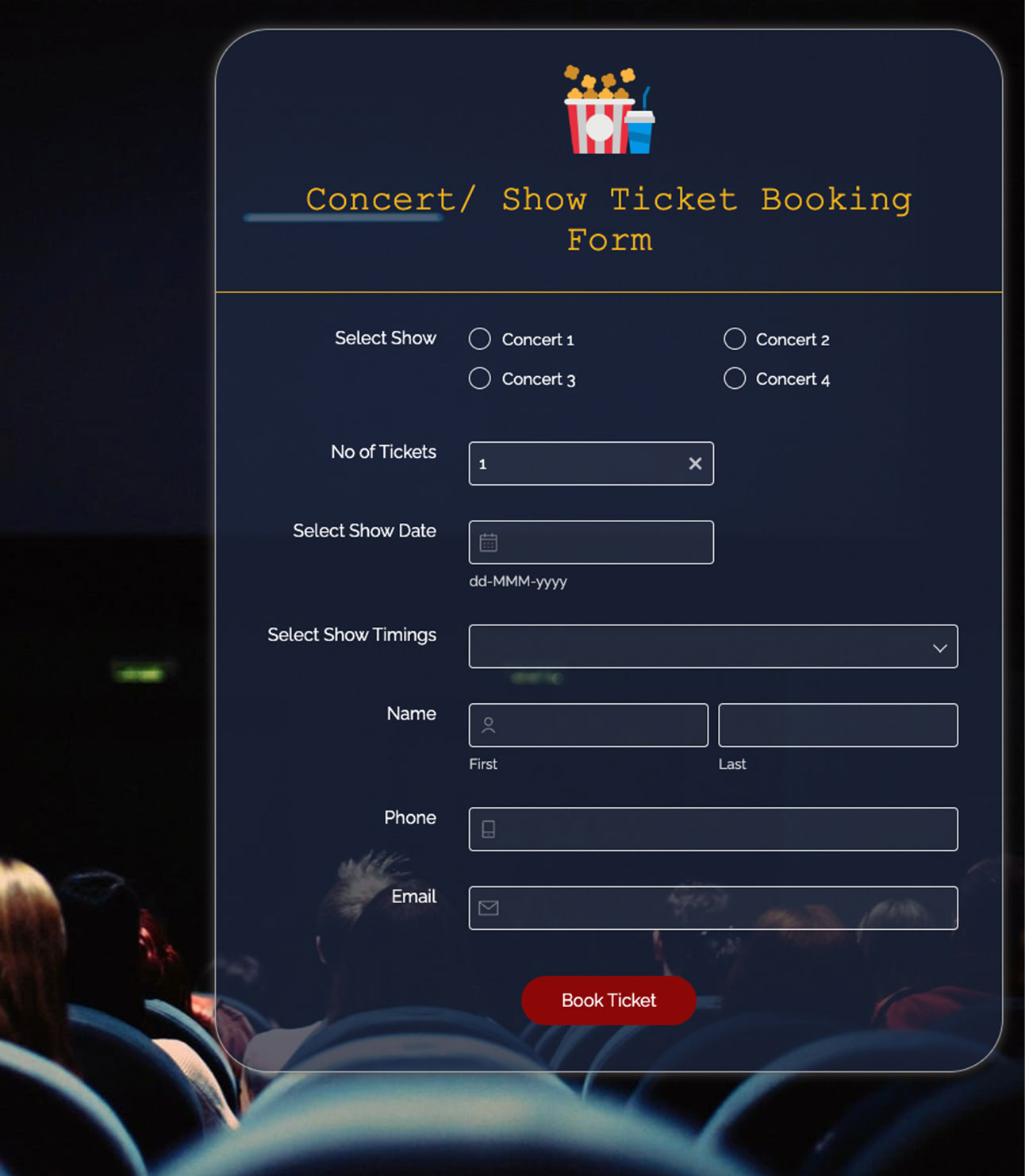
Don't know where to start? We offer a wide range of free forms template to kick-start your form creation process. Create from scratch or customize a template to suit your specific needs.
Free customer support
Get access to Zoho Forms' customer support team to help you set up, troubleshoot, and make the most of Zoho Forms, even on the Free plan.

What do you get for free?
3 Forms
Create up to 3 fully functional forms with unlimited customization options
Unlimited Form Views
No restrictions on how many people can view your forms. Share widely without worrying about view limits
500 Submissions/Month
Collect up to 500 responses monthly - perfect for small businesses and startups.
Unlimited Reports
Generate as many reports as you need for insights
10 Payments
Process up to 10 payment transactions per month through your forms
200 MB File Storage
Store uploaded files with 200 MB of secure cloud storage space
Mobile App Access
Full access to iOS and Android apps for form creation on the go
Pre-built Themes
Access professionally designed vibrant themes. Customize colors, fonts, and layouts to match your brand.
Custom PDFs
Automatically generate PDF documents from form submissions with customizable templates and branding.
Webhooks
Connect your forms to external applications in real-time. Send data instantly to your CRM, database, or custom applications
Integrations
Seamlessly integrate with popular tools like Google Sheets, Mailchimp, Slack, Zapier, and hundreds of other apps
UTM Tracking
Track marketing campaign performance with built-in UTM parameter support. Identify which sources drive the most form submissions
Our Free plan is designed to meet the needs of freelancers and small business owners seeking effective data collection solutions.
Need more? Explore our paid plans
We’ll never force you to upgrade
We believe powerful form-building tools should be accessible to everyone which is why our Free plan includes real, functional features. When you need more power, Zoho Forms is ready to grow with you.
Build freely today. Scale confidently tomorrow.


















Step into the Zoho Ecosystem
Connect your forms with free editions of powerful Zoho applications so your data flows seamlessly across your business.
Create one Zoho account and use the same credentials to access the entire Zoho portfolio. As your needs evolve, your forms naturally become part of a connected system designed to help you grow.
What our customers love

“What’s really changing our business with Zoho Forms is how seamless it makes online enrollment. Parents can fill everything out in one place—upload documents, make payments, and get automatic confirmations—while we receive instant notifications and can route the information where it needs to go. It saves us hours of back-and-forth and keeps the whole process professional, organized, and stress-free for families.”

"Zoho customer support is exceptional. I fell into an issue that I had little knowledge about. I did my best to explain the troubles I was having with the little knowledge I had and Zoho support - for lack of a better phrase - picked up what I was putting down! I appreciate their patience and great communication. Thank you so much for your help!"
 John Whaling Team Member, Bernard Health
 "Zoho Forms drives everything we do, from following up with clients and prospects, to keeping detailed notes on all of our activity. It's fantastic and easy to use!"
 Trey Diller Co-founder, Inspire Productions LLC
 "The mobile apps are very quick and user friendly. Everything is electronic. Zoho Forms is amazing for staying organized — from event organization to vendor management. Everyone's happy!"
 Shannon Marie Baker Owner, Alabama Church School
 "We used to go back and forth, sending and signing paperwork. Now, enrollment is almost instantaneous. The signing process happens via an online enrollment form and the merged PDF is sent as an email—it's never been so simple!"
 Nanda Kishore Financial Analyst, Paradise Food Court
 "Keeping Digital India in mind, Zoho Forms is playing a prominent role. It's an extraordinary concept that offers good service and a one stop solution for any requirement."