
- Schedule jobs based on proximity
- Track live or last-seen locations of agents
- Allow agents to log their trip information on the go
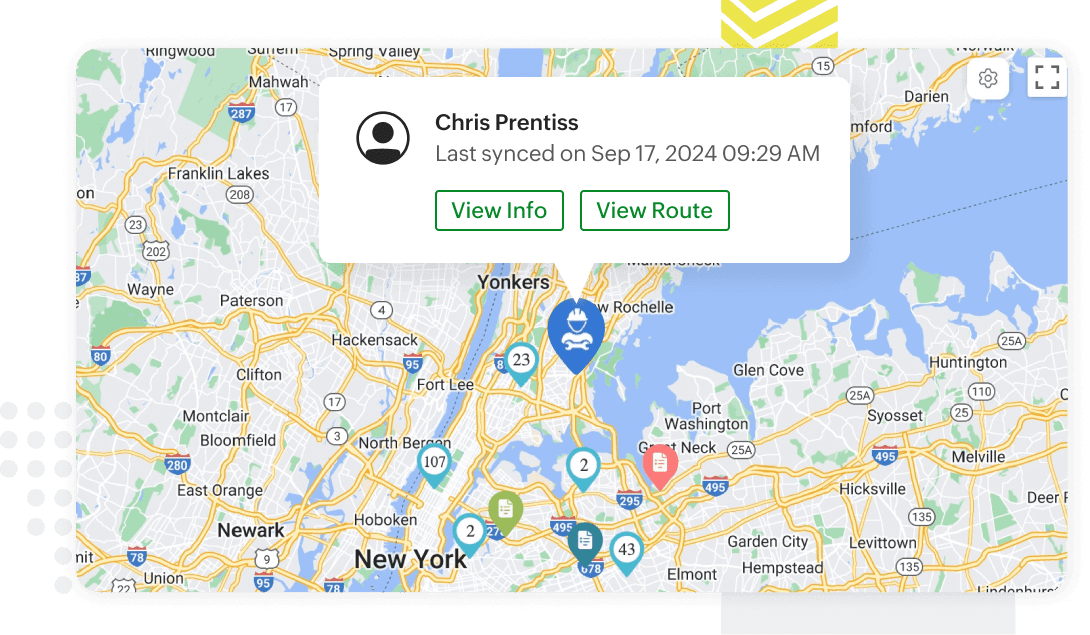
Track field agents on the map
Ensure timely services by choosing agents based on their proximity to the job site. You can track the live locations of agents once they check in for the day. View the current or last seen location in the map view of the Dispatch Console for easy scheduling.
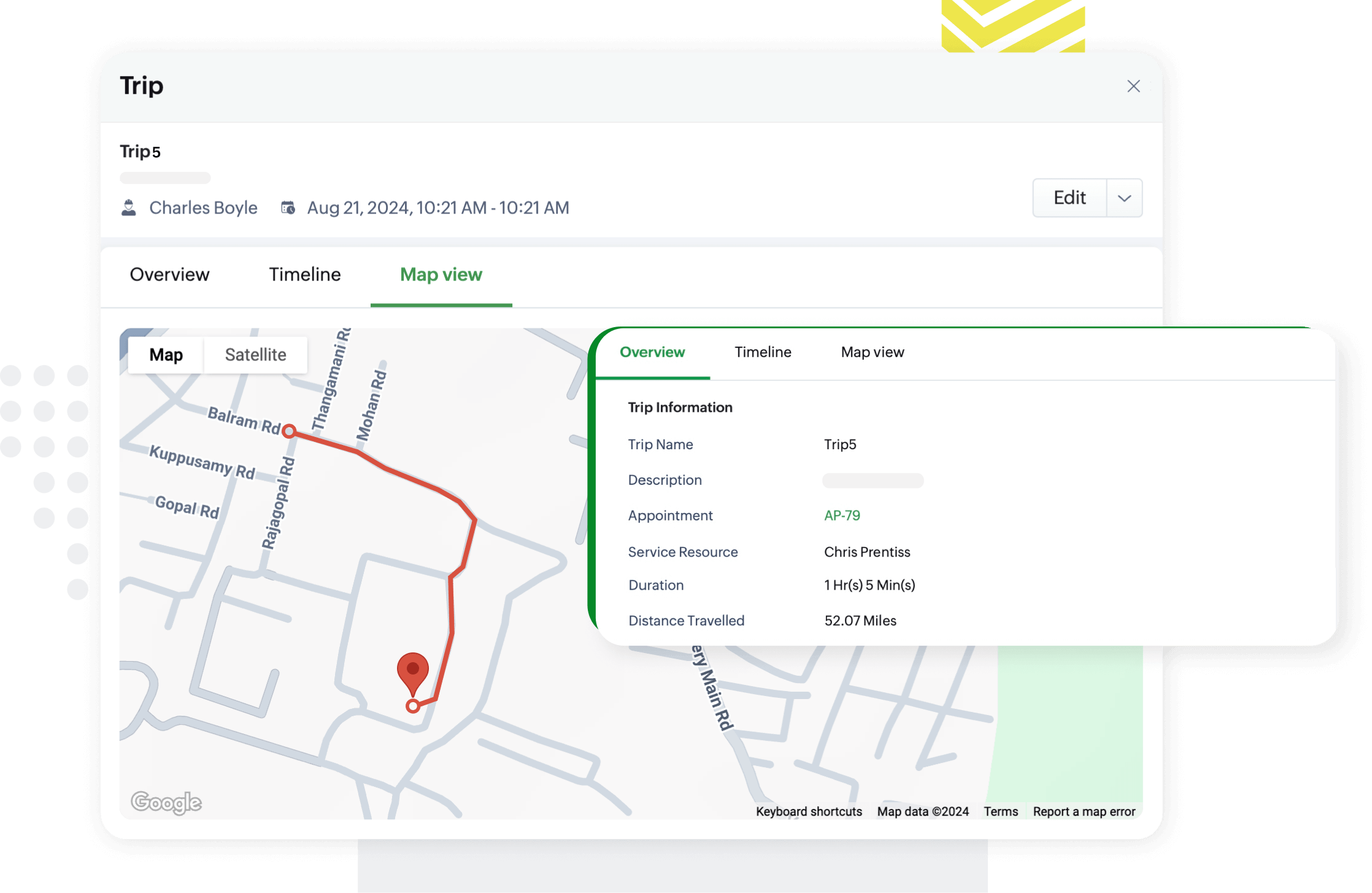
Log travel times using trips
Enable field agents to log their travel time on the go using the Zoho FSM app. Agents can start a Trip when they commence their journey to the job site. Once the trip has ended, the travel time, route, and distance information gets saved. Administrators and Dispatchers can access this data on the web application. Trip logs help you calculate travel allowance and monitor the time spent on the field.
Frequently asked questions
Live-location tracking is activated when field agents check in via the field service mobile software and is disabled upon check-out. This ensures real-time tracking while respecting agent privacy.
With live location tracking, you can schedule agents based on their proximity to the job location, eliminating service delays. This feature of the mobile field service management app also allows you to monitor agents and provide customers with precise updates on technician arrival times.
Yes! Field agents can start a trip when they travel to and from the job site, or even when they head out for other job related needs. These trips are linked to the respective service appointment, streamlining the field service management process.
Absolutely! The Trip report, a key feature of the Zoho FSM field service management software, details the distance travelled, time taken, and the route used by field agents to enhance operational visibility and transparency.