Activate on-site support on Zoho Desk to enhance customer service
Expand your help desk to deliver excellent on-site support with the Zoho FSM extension for Zoho Desk.
Get Started Now
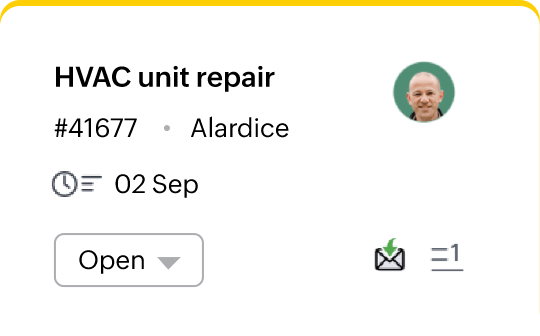
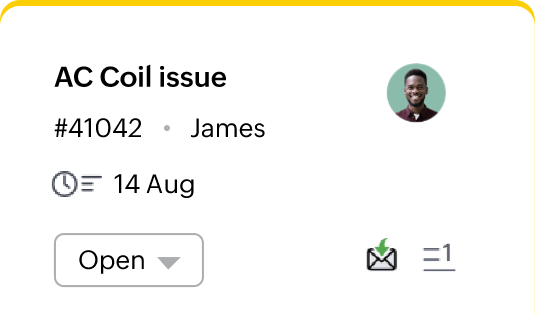
Bridge the gap between the helpdesk and the field
While your helpdesk excels at resolving customer issues efficiently, there may be situations where on-site assistance is needed. A seamless transition between remote and on-site support can ensure consistent high-quality service. With a field service management platform, you can accelerate issue resolutions with prompt responses and streamline field operations to provide timely support to your customers.
Transform field operations
with Zoho FSM!
Zoho FSM helps you automate the entire spectrum of field operations from request to resolution. It optimizes work management, enhances operational efficiency, and enables you to deliver exceptional customer experiences.
Key benefits
Accelerate service delivery by streamlining your field operations on a unified platform.
Boost productivity and eliminate bottlenecks with real-time work progress updates.
Enhance customer relationships by engaging in informed conversations and offering timely updates.
Drive growth and expand your business profitably by monitoring KPIs and making data-driven decisions.

Link Contacts and Accounts between Zoho Desk and Zoho FSM
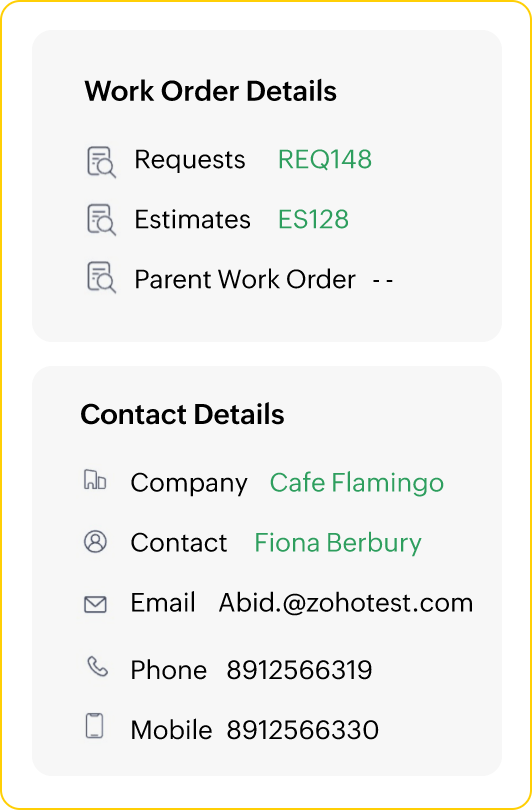
Transition seamlessly between Zoho Desk and Zoho FSM by unifying customer information. Link Contact and Account details across both applications, or create new customer profiles in Zoho FSM directly from Zoho Desk. Diagnose issues faster and offer the right solutions with centralised information and easy coordination.

Add new field service records in Zoho Desk
Create new service requests, estimates, and work orders for a ticket or customer in Zoho Desk. Maintain context and and minimize errors from redundant data entry by creating service records on Zoho Desk. Ensure faster responses by allowing help desk agents to offer on-site assistance without switching between the applications.

Access service information contextually in Zoho Desk
Elevate customer conversations with easy access to relevant service records. View all the service requests, estimates, work orders, and notes added for a customer or a ticket contextually on Zoho Desk. Gain a complete overview of past interactions and services, and track the ticket resolution process to provide timely updates and offer the right support.

Other integrations:




Frequently asked questions
For technical problems that require on-site assistance, the Zoho FSM integration enables seamless scheduling and management of field services to deliver great customer experiences.
The Zoho FSM extension for Zoho Desk is available on the Zoho Marketplace. Install it by providing the necessary permissions to integrate field service management software with your customer service operations.
Account and Contact information can be linked between Zoho Desk and Zoho FSM for efficient customer management. You can link existing customer records or create new ones directly from Zoho Desk and access them from the field service app.
The Zoho FSM tab on a ticket detail page allows you to create new service requests, estimates, and work orders. You can also view all service records linked to the ticket, to ensure comprehensive customer service.