
Conduct meetings from your mobile device
Use the Zoho Meeting mobile app to instantly initiate or schedule online meetings. Start meetings on the go and quickly collaborate with your peers using our iOS and Android mobile apps. Effortlessly sign in to our mobile meeting apps using your Apple and Google account details.


Experience mobile video conferencing
Hold team discussions with secure and encrypted video calls using our mobile meeting app. Video conferencing is personal, effective, and helps you avoid miscommunication by viewing your teammates' expressions and body language.
Share your mobile screen
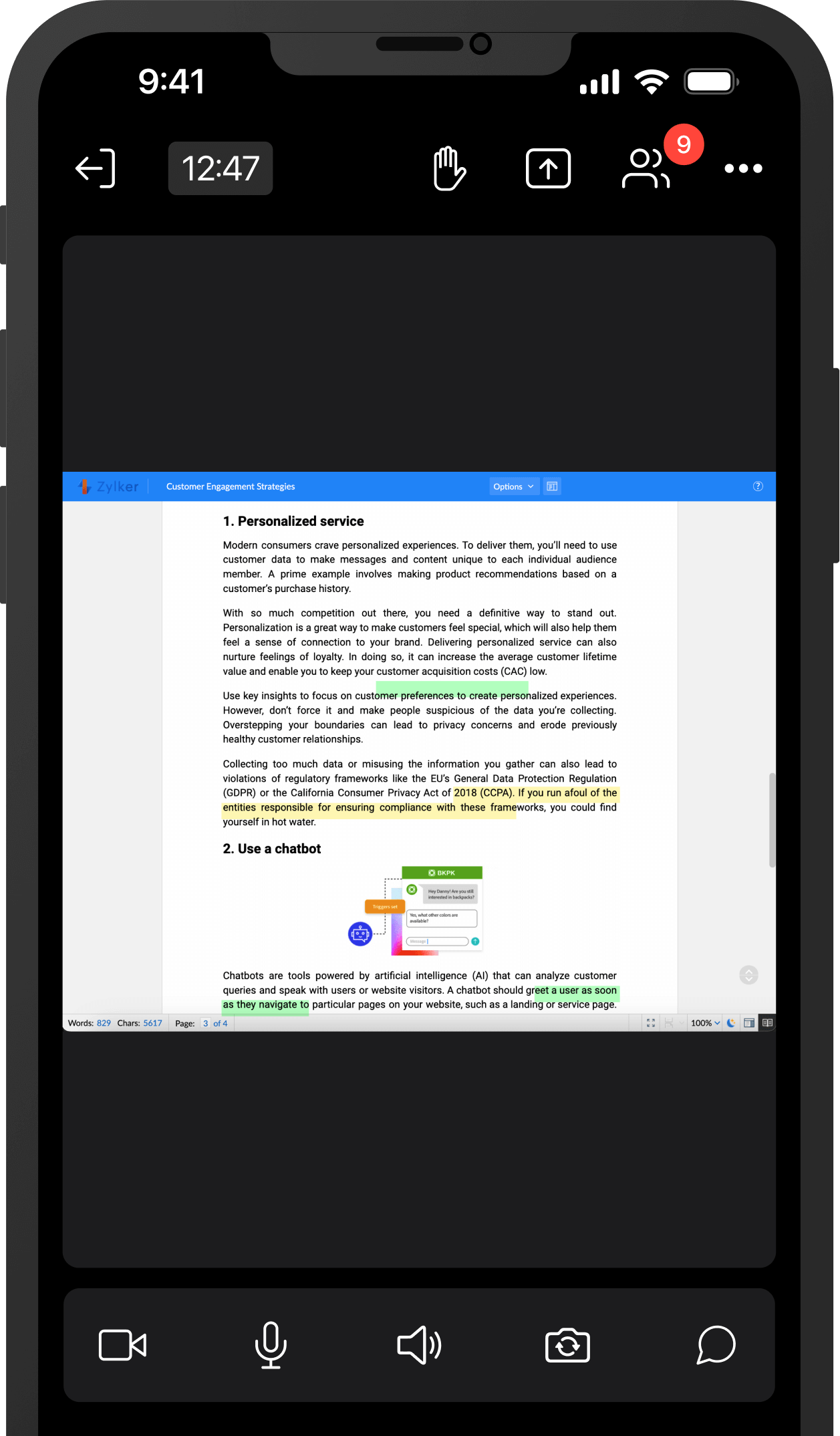
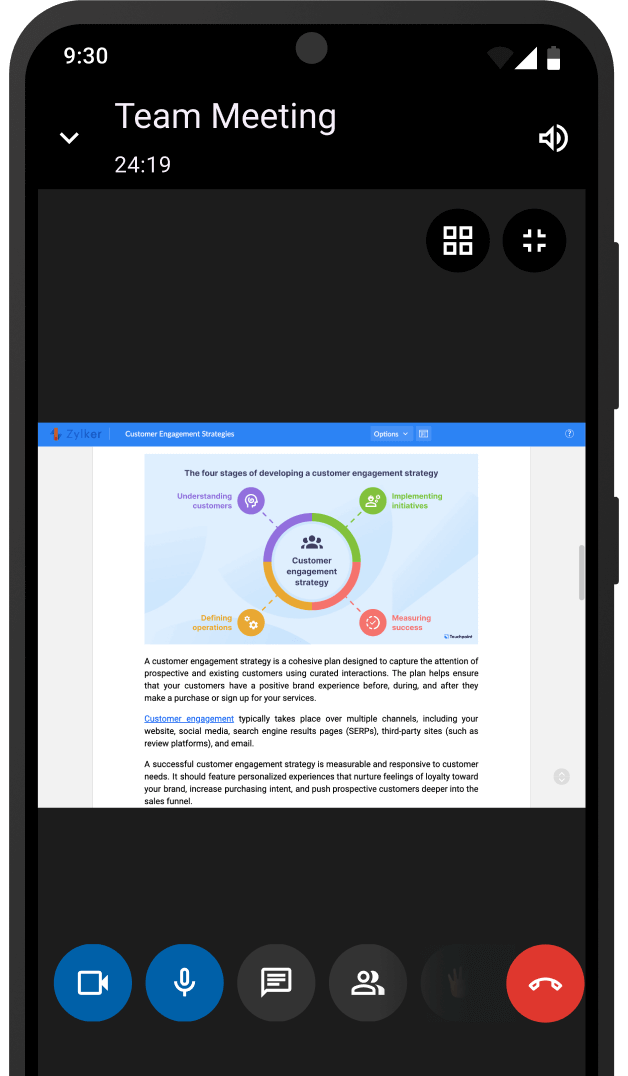
Keep everyone on the same page and encourage more efficient collaboration through screen sharing. Use our Android and iOS mobile conference apps to view presentations, spreadsheets, and documents in real time.
Learn more about iOS screen sharing and Android screen sharing.
iOS screen sharing
Android screen sharing
Live chat with meeting participants
Engage in real-time conversations with other participants by sending seamless messages during live mobile meetings. Use the Zoho Meeting mobile app to share and react to messages and send different types of attachments with the Cliq integration.


Record meetings with your mobile device
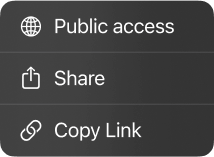
Record and replay your meetings using the Record feature in the Zoho Meeting iOS mobile app. Check recordings to gain insights and improve on your next sessions. Recordings stored in the cloud can be shared with others if necessary.
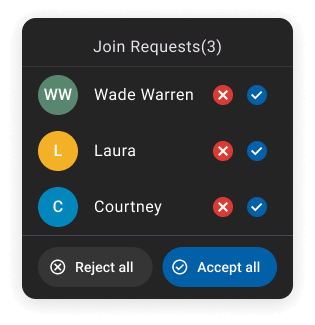
Lock mobile conferences for secure sessions
Lock and conduct secure online meetings on your Android phone using the Zoho Meeting mobile app. Limit the number of participants for a particular mobile meeting, and prevent intruders. Once a meeting is locked, participants can only join with host approval.


Enable Picture-in-Picture
Move across different mobile applications while staying connected to your meeting with the Zoho Meeting app's Picture-in-Picture feature. Watch your live meeting in a floating window while you browse other Android applications or check content on the main screen.
Benefits of using the Zoho Meeting mobile app
Connect instantly
Connect and collaborate with your peers from the palm of your hands.
Join from anywhere, anytime
Attend meeting sessions from the location of your choice.
Collaborate with your mobile screen
Share your entire mobile screen and collaborate with your team in real time.
Conduct secure sessions
Password protect your mobile meetings and lock sessions to avoid intruders.