Zoho Office
Zoho Office is a complete productivity platform featuring Writer (word processor), Sheet (spreadsheet editor), Show (presentation tool), and PDF Editor—designed to help teams create, collaborate, and manage content seamlessly across the web, desktop, and mobile devices.





Zoho Office Online
The online Zoho Office runs directly in your web browser, offering real-time collaboration, cloud storage, and automatic updates. Users can co-edit documents, track changes, leave comments, and access files from any device. All data is securely stored in Zoho’s cloud, making teamwork and sharing effortless.
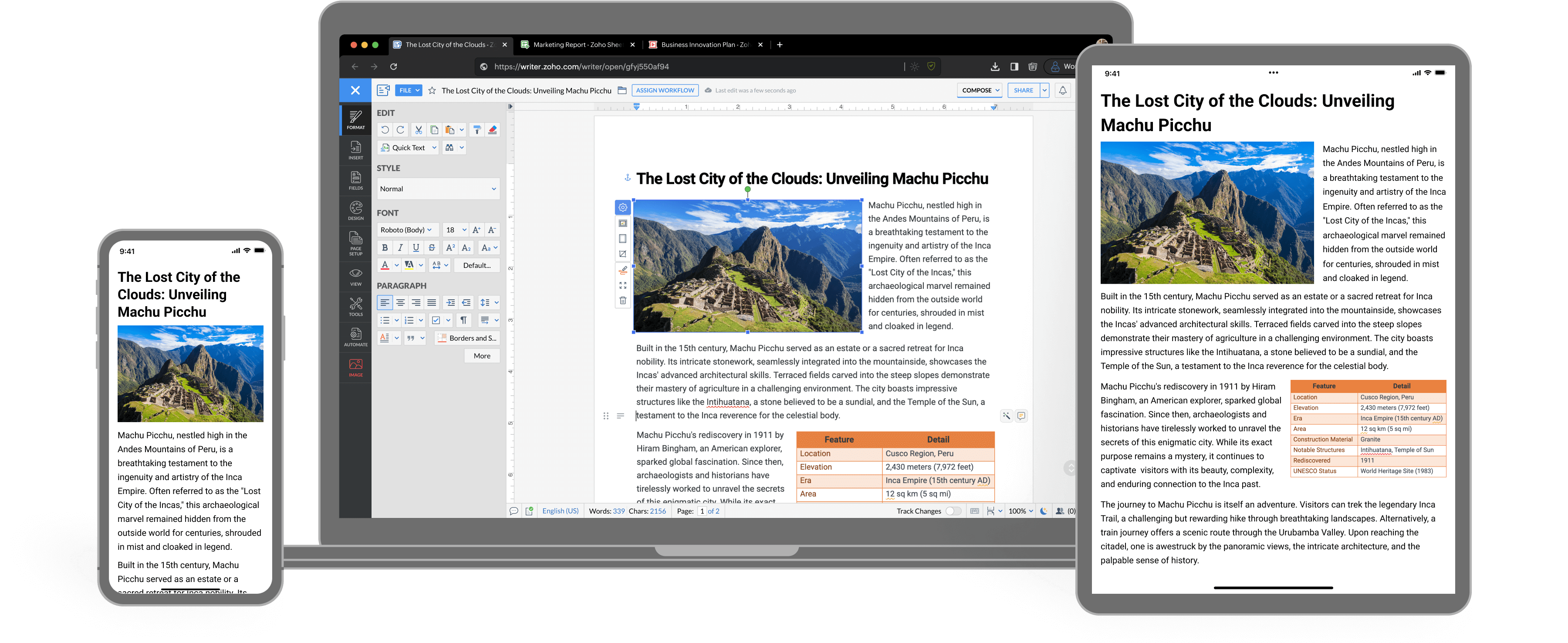
A complete word processor you'll love to use. From smart writing tools to powerful automation muscles, it's got everything to help you get things done, faster. Get Started
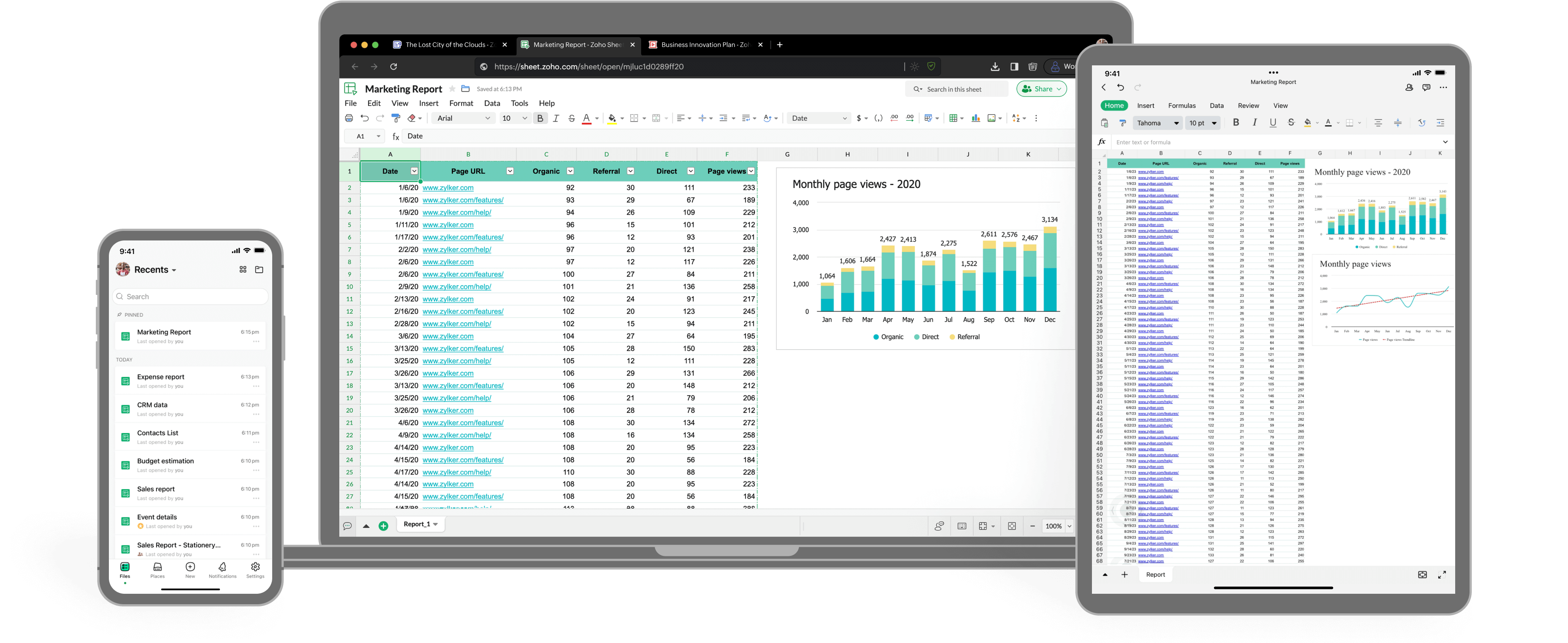
Zoho Sheet is a free cloud-based spreadsheet application built for modern teams. You can create new spreadsheets and edit existing ones including Excel files. Get Started
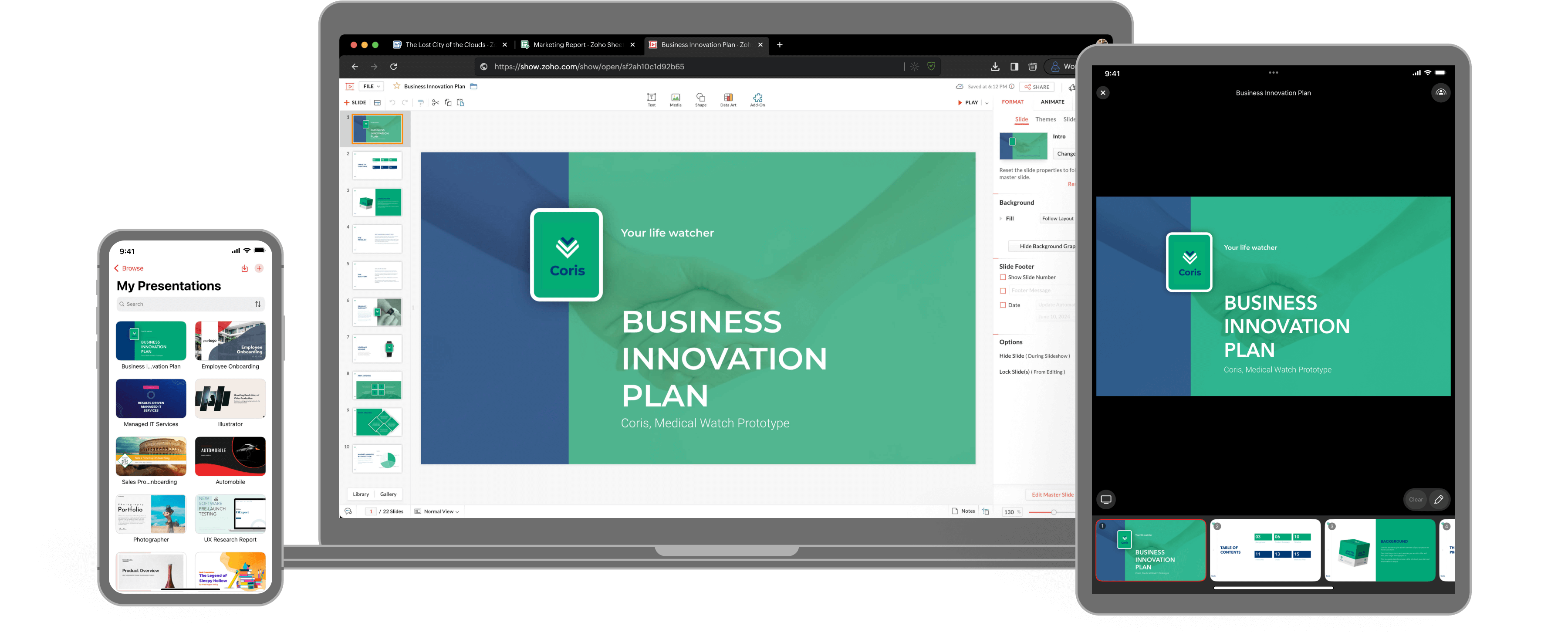
A collaborative presentation software built for modern teams. Design professional slides, collaborate effortlessly, and deliver your story with impact from your browser, desktop, or mobile devices. Get Started
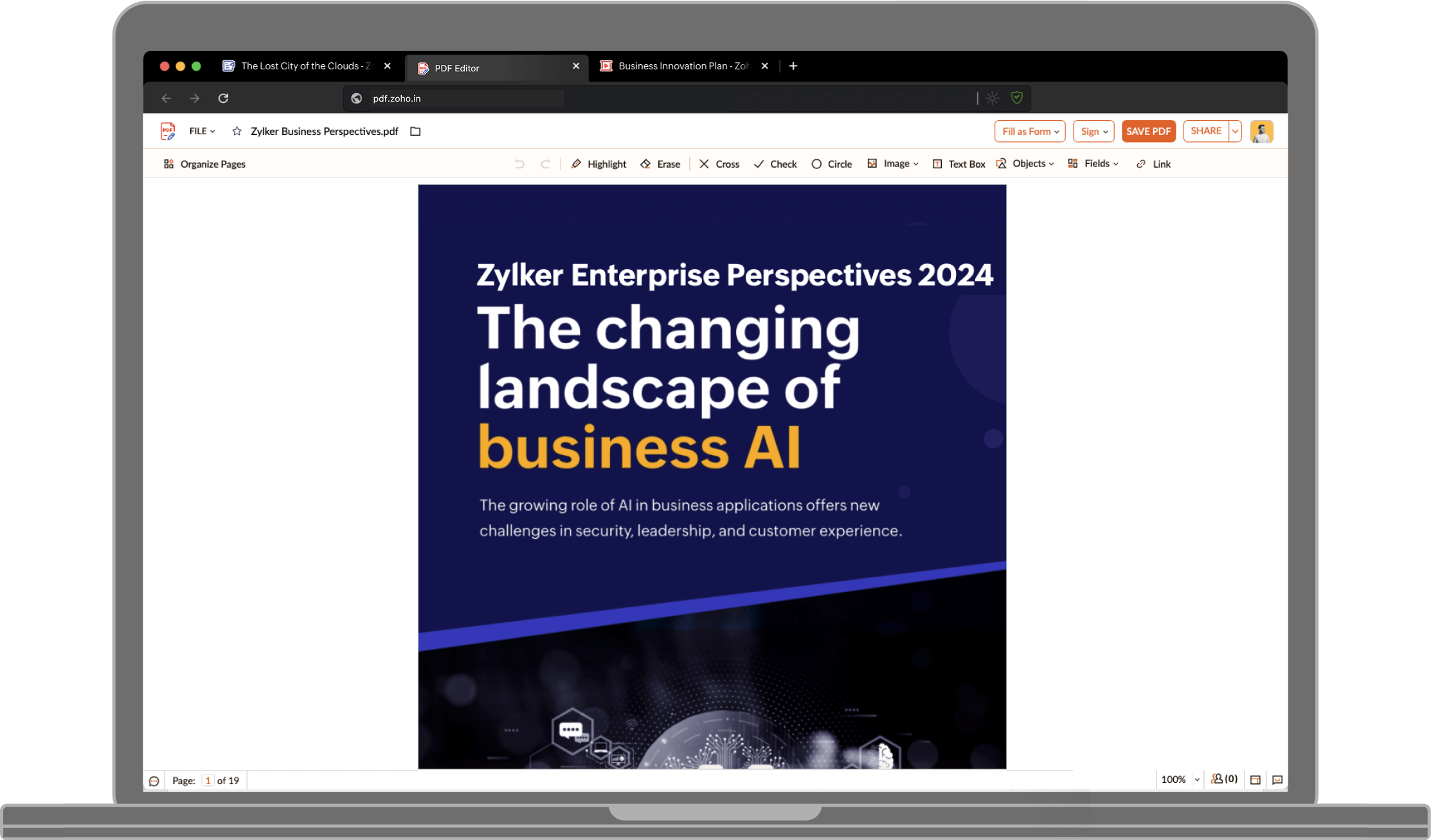
A free online PDF editing tool. Modify PDFs, add text, insert images, add shapes and hyperlinks, and turn them into fillable PDF forms to collect data and e-signatures.Get Started
Zoho Office Desktop
Create new documents, spreadsheets, and presentations with Zoho Office desktop app . You can also seamlessly view and edit existing local files in DOCX, XLSX, PPTX, PDF, and other common formats with Zoho Writer, Sheet, Show, and PDF Editor. The Zoho Office desktop app is available for purchase for users who prefer a desktop-only experience. For assistance, contact us.
Highlights
- Work offline with local file access
- Ideal for users with limited or unstable internet
- Syncs automatically when you're back online
Free for Individuals
Zoho offers a complete suite of productivity tools—Writer, Sheet, Show, and PDF Editor—completely free for personal use. Create and collaborate on documents, manage data with powerful spreadsheets, design engaging presentations, and edit PDFs with ease. Everything you need to work smarter, at no cost.
Frequently Asked Questions
It depends on which version you use. The online version runs in your browser and requires an internet connection at all times. For the desktop app, a connection is required to install the apps and to open them for the first time; after that, you can use them offline.
Zoho Office online version is free for individuals, and business or enterprise users can subscribe to paid plans that include advanced sharing, storage, and admin controls. Zoho Office desktop app is free for individuals, and free for organizations with an active Zoho One, Zoho Workplace, or Zoho WorkDrive subscription. If you only need the standalone desktop version without one of those subscriptions, it's available at $10 per device.
Yes-You can view, edit, and save Microsoft Office files such as .docx, .xlsx, and .pptx directly in Zoho Writer, Sheet, and Show. This works both in the online version (via browser) and the desktop apps.