Everything your support team needs, connected
- Bot automation
- Ticket management
- Knowledge base sync
- Ticket prioritization
- Past ticket search
- Tag sync
- Chat & call summaries
Effortless customer support automation with bots
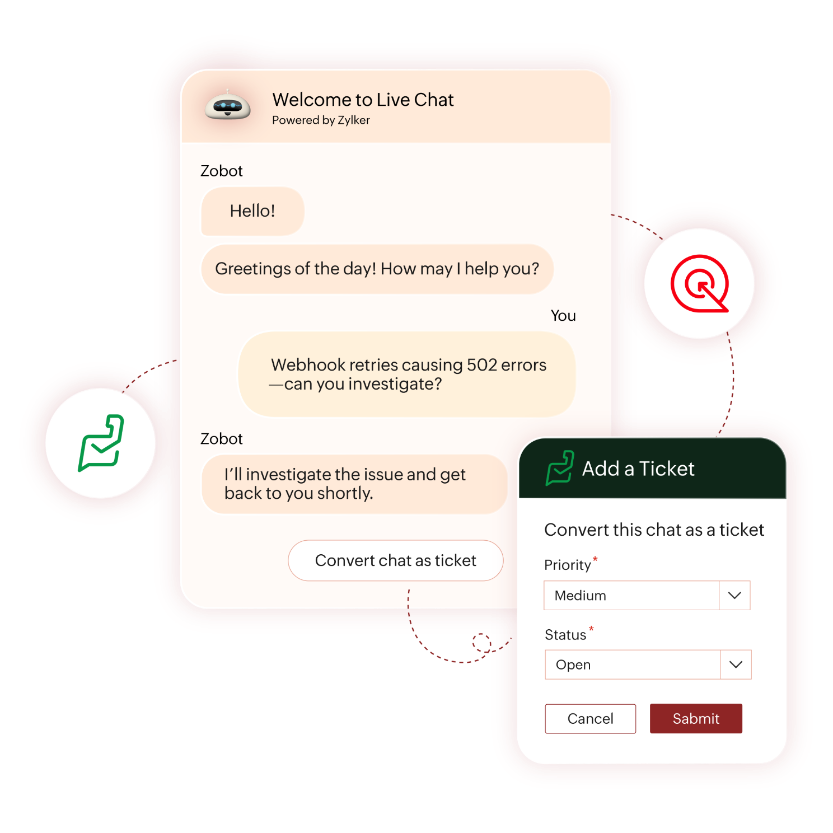
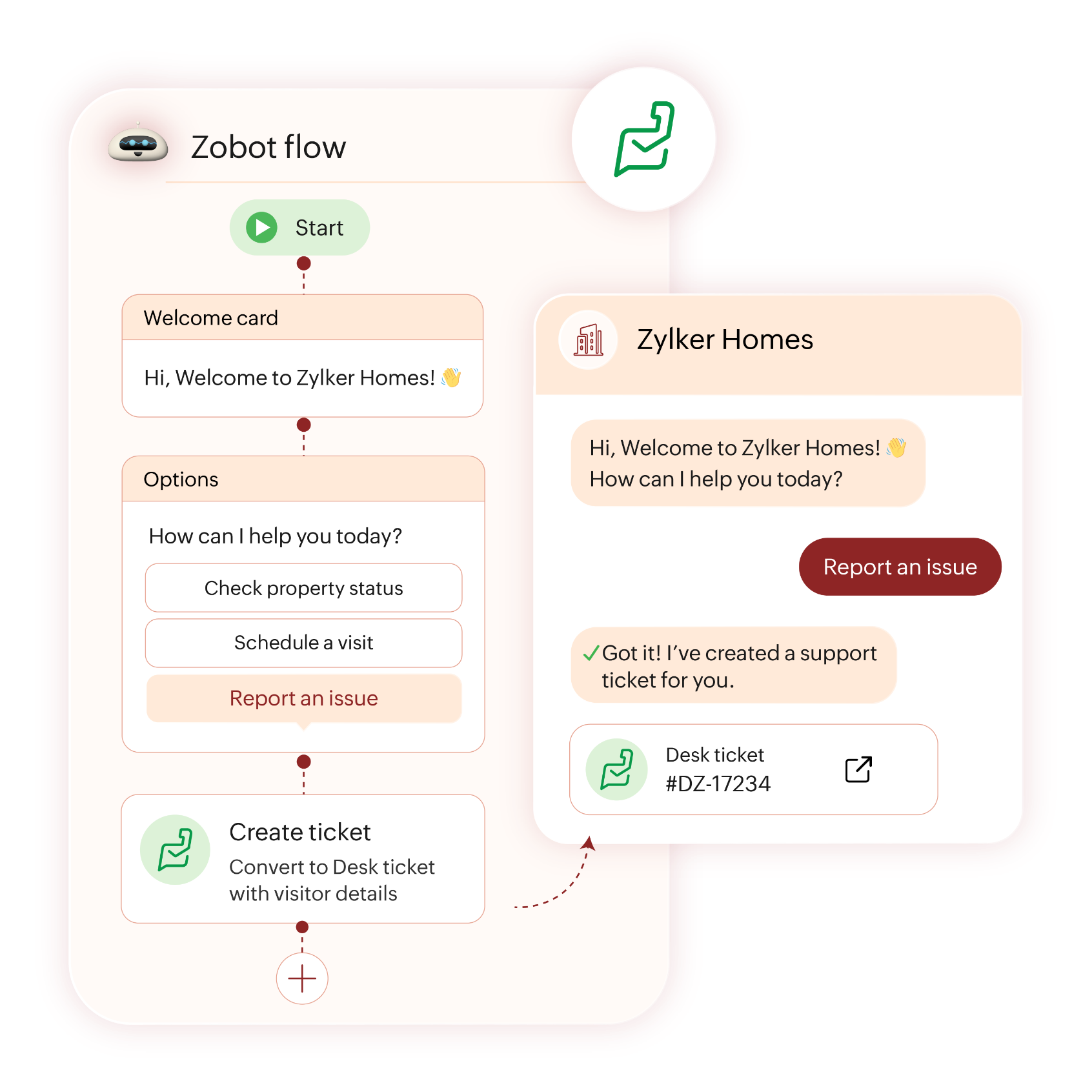
Our flexible, low-code chatbots elevate your support game by assisting customers in real time and helping convert chats into tickets when needed—ensuring no query slips through the cracks. Whether on your website or mobile app via the Mobilisten SDK, bots are always ready to assist.
💡 Pro tip: Launch bots faster with pre-built templates, add multilingual support for global customers, and enable in-chat actions like payments or appointment booking to resolve issues without escalations.
Create and manage support tickets without leaving SalesIQ
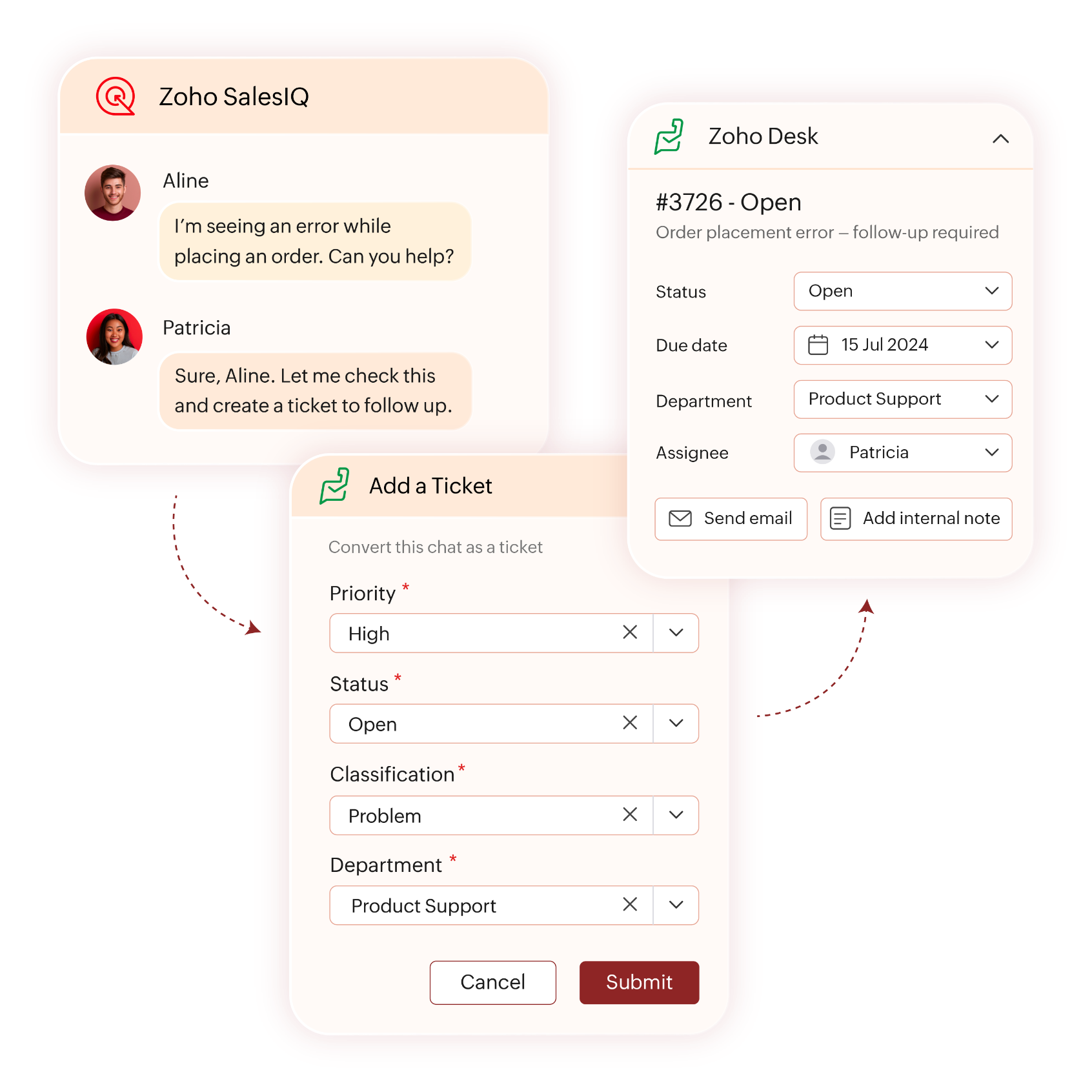
Turn chats into Zoho Desk tickets with a single click, and automatically create tickets for missed conversations. Manage tickets in real time from your SalesIQ chat window—update statuses, set due dates, modify details, send emails, and add internal notes.
Sync your knowledge base with one click
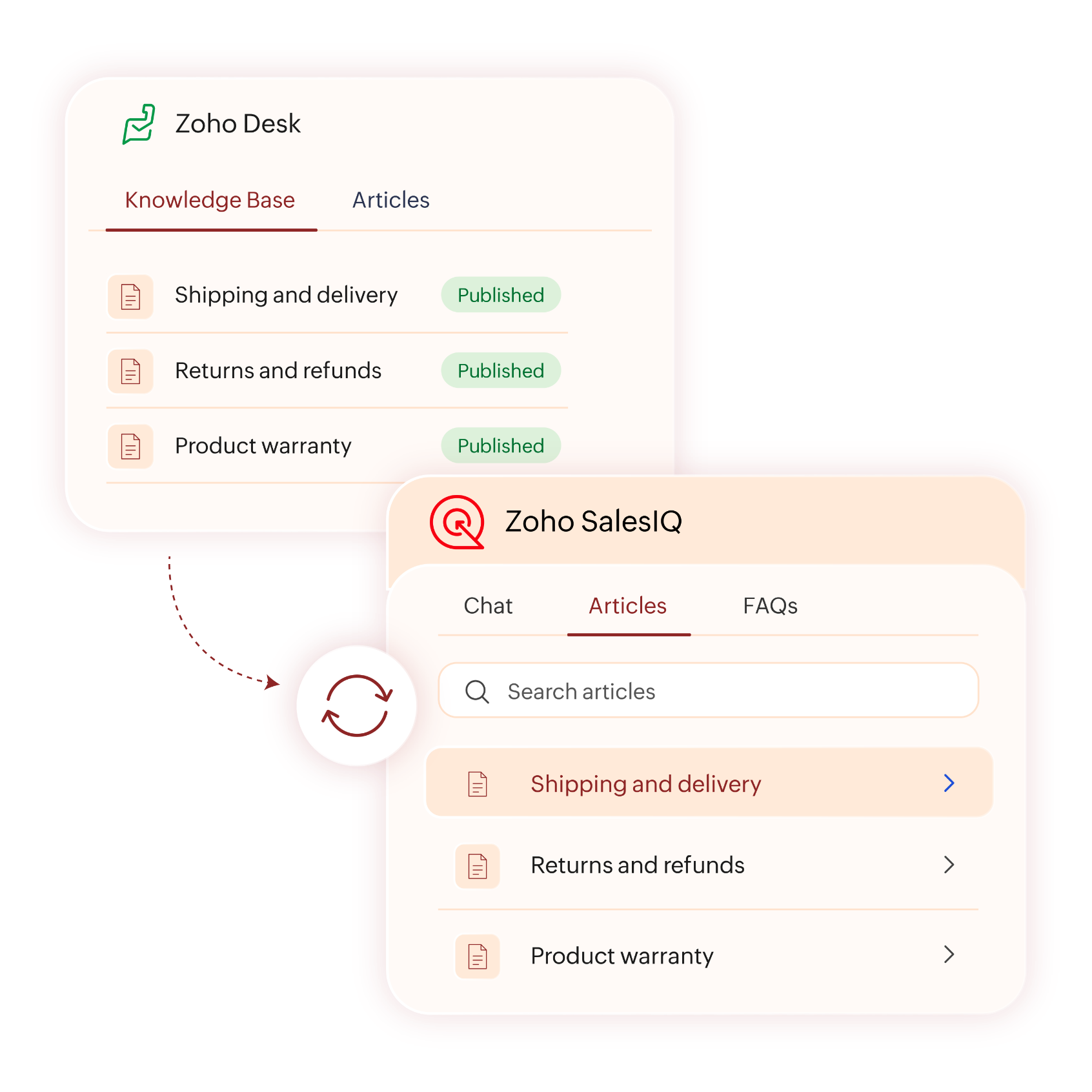
Push published articles from Zoho Desk directly into SalesIQ’s article library—so customers and bots always have the latest support content.
💡 Pro tip: Combine knowledge base sync with AI-driven answer suggestions so customers get relevant solutions instantly, even for complex queries.
Implement effective ticket prioritization
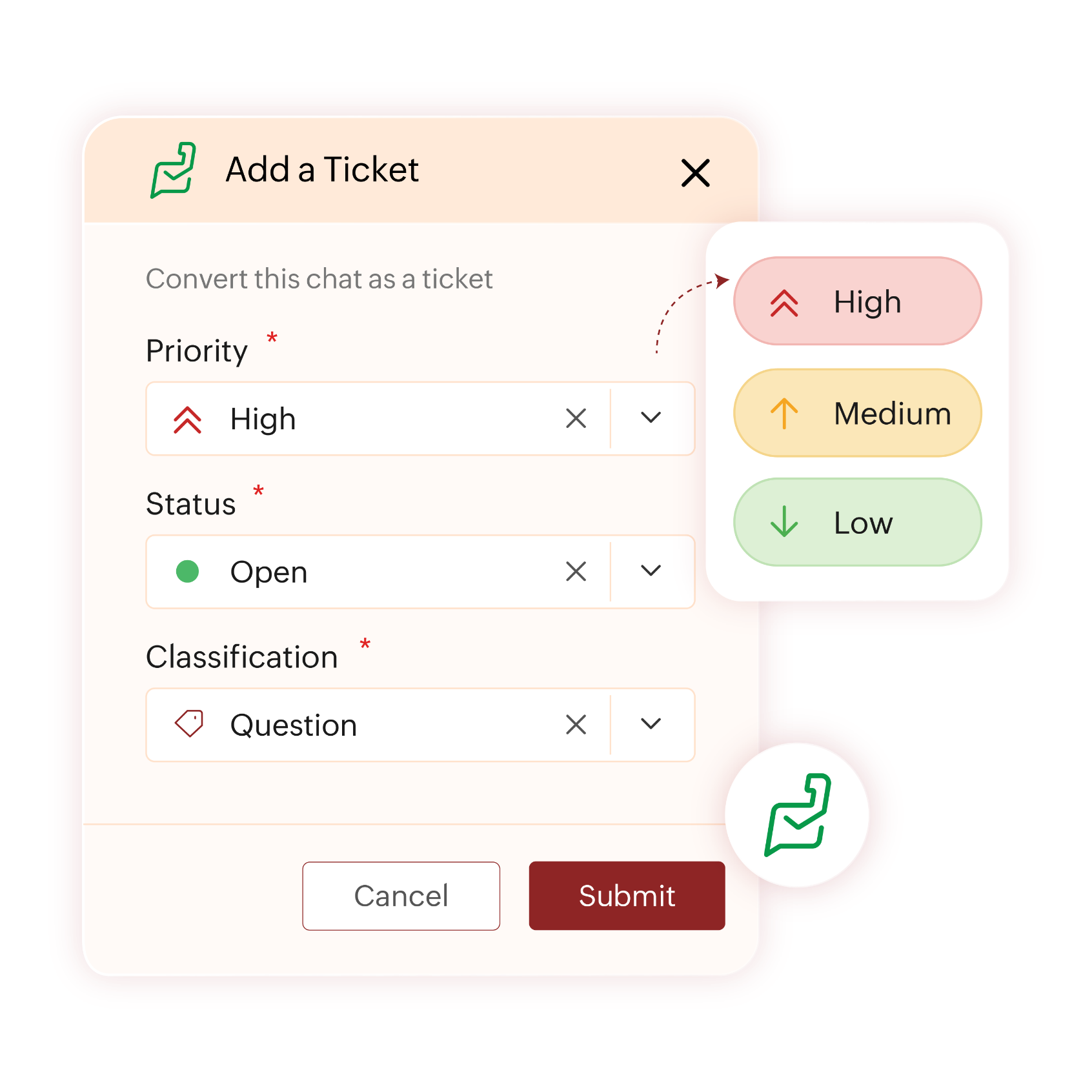
Establish a clear hierarchy of urgency for incoming tickets. Prioritize tickets as high, medium, and low so agents know which ticket to resolve first. You can also set other details like status, classification, and department, which will be automatically updated in Zoho Desk.
Search past tickets during any chat
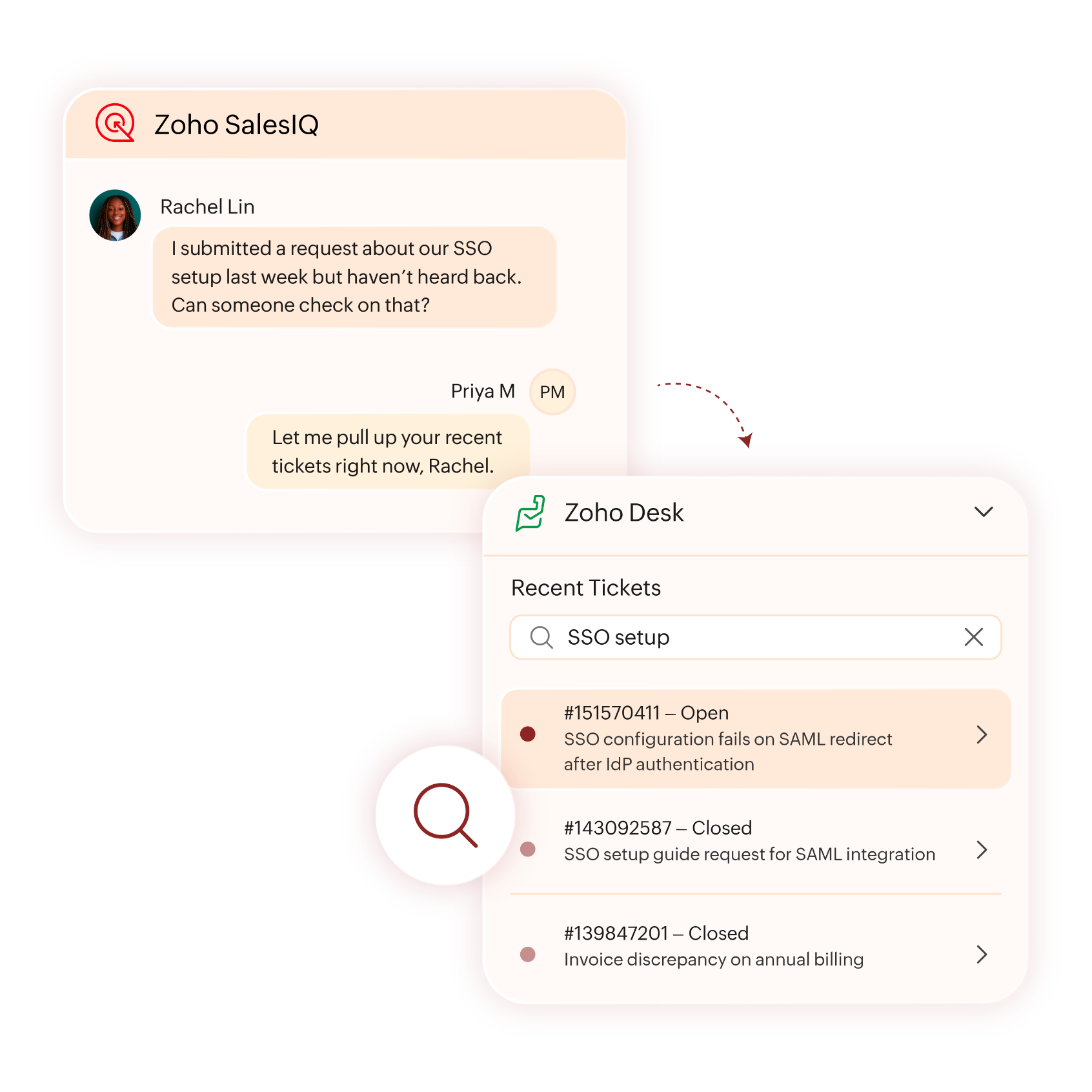
Look up a customer's previous tickets by name, ticket number, email, or keyword without leaving the conversation. Your agents walk into every chat with full history.
Keep tags consistent across both platforms
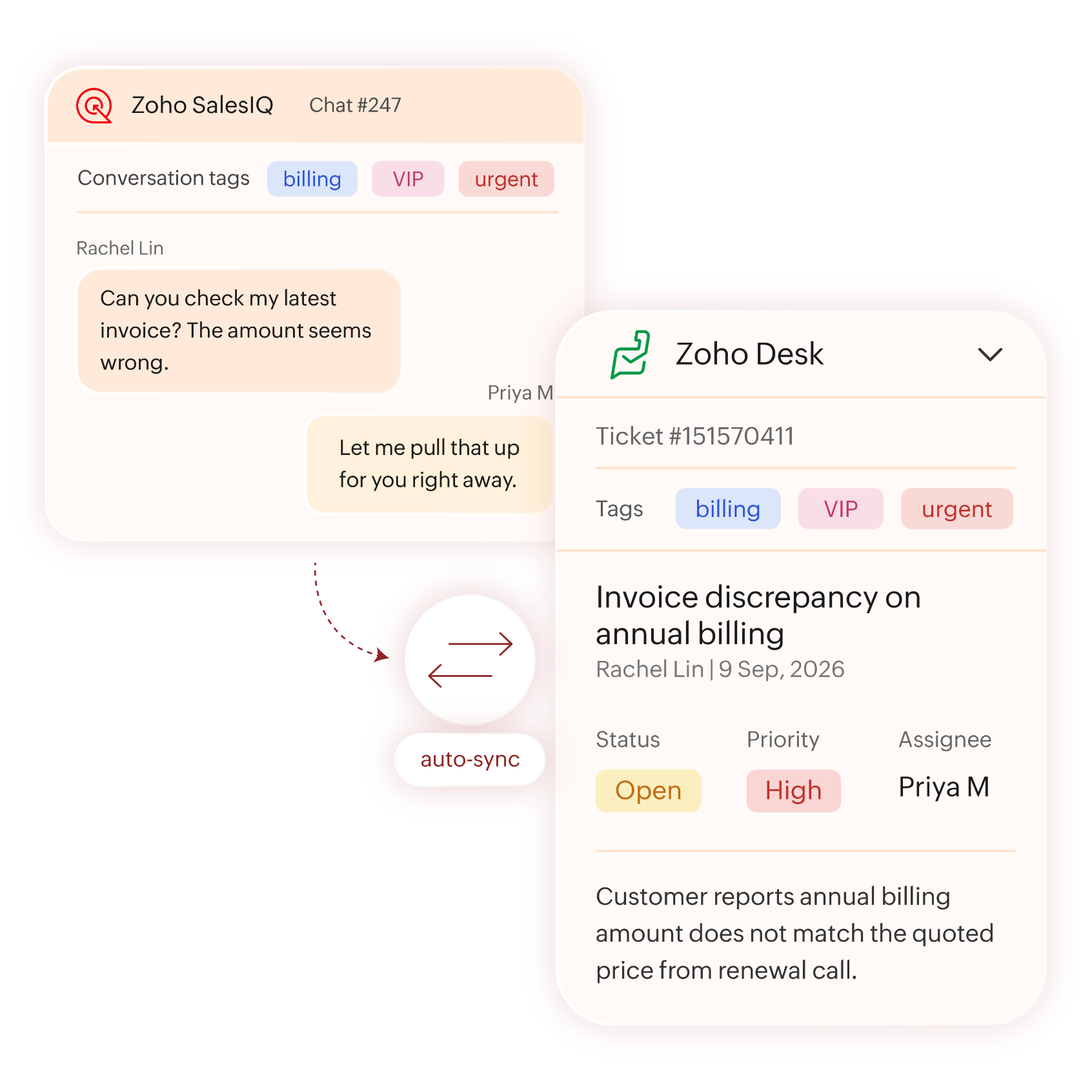
Tags added in SalesIQ automatically sync to the corresponding Desk ticket, and vice versa. No manual re-tagging, no mismatched categories between your chat and helpdesk teams.
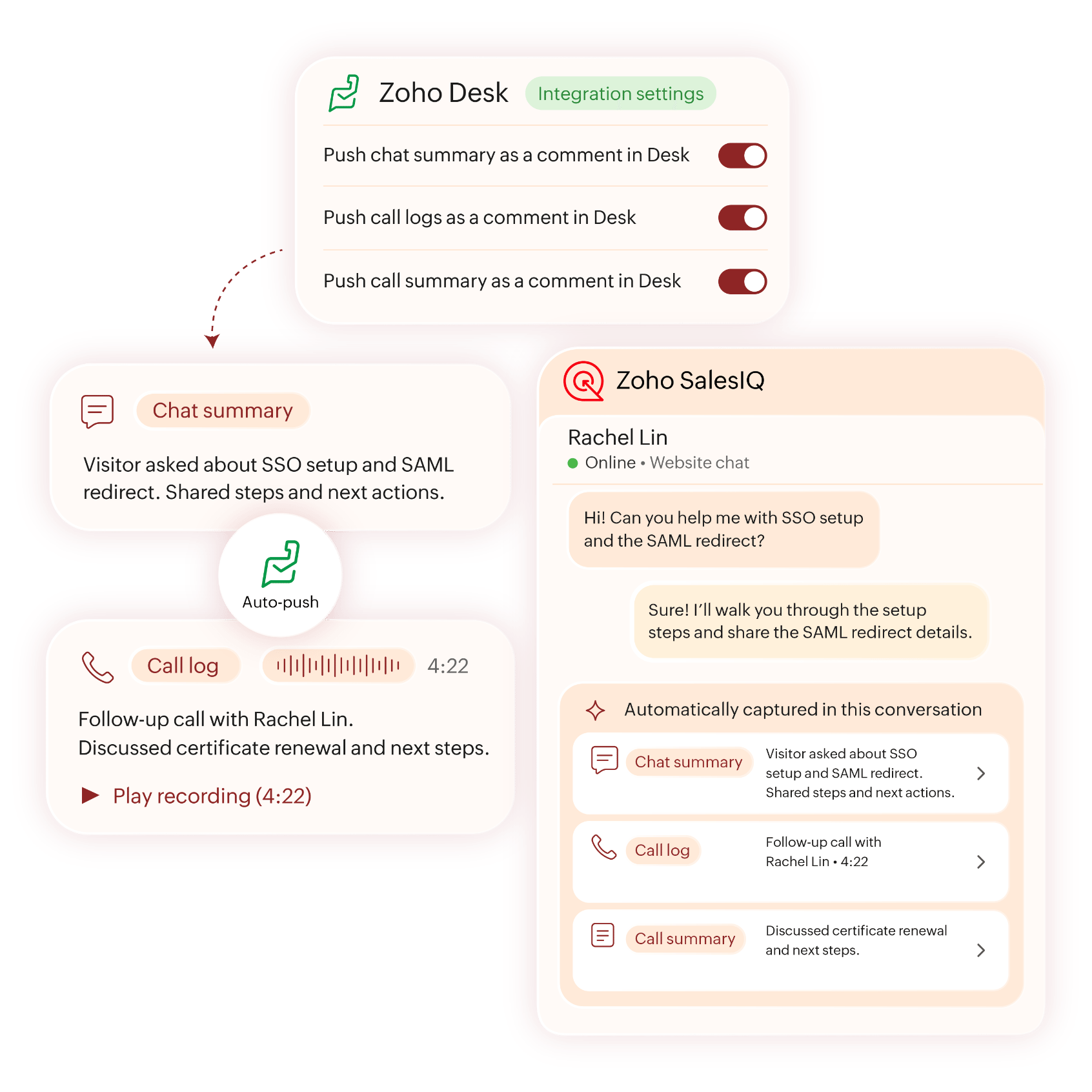
Push chat and call summaries to Desk automatically
Chat summaries and call logs from SalesIQ post as comments on the associated Desk ticket. Every agent who picks up the ticket gets full conversation context without asking the customer to repeat themselves.
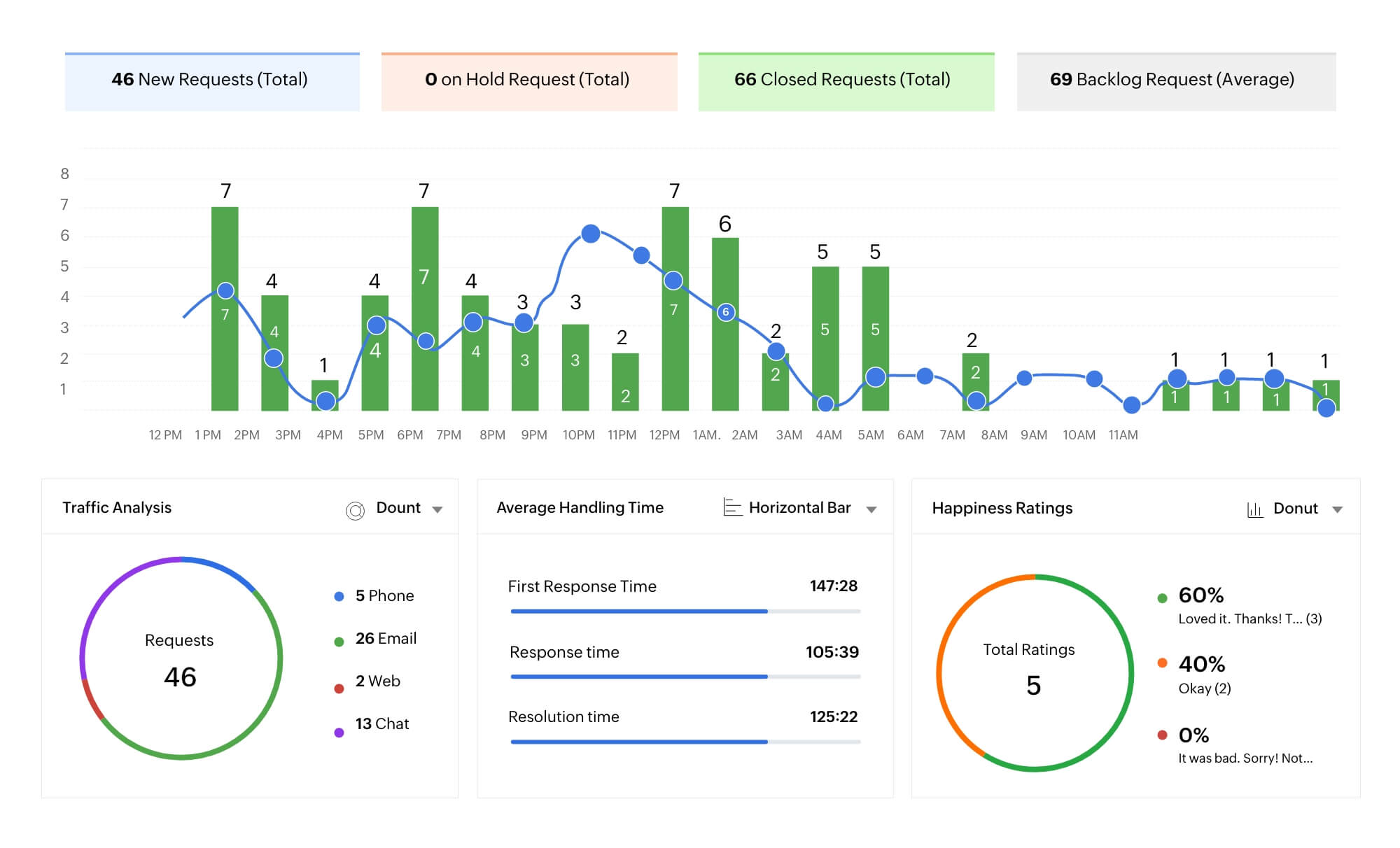
Empower superior support with agent performance insights
Gain valuable insights into agent performance and customer sentiment. When chats convert to tickets in Zoho Desk, all chat data, including customer feedback, seamlessly transfers.