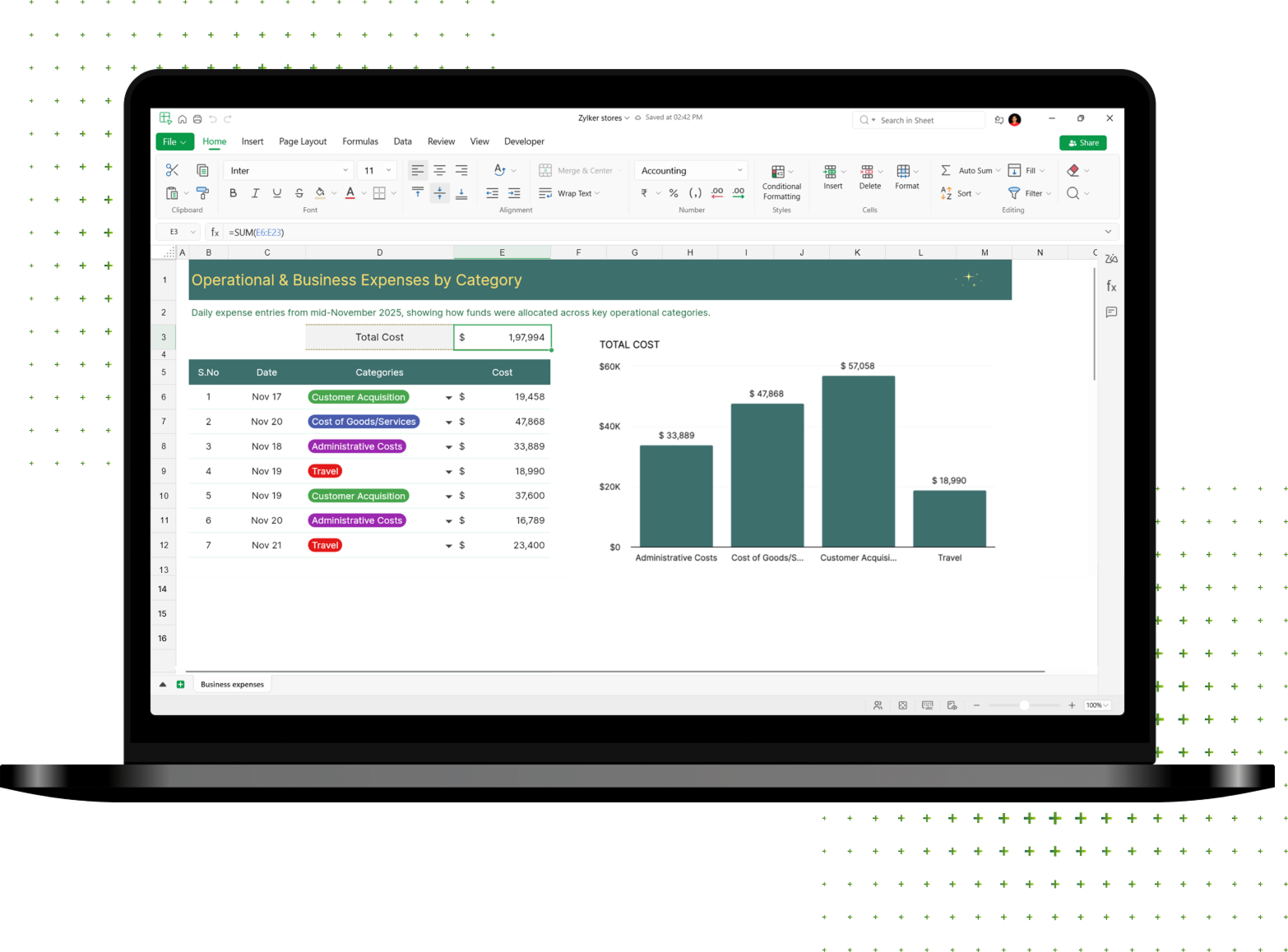
Get the best of both worlds
Whether you're connected to the internet or working offline, you can create and edit spreadsheets from anywhere.
Online
- Real-time collaboration
- Cloud file access and sharing
- Data sync across all your devices
Offline
- Save files locally
- Full editing without internet
- Work on sensitive data privately
No account required
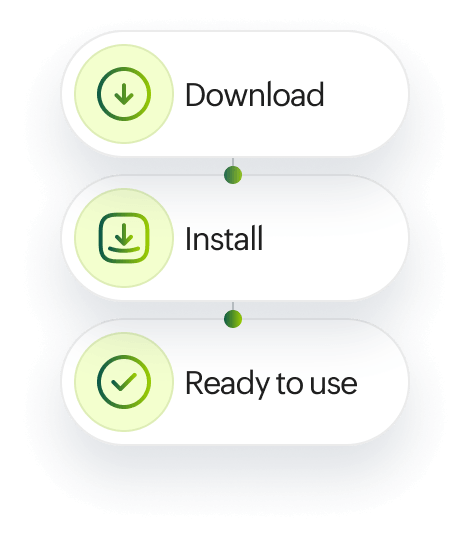
Your spreadsheets are ready to use once you download and install the app. You don't need an account unless you want to work on cloud files.


Everything you need for your spreadsheets
Enter and manage data
Enter, validate, and manage your data with speed and accuracy using picklists, data validation, rich text, conditional formats, filters, and more.
Turn numbers into insights
Reduce manual work and analyze faster with 400+ built-in functions, from basic arithmetic to complex calculations. Or, create custom functions tailored to your business logic.
Visualize data
Need quick insights to prepare reports? Zia, our in-house AI, recommends the right chart out of 35 types based on your selected data.
Automate tasks
Remove repetitive tasks with VBA macros. Record them automatically or create your own from scratch.
Ensure clean data
Refine your data at the click of a button with AI-powered data cleaning suggestions. Detect and fix missing values, inconsistent entries, and duplicate values while working on your cloud files.
Work together, without conflicts
Keep spreadsheet data aligned with team goals by limiting access and locking cells. Collaborate in real time when you're online: Add comments, track versions, share files, and publish spreadsheets without friction.
Work with other cloud drives
Zoho Sheet integrates with Google Drive, OneDrive, Box, and Dropbox, so you can easily import or export your spreadsheets.
Keep your data secure
Our local-first desktop app allows you to work on sensitive information like payroll records, budgets, and forecasts. Store them directly on your device until you're ready to move them online.






Your data is our top priority.
At Zoho, we never sell your personal information or show third-party ads. We're committed to providing transparency, privacy, and security.
Frequent asked questions
Yes, Zoho Sheet is free to use.
Yes, this is the beta version of the desktop app, released to collect your feedback while we continue adding advanced features and improving overall performance.
Yes, Zoho Sheet's desktop app allows you to edit your Excel files (XLSX, XLS, XLSM) for free.
Yes, the desktop app works both online and offline. You can work on your device's files without an internet connection.
The Zoho Sheet app does not currently support auto-sync, but you can use the Import to Cloud option to bring your files online.
Zoho Sheet desktop app supports Excel files (XLSX, XLS, XLSM) and other formats like CSV and TSV.
If you have any questions or feedback, you can reach out to our team at support@zohosheet.com. We're happy to assist you!