Manage care workforce anytime, anywhere
A smart mobile app that streamlines workforce with effortless scheduling, time tracking, and communication, ensuring smooth and efficient care management at every step.



Keep every healthcare shift staffed, informed, and on track
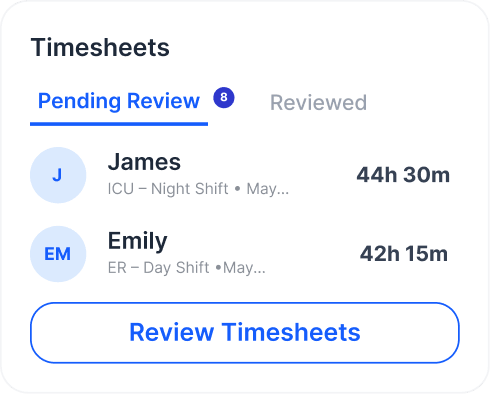
Healthcare staff spend hours manually tracking shifts, requesting changes, and checking in, leading to missed updates, scheduling errors, and frustration. A unified mobile app addresses this by streamlining shift access, requests, check-in, and real-time updates in one place—saving time, reducing errors, and improving staff satisfaction.
- Better shift communication
- Mobile shift access
- Quick request handling
- Attendance tracking
- Real-time notifications
 Better shift communication
 Mobile shift access
 Quick request handling
 Attendance tracking
 Real-time notifications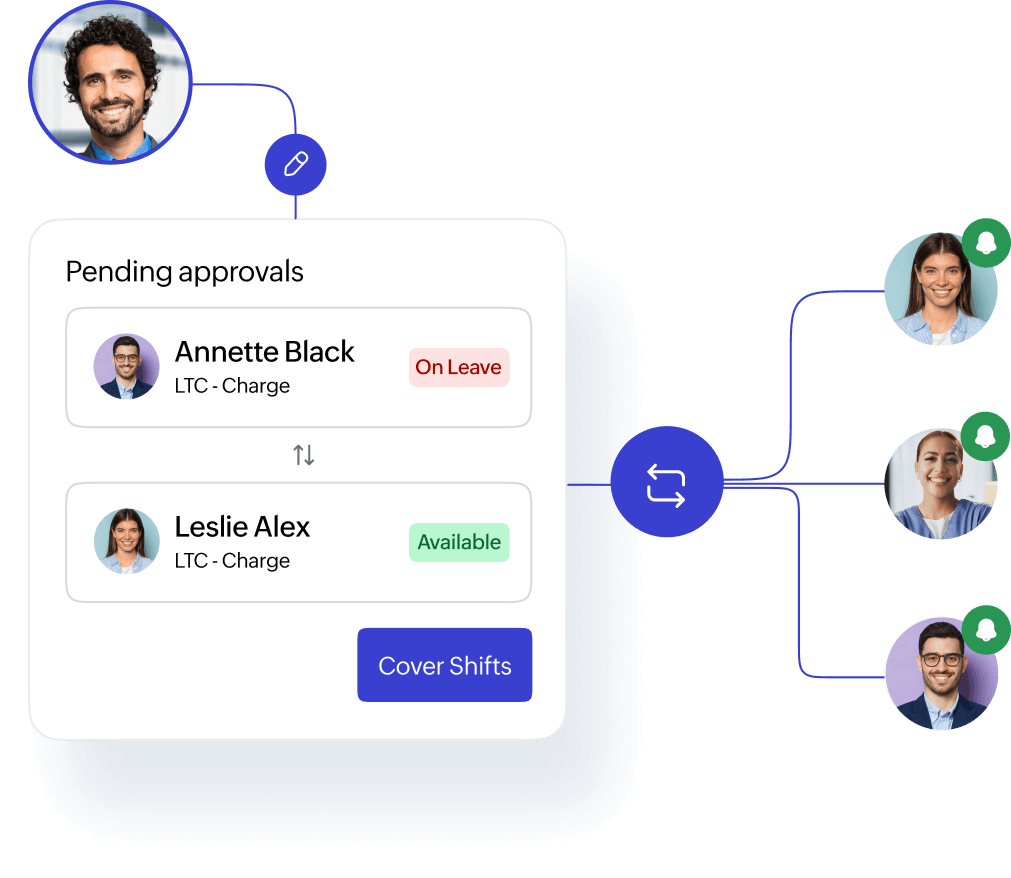
Real-time shift management on the go
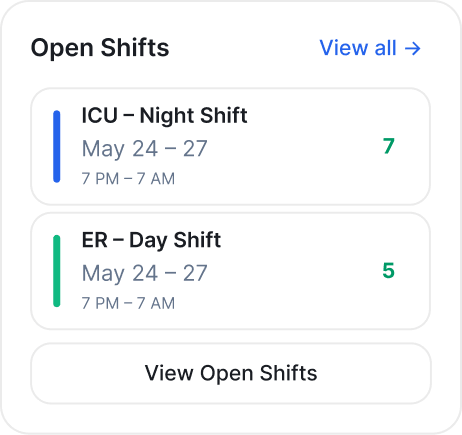
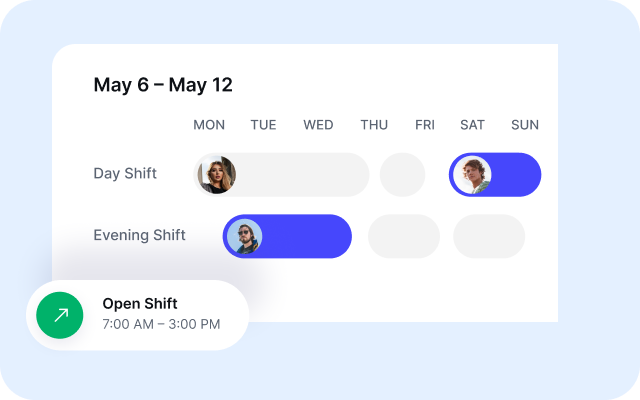
View schedules across departments, units and effortlessly make real-time shift changes on the go and keep the care givers informed.
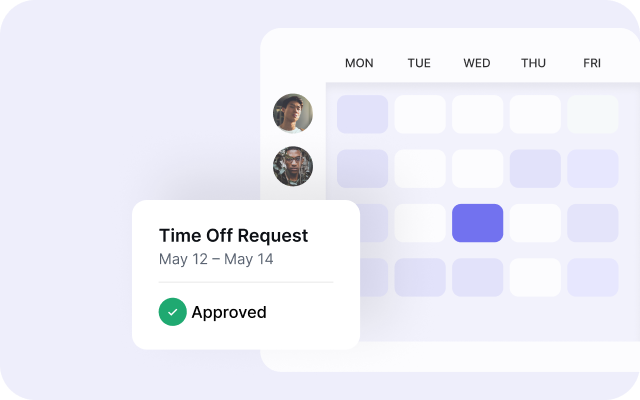
Streamline leave & shift approvals with a touch
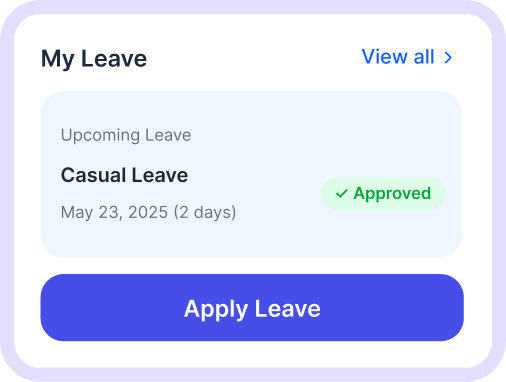
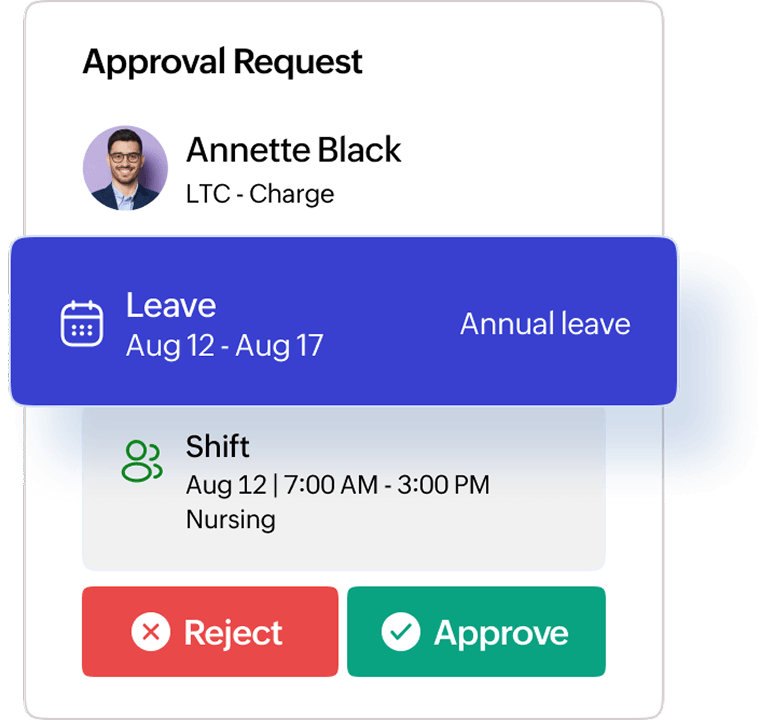
Managers can quickly approve or reject leave requests and handle shift approvals anytime, anywhere, saving time.
Centralized oversight for all locations and departments
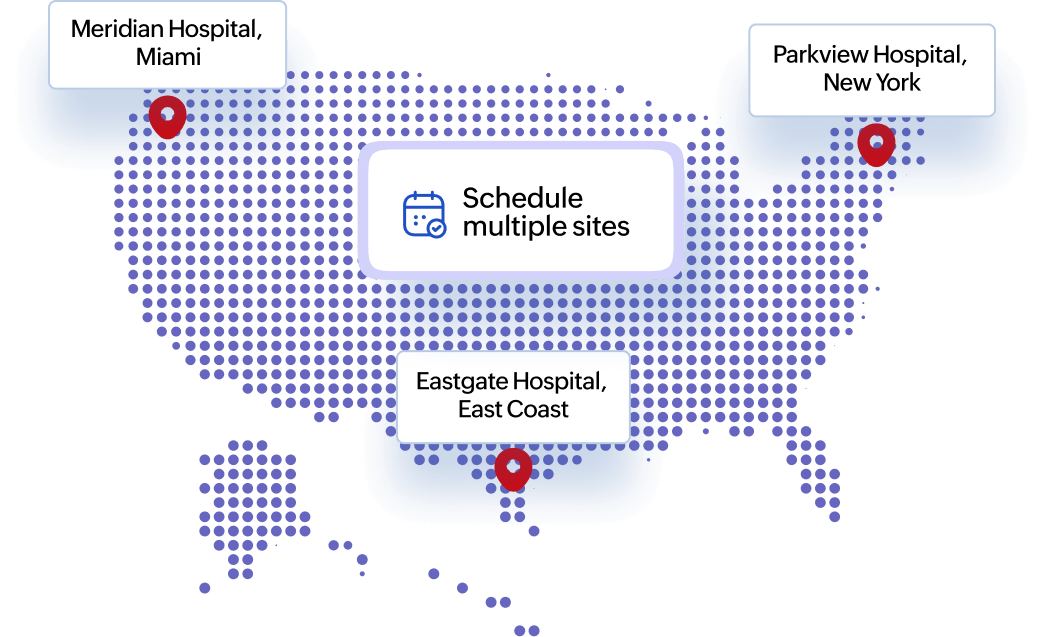
Access real-time schedules across locations and departments, simplify shift management, and efficiently manage multiple sites.
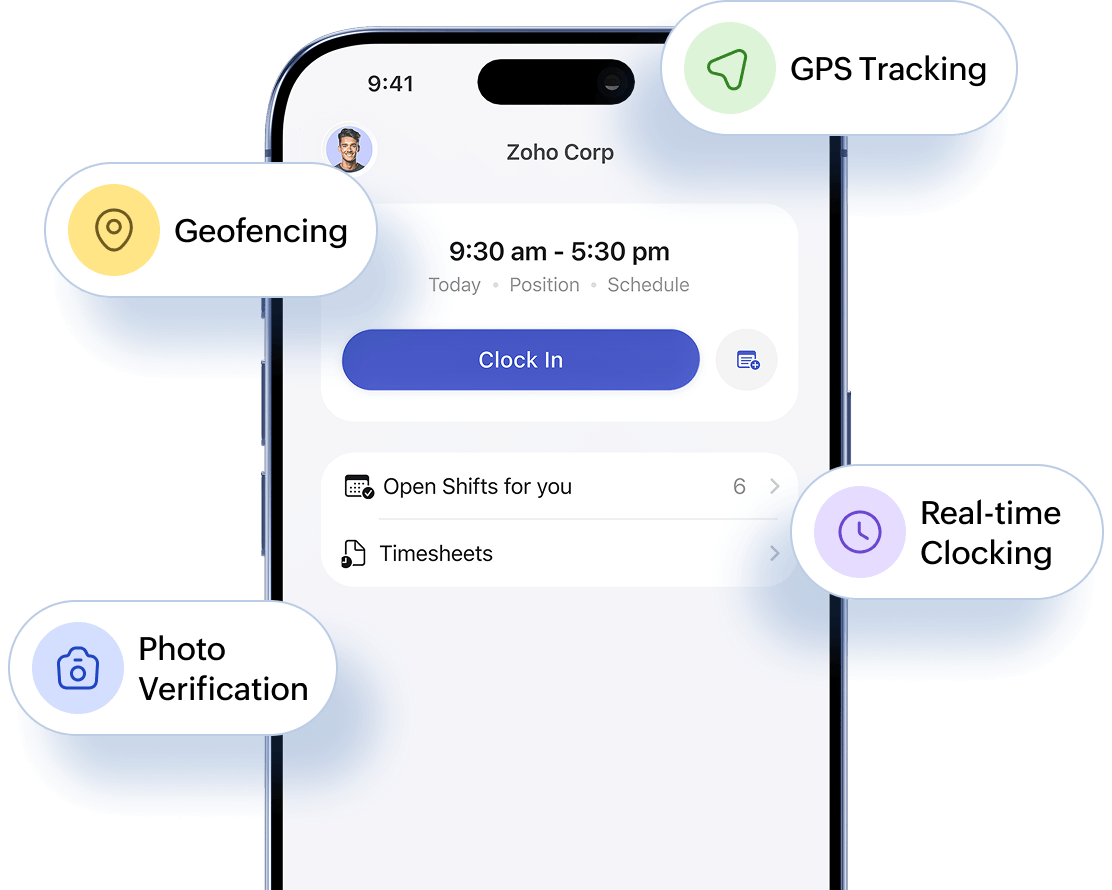
Mobile check-in, photo verification & real-time clocking
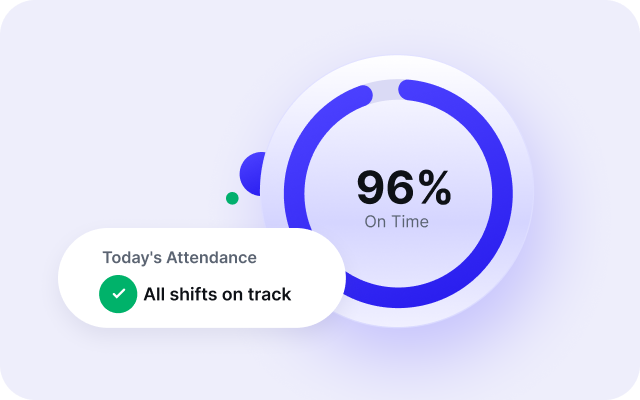
Employees check in/out via mobile devices with seamless break management, photo verification, geofencing, and GPS tracking for accurate, real-time attendance—ideal for multi-site teams.
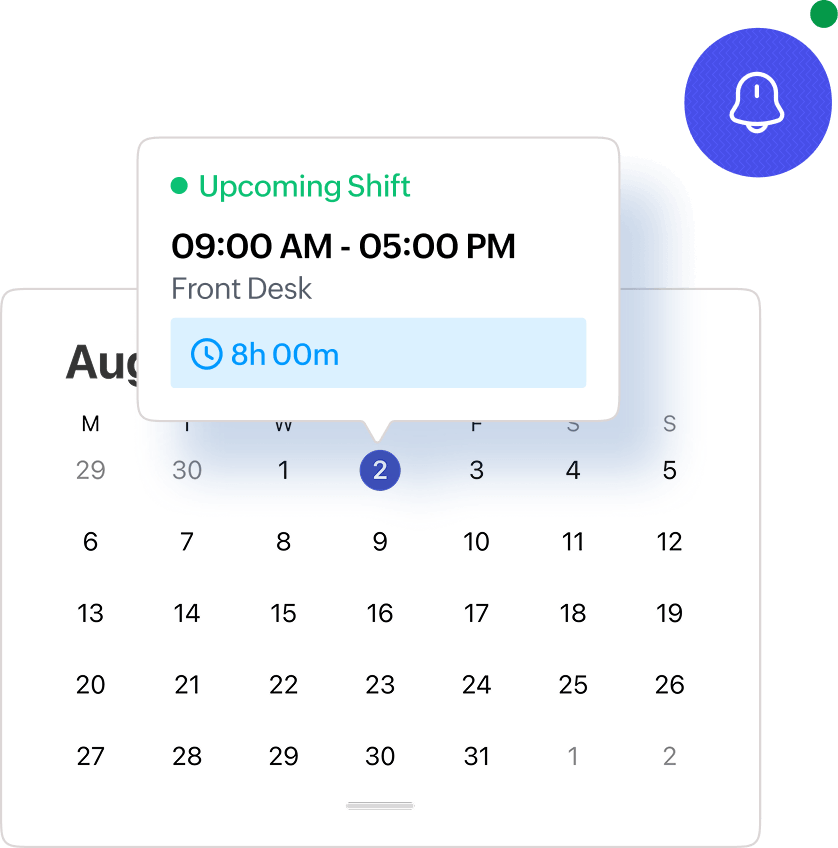
View schedules and sync calendar
Employees can track their working hours to optimize shift scheduling. Sync the mobile calendar with Zoho Shifts for shift alerts and scheduling based on your availability.
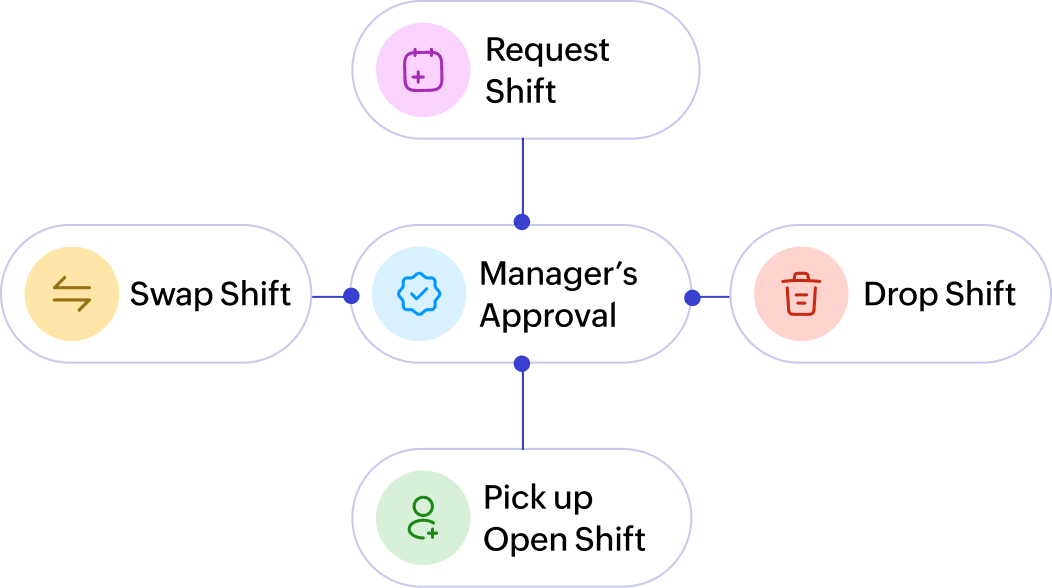
Self-scheduling with manager approval workflow
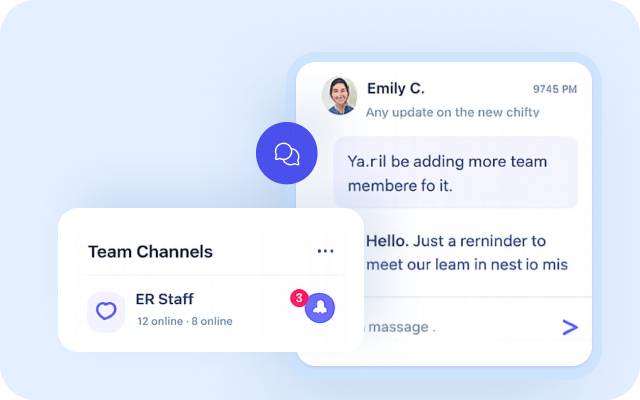
Nurses and staff can manage shift requests, swap shifts, drop shifts, pickup open shifts based on their availability, and communicate in real time — all on mobile.
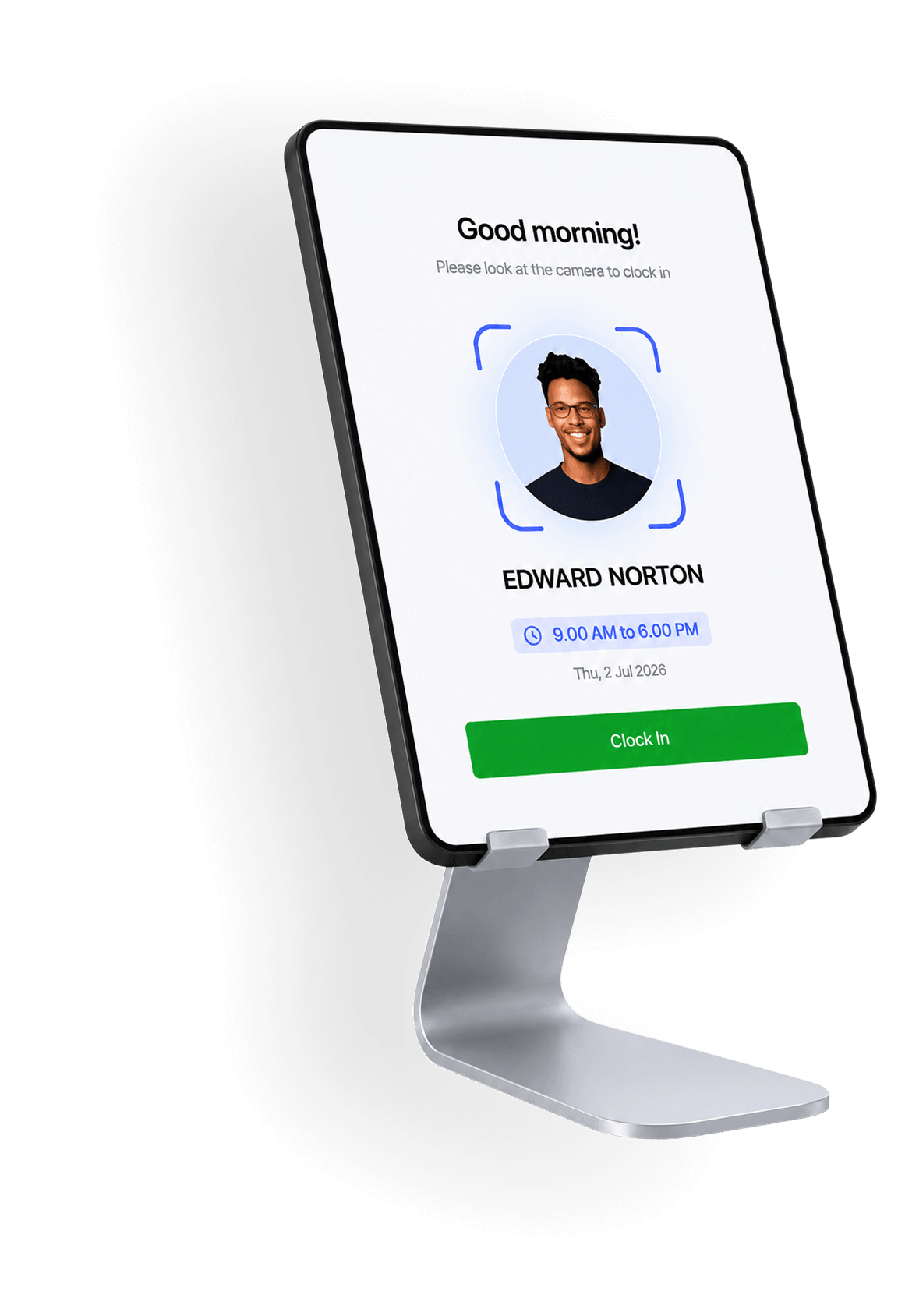
Kiosk app: AI-powered, efficient employee time tracking
- Install Kiosk app on shared devices at healthcare centres or facilities
- Staff clock in for shifts using AI-powered, photo-based authentication
- Eliminates buddy punching with accurate, real-time verification
- Managers assign unique Kiosk PINs to staff
- Staff use their personal PIN to clock in, clock out, and mark breaks
- All actions performed directly on shared device
More ways to simplify healthcare staffing
FrequentlyAsked Questions
Caregivers, nurses, and staff can begin their shifts directly from their mobile devices using the Zoho Shifts mobile app. The app also simplifies managing schedules, timesheets, team collaboration, and leave requests.
Yes, employees can edit their timesheets to reflect their working hours accurately, and managers can quickly approve or reject these updates directly through their mobile app.
Employees can log in and clock in or out using their individual pin on the shared device via the Zoho Shifts Kiosk app.
Yes, employees can easily manage shift change requests—such as swaps, drops, offers, or time-off—directly through their mobile app.
Yes, Zoho Shifts mobile app lets employees view shifts, check in/out, request time off, and update availability. Administrators can manage schedules, assign shifts, and approve requests—all on mobile.
Exceptional care, accessible anytime, anywhere.
A mobile healthcare workforce management solution built to deliver high-quality care, right at your fingertips.