Stay HIPAA compliant with Zoho Show
Ensure all protected health information (PHI) in your presentations is secure and confidential with Zoho Show.


What is HIPAA?
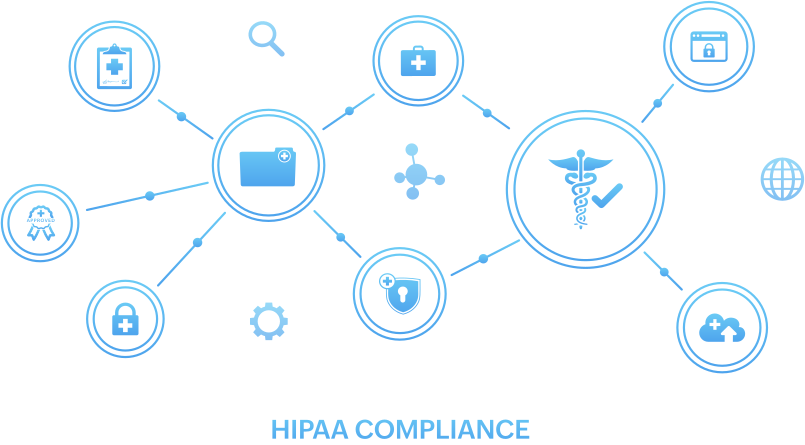
The Health Insurance Portability and Accountability Act (including the Privacy Rule, Security Rule, Breach Notification Rule, and Health Information Technology for Economic and Clinical Health Act), or HIPAA, requires covered entities and business associates to take certain measures to protect health information that can identify an individual. It also provides certain rights to individuals.
Maintain HIPAA compliance with Show
Textual data entered in Zoho Show is considered electronic protected health information (ePHI) data when it references a patient or their medical records. Textual data is any content contained within a text box, shape, or placeholder. It also includes text added as comments, or copied and pasted from the system clipboard.
The organization's administrator has the option to restrict the sharing or publication of any such content outside the organization.
Zoho Show, as a part of the Zoho WorkDrive Office Suite, provides all of the HIPAA-compliant features that are available in WorkDrive.
Show's features that are HIPAA compliant
Zoho does not collect, use, store, or maintain health information protected by HIPAA for its own purposes.
Zoho Show provides certain features to help its customers use Zoho Show in a HIPAA-compliant manner.
Learn More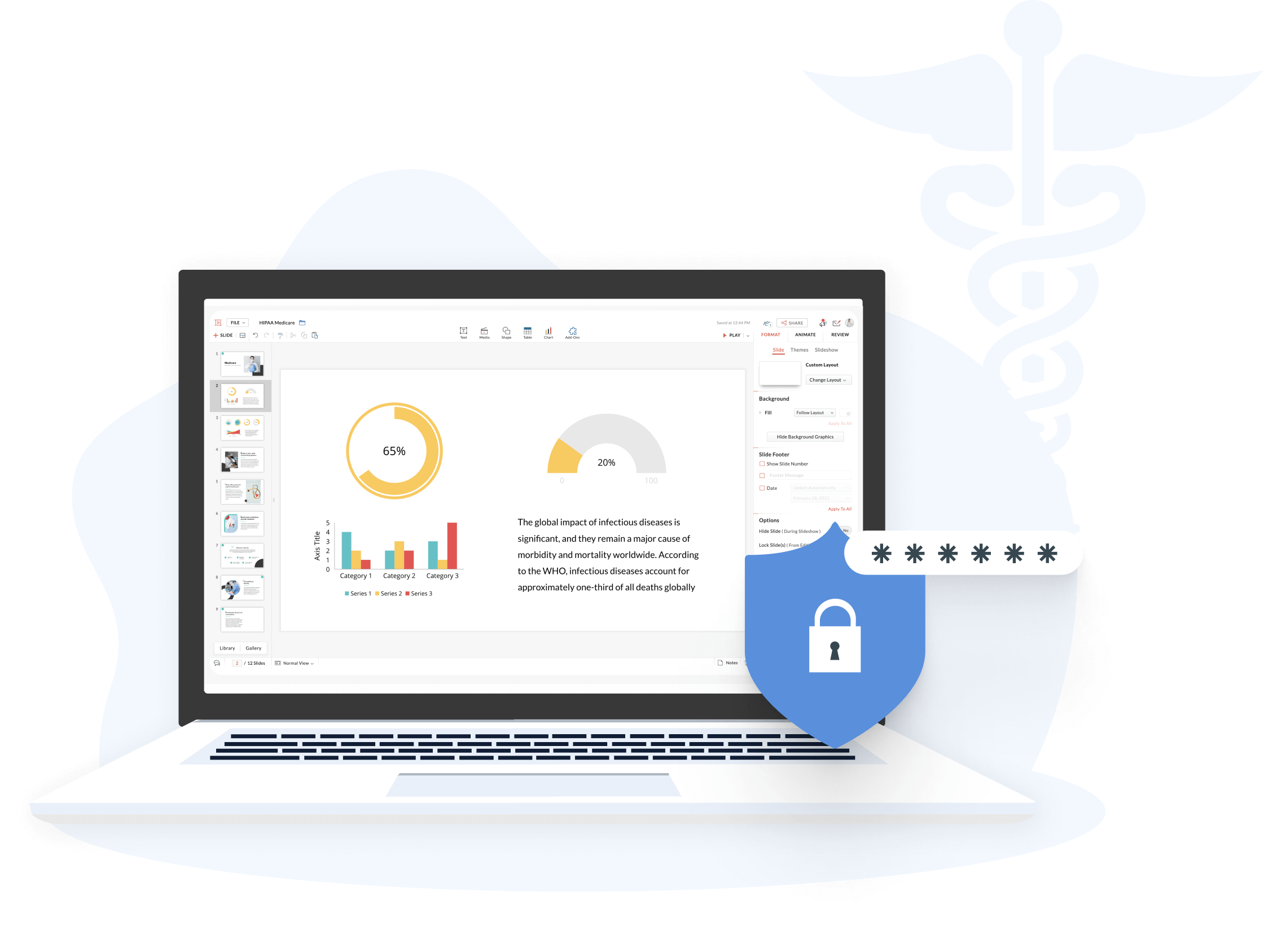
Data encryption
By default, data created in Zoho Show is encrypted during transit and at rest.
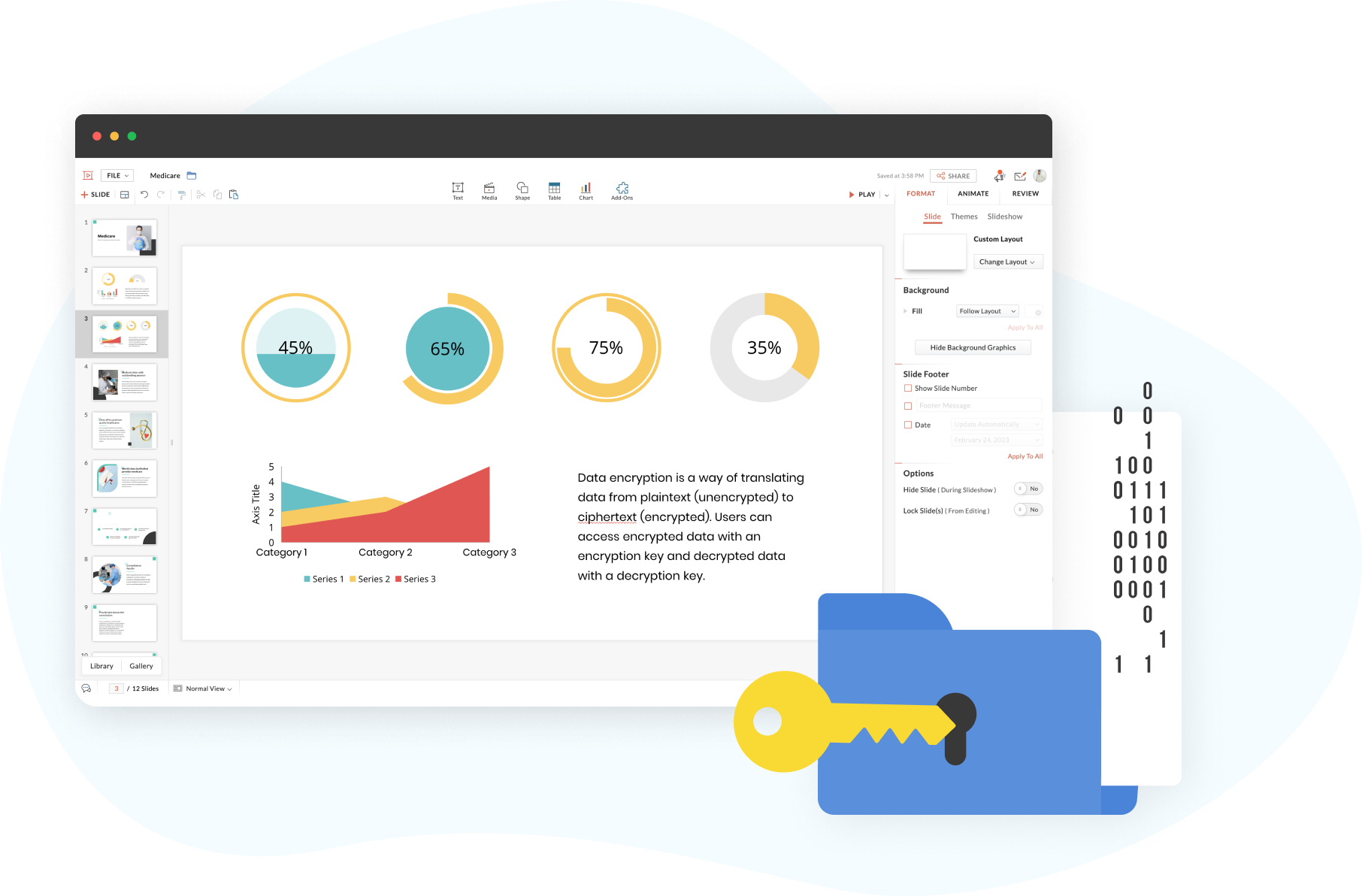
Data encryption
By default, data created in Zoho Show is encrypted during transit and at rest.
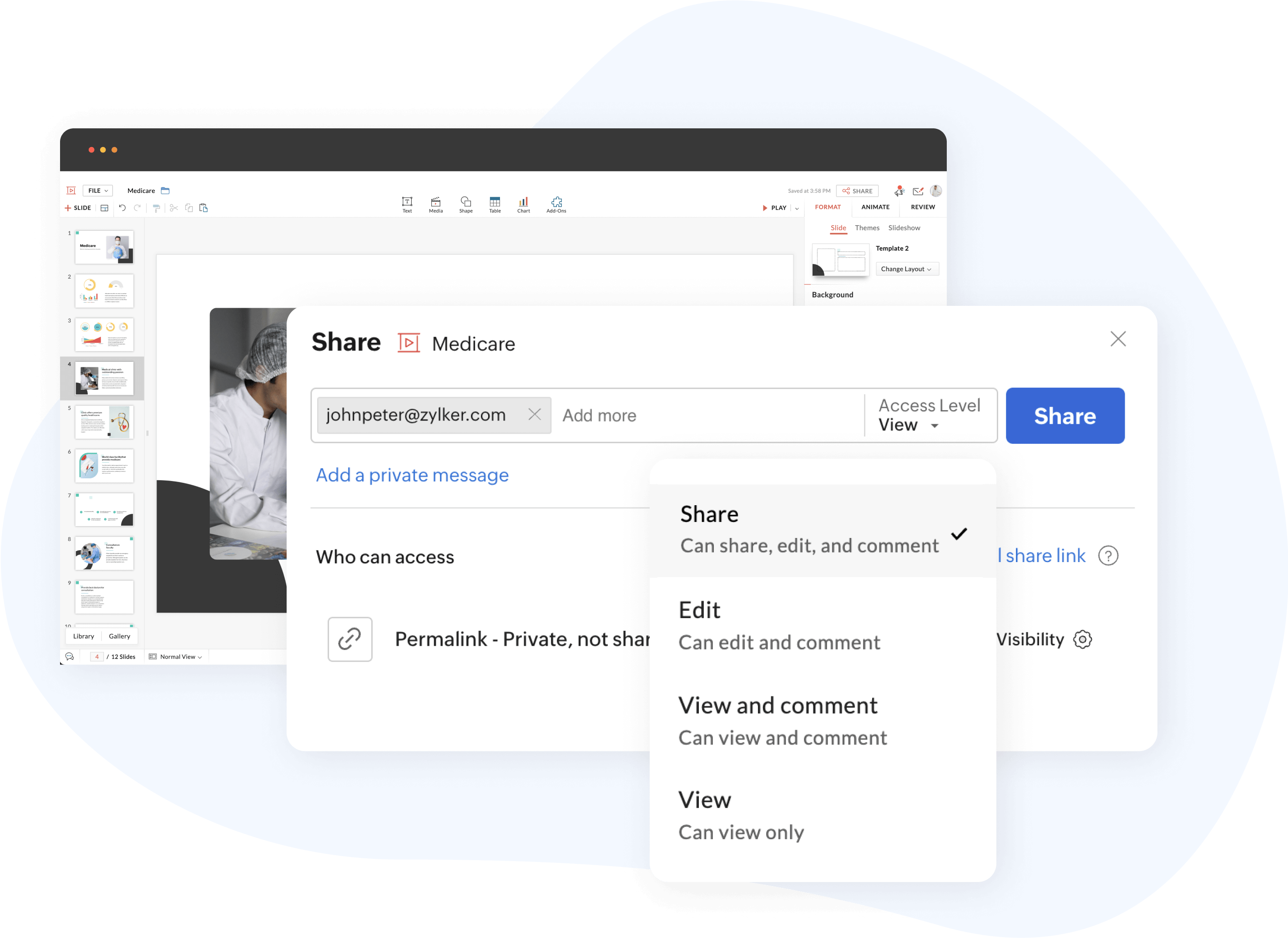
Controlled access during collaboration
Share presentations with role-based access, which can be restricted, granted, or removed at any time.
Password-protected files
Protect downloaded presentations with a password to keep your data secure.
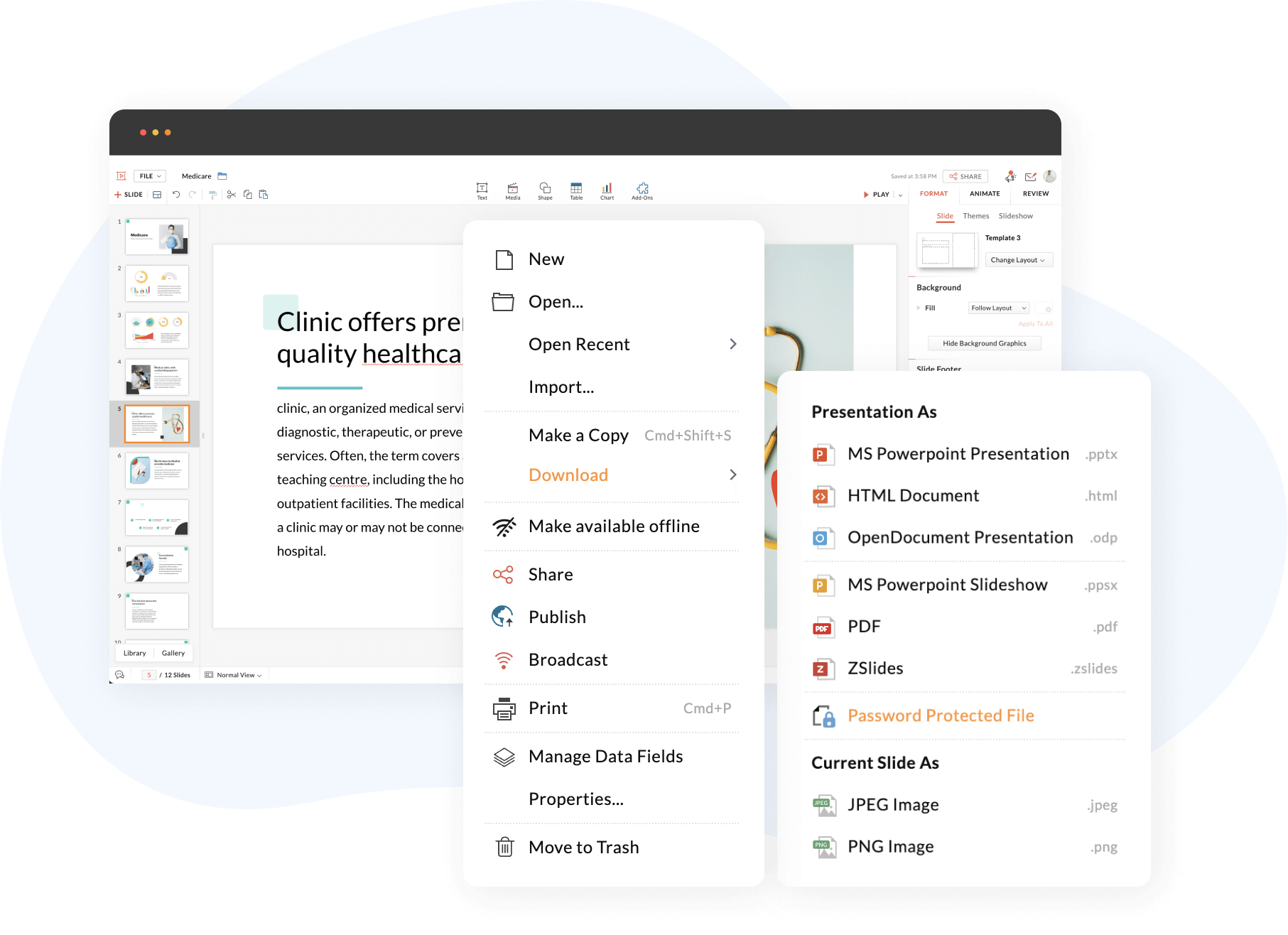
Password-protected files
Protect downloaded presentations with a password to keep your data secure.
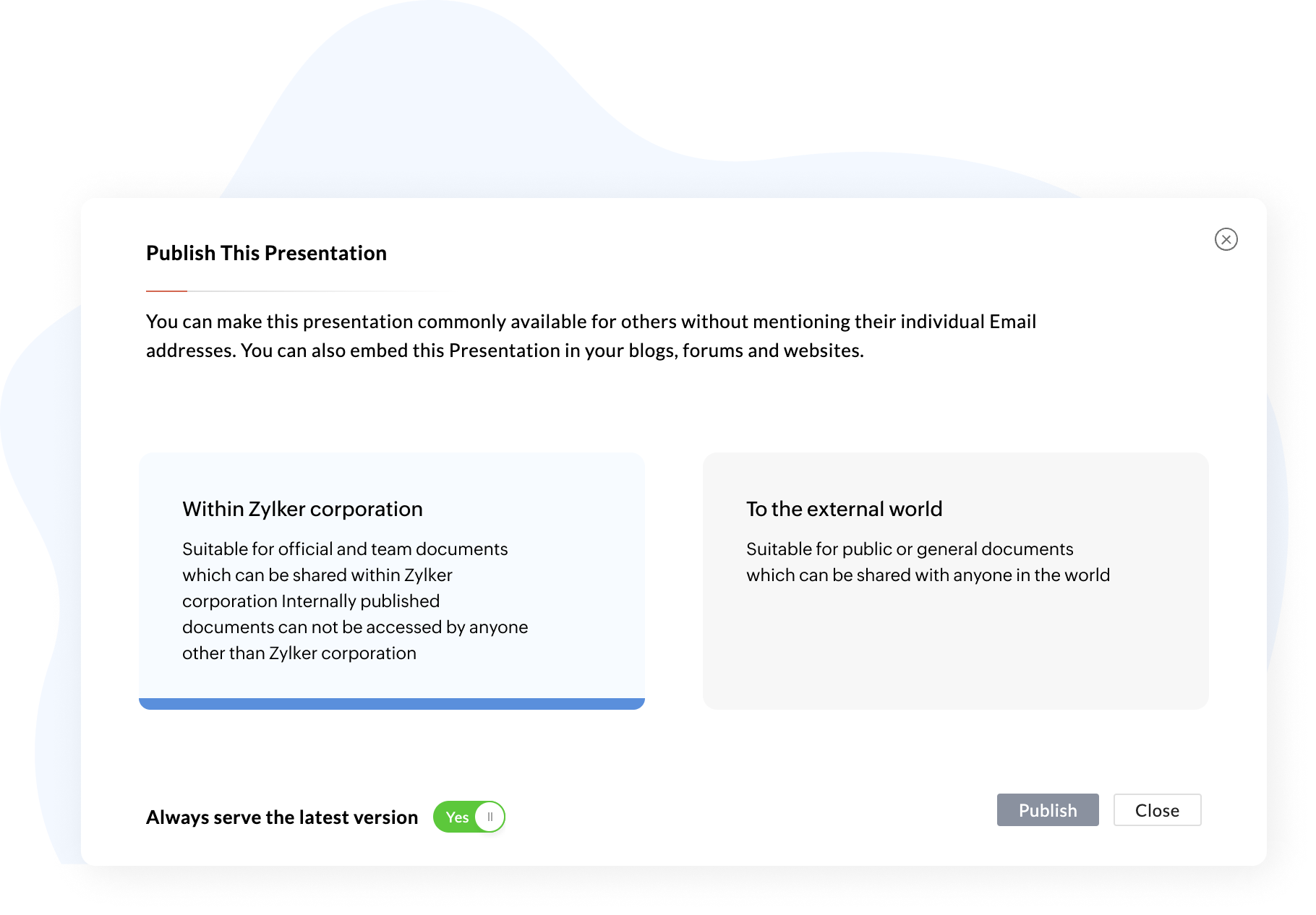
Publish files with restrictions
Disable file sharing and downloads when a presentation is published within the organization or externally.
Pause and resume real-time collaboration
Check In or Check Out of your presentations without removing access for your collaborators. This facilitates uninterrupted work processes, while giving you complete control over your content.
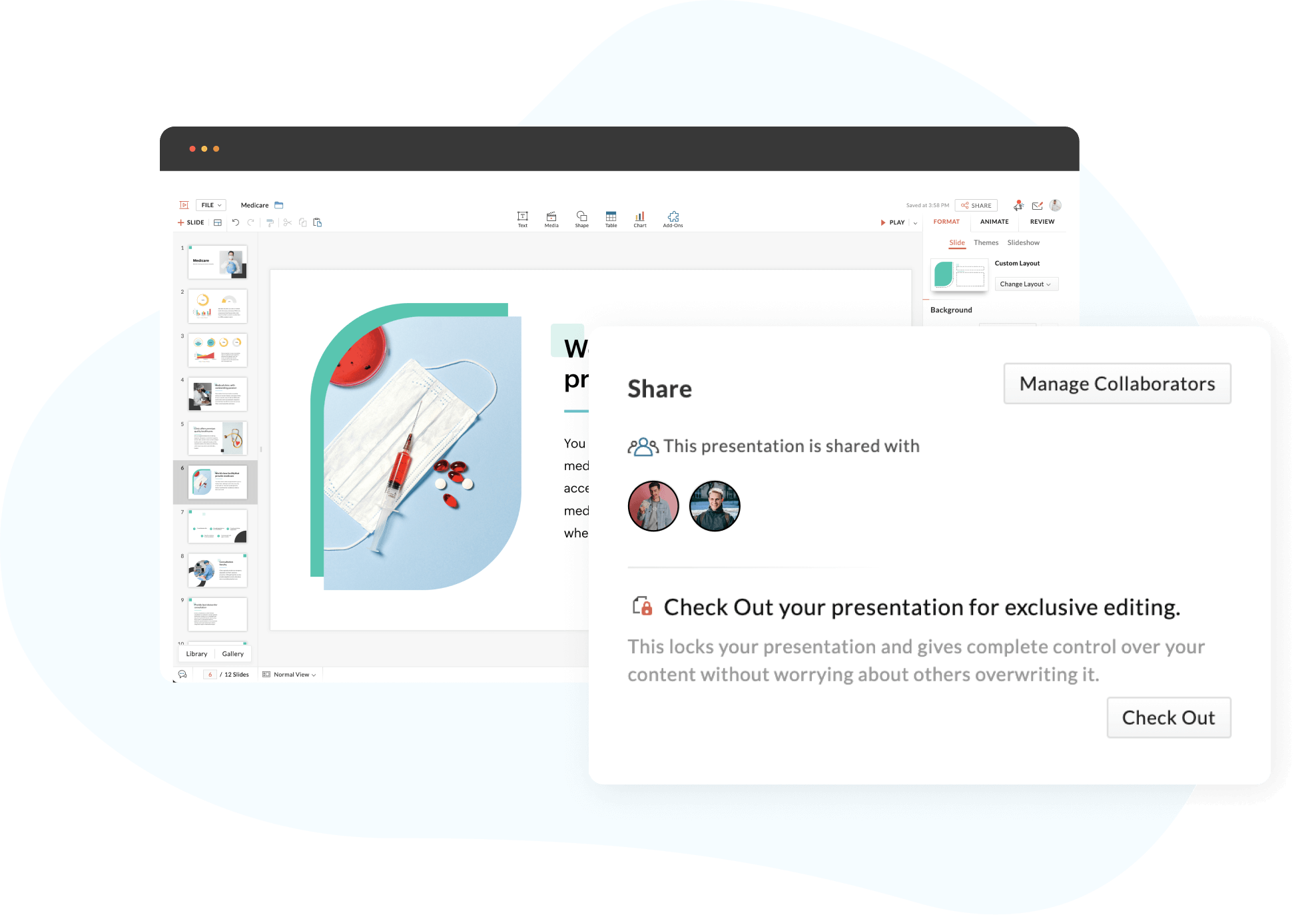
Pause and resume real-time collaboration
Check In or Check Out of your presentations without removing access for your collaborators. This facilitates uninterrupted work processes, while giving you complete control over your content.
Lock design elements
Secure the content in specific shapes, images, grouped shapes, or slides for specific collaborators and ensure controlled access to your data.

Track user activity
Keep track of all changes made to your document with file and user management. Opened, activated, or downloaded presentations will be tracked in the audit trail, and will be available until the organization or team is permanently deleted.

Track user activity
Keep track of all changes made to your document with file and user management. Opened, activated, or downloaded presentations will be tracked in the audit trail, and will be available until the organization or team is permanently deleted.