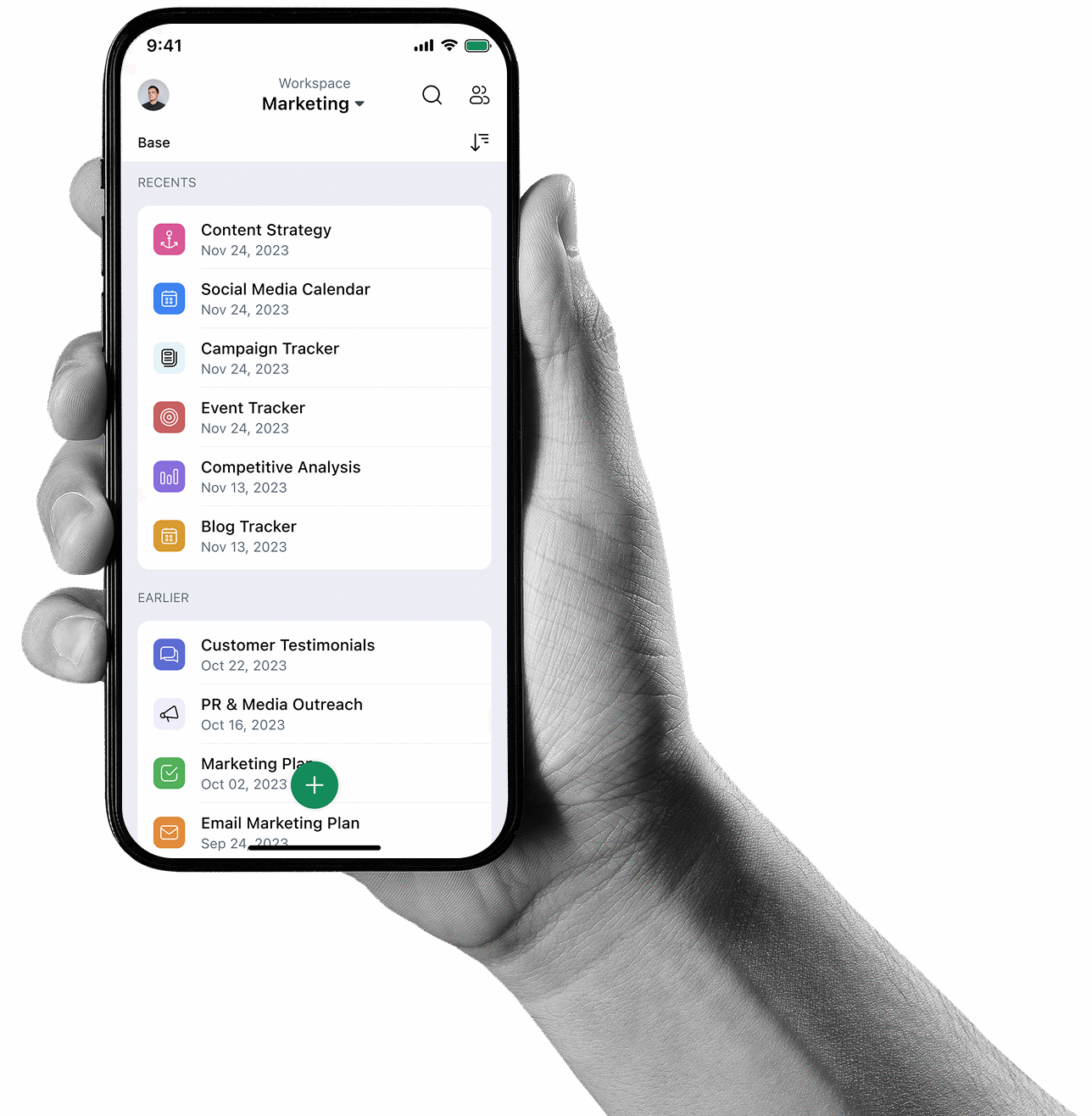

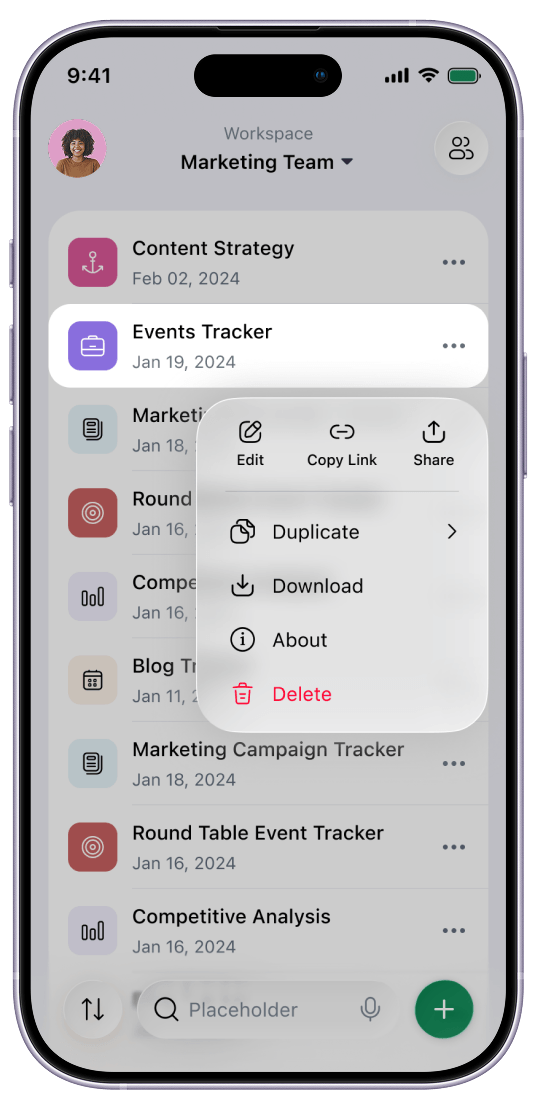
Built for iPhone. Not adapted.
Organize work. The native Android way.
Key Features
A mobile-first design to help you work from anywhere
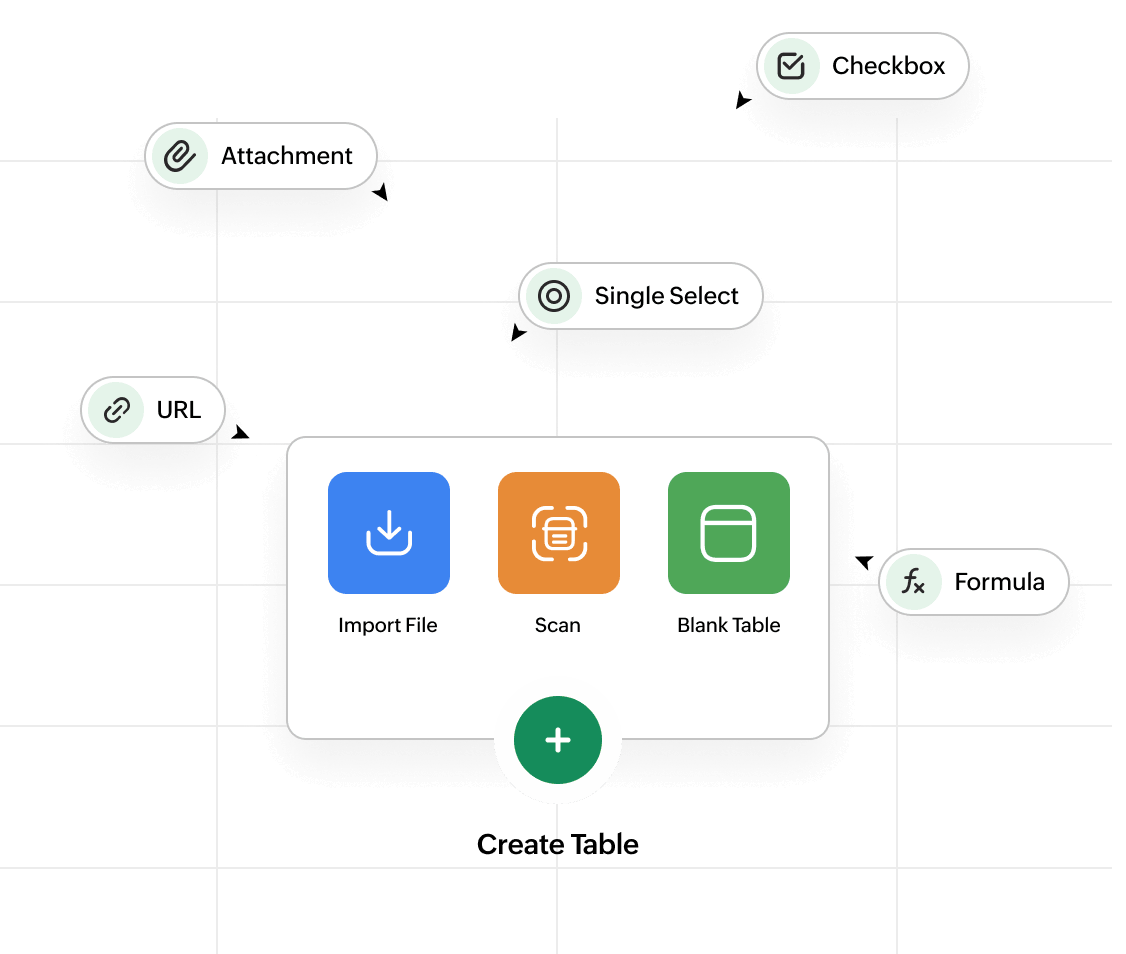
Carry your database in your pocket with a beautifully intuitive experience. Add new tables, records, and fields in seconds.
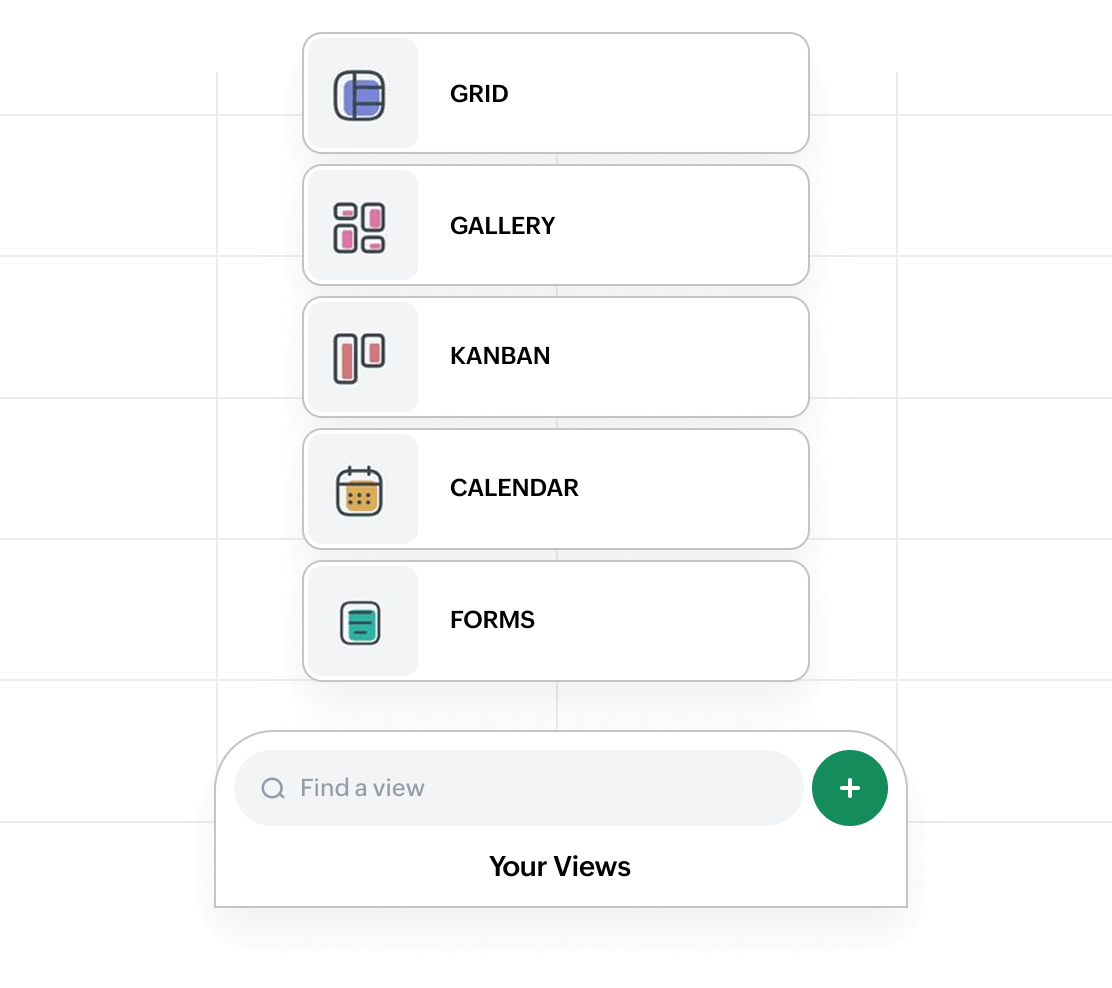
View your work the way it makes sense
Work the way you want with Grid, Gallery, Kanban, Calendar, and Form views that are designed to help you analyze data, track progress, collect inputs, and understand your work from every angle on mobile.
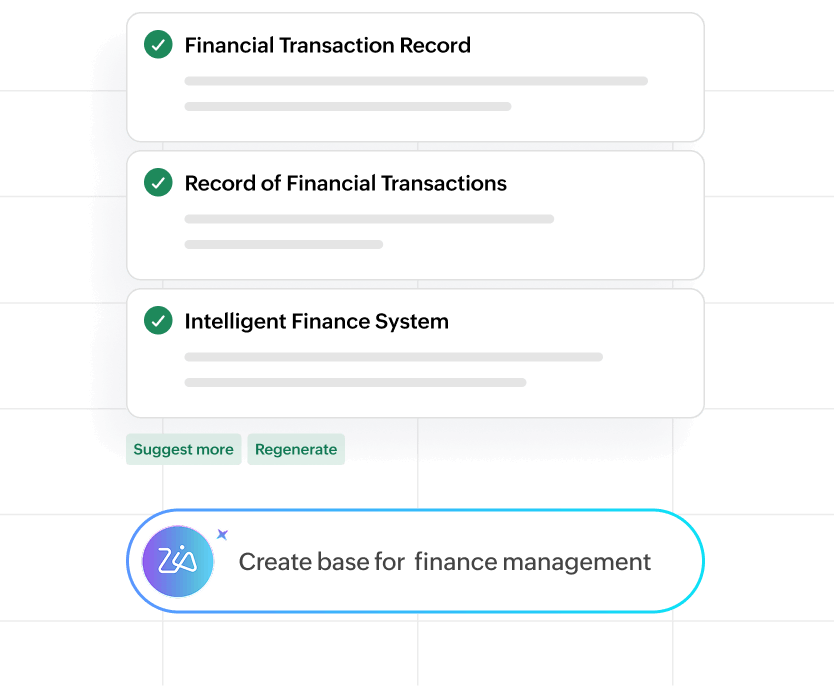
Create base with AI
Tell Zia what's on your mind to spin up a complete base while you stay focused on your day, so you can start organizing, tracking, and planning without missing a beat.
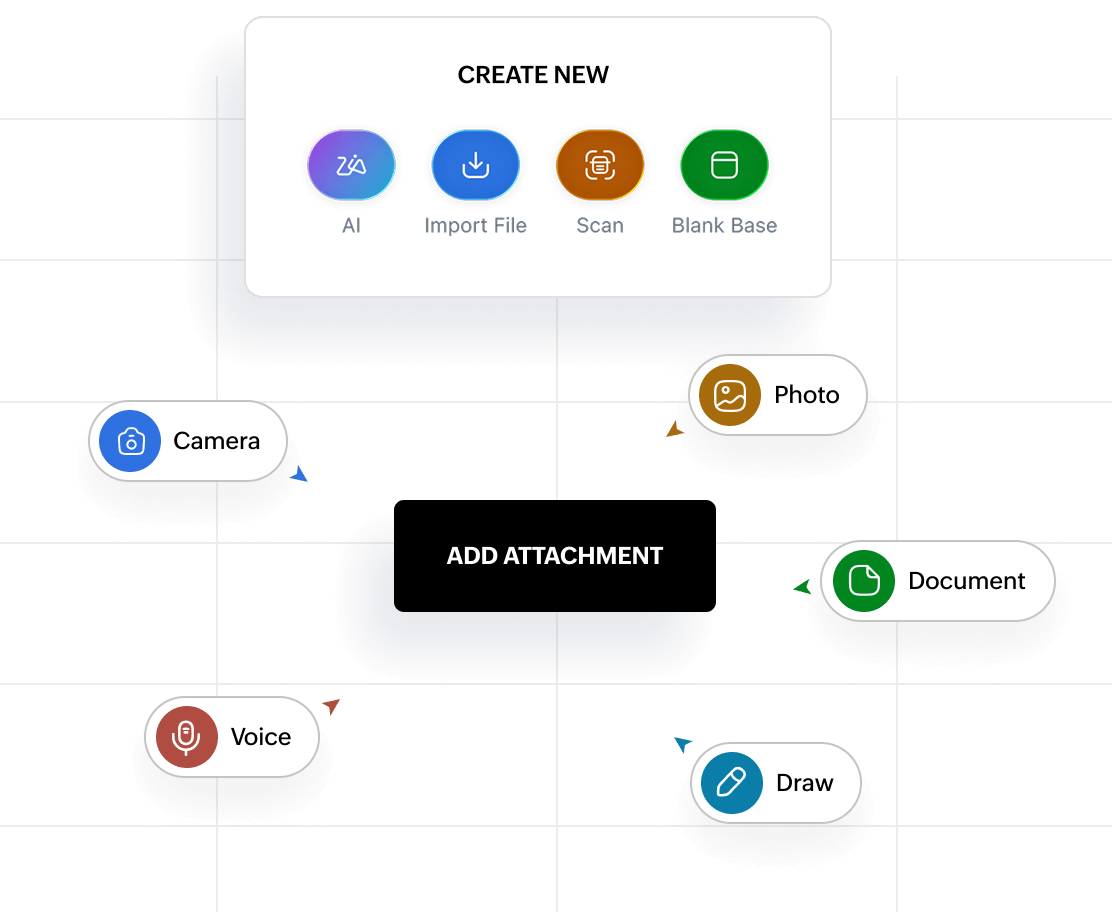
Voice, text, and image capture made simple
Record voice notes, transcribe audio, and scan text with OCR to turn speech and images into searchable data.
Work in your language
Zoho Tables speaks your language, now offering 30+ additional languages with full right-to-left support for Hebrew, Persian, Urdu, and Arabic. Wherever your team works, your mobile experience feels naturally local with regional calendar styles optimised for Japanese, Korean, Chinese, and more.
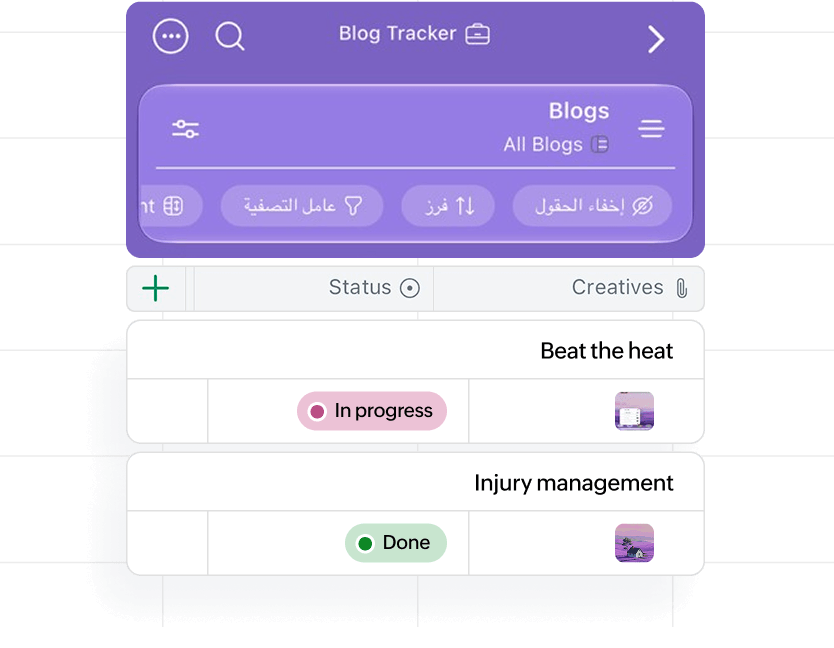
Your base, always in sight
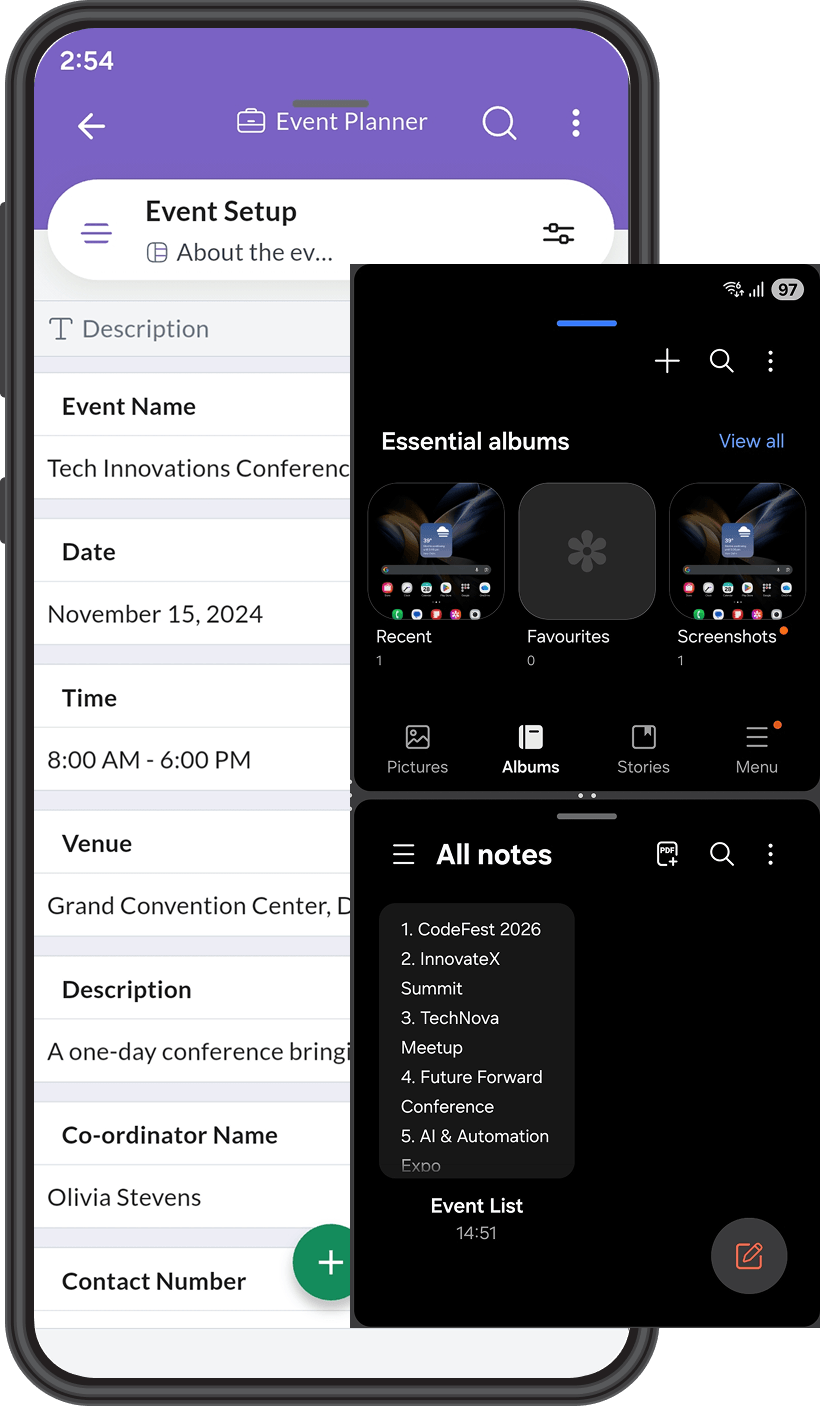
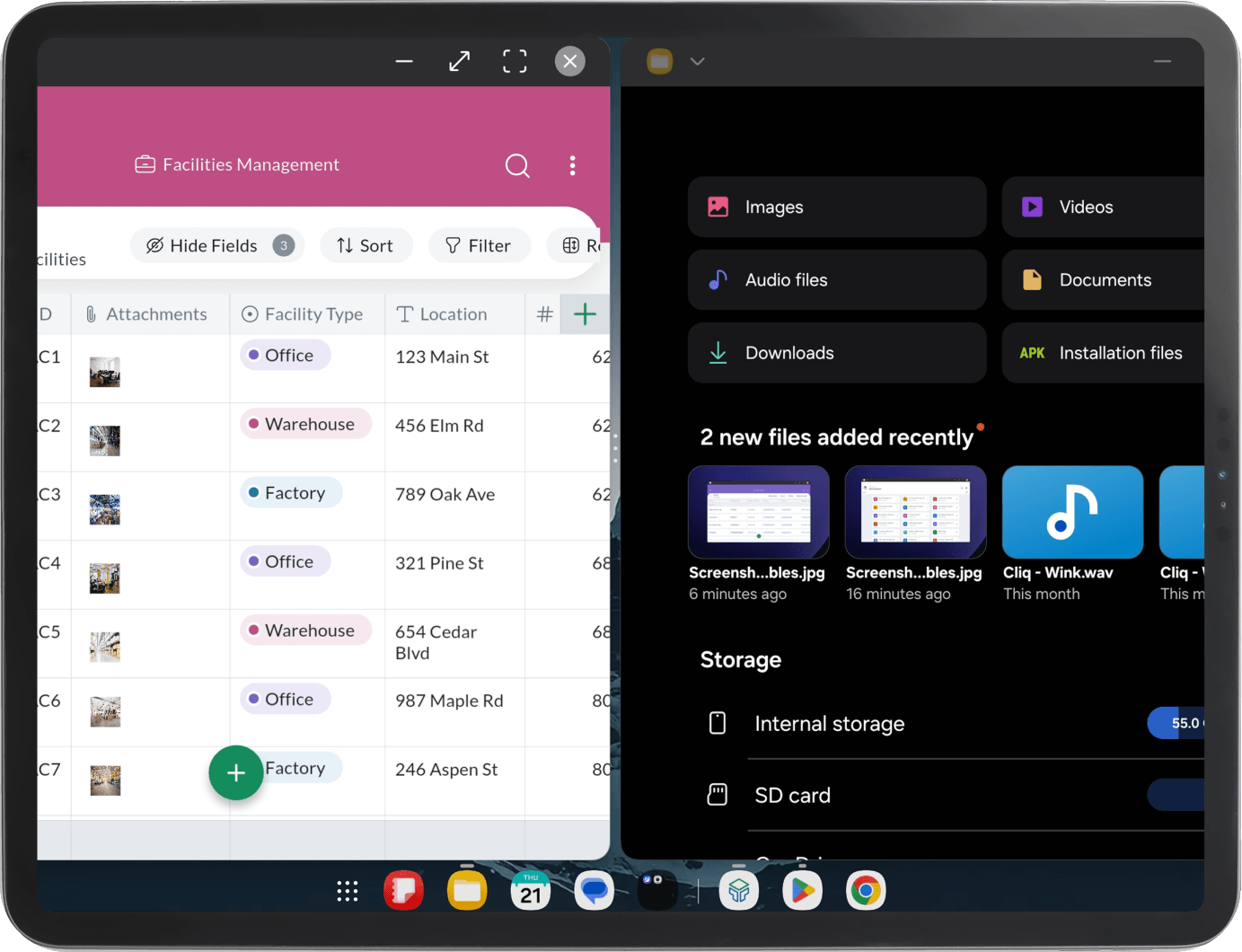
Keep your base visible in a compact view as you work across apps.
Built for every device you use
Zoho Tables brings full database power to your pocket with a fast, touch-friendly experience built for real work on iPhone, iPad, and Android devices.
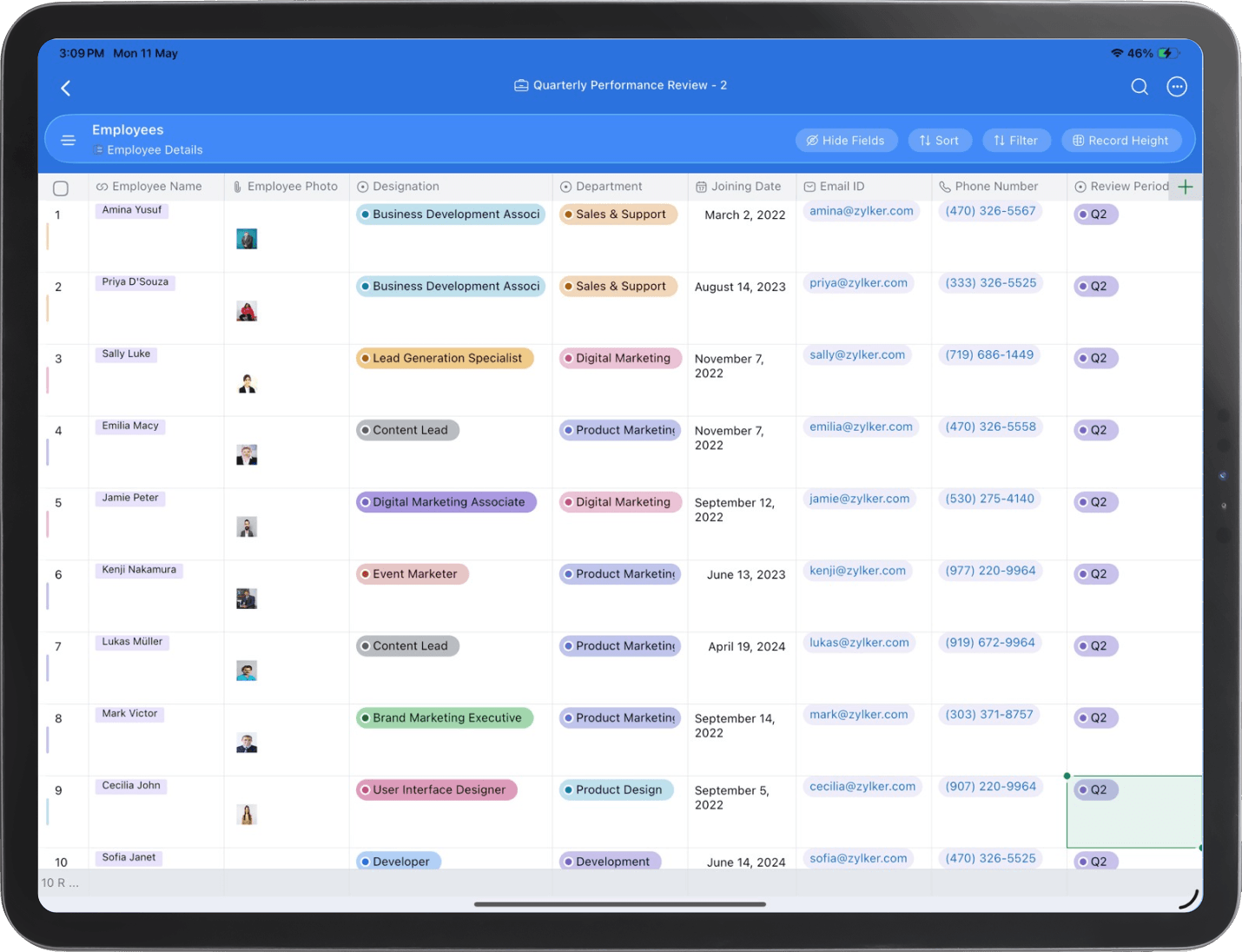
Rich, expansive workspace on iPad
- Enjoy an expansive workspace on iPad, with an interface that’s visually optimized to make the most of your screen. See more data, stay in context, and work faster.
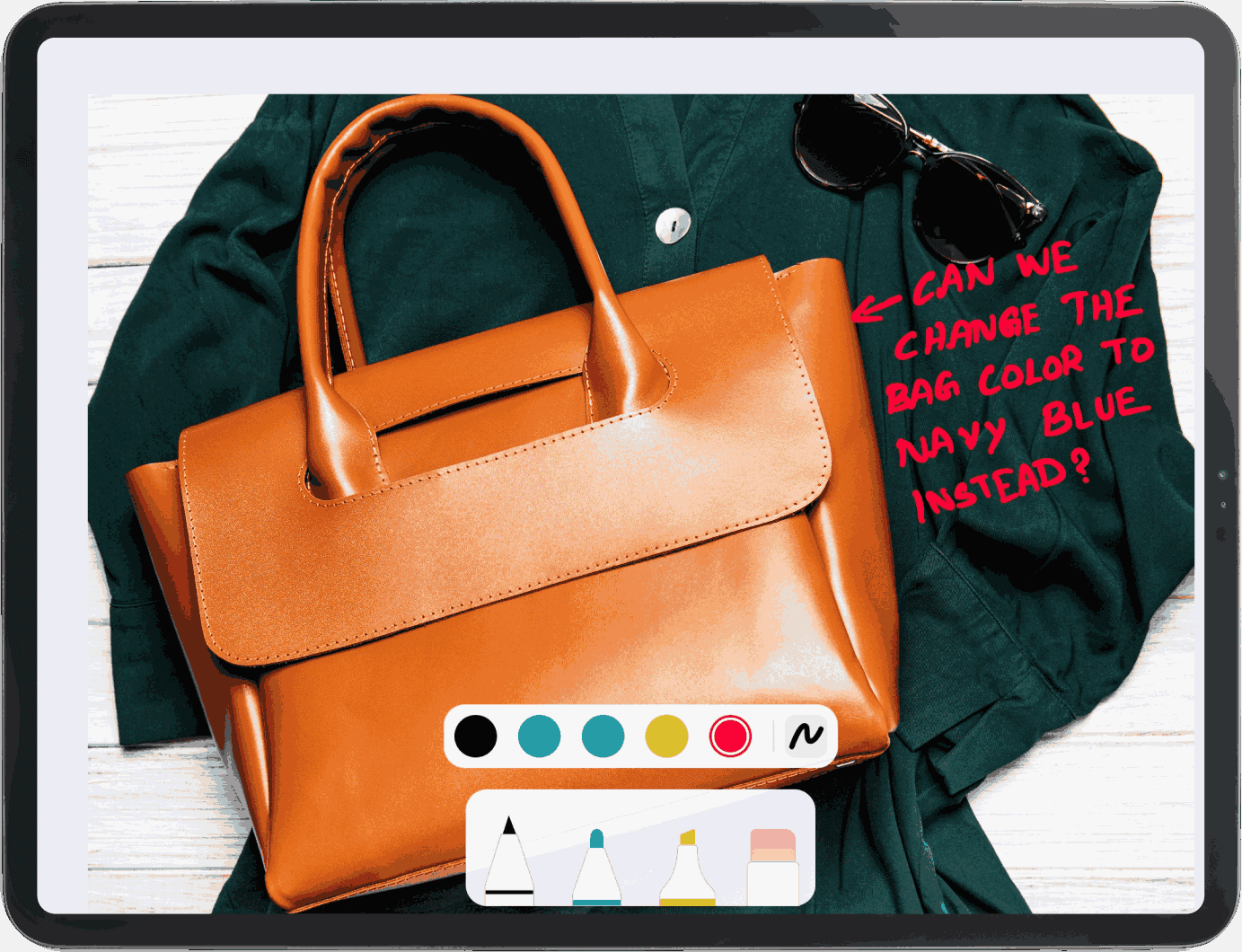
- Sketch ideas, annotate images, and write directly on your tables with advanced Apple Pencil capabilities, supported by a new macOC-style menu bar that enhances multitasking and keeps your tools within reach.
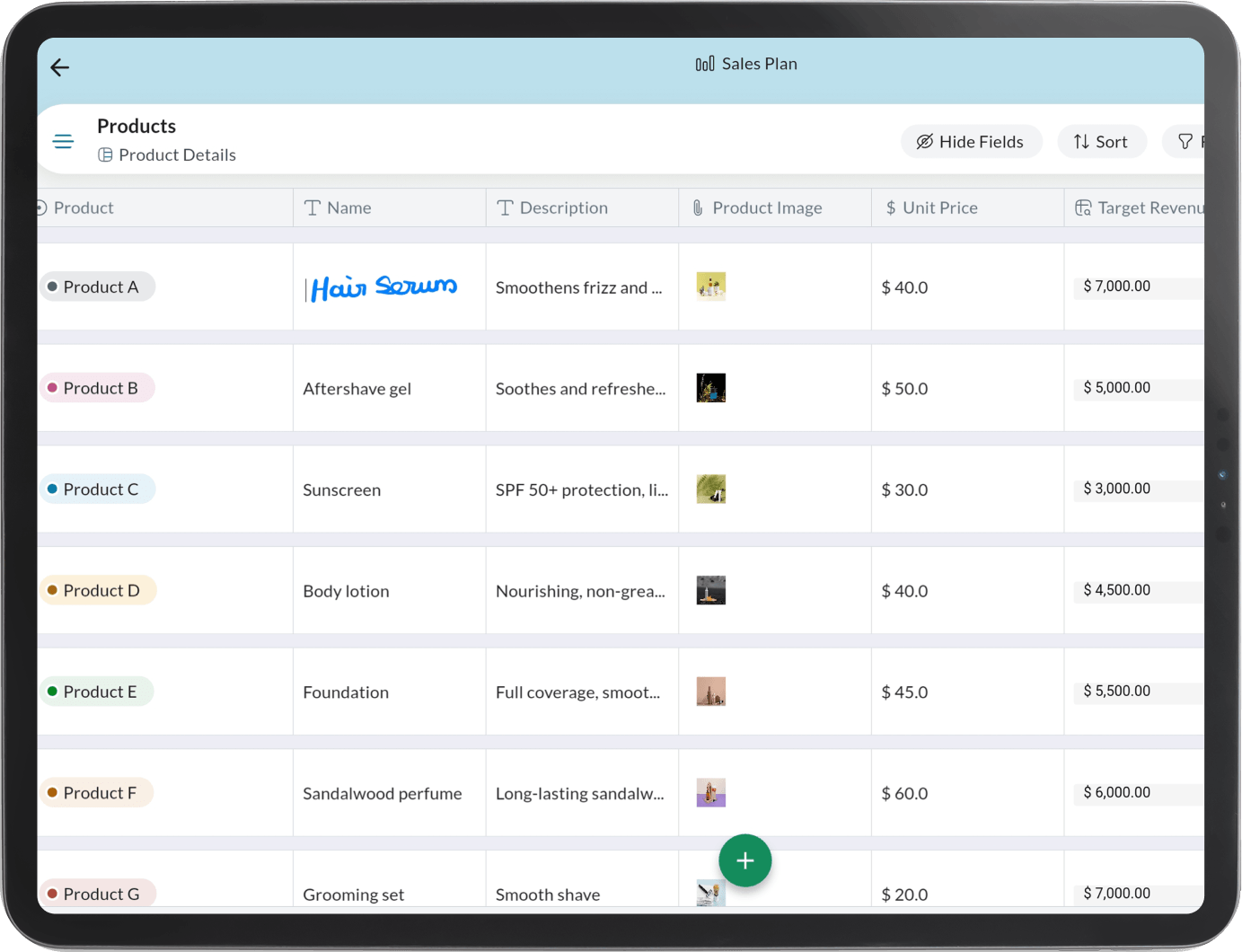
Advanced stylus and touch capabilities on Android
- Experience a spacious, optimized tablet interface that maximizes your viewing area, helping you see more information, stay focused, and enter data without switching devices.
- Write, draw, and annotate your tables naturally using a stylus for smooth, intuitive work.
- Use split screen to multitask across bases and views without breaking your flow.
For individuals
A dedicated plan built for solopreneurs and single users who need a simple, powerful way to organize work and manage data on their own.

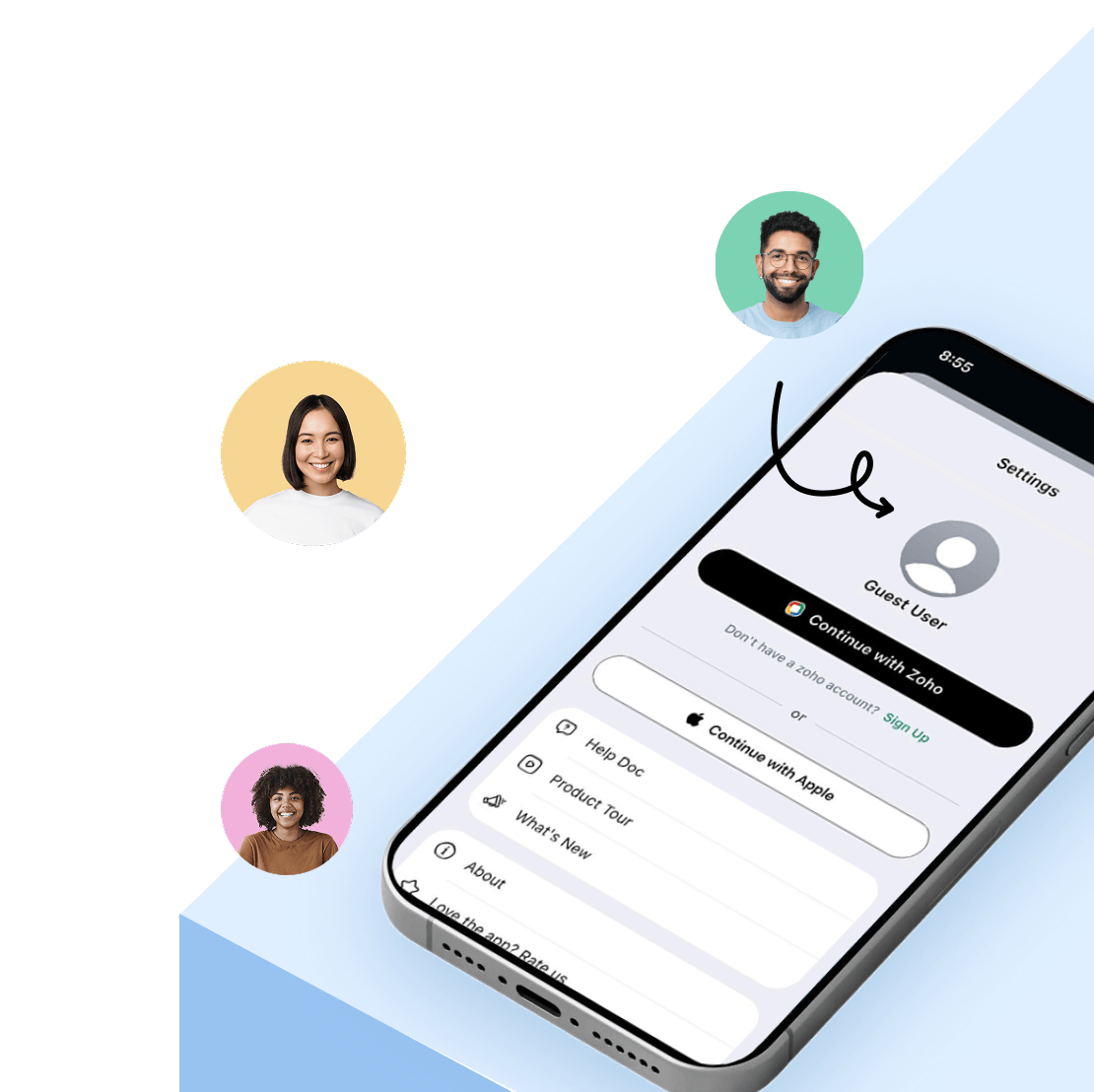
Jump in. No sign-up needed.
Curious about Zoho Tables? You can now explore the mobile app without signing up. Guest mode lets you try out the experience, test features, and understand how Tables fits your workflow before committing.