Integrate your online workspace
Unleash the full potential of your form data. Connect Zoho Forms with your essential business apps to automate entire workflows, eliminate manual tasks, and significantly boost team productivity.
Dynamic email workflows for form submissions
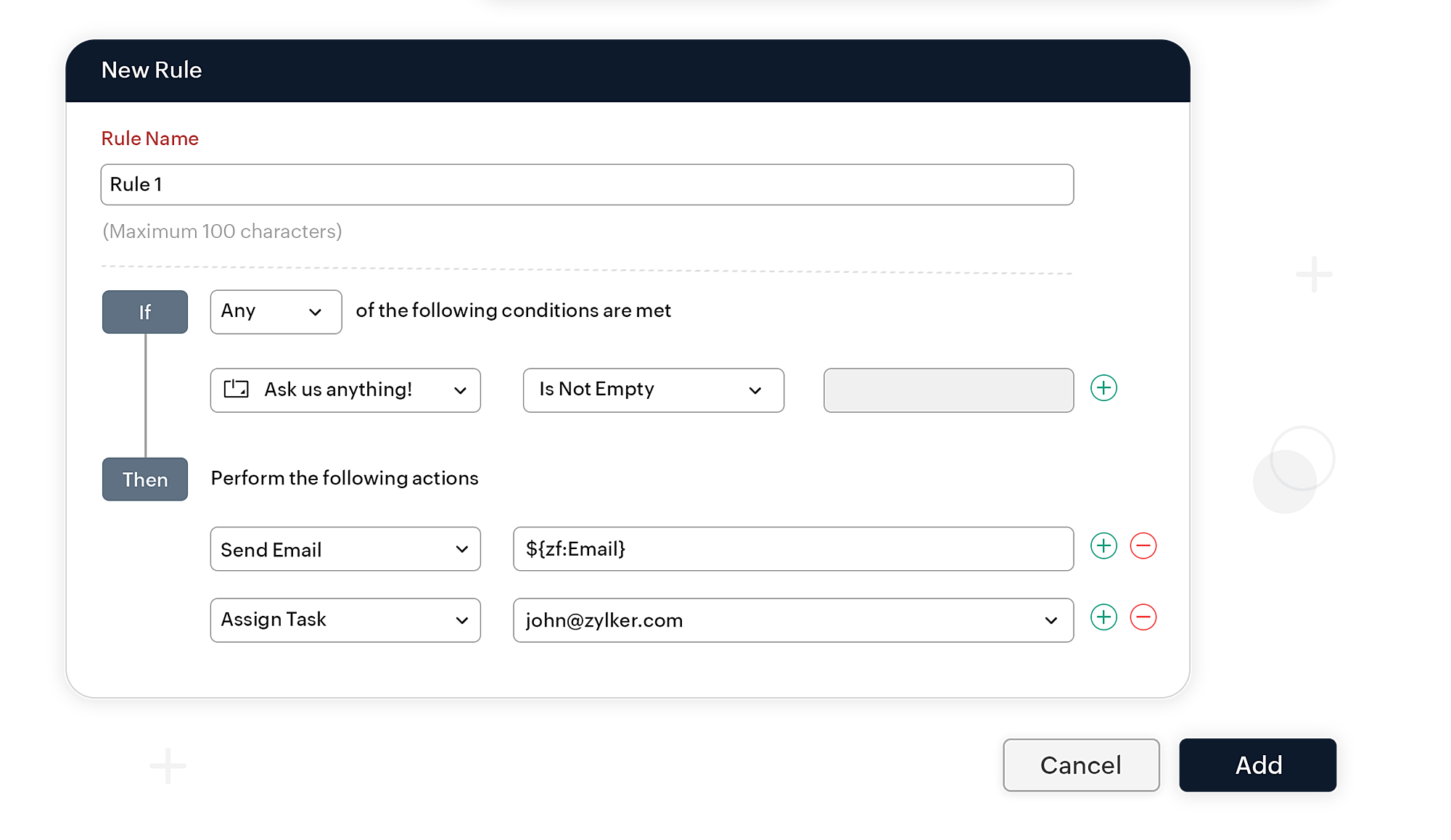
Set up workflows to trigger emails when certain conditions are met in form submissions. Go beyond simple auto-responses: send highly personalized update emails, condition-based attachments (like acceptance letters or next-step guides), and instant confirmations to streamline communication.
Automated form approvals & task workflow
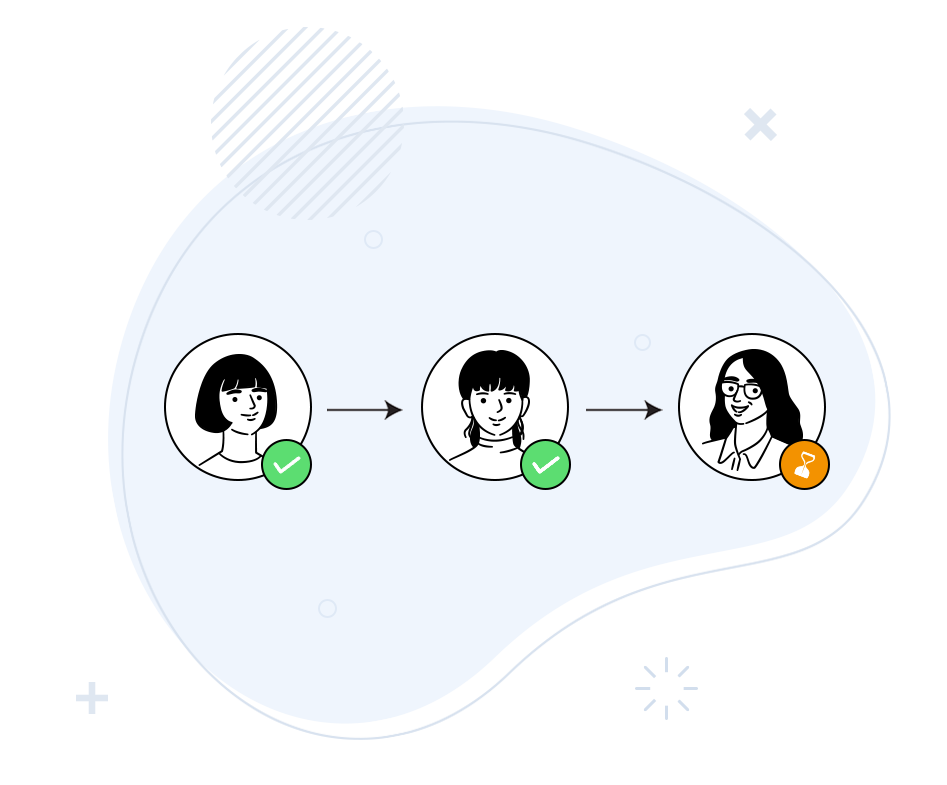
Build sophisticated, hierarchical or multi-level approval workflows to ensure submissions are reviewed by the right team members. Automatically trigger follow-up tasks, updates, and notifications based on approval or rejection, creating a highly efficient, automated system- all with minimal effort!
Collaborative task management
Easily assign form-related tasks to team members view and analyze form submissions together, ensuring distribution of workloads and quick follow-up. Set edit permissions so task owners can update and add information to specific fields within the submission, keeping your records accurate and current.
Webhooks สำหรับการโอนข้อมูลที่รวดเร็ว
ส่งข้อมูลแบบฟอร์มไปยังแอปธุรกิจที่คุณใช้ผ่าน Webhooks จัดโครงสร้างข้อมูลของคุณในรูปแบบ Webhook ที่ต้องการ และรับข้อมูลในแอปพลิเคชันได้ทันทีเมื่อมีการส่งข้อมูลใหม่

รวมพื้นที่ทำงานออนไลน์ของคุณไว้ด้วยกัน
ใช้ประโยชน์จากข้อมูลของคุณได้สูงสุดด้วยการรวมที่มีประโยชน์ที่จะเพิ่มประสิทธิภาพการทำงานโดยทำให้เวิร์กโฟลว์ต่างๆ เป็นอัตโนมัติ
เวิร์กโฟลว์อีเมลแบบไดนามิก
ตั้งค่าเวิร์กโฟลว์เพื่อทริกเกอร์อีเมลเมื่อตรงตามเงื่อนไขที่กำหนดในการส่งแบบฟอร์ม ส่งอีเมลพร้อมเอกสารแนบที่มีเงื่อนไข เช่น การตอบกลับแบบฟอร์มสมัครด้วยการโทรกลับหรือจดหมายปฏิเสธ



จับลำดับการอนุมัติ
ตั้งค่าเวิร์กโฟลว์การอนุมัติแบบลำดับขั้นหรือหลายระดับที่อนุญาตให้เพื่อนร่วมทีมและผู้ร่วมตรวจสอบการส่งแบบฟอร์มได้ ทำให้เวิร์กโฟลว์ที่ตามมาเป็นแบบอัตโนมัติอิงตามการอนุมัติดังกล่าว แล้วสร้างระบบที่มีประสิทธิภาพเหมาะสมสำหรับคุณโดยที่ไม่ต้องลงแรงมาก

จัดการงานในฐานะทีม
มอบหมายงานให้กับสมาชิกในทีมเพื่อดูและวิเคราะห์การส่งแบบฟอร์มร่วมกัน รวมถึงกระจายภาระงาน กำหนดสิทธิการแก้ไขให้กับเจ้าของงาน เพื่อให้เจ้าของงานอัปเดตเขตข้อมูลที่ต้องการได้

