



Raise Hand
Attendees can use the “Raise Hand” feature as a signal to get the attention of the organizer or to answer impromptu polls during a webinar. It can be used in multiple ways according to the discretion of the webinar organizer.
Allow to talk
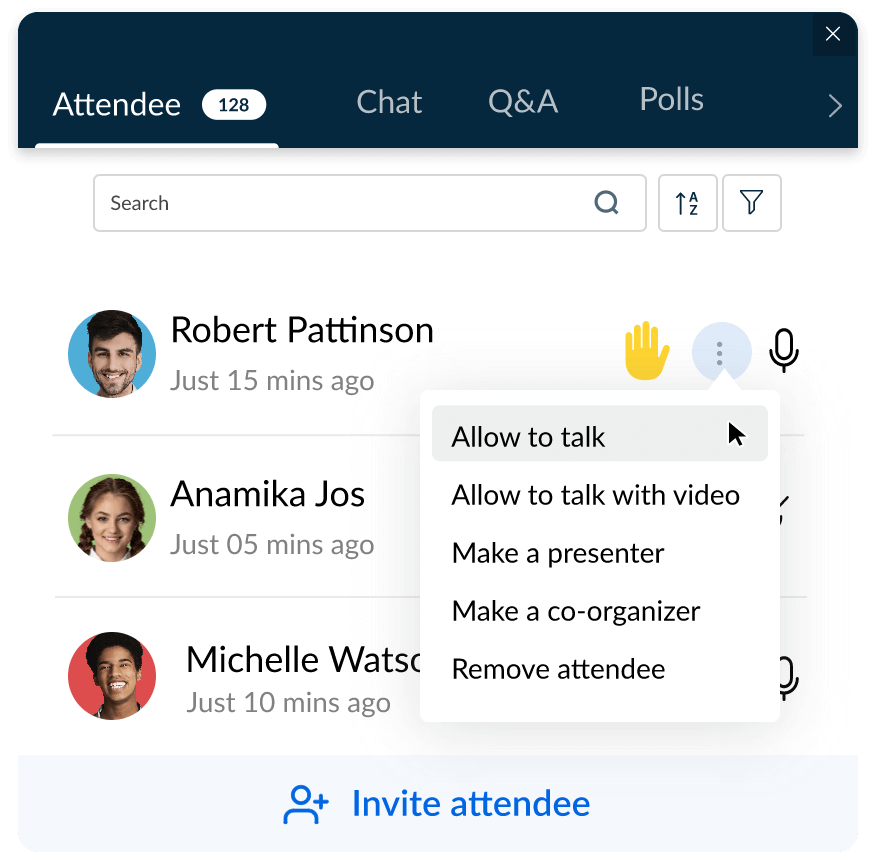
Let attendees speak in a webinar using the “Allow to talk” feature. Attendees can also share their webcam videos using the “Allow to talk with video” feature. Attendees can share their questions or thoughts with everyone in a webinar once the organizer or a co-organizer grants permission to speak.
Make an attendee a co-organizer
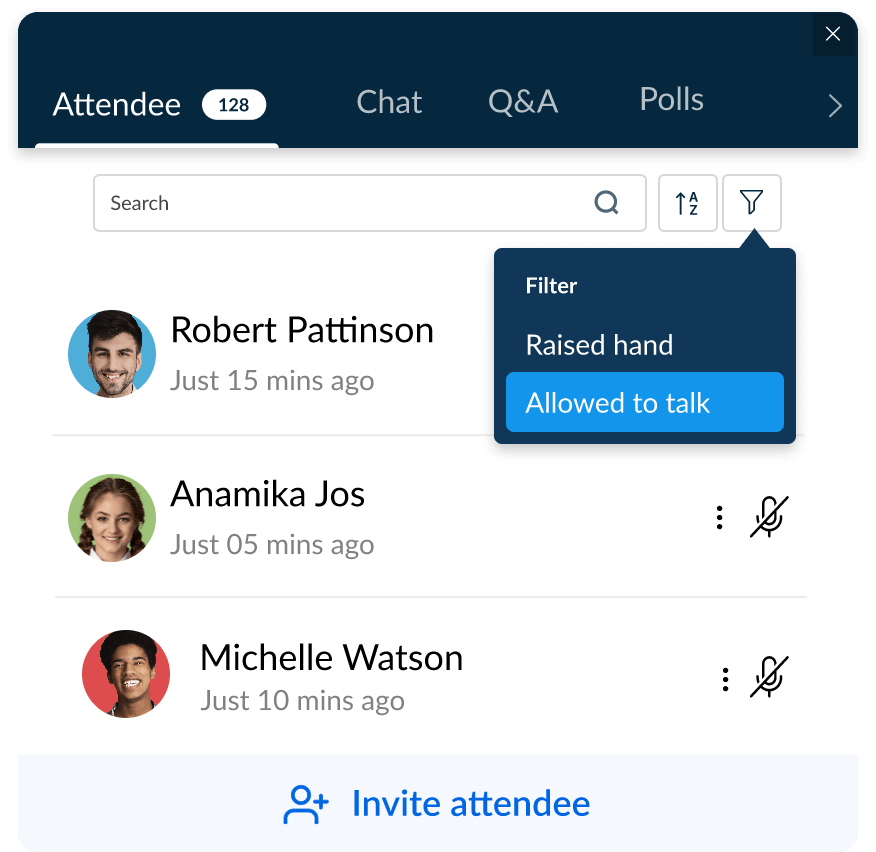
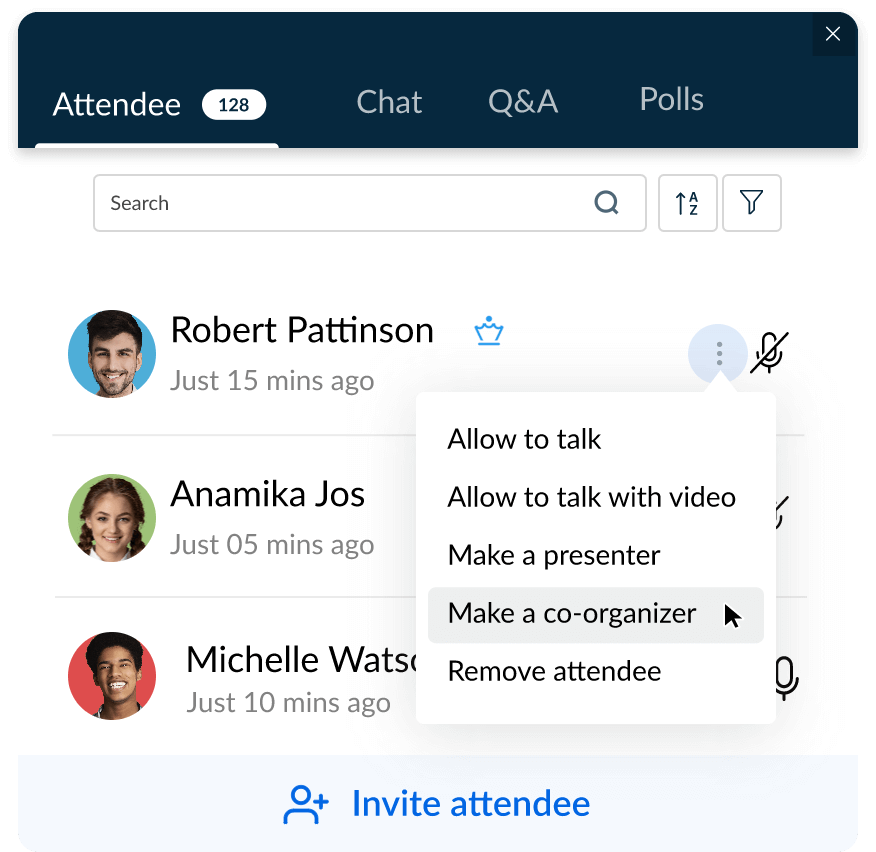
Webinar organizers can make any attendee a co-organizer any time during a webinar. Once an attendee has been made a co-organizer, they can view attendee lists, handle Q&A, polls, and more.
Polls
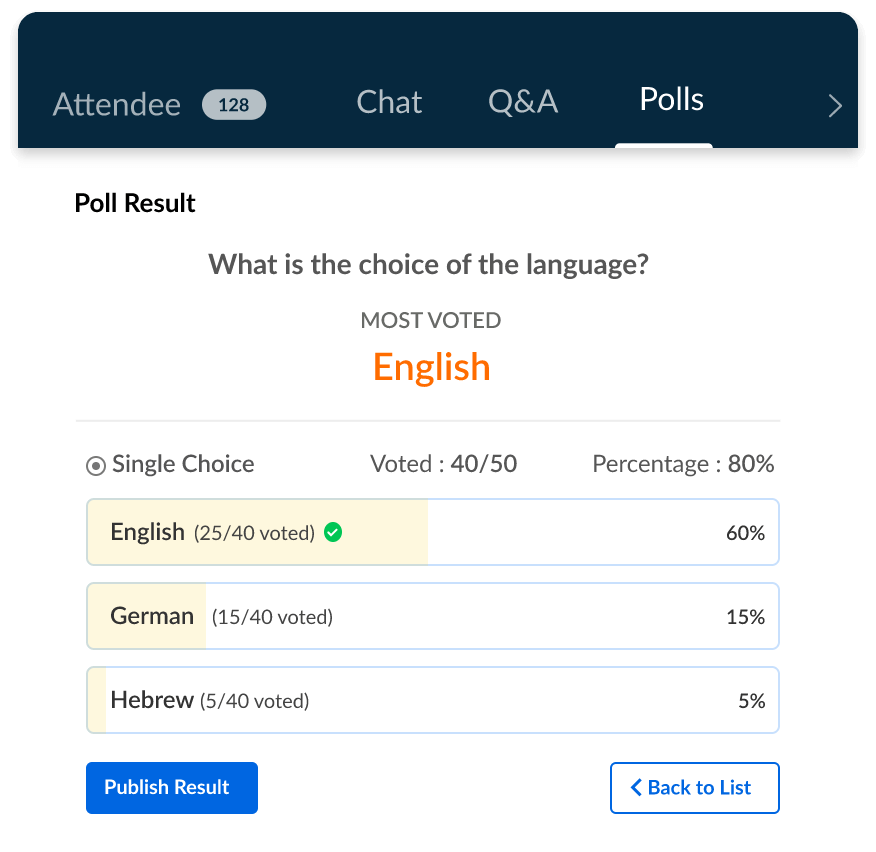
Zoho Webinar helps you conduct live polls to gather attendees’ views and opinions on a subject. Get results instantly. You can either create instant polls during your webinar, or launch polls that you created before your webinar.
Handouts
Handouts let organizers share files such as slides, PDFs, or videos with attendees before, during, or after a webinar. They give your audience useful reference material to follow along with and take away, which keeps them engaged during the session and extends the value of your content after it ends.

Session materials
Webinar organizers can share materials such as PDFs, PPTs, and videos with attendees during the session. While scheduling webinars, you can attach materials from your computer, WorkDrive, or library. Once the organizer has started sharing the material, attendees will be able to see it.

Q&A
Webinar attendees can ask questions and receive answers through the Q&A tab. Organizers and co-organizers can view attendees’ questions and answer the attendees privately, or make it public and share the information with all attendees.

Project a question
You can project a question during a live webinar to ensure that everyone in your webinar will view that particular question in a more prominent way on their screens.

Frequently Asked Questions
A webinar attendee is a person who joins a webinar to watch, listen, and participate. They can listen to presentations, view slides, and interact with presenters through chat or Q&A features. Attendees typically have limited controls compared to hosts and presenters.
Organizers can make any attendee as a co-organizer/panelist at any time during a live webinar.
- Click Attendees on the webinar toolbar.
- Click the action menu (three dots) next to the attendee's name and click Make a co-organizer option.
Webinar attendee engagement helps maintain participants’ interest and increases the overall success of the event. Engaged attendees are more likely to participate in discussions, ask questions, and find value in the webinar content.
During your live webinar, encourage active engagement through features like live polls, Q&A sessions, emoji interactions, allow to talk with audio and video, raise hand, and more.
During your webinar, allocate time for live Q&A sessions. You can use it for real-time interactions or to address questions as they arise. Consider having co-organizers or moderators to help you manage webinar questions.
Zoho Webinar provides detailed analytics on attendee engagement to track participation levels and gather insights about each webinar attendee. Analyze live poll responses and feedback to evaluate your webinar performance.
Session materials are files the presenter displays on screen to the audience during the webinar, such as slides. Handouts are files attendees can download from the Handouts tab, such as PDFs, documents, presentations, or videos, to read at their own pace or keep for later.
Yes, Zoho Webinar allows attendees to ask a question in the Q&A panel anonymously. Enable the settings “Let attendees send questions without providing their names.” If you’d like to avoid repeated spam questions, you can turn it off at any time during the webinar.
You can create single choice polls (one answer), multiple choice polls (more than one answer), and star rating polls (a rating scale for feedback).