Meet Zoho Writer’s all-new desktop app
Create, edit, and collaborate on documents from the comfort of your PC. Zoho Writer provides an effective alternative to MS Word with a feature-rich and secure desktop writing app optimized for Windows, Mac, and Linux devices.

Work on local documents
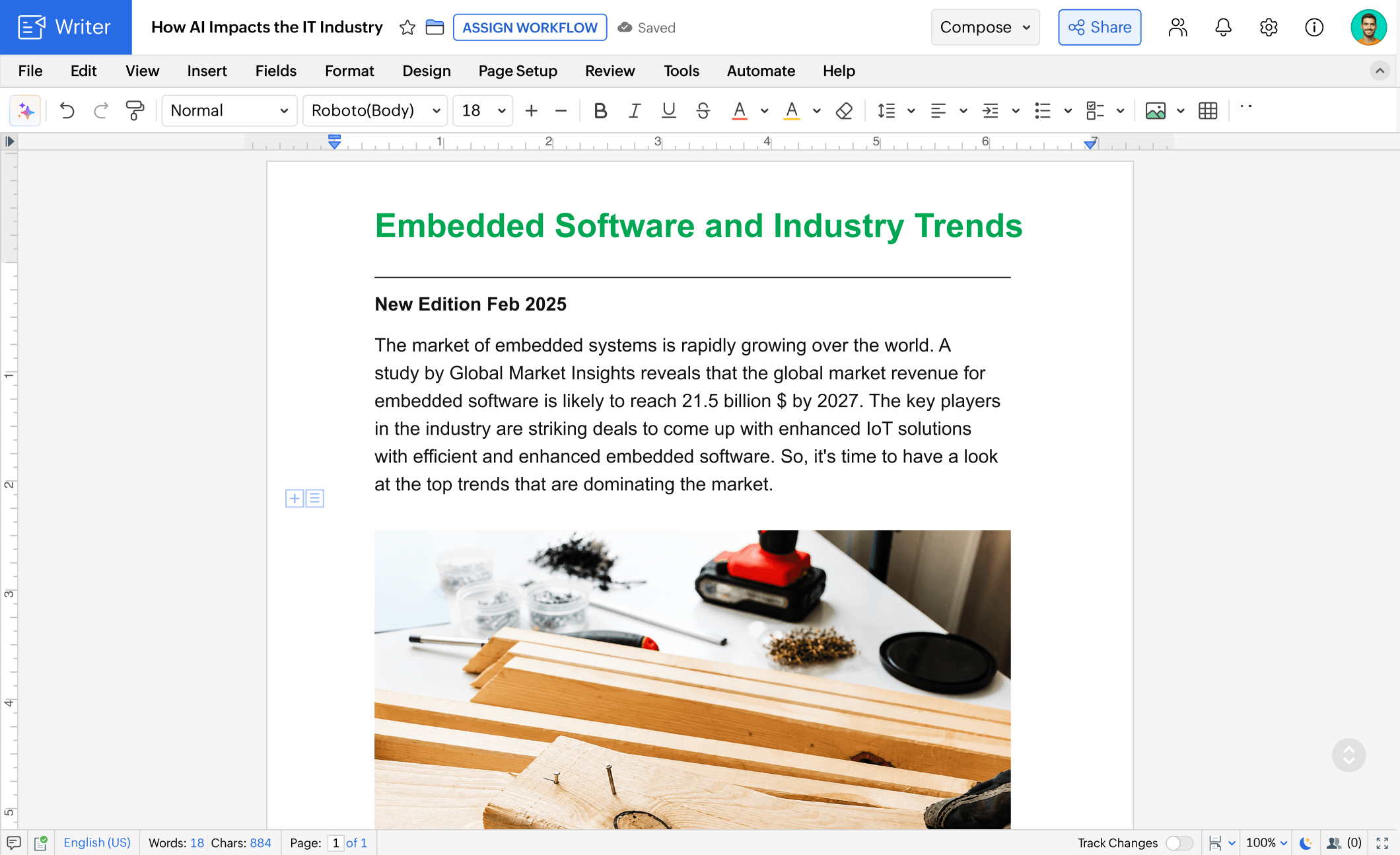
View and edit local MS Office (DOCX) documents without MS Word and save your changes with the Writer desktop app. Besides DOCX files, you can also create, edit, and save ODT, TXT, and Markdown formats with Writer's desktop app. Simply double click on a file or use the Open with Writer option to start editing directly in the app.
Seamlessly create, edit, and format content from your desktop
Just like the web app, the Zoho Writer app enhances your writing experience with an extensive array of tools, including:
- Editing and formatting tools
- Citation and bibliography creator
- Advanced layout designer
- Prepackaged document templates
- Tables, images, and text boxes
- Find and Replace feature and more
- Track changes and add comments
Consistent online and offline experiences
We have completely revamped the Zoho Writer desktop app to enrich the experience of users on Windows, Mac, and Linux devices. To do this, we took some of the most popular and useful features of Writer and carefully rolled them into a writing app designed and optimized for PCs.
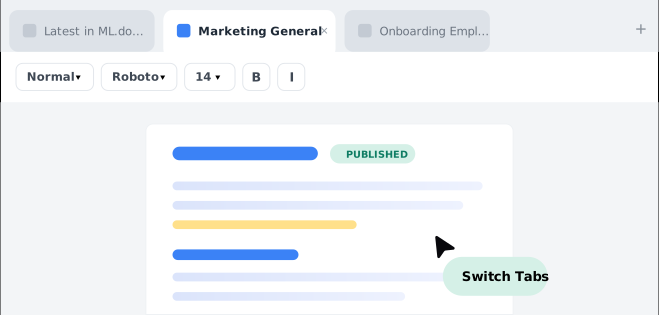
Tabbed document view
Effortlessly view and work on multiple documents from a single window. Quickly switch tabs to view, refer to, and edit your content.
Multi-page view
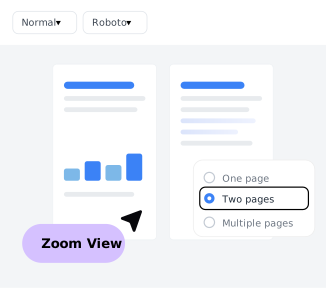
View multiple pages or get a bird's eye view of the entire document. Easily read and edit a multi-page document by zooming.
Instant sharing
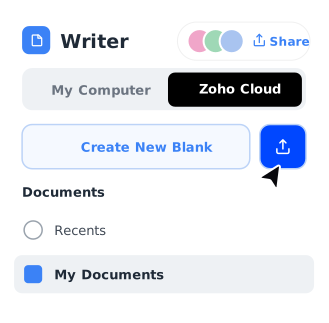
Simply log into your Zoho account from the Zoho Cloud tab and push your documents to the cloud, so you can share or collaborate in real time.
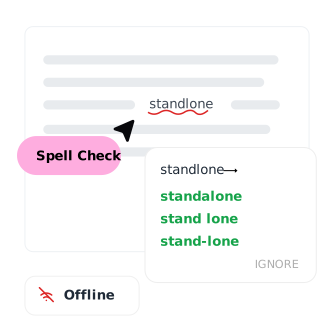
Offline spell check
Check spelling in your documents even when you're not connected to the internet.
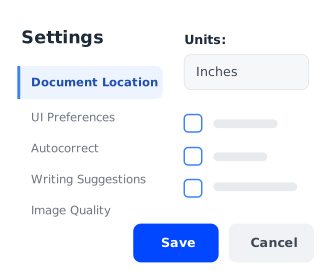
Editor and document settings
Configure settings like ruler units, autocorrect rules, dark mode, and display language from the desktop app.
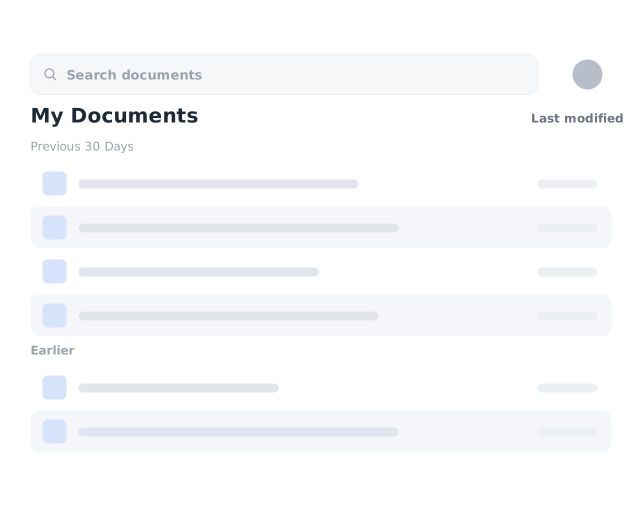
Manage local and cloud documents from one app
The Writer desktop app makes it easy for you to view and manage both local and cloud documents from a single app on your Windows, Mac, or Linux machine.
View, edit, and manage local and cloud documents from a single pane
See every document — whether it lives on your machine or in the cloud — in one unified view, and open, rename, or organize files without switching apps.
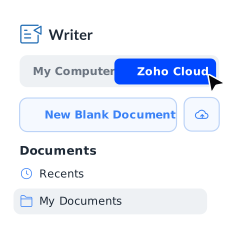
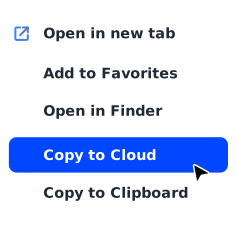
Copy documents to the cloud
Choose to push documents to the cloud, so you can access them from anywhere, on any device, using the desktop app.
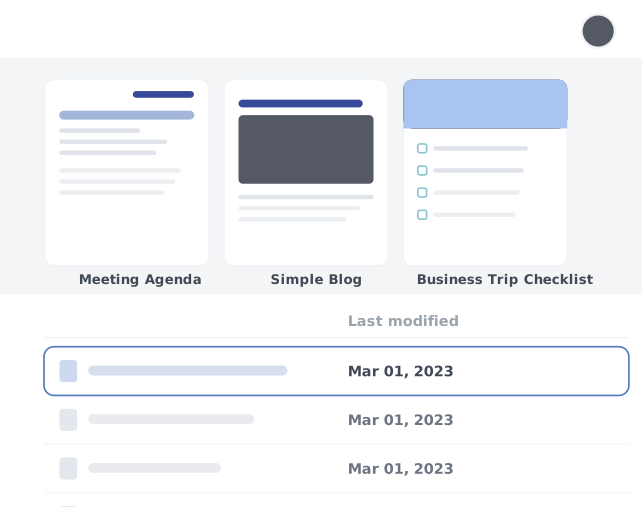
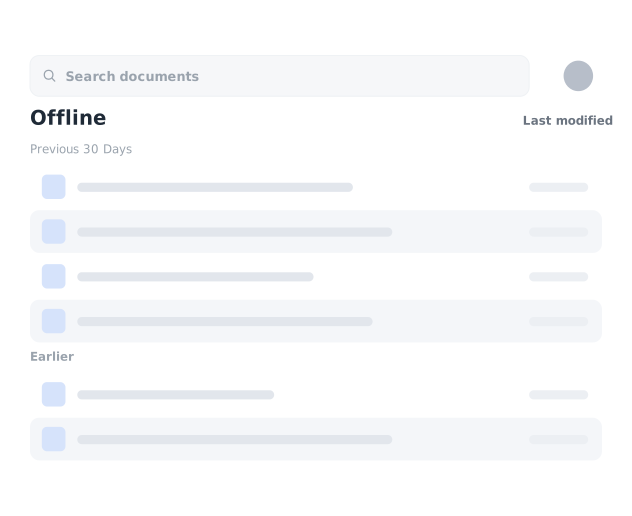
Work offline
Keep working when you're disconnected — your changes are saved locally and synced automatically the next time you're online.
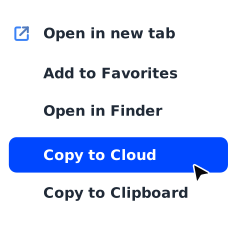
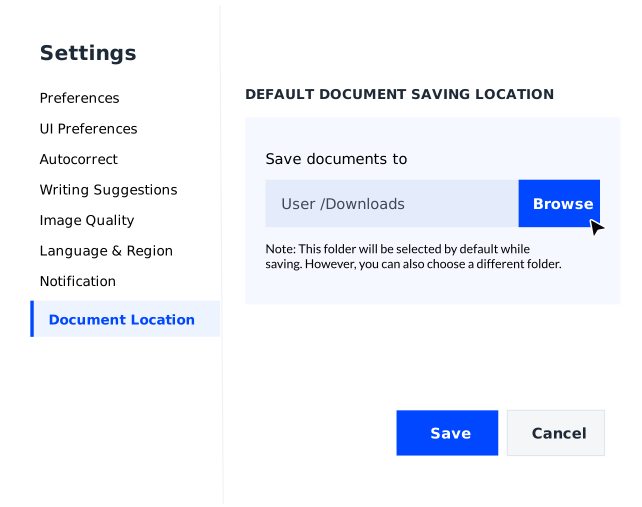
Default save location
Set a preferred folder so every new document is saved exactly where you want it, on your computer or in the cloud.


No mandatory signup
You don't need an account to download Writer's desktop app, or install, and use it. Start viewing and editing documents on Mac, Windows, or Linux machines as soon as the app is installed.
Take your work to your desktop
Have unfinished work on your mobile device or iPad? Download the Zoho Writer desktop app and finish your work on a bigger screen.