Work on local documents
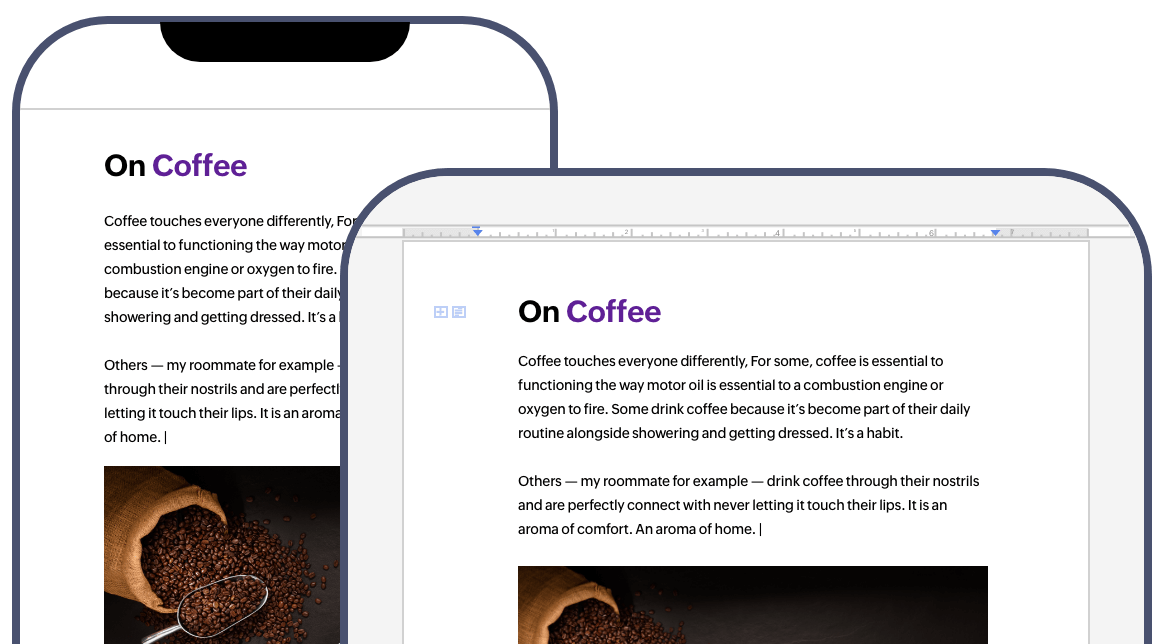
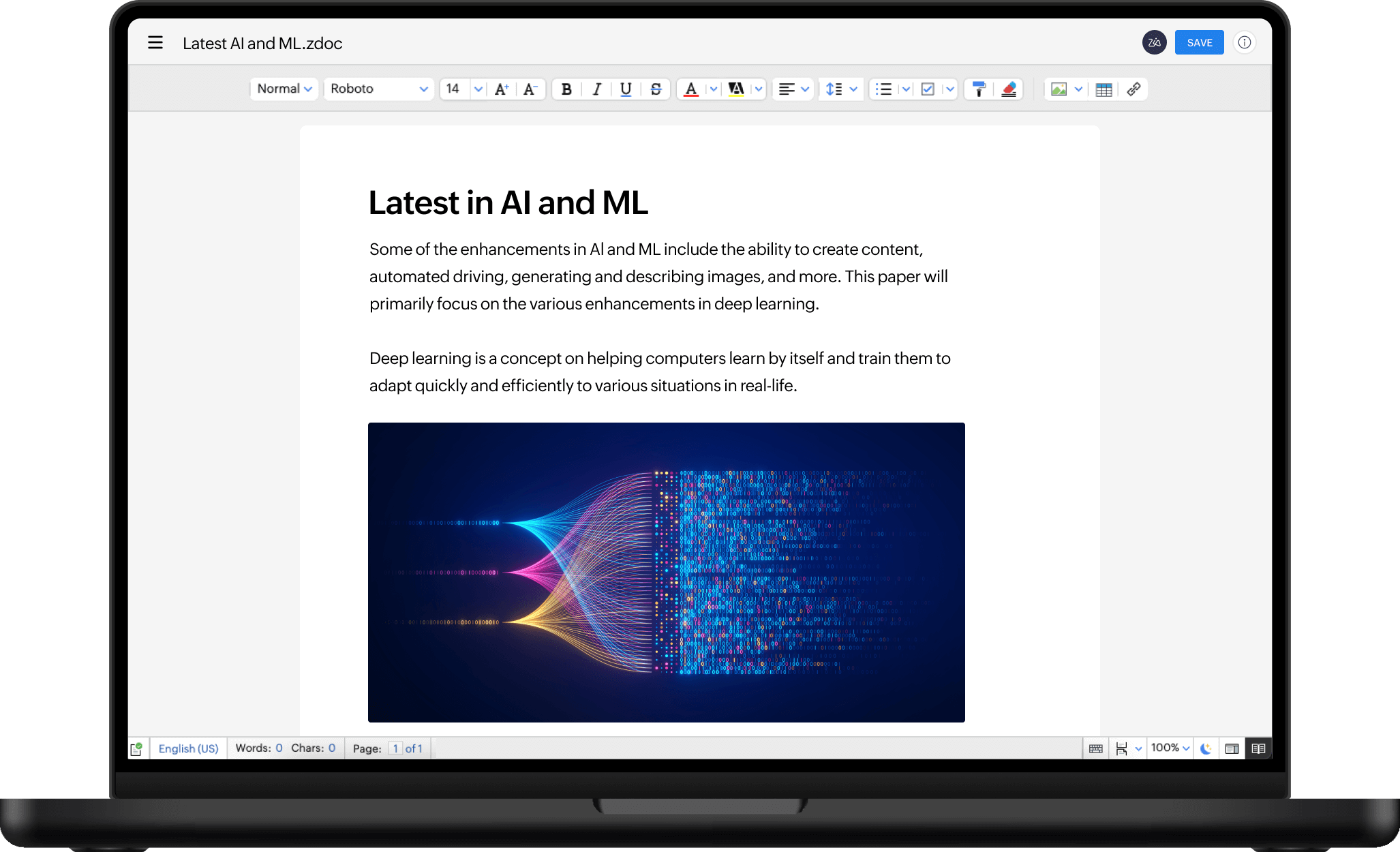
View and edit local MS Office (DOCX) documents without MS Word and save your changes with the Writer desktop app. Besides DOCX files, you can also create, edit, and save ODT, TXT, and Markdown formats with Writer's desktop app. Simply double click on a file or use the Open with Writer option to start editing directly in the app.
Seamlessly create, edit, and format content from your desktop
Just like the web app, the Zoho Writer app enhances your writing experience with an extensive array of tools, including:
- Editing and formatting tools
- Citation and bibliography creator
- Advanced layout designer
- Prepackaged document templates
- Tables, images, and text boxes
- Find and Replace feature and more.
- Track changes and add comments
Best Practices.docx


Consistent online and offline experiences
We have completely revamped the Zoho Writer desktop app to enrich the experience of users on Windows, Mac, and Linux devices. To do this, we took some of the most popular and useful features of Writer and carefully rolled them into a writing app designed and optimized for PCs.
Tabbed document view
Effortlessly view and work on multiple documents from a single window. Quickly switch tabs to view, refer to, and edit your content.
Multi-page view
View multiple pages or get a bird's eye view of the entire document. Easily read and edit a multi-page document by zooming in or out until your desired number of pages appears on the screen.
Instant sharing and real-time collaboration
Want to share a document with your team for collaboration and feedback? Simply log into your Zoho account from the Zoho Cloud tab and push your documents to the cloud, so you can share or collaborate in real time.
Offline spell check
Check spelling in your documents even when you're not connected to the internet.
Editor and document settings
Configure settings like ruler units, autocorrect rules, dark mode, and display language from the desktop app. Your preferences apply across every document you work on.


Manage local and cloud documents from one app
The Writer desktop app makes it easy for you to view and manage both local and cloud documents from a single app on your Windows, Mac, or Linux machine.
View, edit, and manage local and cloud documents from a single pane
List all documents stored on your local and cloud drives in a single window. From there, you can easily open, edit, and manage (share, rename, delete, set offline access to, etc.) your documents.
Copy documents to the cloud
Choose to push documents to the cloud, so you can access them from anywhere, on any device, using the desktop app.
Work offline
Using Offline Mode in the Zoho Writer desktop app, you can work on cloud documents, even when you aren't connected to the internet. If you've shared a file with your team, all changes made by your collaborators will be synced as soon as you go online.
Default save location
Choose a default folder for saving your local documents. Once set, every document you create will be saved to that location automatically.

No mandatory signup
You don't need an account to download Writer's desktop app, or install, and use it. Start viewing and editing documents on Mac, Windows, or Linux machines as soon as the app is installed.

Take your work
to your desktop
Have unfinished work on your mobile device or iPad? Download the Zoho Writer desktop app and finish your work on a bigger screen.