
- Reduces manual coordination
- Balances workload among the team
- Enables a clear accountability hierarchy
----------
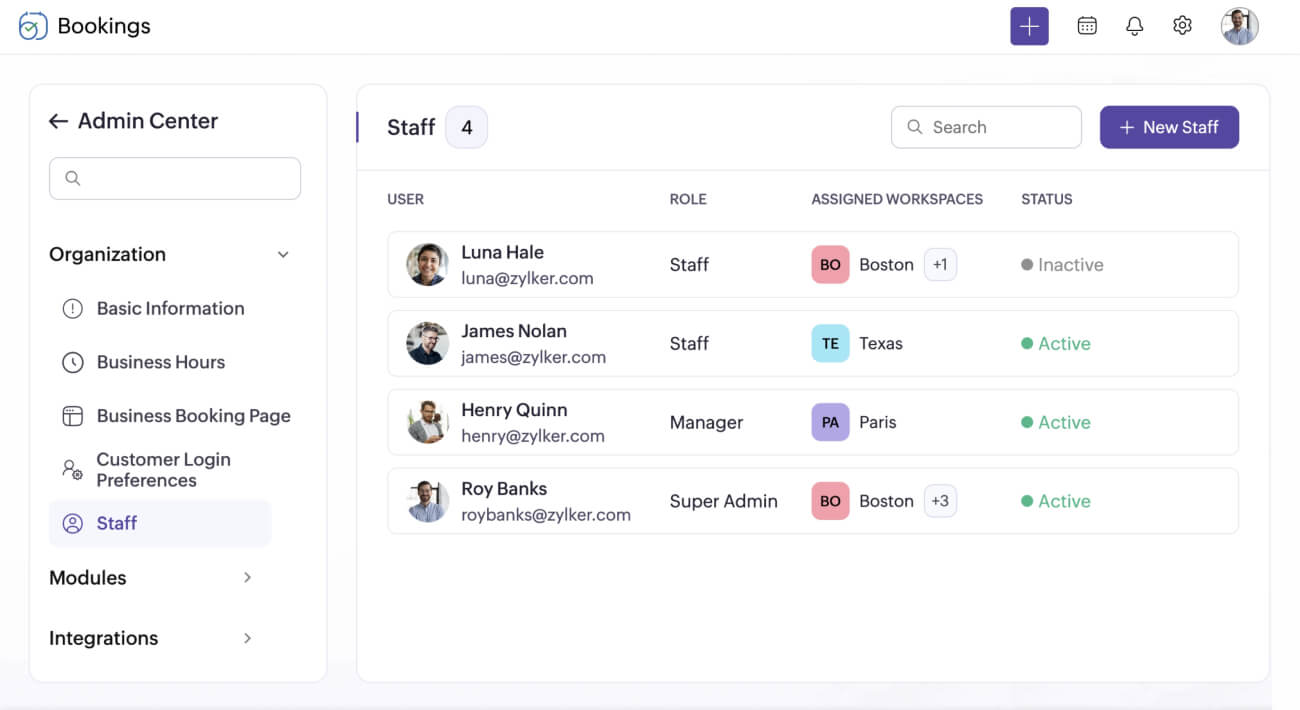
Assign staff to different workspaces
Have multiple branches or departments? Create workspaces for each one and associate staff members accordingly. Staff can only access the workspaces they’re a part of, and you can easily oversee all appointments.
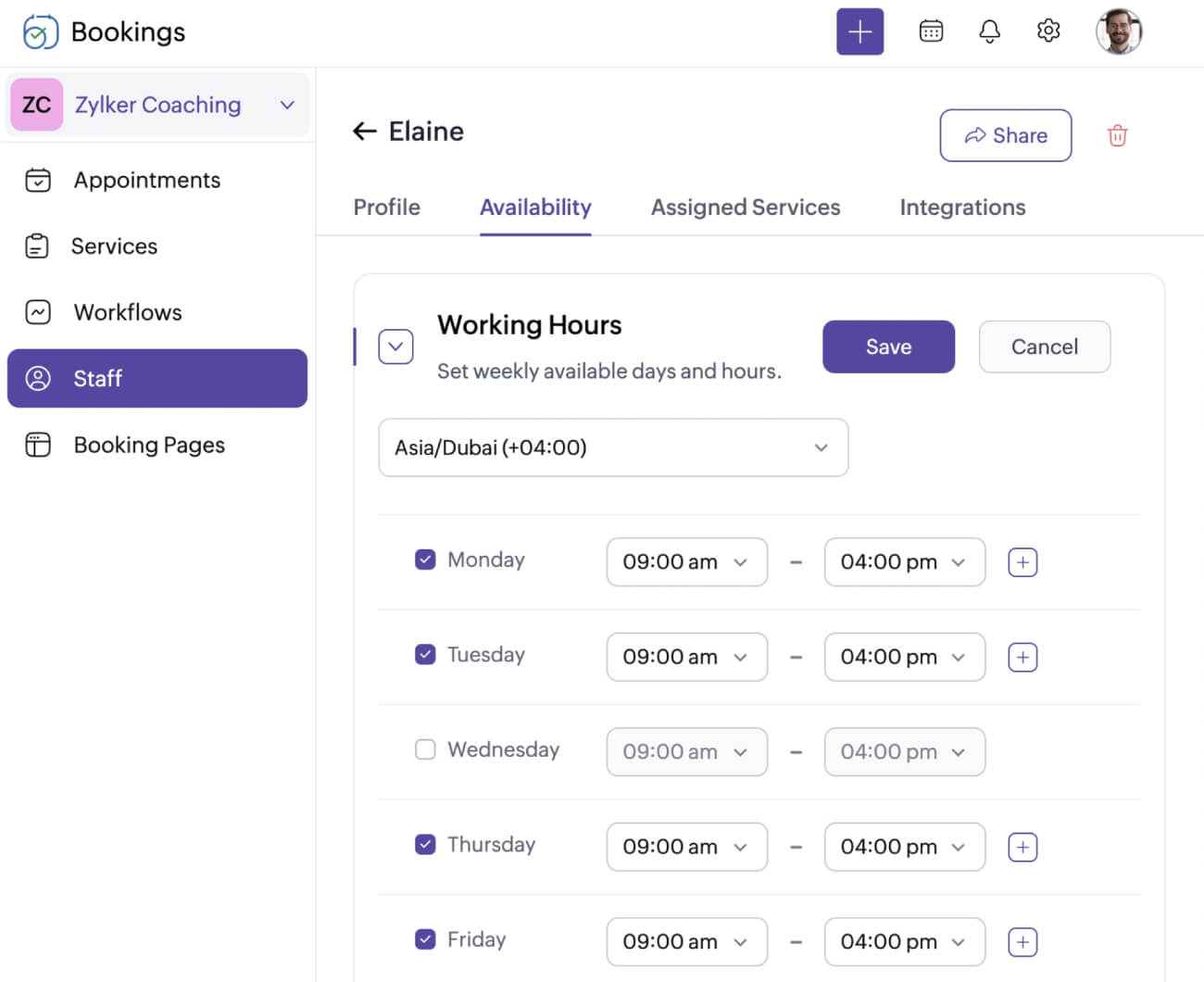
Configure booking availability
Give staff members control over their appointment availability. They can block times or open new time slots during days off.
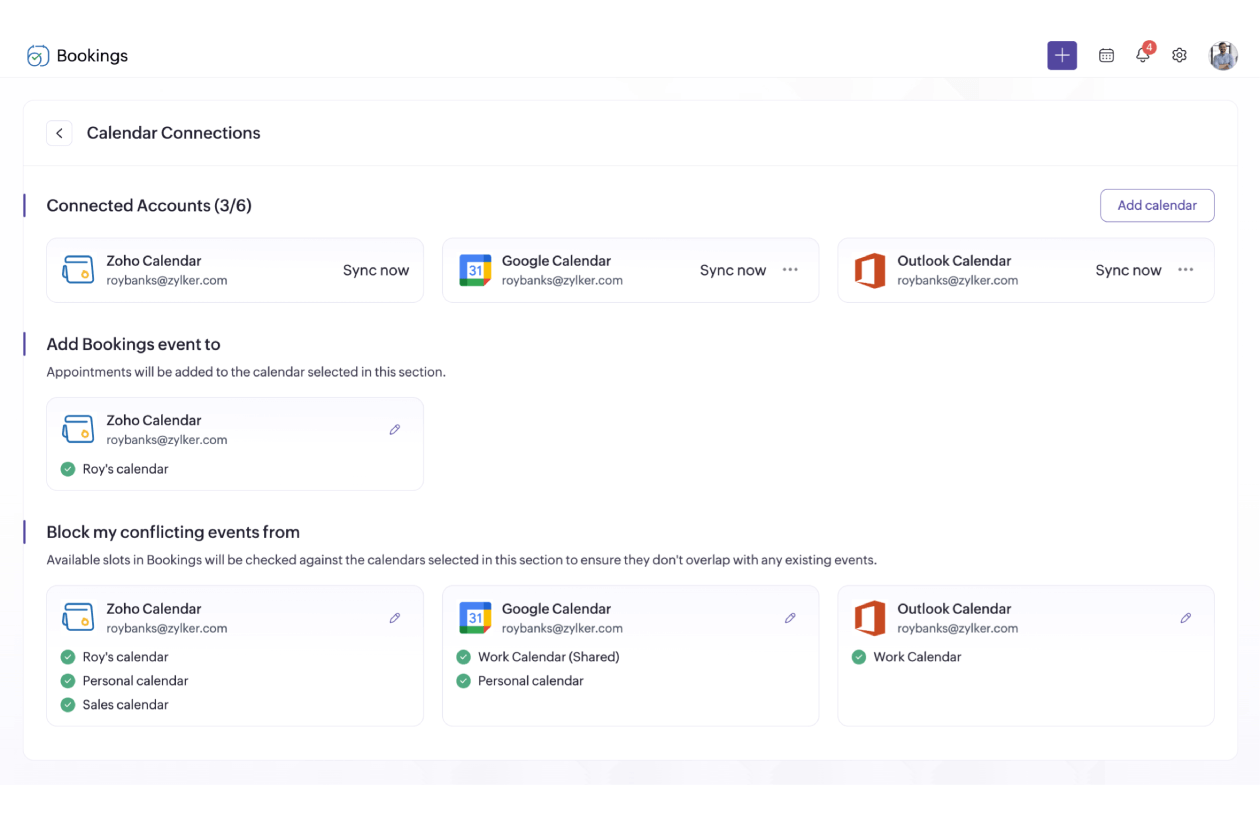
Sync calendars
Allow staff members to sync their schedules in real time with their calendar apps. Bookings will automatically block off busy times and add new appointments to connected calendars.
Assign staff to meetings
Create multiple meeting types and assign your staff to different meetings. With Zoho Bookings, you can create one-on-one, group, collective, and recurring meeting types.
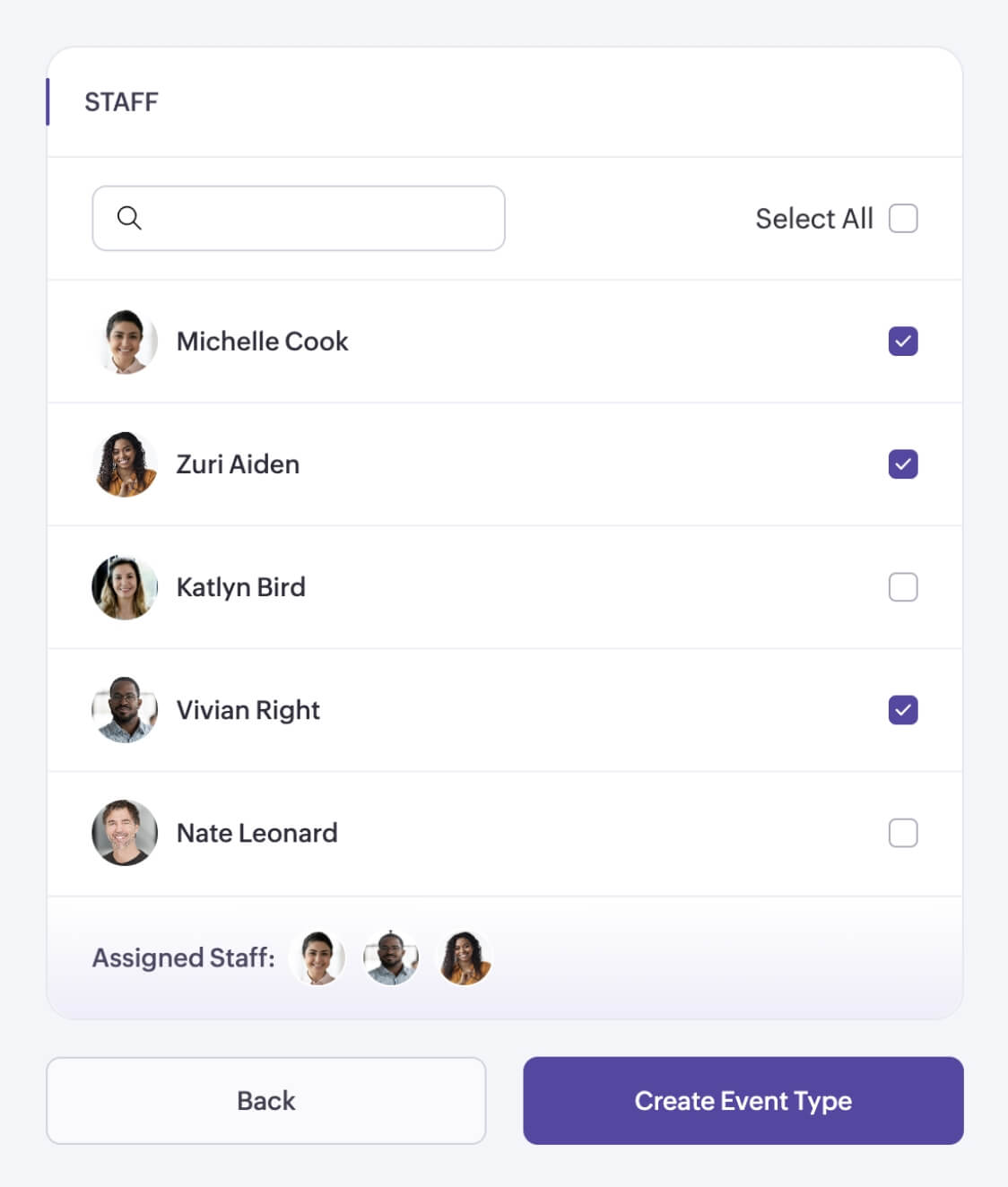
Distribute meetings evenly
Assign different team members to a single meeting type and let Zoho Bookings allocate meetings evenly with a load-balancing algorithm.

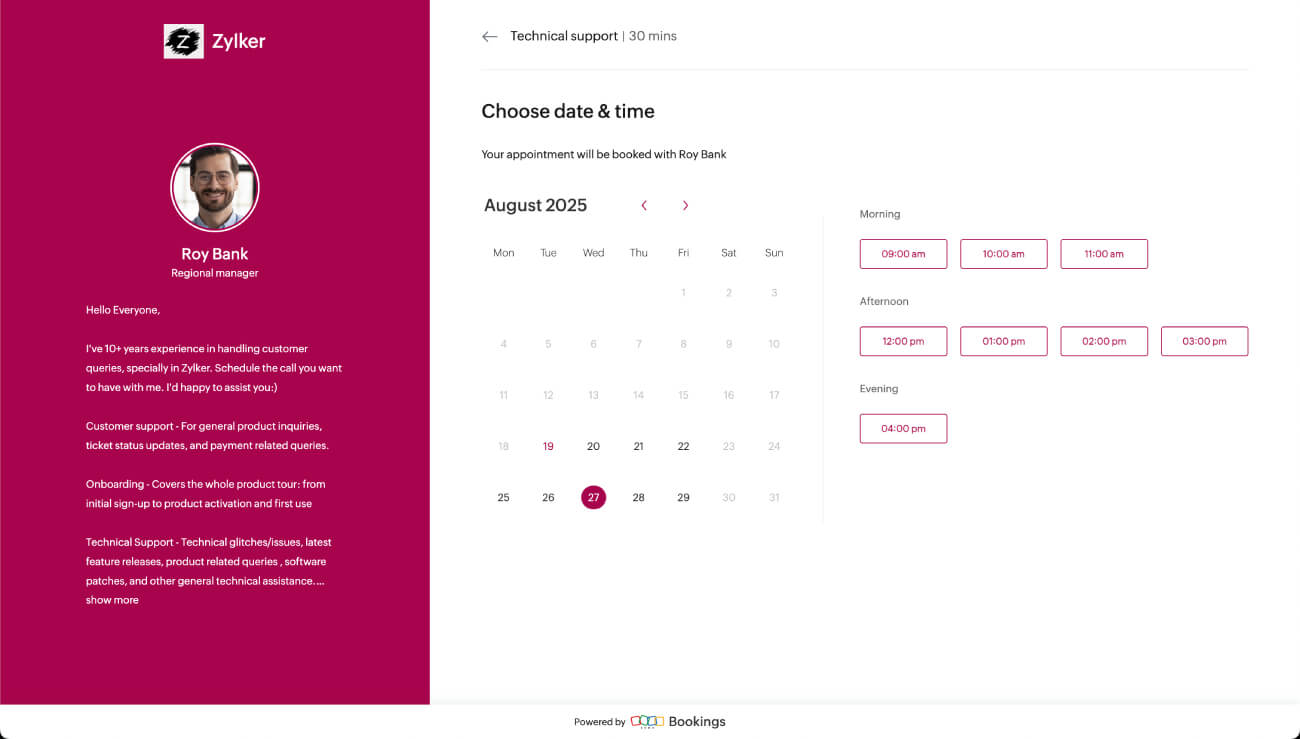
Staff booking pages
Zoho Bookings offers a specific booking page for your staff members to share with clients or customers. It lists all the meeting types that the staff offers, and they can customize it with different colors, themes, descriptions, and more.
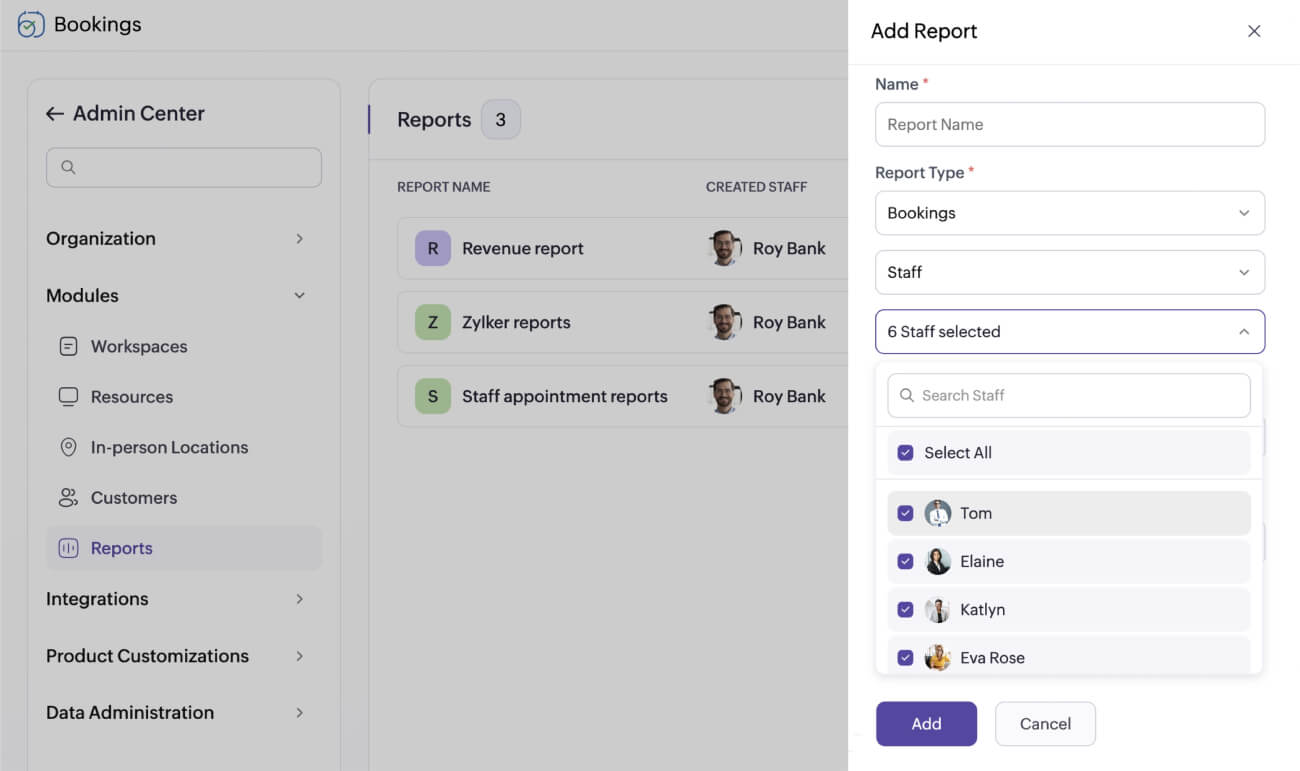
Generate staff-based reports
Get more insights into staff performance by generating reports based on bookings and appointment revenue. Review progress and set new goals based on the data to help your team members grow.
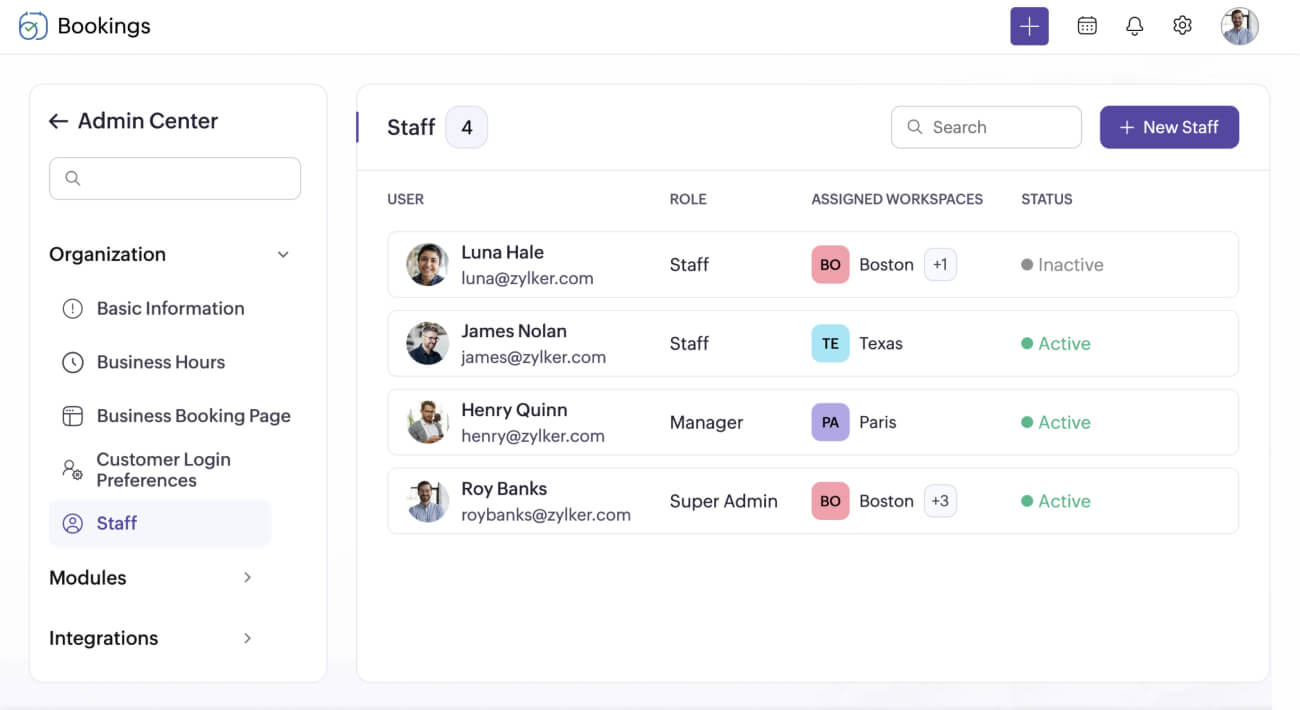
Centralized staff dashboard
Easily manage all of your staff from one place. Use the dashboard to assign staff to different workspaces, change their roles and permissions, and delete or mark them as inactive.
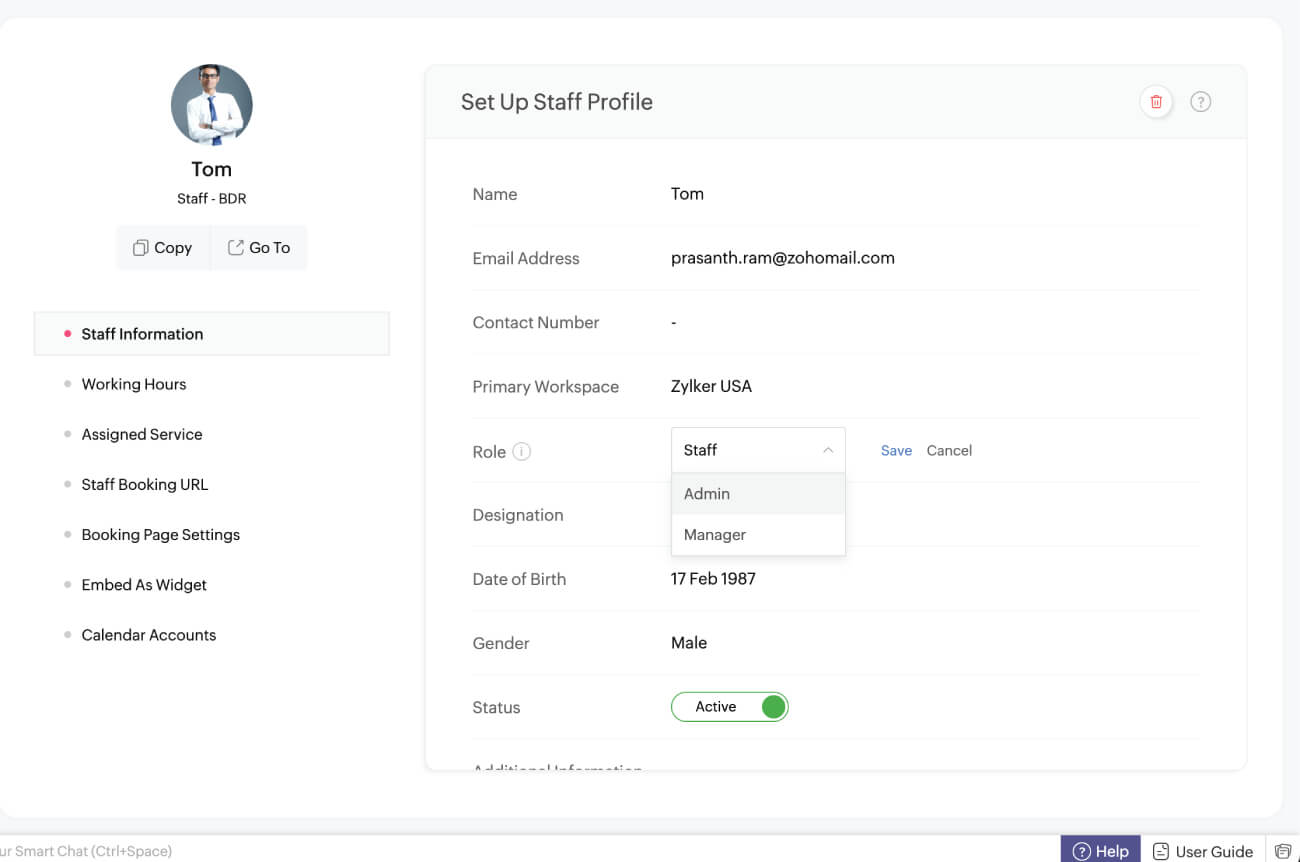
Easily assign and reassign user roles
As new team members join and existing ones take on different responsibilities, simply update their roles to automatically adjust their account access.
Access privileges for different user roles in a workspace
| Feature | Permissions | User roles | |||
|---|---|---|---|---|---|
| Admin | Workspace admin | Manager | Staff | ||
| Calendar | Access to everyone's calendar | ||||
| Access to personal calendar | |||||
| Reports | Create | ||||
| Access | |||||
| Availability | Update working hours | ||||
| Update availability | |||||
| Booking URL | Customize booking URL | (Only for staff booking URL) | |||
| Booking page | Customize booking pages | ||||
| Notifications and reminders | Customize templates | ||||
| Integrations | Ability to configure | ||||
Explore relevant features
Trusted by leading businesses worldwide
14M+ appointments scheduled around the world
With a new appointment scheduled every 4 seconds

Scheduling stories from businesses like yours

Lokesh Mittal, Director, Mintskill HR Solutions LLP
“Zoho Bookings helps to do online interviews on time and every time. Today, we can handle the scheduling of hundreds of interviews with a single click.”

Morgan DiGiorgio, Senior VP Sales & Marketing, Directmail 2.0
“Zoho Bookings is a fantastic platform for scheduling and managing appointments. I've been using it for my business and it has completely transformed the way I handle my appointments.”
Get started with Zoho Bookings and streamline your booking process
TRY ZOHO BOOKINGS NOWFrequently Asked Questions
1. Can I change the user role for an existing user at any time?
If you are a super admin or admin, you can update user roles at any time.
2. Can I have more than one super admin for my Zoho Bookings account?
You can only have one super admin per Zoho Bookings account. However, you can assign as many admins for your account as you'd like.
3. Can I delete a staff member who is no longer associated with the organization?
If you are a super admin or admin, you can delete a staff member from the account.
4. Can users under the "staff" role export customer data?
No, staff members cannot import or export customer data.