- Only show slots to qualified website visitors
- Route leads to the right rep or service
- Reduce rescheduling
What is a routing form, and how does it work?
A routing form works similarly to a web form. After a visitor submits it, they're automatically directed to the right booking page based on the logic you've configured. Routing forms are useful for demo qualification, service bookings, location-based bookings, and redirecting customers to other webpage or resources when they don't meet the booking criteria.
Qualify every appointment
Create routing forms tailored to your business
Add relevant form fields and qualification questions to route leads. Choose from different form fields like single line, multiline, date, email, checkbox, drop-down, radio button, and phone number.
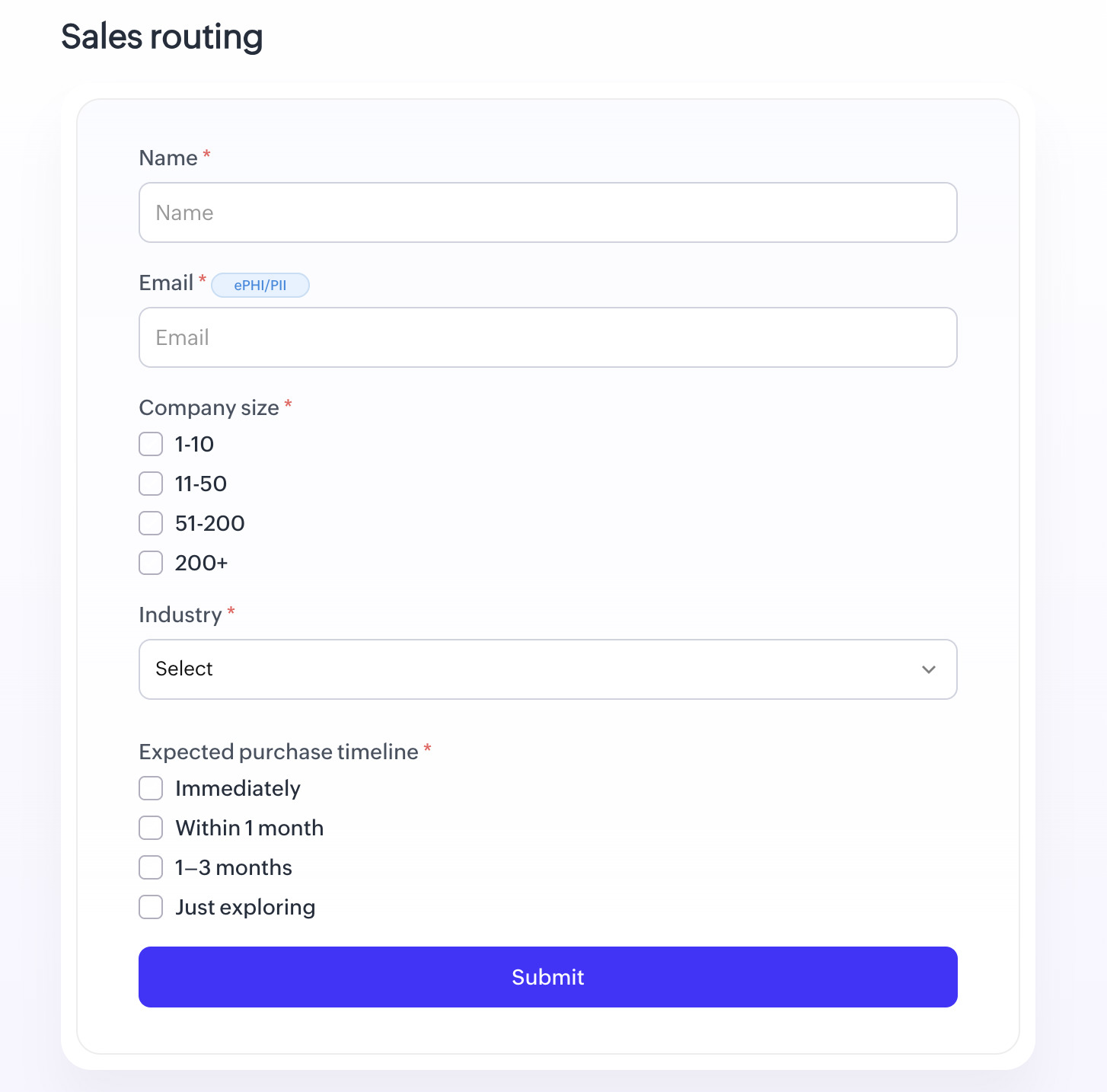
Configure form routing
Create routing logic using form fields and responses to qualify leads. Use AND/OR conditions to build granular rules and direct each lead to the right booking page.
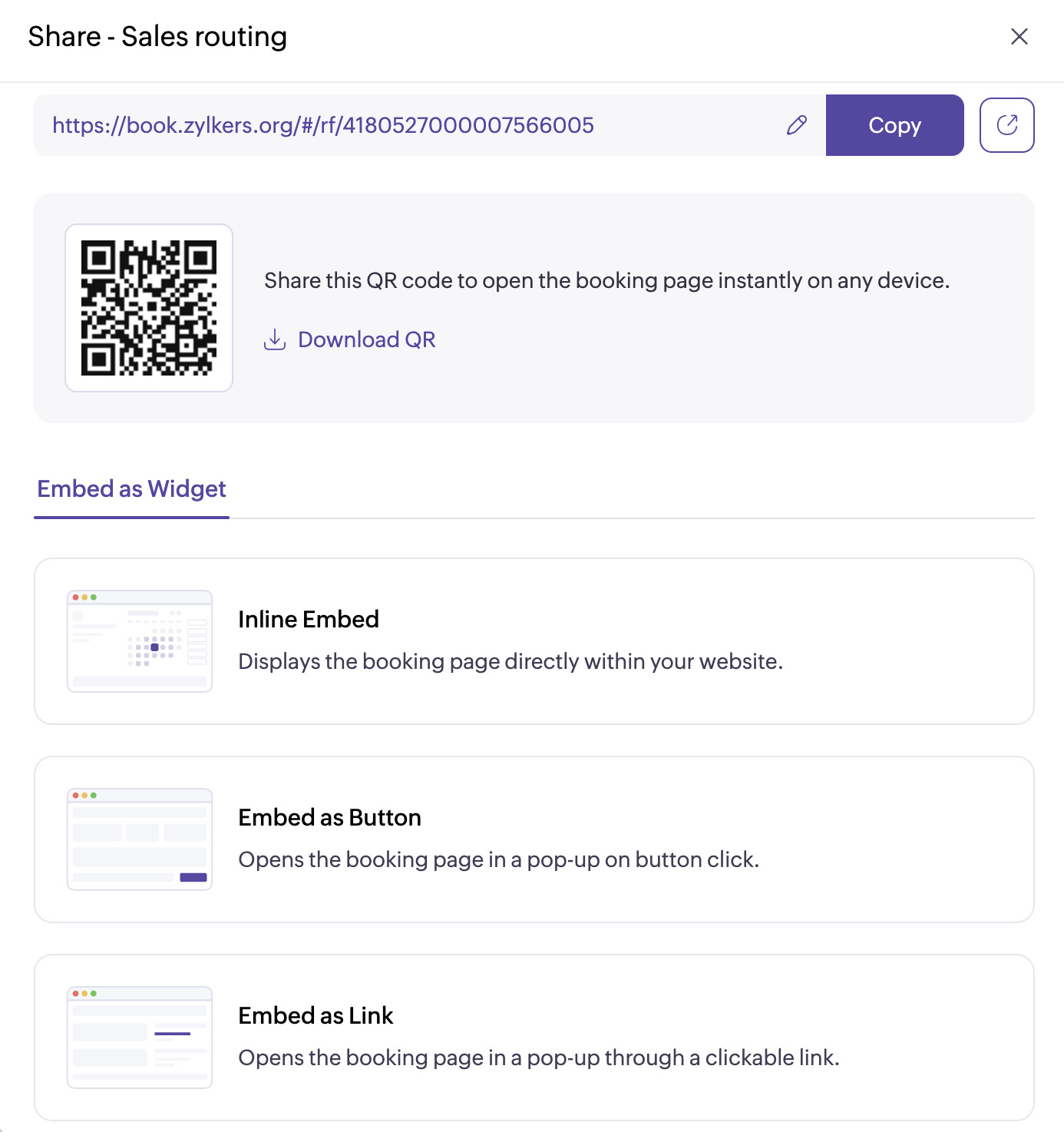
Embed routing forms anywhere
Once your routing form is configured, embed it directly on your websites, landing pages, or customer portals to start collecting qualified appointments.
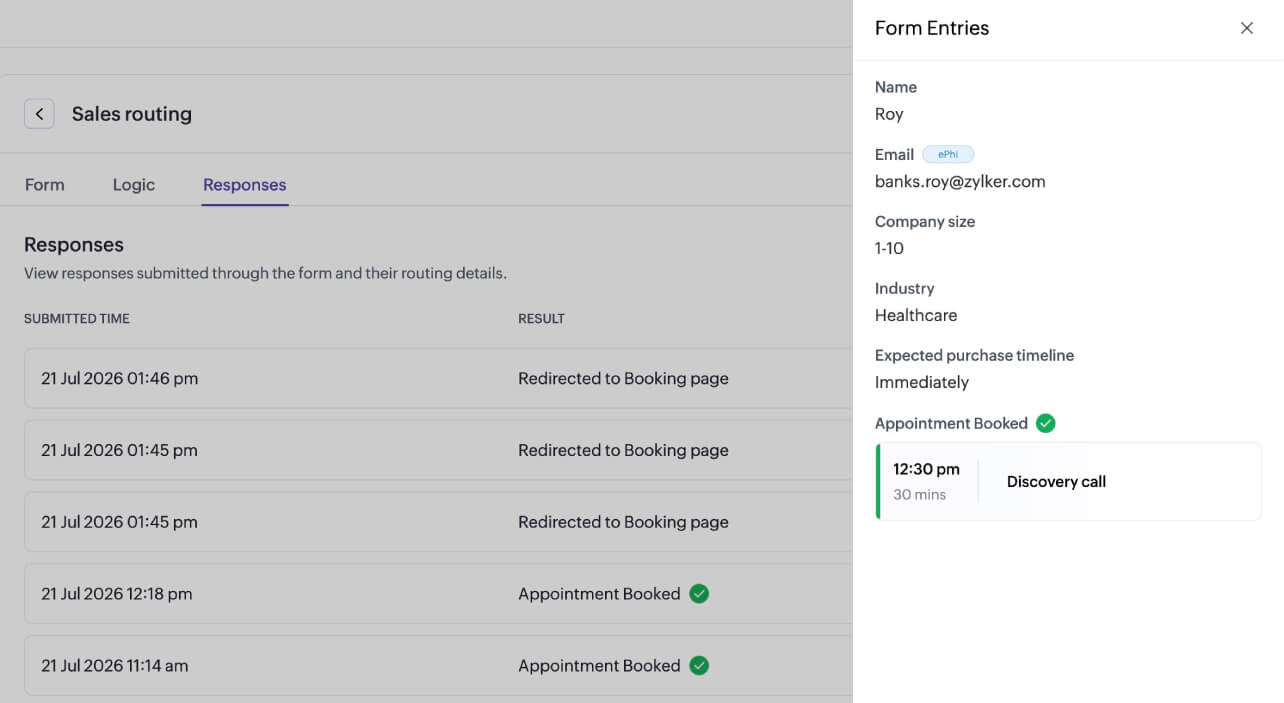
Analyze routing form performance
Track the performance of every routing form on a separate dashboard. View individual form entries, manage form status, and see the appointment type they were routed to and booked from.
A quick comparison: Routing forms, booking forms, and web forms
| Routing form | Booking form | Any web form | |
|---|---|---|---|
| Primary action | Routes users to the right booking page or team member | Helps schedule appointments | Captures information and automates configured workflows |
| Appointment scheduling | Immediately directs to scheduling page after qualifying and routing | A central component in the booking process | Usually not scheduling-focused |
| Routing logic and automation | Allows you to set advanced routing logic and qualification criteria | Doesn't offer logic criteria or automation | Supports validation, conditions, workflows, and automation |
| Common use cases | Demo qualification, location-based routing, and other criteria based qualification | Booking consultations, appointments, classes, services | Used as contact forms, lead capture forms, event registration, surveys |
| Works with CRM? | Yes, automatically route customers to account owners | Yes, associates appointments with Leads or Contacts module | Yes, captures leads in CRM and can automate other workflows |
| Best for | Qualifying users before scheduling | Collecting appointments directly | Collecting information and automating workflows |
Explore relevant features
Trusted by leading businesses worldwide
22M+ appointments scheduled around the world
With a new appointment scheduled every 4 seconds

Scheduling stories from businesses like yours

Lokesh Mittal, Director, Mintskill HR Solutions LLP
"Zoho Bookings helps to do online interviews on time and every time. Today, we can handle the scheduling of hundreds of interviews with a single click."

Morgan DiGiorgio, Senior VP Sales & Marketing, Directmail 2.0
"Zoho Bookings is a fantastic platform for scheduling and managing appointments. I've been using it for my business and it has completely transformed the way I handle my appointments."
Ready to route qualified appointments and convert faster?
TRY ZOHO BOOKINGS NOWFrequently Asked Questions
1. How is this different from just using a regular booking page with a form?
On a default booking page, the form collects information after a lead selects a service and time slot. With routing forms, the form serves as the initial interface, and based on field entries and routing logic, the relevant booking page appears for leads to schedule a meeting.
2. Can I use routing forms if my team handles multiple services with different staff members?
Yes. You can configure the routing logic so that form responses for a particular field are assigned to a specific service and staff member. For example, if a lead selects "Enterprise" as their company size, you can route them to your enterprise sales rep's booking page.
3. What happens if a lead's response doesn't match any routing condition?
In this case, you can route them to a general booking page or a specific staff member. This ensures that your business follows up on every lead, even when they fall outside of your set conditions.