Create online forms in minutes with a drag-and-drop builder
Collect data with ease using Zoho Forms, a form creator software that's designed to accommodate users with no coding experience. Build from scratch with the intuitive drag-and-drop builder, choose from ready-to-use templates, customize layouts and branding, and collect responses securely. Design, share, and manage forms easily. Connect forms with your business apps, automate processes, and get started with a Free plan.

Generate online forms faster with AI
Create forms faster with this AI-powered form builder that helps you generate forms in a few seconds. Zia, Zoho's AI engine, helps you move from an idea to a working form faster while giving you complete control over the final design. Just describe your form in a few words to create relevant fields, choices, themes and your form will be ready for you to customize further.
Start with free online form templates
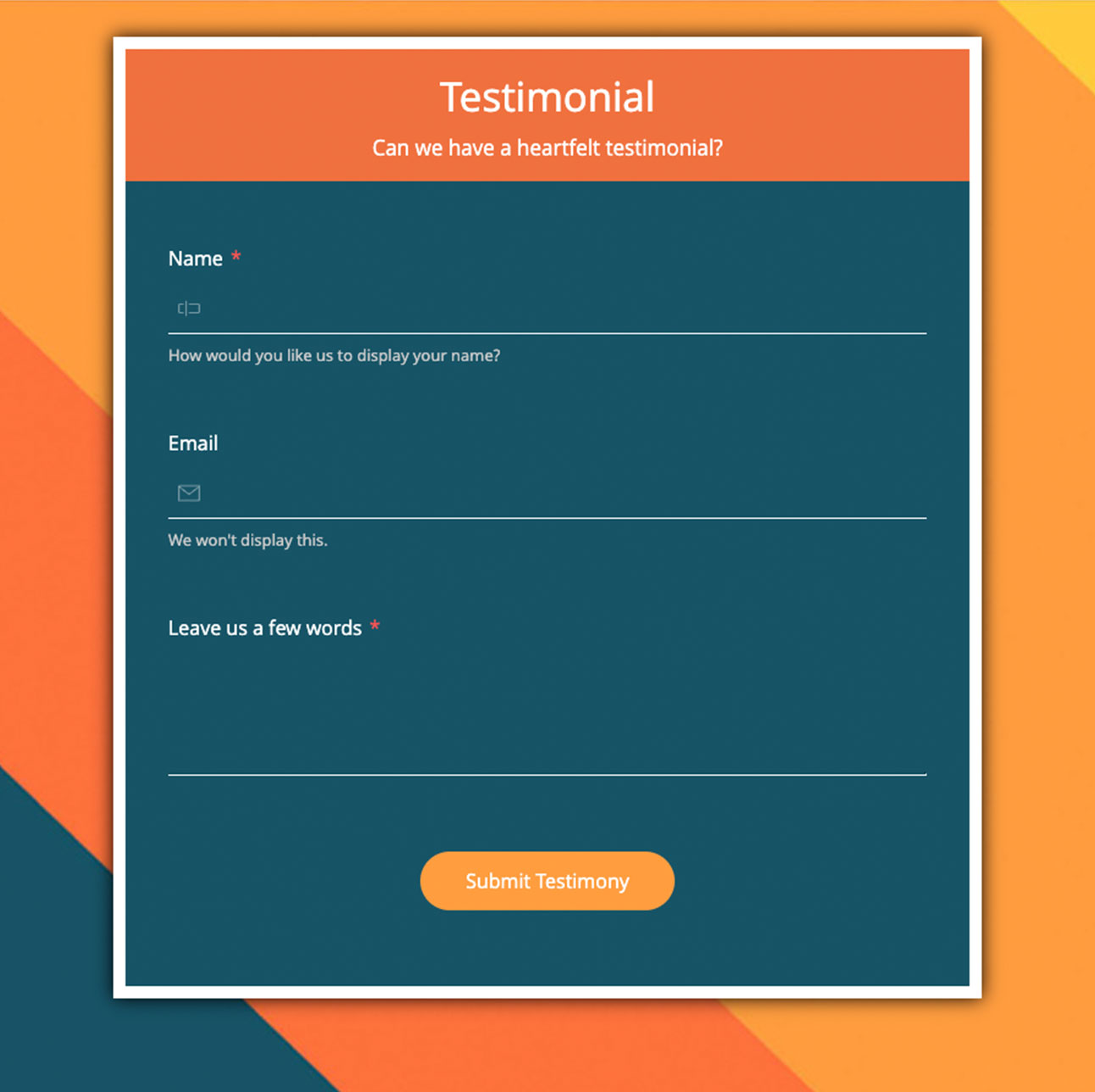
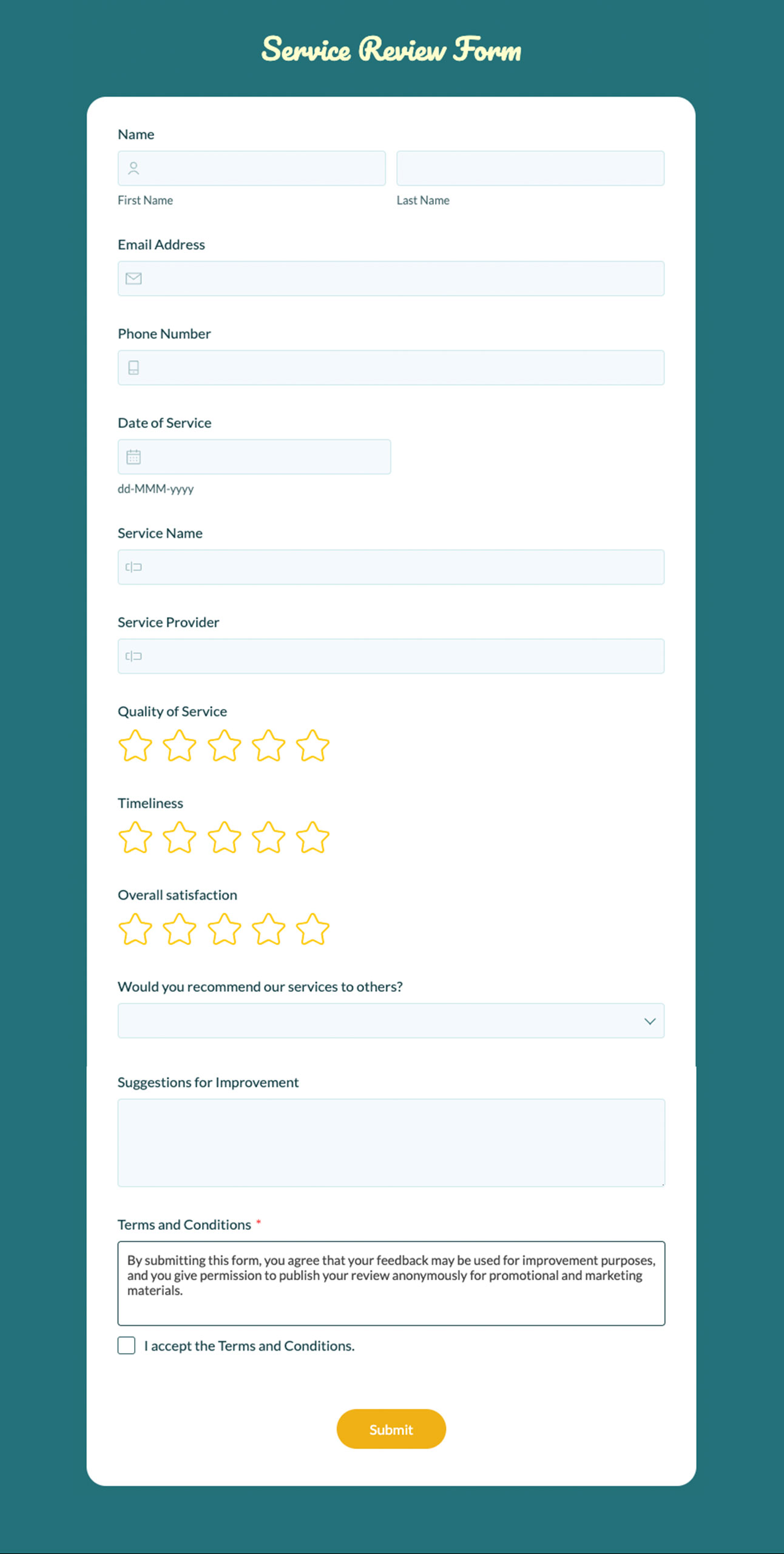
Businesses do not have the luxury of time and you wouldn't be wanting to spend it on building forms from scratch. Zoho Forms offers a collection of free ready-to-use form templates tailored for various use cases - common business and personal needs. Select a template, customize the fields, add your branding, configure workflows, and publish your form instantly.
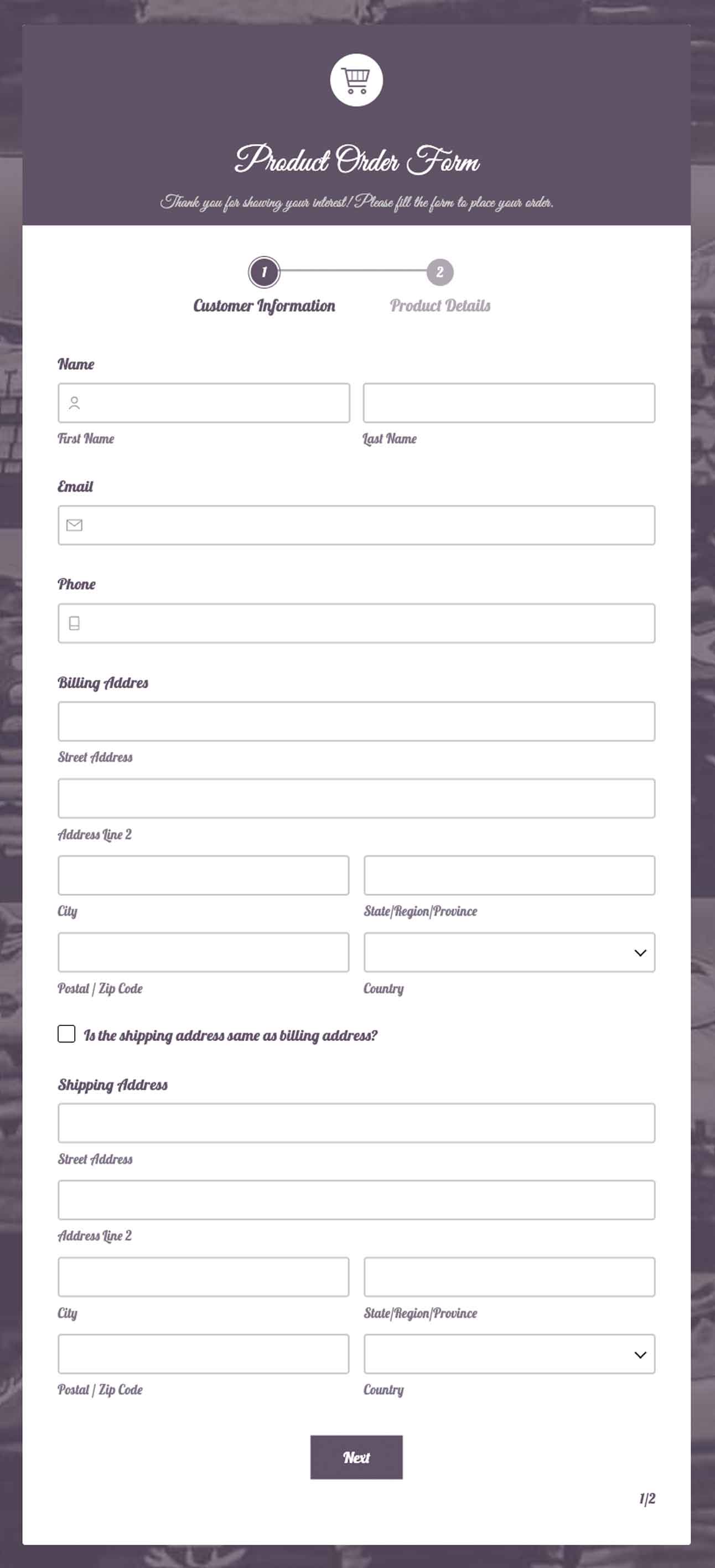
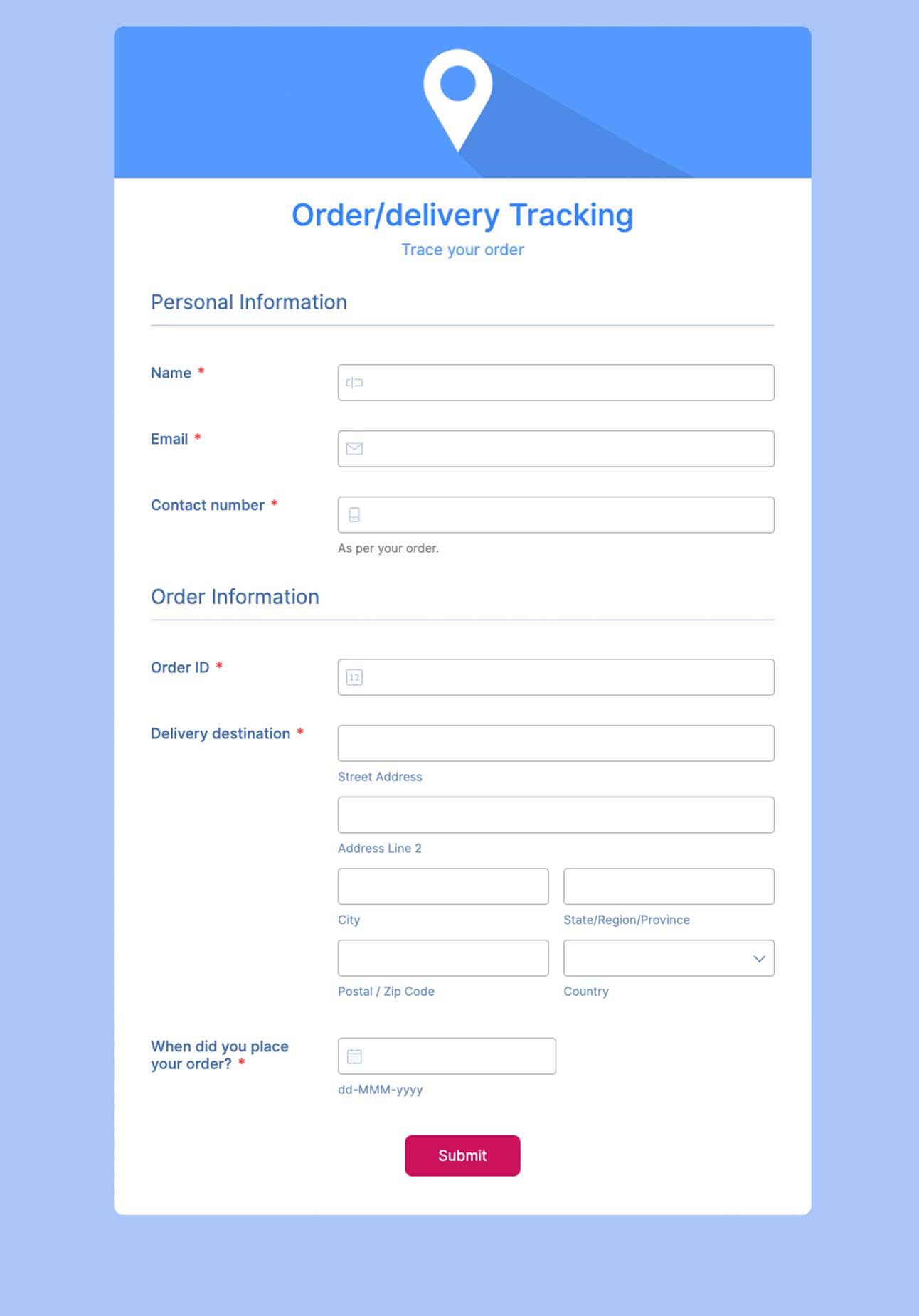
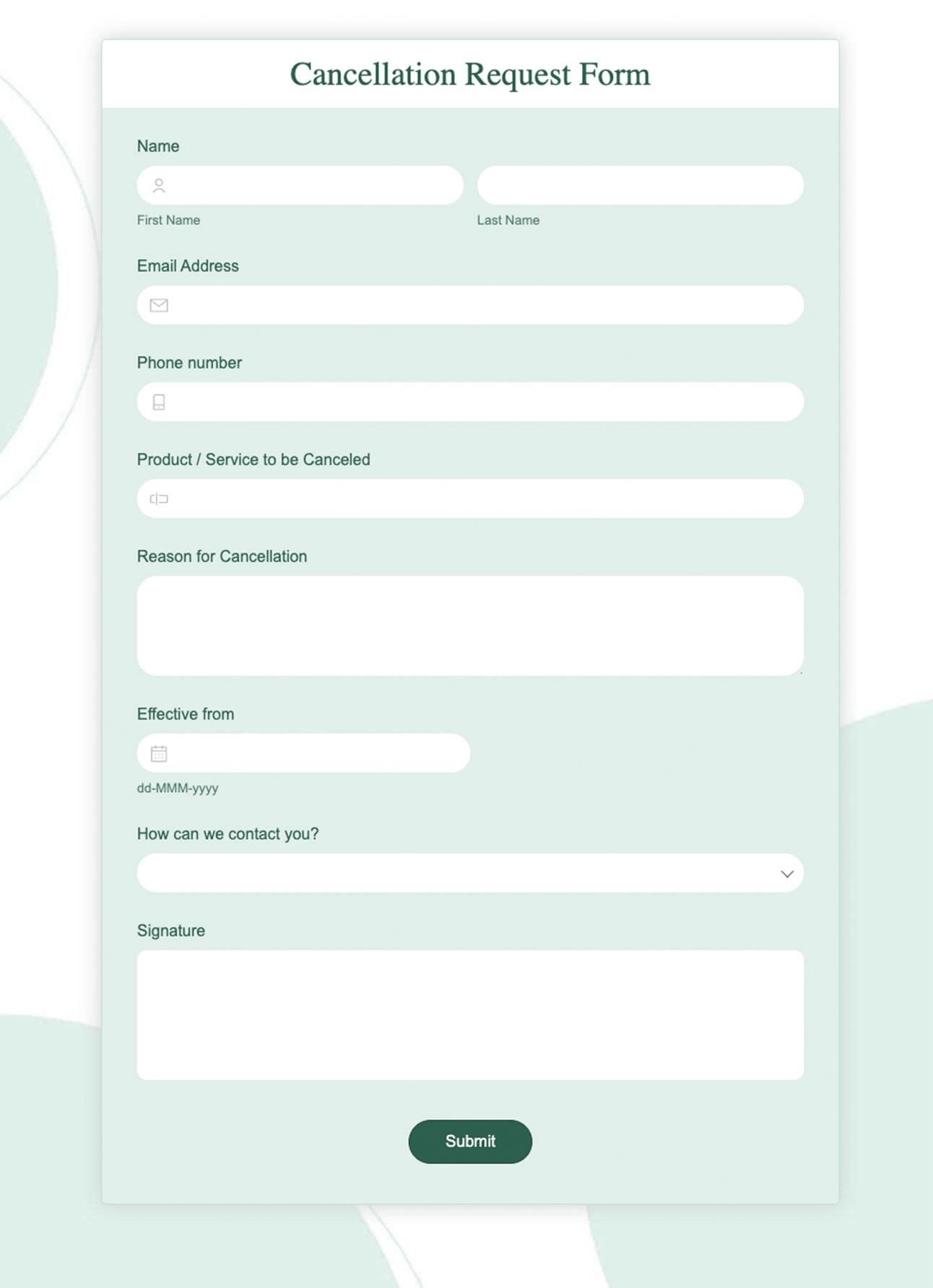
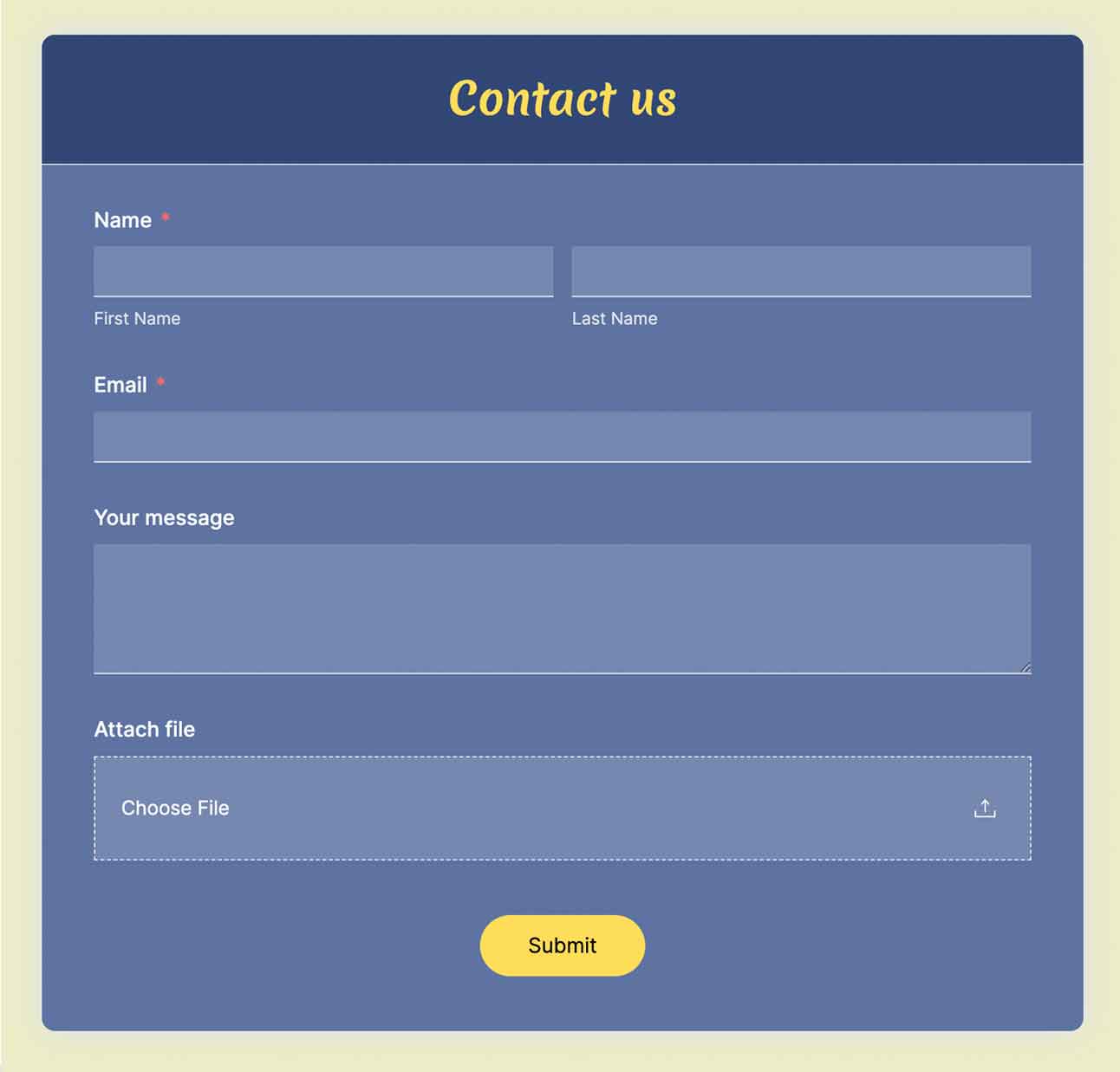
Customize forms with 50+ field types and your branding
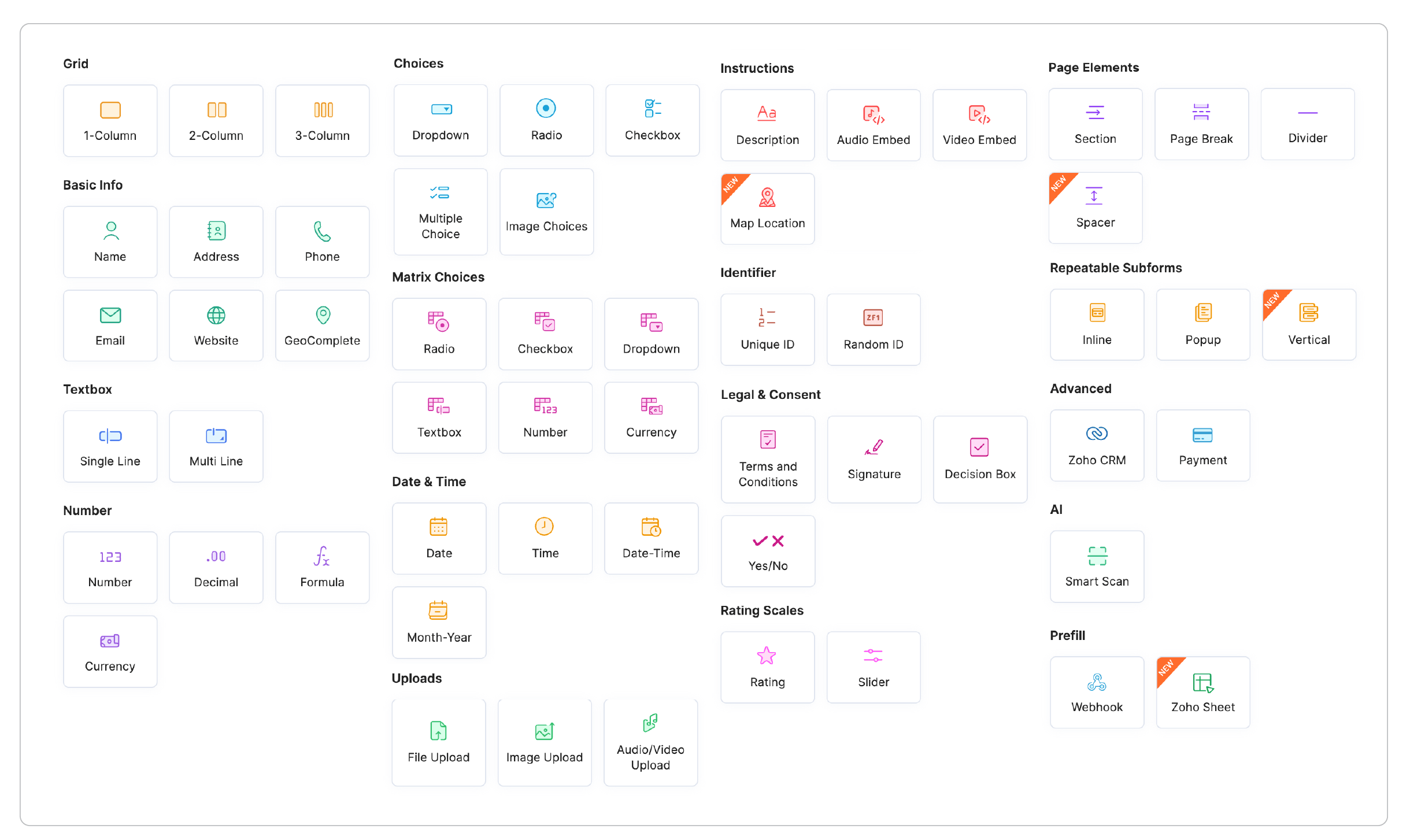
Zoho Forms gives you the flexibility to build forms around your unique requirements with more than 50 field types. Build powerful forms using Dropdown menus, Multiple-choice questions, Checkboxes, Date and time fields, File uploads, Signature fields, Payment fields, Rating fields,Subforms, and a variety of Smart fields. Create a consistent experience by customizing colors, fonts, themes, logo, backgrounds, layout styles because your forms should feel like an extension of your brand.
Create dynamic forms with validation, multi-page layouts, and conditional logic
Long and complicated forms can discourage respondents from filling them out. Break complex forms into smaller sections using multi-page forms to make lengthy forms easier to navigate and improve completion rates. Create intelligent forms that adapt based on user responses using conditional logic to display or hide fields and pages based on previous answers. Prevent incomplete or incorrect submissions by setting validation rules for fields. Guide respondents while they complete the form and improve the quality of collected data.
Accept payments and collect electronic signatures securely
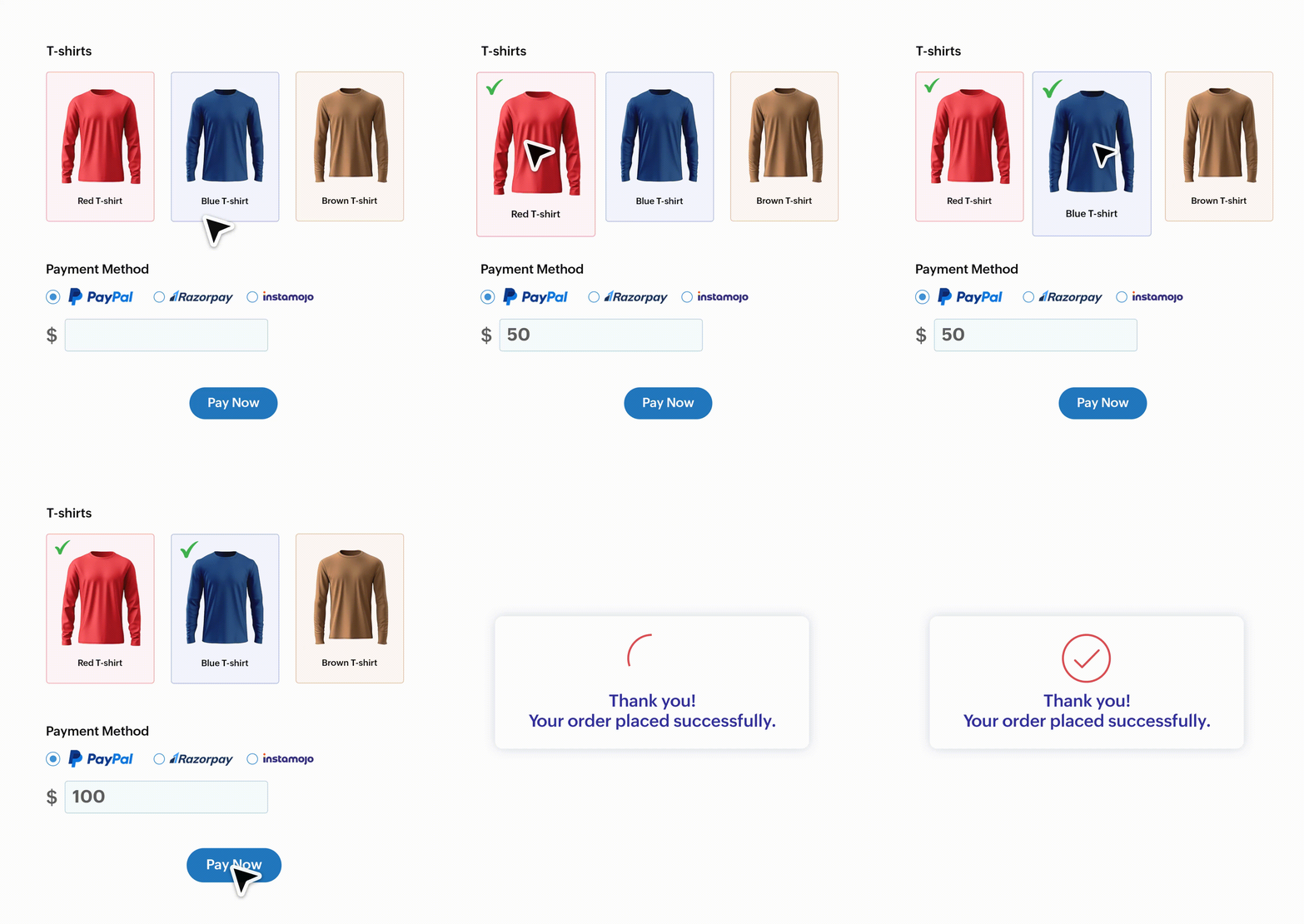
Create complete experiences where respondents can submit details, make payments, and provide signatures in one seamless flow. Collect payments securely and reduce the number of steps required from your customers. Simplify the approval workflows without the back-and-forth emails. Get agreements signed with legally binding electronic signatures directly through your forms.
Share and embed online forms anywhere
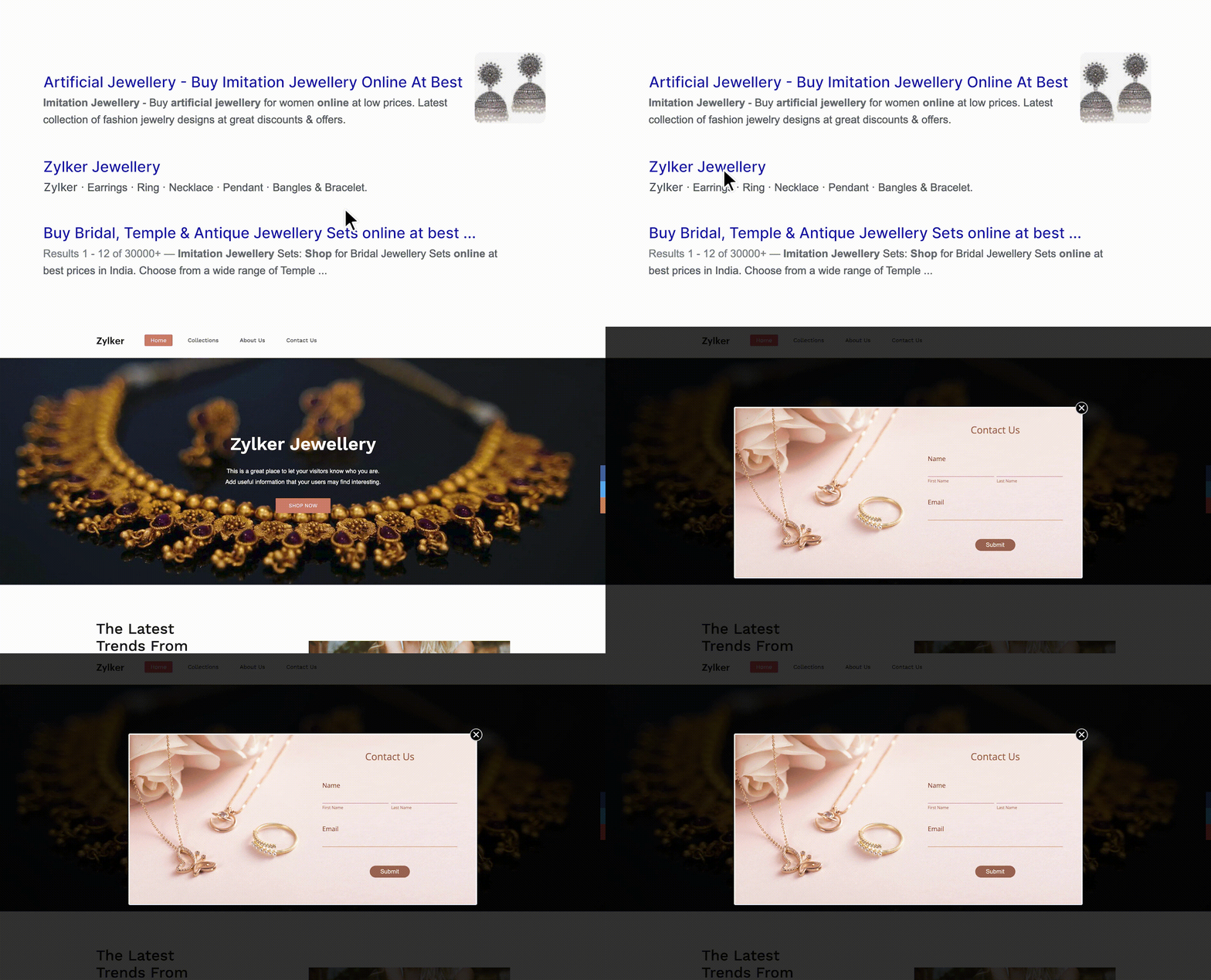
Once your form is ready, share it wherever your audience interacts with your business.
Share forms through:
- Website links
- Email campaigns
- Social media
- QR codes
You can also embed forms on your website to collect information directly from your visitors without disrupting their experience. Whether you are collecting leads from a landing page or registrations from your website, embedded forms make data collection effortless.
Automate workflows with 150+ integrations
Data collection is only the first step. Zoho Forms helps you turn submissions into action by connecting with business applications you already use.
With powerful form integrations, automate tasks such as:
- Sending leads to CRM systems
- Creating records automatically
- Triggering notifications
- Updating spreadsheets
- Automating ticket creation in support desk
Reduce repetitive tasks and help your teams work faster.

Analyze form responses with custom reports
Collecting data is valuable only when you can understand it.
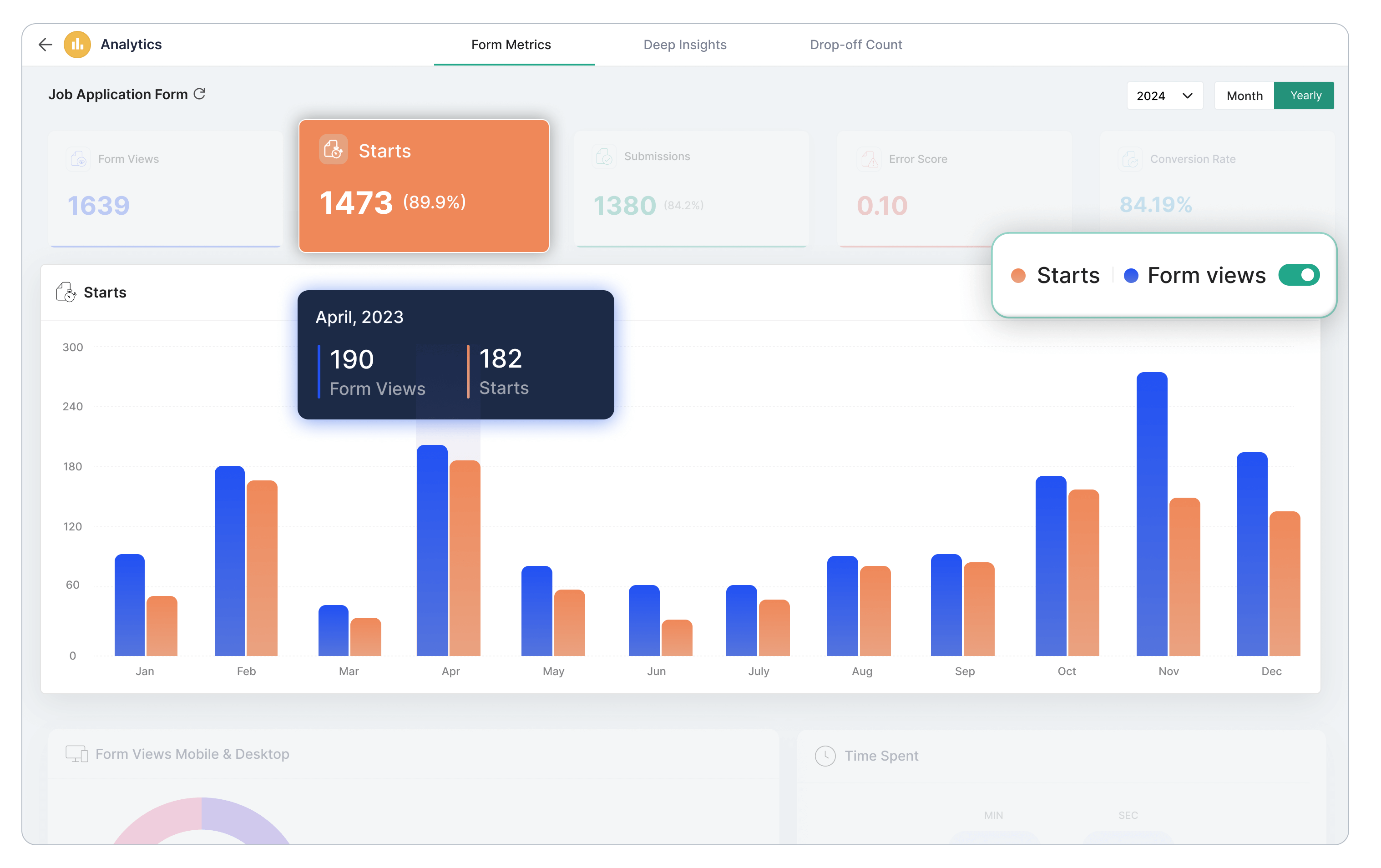
Zoho Forms helps you analyze submissions using custom reports that make it easier to track trends, measure performance, and make informed decisions. Zoho Forms ' Advanced Analytics goes beyond the basic form views, submissions, and error score. Track Starts to gauge the effectiveness of your form in capturing user attention. Compare Starts to Form Views and Submissions to Form Views in a graph for a visual representation of user behavior throughout the form interaction process.Identify whether users tend to interact with your forms more on mobile devices or desktop computers. Analyze the number of times users abandon the form-filling process at specific form fields. Get data on the geographic locations of users interacting with your forms.
Keep form data secure and compliant
Protect sensitive information with enterprise-grade security. When collecting customer, employee, or business information, security matters.
Zoho Forms provides multiple layers of protection to help keep your data safe.
Security features include:
SSL encryption
GDPR compliance
HIPAA compliance
Field-level encryption
Role-based access
Audit tracking
Build and manage secure forms with confidence while maintaining control over your data.
New success stories every day



Frequently Asked Questions
A form maker is a versatile tool that simplifies the process of creating various types of online forms. It empowers users to build custom forms for surveys, registrations, applications, and more. With an efficient form maker like Zoho Forms, individuals or organizations can easily design, customize, and manage online forms to collect data and feedback from respondents efficiently.
Yes, you can create a free form using Zoho Forms. Zoho Forms, an online form builder, offers a free plan that allows you to design and build online forms without any cost. With the free plan, you can create a variety of forms, including contact forms, surveys, registration forms, order forms, and more.
You can customize your forms with different form fields, add logic and rules, and integrate them with other Zoho applications or third-party services. While the free plan has limitations on form submissions and storage, it provides a great starting point for creating and managing basic forms at no cost. Please visit our pricing page to browse our paid plans.
Collect repetitive data without asking your customers to fill multiple forms by leveraging Field Alias and Prefill features in Zoho Forms.
You can create a main form with all the fields required. Then, create additional forms using our form builder software with only the unique information or fields that need to be filled each time. Use Field Alias to provide alternate names to the fields that need to be prefilled. Configure the field alias, and this Field Alias can be used to prefill fields in additional forms.
With the Prefill feature, you can use data from a previous form submission to prefill fields in subsequent forms. Use the field alias to set up prefill URLs. Then, when your customers need to fill out subsequent forms, you can prefill the fields with their previously submitted data, making it easier for them to complete the form without re-entering information.
You can get online forms integrated with CRM systems by using form builders that offer built-in CRM connections. Zoho Forms lets you create online forms and, with its native integration, automatically send captured form submission data into CRMs such as Zoho CRM. Map form fields to CRM modules like Leads, Contacts, or Deals, so every submission can become a CRM record instantly.
Zoho Forms is one of the most affordable online form builders for small businesses because it offers a powerful Free plan and budget-friendly paid plans without compromising on essential features.
Small businesses and solopreneurs can create unlimited forms, use drag-and-drop fields, get mobile access, and collect responses on the free tier. As your requirements grow, Zoho Forms' paid plans give you access to more submissions, advanced automation, PDF customization, approvals, and workflow features.
Several platforms offer drag-and-drop form builders, and Zoho Forms stands out as a hassle-free option for businesses that want to create professional online forms without writing any code.
Along with Zoho Forms, tools like Jotform, Typeform, Formstack, and Wufoo also provide drag-and-drop interfaces.
Zoho Forms also offers seamless integration with the Zoho ecosystem, offline forms, and mobile apps, making it a comprehensive drag-and-drop form builder for businesses of different sizes.
Yes. Zoho Forms is a fully cloud-based online form builder that automatically stores your form entries in the cloud, allowing you to access and manage submitted data online.
Zoho Forms makes it easy to build and manage lead-generation forms without technical expertise. You can use the drag-and-drop builder to add fields, customize the design, and embed the form on your website or share it on social media.
Once leads start coming in, Zoho Forms helps you manage them efficiently with features like Zoho CRM integration, email notifications, approval workflows, and analytics. You can also route leads by applying rules that match your sales process.
With Zoho Forms, your lead-generation workflow—from capturing prospects to sending them into your CRM—can be automated.
Interactive forms provide a user-friendly experience rather than making form filling feel like paperwork. This can make the form-filling experience smoother for your customers and help improve conversions.
Here are some simple tips:
- Ask questions instead of using generic field labels
- Personalize field labels
- Use a form description to connect with your respondents
- Show respondents only what is relevant by hiding irrelevant fields
- Showcase your brand and logo using Themes
- Guide respondents using custom messages
- Share forms in the native language of your target audience
- Acknowledge customers with email or SMS notifications
Read more about how to create interactive forms using our form builder software.
Zoho Forms' mobile app supports offline forms. Whether you are in a low-signal area or have no network coverage, you can still access important form features. Fill out forms in offline mode and sync the collected data when you are back online.
To create online forms using Zoho Forms, follow these steps:
- Step 1: Sign up or log in to your Zoho Forms account.
- Step 2: Start with our free form maker and upgrade when you need additional features.
- Step 3: Click the Create Form button to start building your form.
- Step 4: Choose from pre-designed templates or create your form from scratch using the online form builder.
- Step 5: Enhance your form with advanced features, such as rules, payment integrations, and notifications.
- Step 6: Save and publish your form online.
- Step 7: Share the form with your audience or embed it on your website to start collecting responses and data.
Zoho Forms offers a secure free form creator with robust data protection measures. Your data is protected using industry-standard security practices and technologies.
Zoho Forms provides SSL encryption, GDPR compliance, field encryption, and other security features, making it a reliable application for creating online forms and collecting sensitive information.
Zoho Forms lets you create a wide range of online forms for both business and personal use. These include contact forms, registration forms, surveys, feedback forms, application forms, order forms, payment forms, lead-generation forms, event registration forms, request forms, inspection forms, consent forms, and more.
You can start from scratch or choose from ready-made templates and customize fields, layouts, themes, rules, workflows, and integrations based on your requirements.
Yes. Zoho Forms lets you create online forms using AI. You can describe the type of form you want to create, and Zoho Forms can generate a form based on your requirements. You can then review the generated form, customize the fields and design, and configure additional rules or workflows before publishing it.
Yes. Zoho Forms allows you to embed your online forms directly on your website so visitors can submit responses without leaving the page. You can use the available embed options to add your form to web pages, blogs, landing pages, and other online properties.
You can also share your form using a direct link, QR code, email, or social media depending on how you want respondents to access it.
Yes. Zoho Forms allows you to create payment forms and collect online payments through supported payment gateways. You can add payment fields to forms for use cases such as registrations, product orders, event bookings, donations, subscriptions, and service payments.
Payment collection can be combined with automated notifications, workflows, and integrations to help you manage the entire process from form submission to payment confirmation.