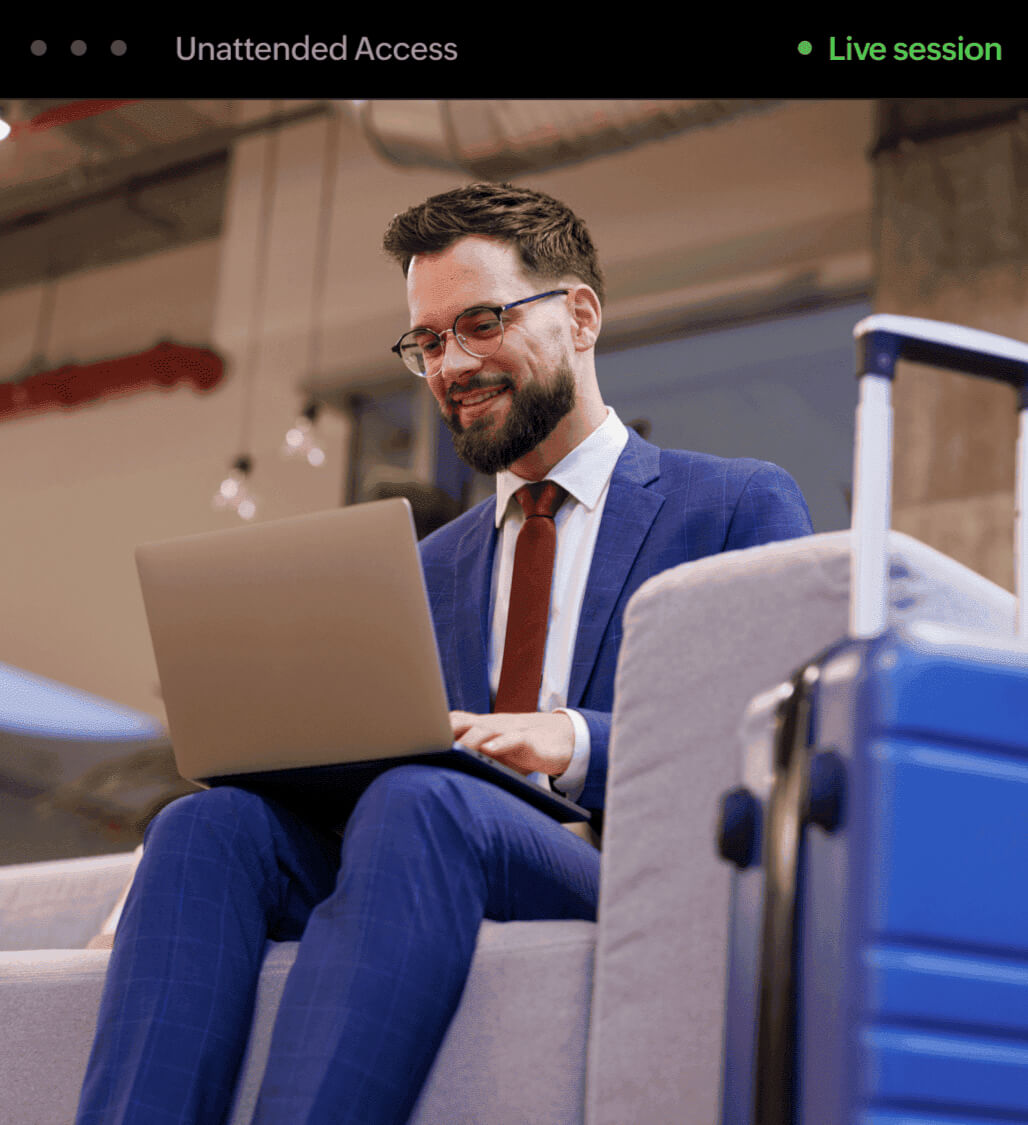
What is remote PC access software?
Remote PC access software is a technology that lets you connect to and control a computer from a different physical location using an internet connection. Unlike screen-sharing tools built for presentations, remote PC access software gives full keyboard and mouse control, file transfer capability, and persistent 24/7 access with no one needed at the other end.
There are two modes: unattended access , where a persistent agent is installed on the target machine for always-on connectivity, and on-demand remote support, where a session key is generated each time a user needs live help. Zoho Assist supports both from a single dashboard.
Remote PC access software is used for IT fleet management, server administration, remote work access, and helpdesk support. For businesses managing more than a handful of endpoints, it replaces VPNs and Windows RDP with a more secure, auditable, and scalable alternative.
Key features of remote PC access software
Remote PC access software should work across access modes, platforms, devices, and networks. Zoho Assist supports both persistent unattended access and one-time on-demand support, connecting in under 30 seconds through servers across multiple global data centers. Every session runs on Zoho's ISO 27001-certified infrastructure with TLS 1.2 and AES-256 encryption.
See the complete Zoho Assist features overview for the full capability set, or read on for the highlights.
On-demand access lets you connect to any remote machine without installing a persistent agent first. Zoho Assist generates a one-time session key, the end-user shares it, and you connect instantly with full keyboard, mouse, and file transfer control. No installation, no configuration, and no setup delay before the session starts.
Unattended access keeps machines reachable 24/7 without anyone present at the endpoint. Zoho Assist installs a lightweight agent once, and the device then appears in your dashboard for connection anytime. This supports IT fleets, unmanned servers, and kiosks. See our unattended remote access guide for deployment at scale and management.
Cross-platform support means one dashboard handles every endpoint you manage. Zoho Assist connects to Windows, macOS, Linux distributions including Debian, Fedora, CentOS, and Red Hat, plus Raspberry Pi and Chrome OS. Technicians use a single interface regardless of operating system, eliminating the need for separate remote access tools per platform.
Zoho Assist connects over standard internet connections, so distance and network setup never limit remote access. Whether the technician is down the hall or overseas, sessions open with the same speed, encryption, and reliability. There's no VPN configuration, firewall exceptions, or dependency on any shared local network infrastructure to connect.
Remote access shouldn't require sitting at a desk all day. Zoho Assist's iOS and Android apps let technicians initiate, monitor, or manage sessions directly from a phone or tablet. This keeps fleet oversight and response times independent of location, so urgent issues get addressed even when a technician is away.

Best use cases for remote PC access software
The best use cases for remote PC access software are IT fleet management, unattended server administration, and remote work access. IT admins use it to manage and maintain endpoints without being on-site. MSPs use it to support multiple clients from a single dashboard. Remote employees use it to access their office PC from home without a VPN.
Unattended remote access is built for IT admins, managed service providers, and remote employees who need persistent, around-the-clock access to machines without depending on a user being present.
The three most common use cases are:
IT and helpdesk teams managing a fleet of workstations, servers, or kiosk machines across one or more locations.
01
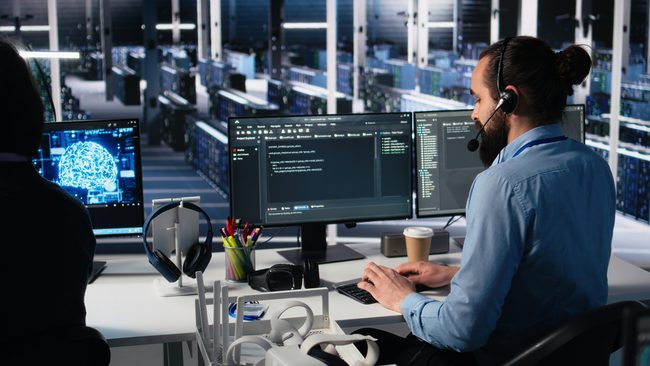
Managed service providers (MSPs) administering endpoints for multiple clients from a single remote support dashboard.
02
Remote employees who need to access their office workstation from home without a VPN or physical presence.
03
How to remotely access a PC in 3 steps
To remotely access a PC with Zoho Assist, set up your account, configure the remote device, and connect from any browser or mobile app. Free forever, no credit card required. Paid plans start at /month.
Step 1
Set up your Zoho Assist account
Sign up for Zoho Assist with your email address. If you're already a Zoho user, click on Access Zoho Assist to get started.
Step 2
Configure the remote PC
On the remote device you want to access, download and install the Zoho Assist unattended access agent. For a single machine, use the direct installer link . For multiple machines, use the Bulk Deployment Manager to roll out across your Active Directory or Workgroup. Once installed, the device appears in your Unattended Access list.
Step 3
Connect to the remote PC
Log in to Zoho Assist from any browser or mobile app, navigate to Unattended Access, select the device from your list and click Connect. The session opens immediately with full keyboard, mouse, multi-monitor, and file transfer capabilities.
Why businesses choose Zoho Assist over traditional RDP in 2026
Windows RDP was built for single-user local network access and was not designed for today's distributed IT environments. It requires VPN configuration for external access, has no built-in session recording, limits concurrent sessions by default, and has no compliance controls. Zoho Assist removes all of these limitations, working over standard internet connections with audit logging, 2FA, multi-platform support, and compliance-ready session recording built in.
For a detailed breakdown of what to look for in remote desktop software, see our guide to the best remote desktop software options available today.

Transfer files:
Transfer files to and from a remote PC during an active session to perform troubleshooting, patch installations, software installs, and more without switching tools.
Chat instantly:
Stay in touch with your customer while remotely controlling their computer using the built-in chat option, without needing any external messaging service.
Add multiple technicians:
Some issues require more than one expert. Invite additional technicians into an active session to troubleshoot simultaneously without handing off or restarting the connection.
Record sessions:
Record the screen of the remote PC during a session to look back on the session, create comprehensive audit trails, and to use recordings as training material.
Annotate:
Use Annotate to mark up and highlight parts of the screen during a session, helping customers follow along with drawings, text, shapes, and a clear screen option.
Remote power options:
Execute power actions like shutdown, restart, log off, lock, or hibernate on any remote PC directly from the dashboard, without needing to start a full session.
Security and compliance for remote PC access
Zoho Assist meets HIPAA, GDPR, SOC 2, and ISO 27001 requirements, with 256-bit AES encryption, two-factor authentication, and full session recording built in to every plan. These controls are active by default on every connection, with no additional configuration required to meet compliance baselines. Zoho Assist is used by IT teams in healthcare, finance, and education, industries where access controls and audit trails are non-negotiable.
Every unattended session in Zoho Assist is protected by:
- HIPAA
- GDPR
- SOC 2
- ISO 27001
- TLS 1.2
- AES-256
Zoho Assist is used by IT teams in healthcare, finance, and education, industries where access controls and audit trails are non-negotiable. For teams who want to understand whether remote desktop software is truly secure, see the full breakdown of Zoho Assist's security overview.
256-bit AES encryption - Every session is secured with the same encryption standard used by financial institutions, government agencies, and healthcare providers worldwide.
Multi-factor authentication (MFA) - All technician accounts support an additional verification step at login, preventing unauthorized access even if credentials are compromised.
Session recording and audit logs - Every remote session is recorded and stored automatically, giving your team a complete activity trail for HIPAA, GDPR, and SOC 2 audits.
Role-based access control - Admins can define exactly which technicians can access which machines, departments, or features, keeping permissions tight and accountable.
Access Confirmation - Machine owners can be required to approve any incoming session before it opens, adding a final human checkpoint before access is granted.
ISO 27001 certification - Zoho as a platform holds ISO 27001 certification and operates under GDPR-compliant data processing agreements.
SOC 2 compliance - Independently audited controls for security, availability, and confidentiality.
HIPAA and GDPR - Built-in compliance controls with no extra configuration required for baseline requirements.
Why enterprises choose Zoho Assist for remote PC access
“Easy connection, not require admin privileges in the users’ PC, and works behind firewalls."
 Javier Molina, iSy TEk SAS
How much does remote PC access software cost?
Zoho Assist is free for individuals and small teams with no time limit. Paid plans unlock enterprise features including Wake on LAN , Bulk Deployment, session recording, and multi-department management. Free forever, no credit card required. Paid plans start at /month.
Free Forever - no credit card required.
Includes: 1 technician, 5 unattended computers, basic remote access with file transfer and chat.
Try Zoho Assist nowPaid plans start at
/month
for the Standard plan, which unlocks multi-monitor support, session reporting, and integrations with other Zoho products.
See the full Zoho Assist pricing pageFor MSPs and enterprise teams, volume pricing is available. See the full Zoho Assist pricing page for per-plan feature breakdowns and session limits. Alternatively, explore free remote access options to understand exactly what's included before committing to a paid plan.
Frequently asked questions
Remote PC access software lets you connect to and control a computer from a different location using an internet connection. It provides full keyboard and mouse control, file access, and persistent 24/7 connectivity via an installed agent, without requiring anyone to be present at the target machine.
Unattended remote access works by installing a persistent, lightweight agent on the target machine. Once installed, the machine appears in your remote access dashboard and can be connected to at any time without requiring the end-user to approve or initiate the session. This is different from on-demand remote support, which requires a one-time session key generated by the user.
Yes. Zoho Assist uses 256-bit AES encryption on every session, supports multi-factor authentication for all technician accounts, and provides full session recording and audit logs. It meets HIPAA, GDPR, SOC 2, and ISO 27001 requirements out of the box.
Zoho Assist is a top-rated remote PC access software for businesses, rated highly across G2 and Capterra by IT teams, MSPs, and enterprise administrators. It supports Windows, Mac, Linux, iOS, and Android from a single dashboard, with compliance controls for HIPAA, GDPR, and SOC 2 built in. Plans start free with no credit card required.
Yes. Zoho Assist supports unattended remote access on Windows, macOS, Linux (Debian, Fedora, CentOS, Red Hat), Raspberry Pi, iOS, Android, and Chrome OS from a single dashboard.
Sign up for Zoho Assist, install the unattended access agent on the target machine, and connect from any browser or mobile device. Once the agent is installed, the remote computer appears in your Unattended Access list and can be accessed at any time without anyone present at the other end.
The Zoho Assist unattended agent supports Windows 7 and above. No additional software is required on the technician side. Connect from any modern browser. For mobile access, the iOS and Android apps are available on their respective app stores.
Yes. Zoho Assist offers a Free Forever plan for personal use and small-scale needs with no time limit. Paid professional tiers unlock features such as Wake on LAN, Bulk Deployment, session recording, and multi-department management for enterprise IT teams.
View the full pricing breakdown for enterprise IT teams.