
What is Facebook Live streaming with Zoho Webinar?
Facebook Live streaming with Zoho Webinar lets you broadcast your webinars directly to your Facebook audience in real time. It adds features like screen sharing, presenter controls, branding, and engagement tools, all from a simple, browser-based interface. You get the massive reach of Facebook combined with the experience of a webinar platform.
When Should You Use Facebook Live for Your Webinars?
Facebook Live is ideal when you want maximum reach and instant visibility. Use it for announcements, weekly shows, Q&A sessions, community updates, mini-training modules, or product reveals. It works best when you want real-time engagement, organic discovery, and content that feels conversational and authentic.
Why should you live stream on Facebook?
Facebook has outgrown itself. With active users spanning all age groups, Facebook helps you connect with diverse audiences. Livestreaming on such a social media platform fosters authentic, real-time communication with the attendees. By combining Facebook live streaming with our webinar software’s advanced tools, you’ll be able to harness the full potential of the massive audience.
What are the requirements for livestreaming on Facebook?
All you need to live stream is webinar software and a social media application account. Additionally, to live stream your webinar, it is recommended that you use a good bandwidth internet connection and use a microphone and speakers to create an elevated webinar live streaming experience for all attendees.
Why should I choose Zoho Webinar as the streaming software for Facebook live?
Zoho Webinar stands out as the ideal choice for livestreaming on Facebook because of its seamless integration, advanced features, and user-friendly interface. Our webinar software offers high-quality video and audio, interactive tools like polls and Q&A, branding options to elevate your live streams, and detailed analytics.
Is Zoho Webinar secure with Facebook Live stream?
Zoho Webinar uses encrypted streaming, secure presenter controls, privacy-compliant forms, and GDPR-aligned data practices. From strict access controls to full compliance with global data protection standards, we prioritize your data safety at every level. Your streams, data, and attendees remain fully protected.
Zoho Webinar makes Facebook live streaming easy
Set it up quickly
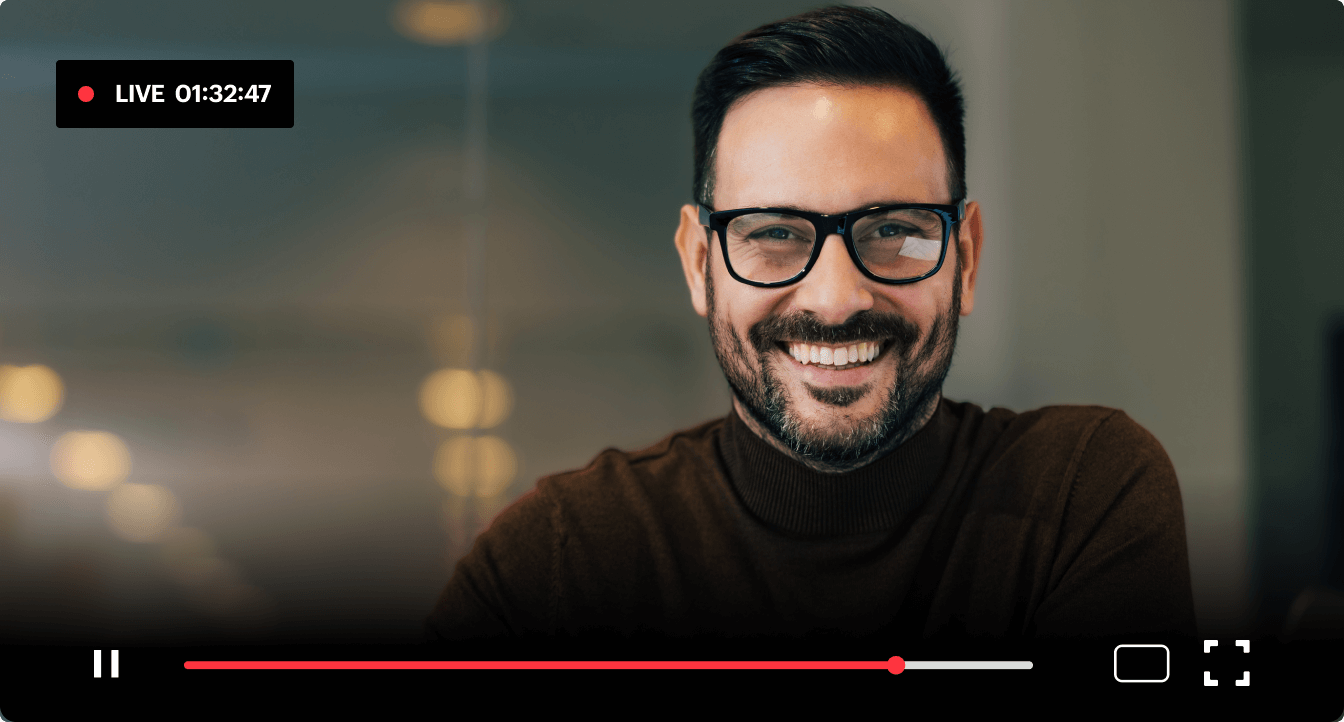
We understand that technical difficulties can be a major barrier to livestreaming. That’s why we’ve made the process of setting up the streaming software intuitive and straightforward. In just a few clicks, you can connect your Facebook account and start livestreaming directly through Zoho Webinar. Plus, our step-by-step instruction video ensures you’re guided through every stage of the setup, from scheduling your stream to going live.
Enjoy high-quality audio and video
In business, every second counts. The quality of your livestream can make or break your audience’s engagement. That’s why our webinar software prioritizes top-tier audio and video capabilities for smooth streaming. Our adaptive streaming technology ensures smooth delivery, even if your internet connection fluctuates. Whether you’re presenting, demonstrating, or storytelling, you’ll deliver your message flawlessly.
Engage your audience instantly
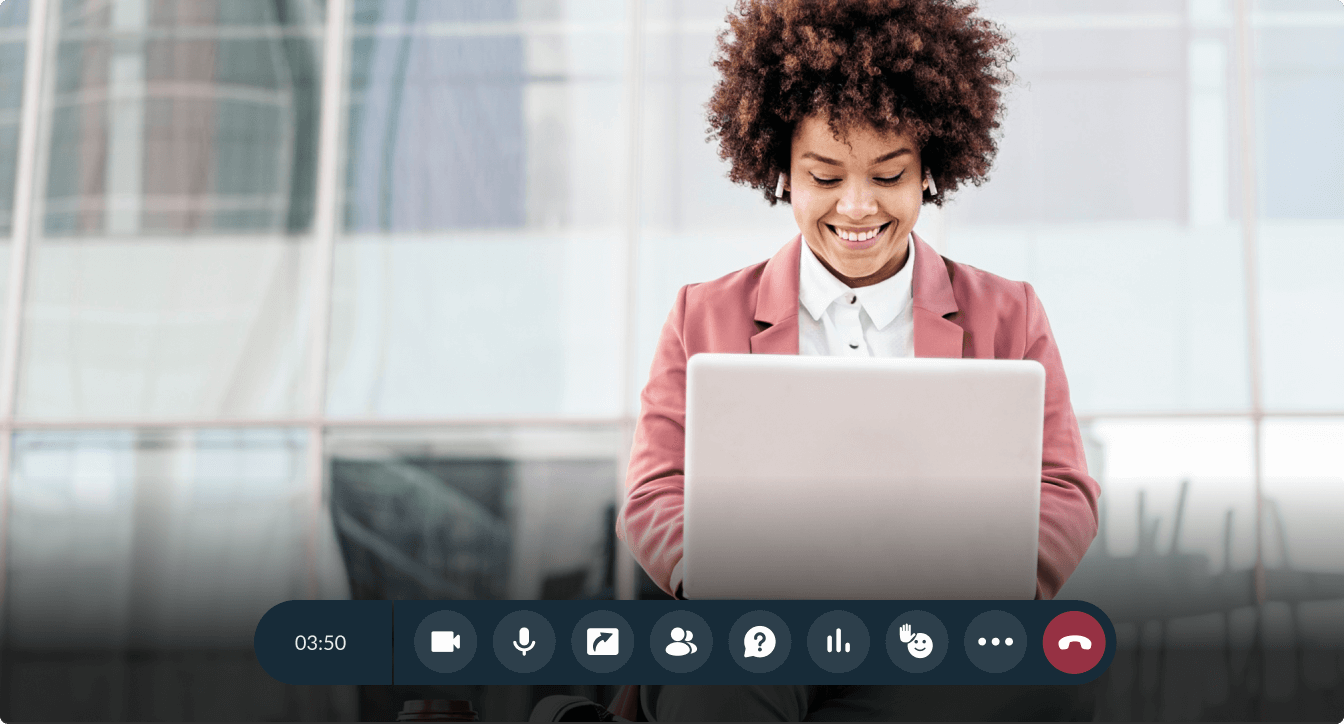
Audience interaction is the heart of any successful livestream, and our software is equipped with the right tools to captivate viewers. Elevate attendee engagement with live polls and questions that get immediate participation, making your stream dynamic and memorable. These interactive features not only keep your audience involved but also provide valuable insights into their preferences.
How do I go live on Facebook using Zoho Webinar streaming software?
Zoho Webinar simplifies the process of Facebook livestreaming with just a few straightforward steps:
Start a webinar session as an organizer.
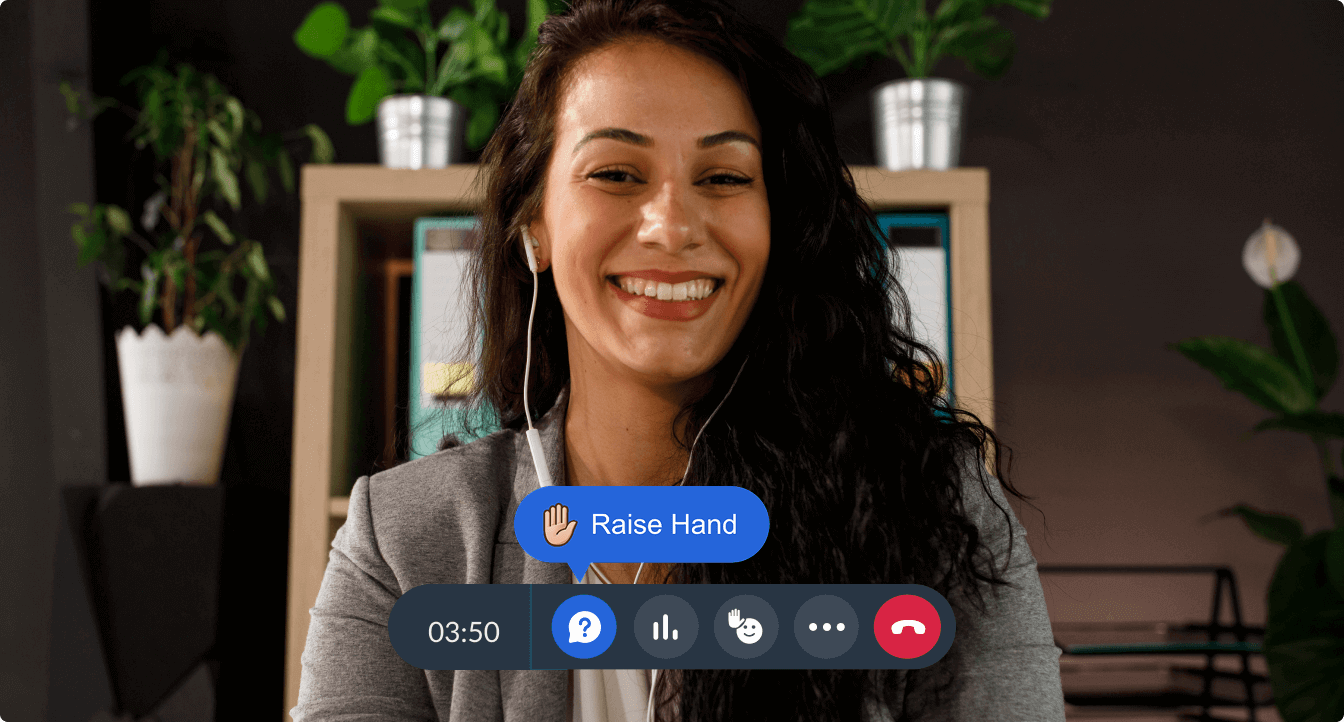
Click More from the webinar toolbar and choose Live Stream to start setting up livestreaming.
Choose Facebook from the available list of social media platforms and click Configure.
Open Facebook in a separate tab, create a live video session, and copy the Stream Key and Server URL provided for that session.
Paste the copied values in the webinar livestream's configuration window and click Save.
Once everything is in place, click Start streaming.
Go to Facebook and click Go Live to stream your live webinar on Facebook.
Use cases for Facebook livestreaming are endless
Livestreaming on Facebook opens up endless possibilities for various scenarios, allowing you to connect with audiences instantly and make a lasting impact. Businesses can use it for product launches, showcasing new offerings with live demonstrations and Q&A sessions to build excitement and trust. Educators and trainers can host workshops or classes, reaching a broader audience while delivering valuable knowledge.
Online events and conferences benefit from livestreaming by making key sessions accessible to remote attendees, enhancing inclusivity and participation. Influencers and brands can strengthen their presence with brand awareness campaigns, sharing stories, behind-the-scenes glimpses, and engaging content to foster authentic connections.
Frequently Asked Questions
Not at all. Zoho Webinar’s intuitive interface and step-by-step guidance make it easy for anyone to set up and start LinkedIn livestreaming and fb live streaming, even without prior experience.
You can livestream a wide range of content, including product launches, workshops, live Q&A sessions, and brand campaigns using our streaming software for Facebook.
YouTube offers the largest audience reach among Facebook, LinkedIn, and YouTube, making it the best option if your goal is maximum visibility. Its global user base, strong search discover ability, and long-term video lifespan allow your live stream to continue gaining views even after the session ends.
Zoho Webinar lets you live stream your webinar to multiple platforms instead of just Facebook Live, including:
- YouTube Live – Stream to a large, global audience and keep a permanent recording on YouTube.
- LinkedIn Live – Reach professionals and B2B audiences directly on LinkedIn.
- Content planning
- Custom RTMP platforms – Stream to any platform that supports RTMP (like a company website or a private video portal) by entering the stream key and server URL.
Streaming webinars on Facebook is ideal for:
- Brands and marketers: who want to boost awareness and reach a large, diverse audience across age groups and regions.
- Educators and trainers: who run workshops, classes, or product demos and want to engage learners in real time with comments and Q&A.
- Influencers and community builders: who use live sessions to share stories, behind‑the‑scenes content, and campaigns to build authentic connections.
Facebook Live works best when the goal is broad visibility, real‑time engagement, and building a community around a brand, product, or cause.
- Easy setup: A simple, guided way to connect your Facebook account and start streaming in a few clicks, without complex technical steps.
- High‑quality audio/video: Reliable, smooth streaming with an adaptive bit rate to handle varying internet speeds and keep the audience engaged.
- Real‑time engagement tools: Live polls, Q&A, and chat so viewers on Facebook can interact, ask questions, and participate during the stream.
- Branding and customization: Options to add your logo, colors, and registration forms so the stream looks professional and matches your brand.
- Detailed analytics: Reports on viewers, engagement, and attendance to measure impact and improve future streams.
Live streaming is available in the Zoho Webinar Professional plan or higher. The Professional plan includes live streaming to Facebook, YouTube, LinkedIn, and any RTMP destination, along with advanced features like source tracking, registration moderation, and advanced analytics.