Why should you choose LinkedIn for professional livestreaming?
LinkedIn has evolved from a networking platform into a powerful hub for businesses worldwide. With millions of active users, LinkedIn offers a unique space to connect with an audience actively engaging with professional and industry-specific content.
Livestreaming on LinkedIn fosters authentic, real-time conversations with your professional network. Combine LinkedIn live streaming with Zoho Webinar’s cutting-edge features to make your webinars resonate with a focused and engaged audience.
Zoho Webinar makes LinkedIn live streaming easy
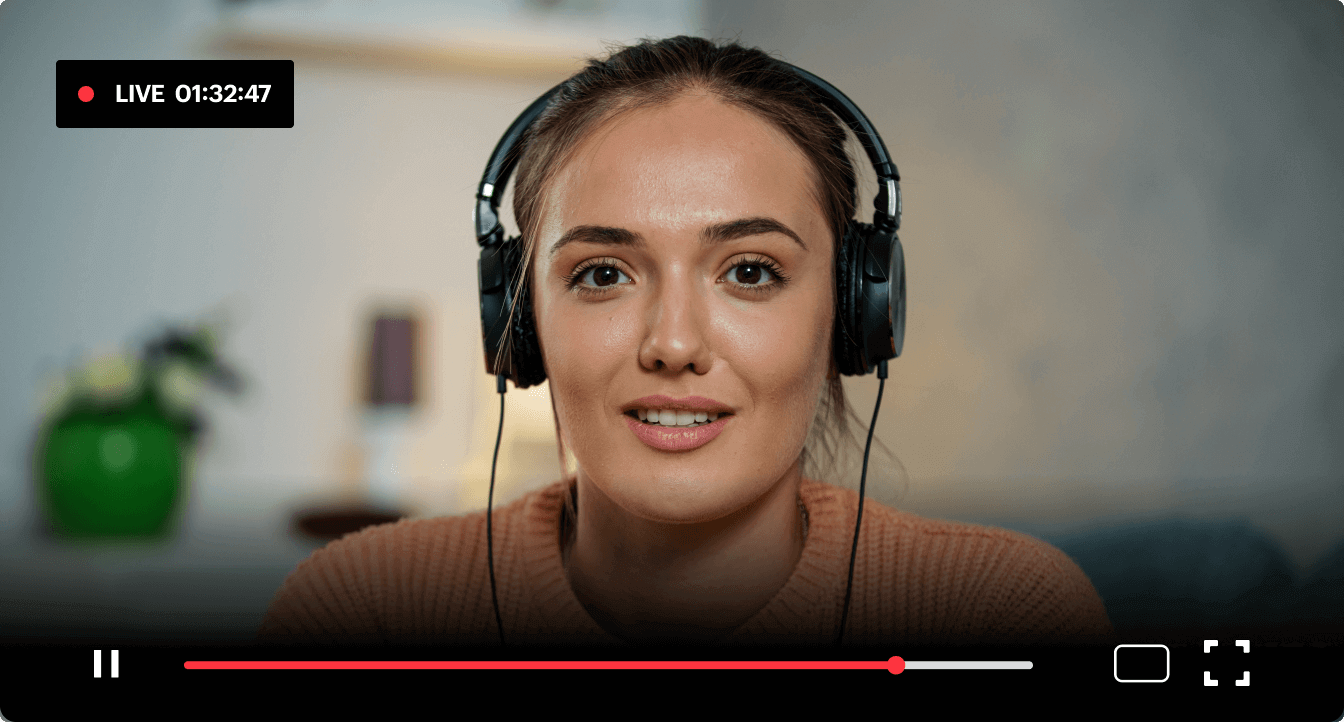
Broadcast with unparalleled quality
LinkedIn Live is a stage for professionals, and your livestream’s quality must match their expectations. Zoho Webinar ensures that your video and audio output is clear and consistent. With intelligent technology to adapt to varying internet speeds, your livestream. remains smooth and professional, reflecting your brand’s commitment to excellence. Whether you’re hosting a detailed presentation or an interactive Q&A, every word and image will leave a lasting impression.
Engage, connect, and build relationships
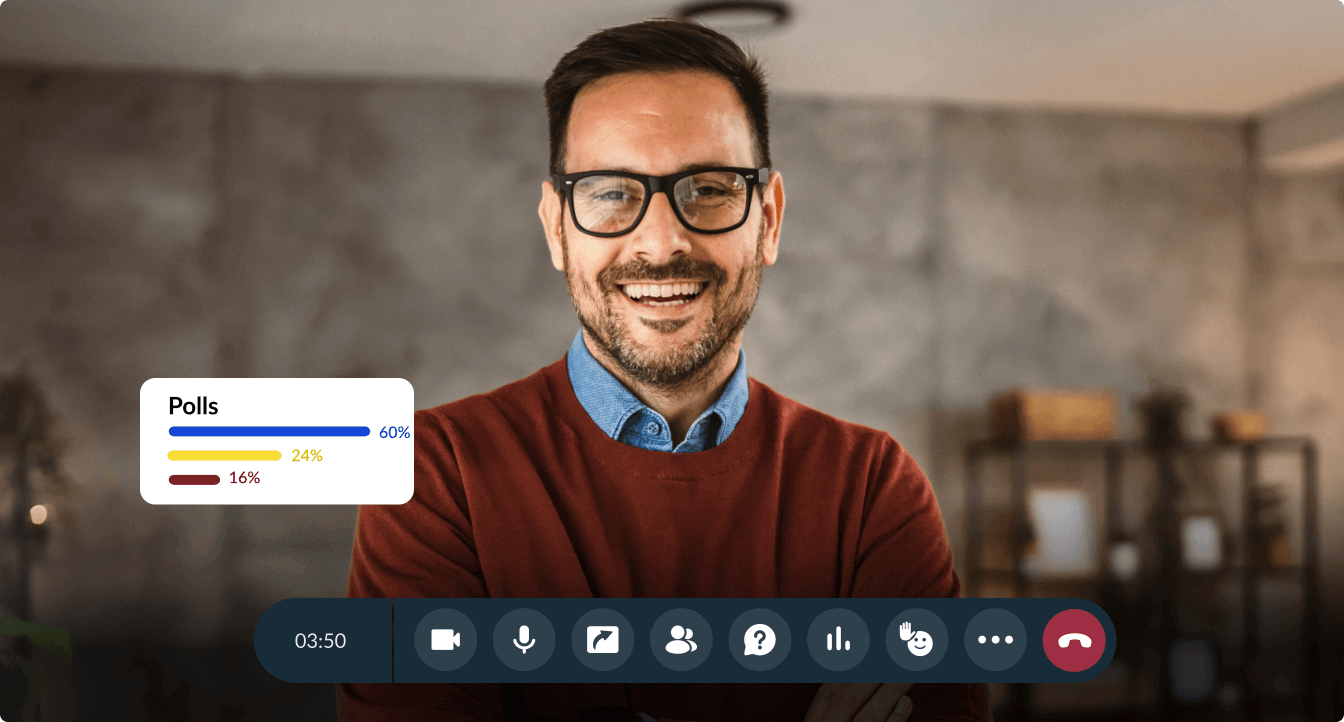
Zoho Webinar empowers you to take audience engagement on LinkedIn Live to the next level. We offer tools like live Q&A sessions, real-time polls, and file sharing, all designed to make your LinkedIn live streaming interactive and memorable. By having a two-way connection, you’ll create a stronger bond with your professional audience, paving the way for meaningful relationships and future opportunities.
Measure your impact with analytics
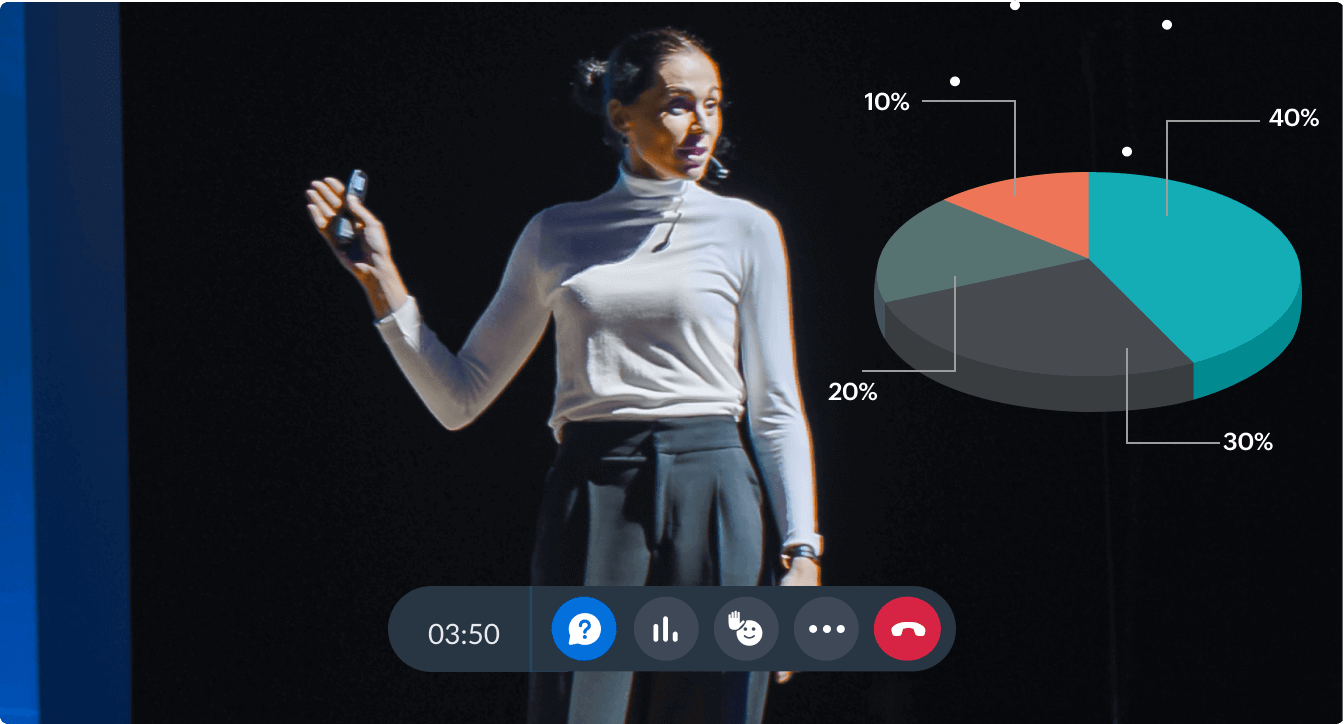
After your LinkedIn livestream ends, Zoho Webinar provides detailed analytics to track performance. Understand how many attendees engaged, which topics resonated most, and what actions viewers took using our comprehensive post-session data. These insights not only help you understand your audience’s preferences but also shape your content strategy for future livestreams.
How to livestream on LinkedIn using Zoho Webinar
Livestreaming on LinkedIn using Zoho Webinar is a simple, hassle-free process:
Start a webinar session as an organizer.
Click More from the webinar toolbar and choose Live Stream to start setting up livestreaming.
Choose LinkedIn from the available list of social media platforms and click Configure.
Open LinkedIn in a separate tab, create a livestream session, enter relevant details such as title and region, and click Get URL to generate the stream URL and key.
Copy the generated Stream URL and Stream Key provided for that session.
Paste the copied values in the webinar livestream's configuration window and click Save.
Once everything is in place, click Start streaming.
Go to LinkedIn and click Go Live to stream your live webinar on LinkedIn.
LinkedIn livestreaming use cases to inspire you
LinkedIn Live is a dynamic platform that empowers businesses to connect meaningfully with their audience. One powerful use case is establishing thought leadership. By hosting live panel discussions, sharing actionable insights, or groundbreaking ideas, professionals can build credibility and position themselves as industry leaders.
Workshops and training sessions thrive as well on LinkedIn Live, reaching professionals who are eager to expand their skills. With its versatility and professional audience, LinkedIn live video streaming opens the door to impactful storytelling, collaboration, and growth across various scenarios.