
Zoho Assist: industry-leading remote desktop software
Zoho Assist is a cloud-based remote desktop platform trusted by over 10 million users worldwide. Built for IT teams, MSPs, and enterprises, it combines attended support, unattended access, screen sharing, and device management in a single platform. No prior download is required for attended sessions, making it simple for end users to join without any technical preparation. Here is what makes Zoho Assist the preferred choice:

- 01
Fast connections
Optimized routing and low-latency streaming establish remote desktop connections in under 30 seconds, reducing time to first response on every support ticket raised.
- 02
Screen sharing
Technicians view the remote screen, annotate and share screens to guide users visually, switch monitors, and blank the display for sensitive tasks.
- 03
One platform
Live customer support sessions and unattended device access are both managed from the same dashboard, eliminating the need to switch between multiple tools.
- 04
Bulk deployment
MSI-based installation and Group Policy integration allow unattended agents to be deployed across hundreds of machines simultaneously without manual configuration on each device.
- 05
Full platform coverage
Windows remote access, macOS, Linux, Android, iOS, ChromeOS, and Raspberry Pi are all supported, giving technicians complete reach across every device in the environment.
- 06
Free to start
A fully functional free tier is available for personal use, with paid plans scaling from small IT teams to large enterprises without long-term contracts.
How to choose the best remote desktop software
Choosing the right remote desktop software starts with understanding your support model, compliance obligations, and the scale at which your team operates. The right tool should fit your workflow today and grow with your needs tomorrow. Here are the key questions to ask before making a decision:
Compliance fit
The software must meet the regulatory standards your industry requires, whether SOC 2, HIPAA, GDPR, or ISO 27001, before any other factor is considered.
Performance under load
Consistent speeds across high session volumes, multiple concurrent connections, and varied network conditions separate reliable tools from unreliable ones.
Time to first session
Technicians should be initiating sessions within minutes of signing up and end users should be able to join without installing software or following complex steps.
Device and OS coverage
Every operating system in your environment, including Windows, macOS, Linux, Android, iOS, and ChromeOS, should be supported without requiring separate tools.
Growth capacity
More technicians, more concurrent sessions, and more managed devices should be accommodated without a platform change or steep cost increases as the business grows.
Deployment flexibility
Cloud-based and on-premise options, bulk agent deployment via MSI, and Group Policy support give enterprise remote support teams the deployment control they need.
View Zoho Assist plans and pricing to understand how the platform scales.
Explore Zoho Assist featuresWhy Zoho Assist is the best remote desktop software
Zoho Assist stands apart from other remote desktop tools because it removes the friction that slows most support teams down. Unlike RDP, Zoho Assist requires no VPN or port forwarding, making it faster to deploy and simpler to manage across distributed environments. Learn how Zoho Assist compares to RDP
Who uses remote desktop software?
Remote desktop software is used by anyone who needs to access or manage computers without being physically present. From IT support teams resolving helpdesk tickets to managed service providers overseeing hundreds of client endpoints, remote desktop software powers modern technical support across every industry.

IT support teams
Technicians diagnose software failures, apply fixes, and close helpdesk tickets by connecting directly to employee machines from any location. IT help desk teams use Zoho Assist to do this without leaving their workstation.
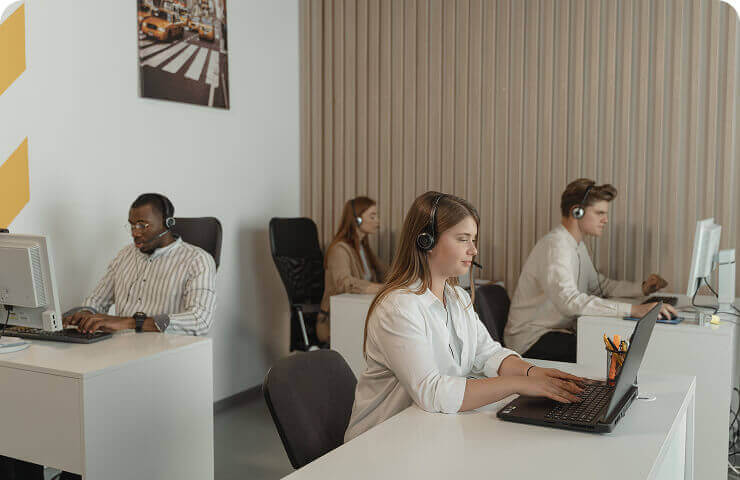
Managed service providers
Client environments across multiple accounts are monitored, updated, and serviced simultaneously from a centralized console. MSPs use Zoho Assist to manage every client account without switching between tools.
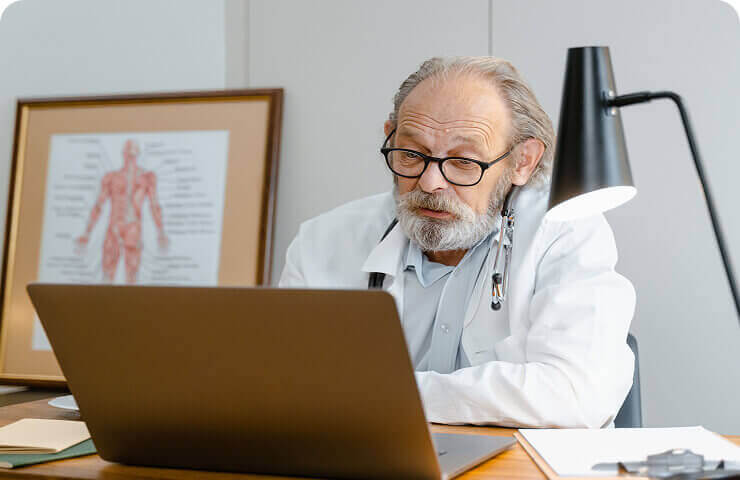
Healthcare organizations
Clinical staff maintain uninterrupted access to EHR platforms and diagnostic tools while keeping patient data protected at all times. HIPAA-compliant remote support ensures healthcare teams meet every data privacy requirement on every session.

Educational institutions
Lab configurations, student devices, and faculty systems are managed and supported remotely without anyone needing to enter the classroom. Remote support for education keeps learning environments running without interruption or on-site dependency.

Finance and banking
Trading terminals, compliance workstations, and remote advisor setups are serviced with complete session audit trails. Remote support for banking and finance keeps operations compliant and uninterrupted.

Small businesses
Lean IT teams resolve support requests across the entire organization quickly without the overhead of on-site visits or dedicated field staff. Remote access for small businesses gives every team enterprise-grade support capabilities at an accessible cost.


Key benefits of remote desktop software
Remote desktop software delivers measurable business value by cutting the time and cost of IT support, keeping systems running proactively, and enabling teams to work securely from any location. Here are the core outcomes organizations experience after adopting a remote desktop solution:
Faster resolution
Support tickets close faster when technicians access the affected machine directly, diagnose the issue in real time, and apply a fix within a single session.
Lower costs
On-site contractor callouts, travel reimbursements, and field support expenses are significantly reduced when issues are resolved remotely by the same technician.
Proactive maintenance
Patches, health checks, and background fixes are applied to unattended devices before problems escalate into outages that affect end users across the business.
Secure remote work
Employees connect to office machines from any location through encrypted sessions, keeping corporate data within the environment regardless of where work happens.
Higher first-contact resolution
Full visibility into the affected system means technicians resolve more issues on the first interaction rather than relying on symptoms described by the user.
Scalable support
Growing device counts and increasing support demand are handled without additional hiring by enabling each technician to manage more sessions concurrently.
Enterprise-grade remote desktop support software
Zoho Assist is built for organizations where every remote session must be protected, every action must be auditable, and access must be tightly controlled. Here is how Zoho Assist meets enterprise security and compliance requirements:
256-bit AES encryption
Every session is encrypted end to end using the same standard trusted by financial institutions and government bodies for protecting highly sensitive data.
Multi-factor authentication
A second verification step is required at login for all technician accounts, blocking unauthorized access even when primary credentials are compromised.
Role-based access
Administrators define exactly which devices each technician can reach and which actions they can take, keeping access tightly scoped to each role.
Session recording
Every session is logged and can be recorded in full, giving compliance teams a complete tamper-proof record for SOC 2, HIPAA, and GDPR audits.
Idle timeout
Sessions that fall inactive beyond a set threshold are closed automatically, preventing open connections from becoming an unmonitored access risk.
SOC 2 and GDPR certified
The platform operates under a complete security and compliance framework covering SOC 2 Type II, GDPR, and HIPAA obligations across all deployments.
Cross-platform remote desktop access
Zoho Assist enables technicians and employees to connect to devices from virtually any platform. Whether using a desktop computer, tablet, or mobile device, users can establish remote connections instantly. This flexibility allows businesses to deliver a true work-from-anywhere experience, enabling teams to stay productive regardless of location.

Establish remote connection faster with our remote desktop application
Zoho Assist makes it simple to start remote sessions. Technicians can initiate connections through quick session links, unattended access setups, or device groups. With fast deployment and easy connectivity, teams can resolve issues quickly and provide efficient remote desktop support at any scale.
Get started in secondsWhat is
remote desktop software?
Remote desktop software is a technology that lets you connect to and control another computer over the internet, as if you were sitting right in front of it. You can view the remote screen, move the mouse, type on the keyboard, transfer files, and run applications, all from a different physical location.
Remote desktop software gives IT professionals the ability to fix issues on colleagues' systems from across the office or across the globe, without scheduling an on-site visit. For businesses, it means enabling remote work, managing distributed infrastructure, and delivering support at scale. Zoho Assist is a cloud-based remote desktop solution that makes these connections secure, fast, and simple to manage.
How does remote desktop software work?
Remote desktop software works by capturing the screen output of a host computer and transmitting it to the technician's device over an encrypted internet connection. The technician's keyboard and mouse inputs are simultaneously sent back to the host, creating a live interactive session.
Here is how a typical session works in Zoho Assist:
Session initiation
The technician starts a session from the Zoho Assist dashboard and shares a link or session code with the end user.
Connection established
The end user joins through a browser or lightweight app with no installation required on their end.
Encrypted tunnel created
Zoho Assist establishes a 256-bit AES encrypted connection between both devices.
Remote control begins
The technician views the remote screen, takes control, and works through the issue in real time.
Session ends securely
Once resolved, the session closes and is automatically logged for audit purposes.
For unattended remote access, no session invite is needed. A background agent installed on the remote device allows Zoho Assist to connect automatically, making it suitable for server maintenance, scheduled updates, and after-hours support.
Attended vs. unattended remote desktop
Remote desktop software operates in two distinct modes. Attended remote support requires an end user to be present at the remote machine during the session. Unattended access allows the device to be reached at any time without someone being there. Choosing the right mode depends on whether you are delivering live support or managing devices proactively.
| Feature | Attended Remote Desktop | Unattended Remote Desktop |
|---|---|---|
| Remote user presence | Required | Not required |
| Best for | Live helpdesk and customer support | Server management and scheduled maintenance |
| Session initiation | Invite link or session code | Pre-installed background agent |
| Common users | IT help desk teams and customer service | Sysadmins, MSPs, and DevOps teams |
| Zoho Assist support | Yes | Yes |
Zoho Assist supports both attended and unattended modes within the same platform, so teams do not need separate tools for different types of support delivery.
- M+Installations
- M+Remote Sessions
- M+Global Customers
Empowering solopreneurs every day
Free remote desktop software
Zoho Assist offers a fully functional free plan that gives individuals and small teams access to core remote desktop capabilities with no prior download required and no credit card needed to get started.
What the free plan includes
Attended remote support
Connect to any device and provide live remote support to end users through browser-based sessions with no prior download needed on the user's end.
In-session chat
Communicate with end users directly within the remote session through built-in chat, keeping the conversation and the support in one place.
Unattended device access
Add up to five devices for unattended remote access, allowing connection to those machines at any time without requiring the user to be present.
Multi-platform support
Connect from and to Windows, macOS, Linux, Android, and iOS devices on the free plan, covering the most common device types without any upgrade required.
Built-in file transfer
Send and receive files between the technician's device and the remote machine during any session without needing a separate file sharing tool.
Frequently asked questions
Remote desktop is a technology that allows you to connect to and control a computer from a different location over the internet. You see the remote screen and interact with it in real time, moving the mouse, typing, and running applications as if you were physically present at that machine.
Zoho Assist is consistently rated among the top remote desktop tools on Capterra and G2 for ease of use, security, and value. It combines attended remote support , unattended access, screen sharing, and enterprise security in one platform.
Yes. Zoho Assist supports connections from Android smartphones, iPhones, and iPads. iOS and Android devices can also be remotely accessed and managed with the Zoho Assist remote desktop app installed.
Yes. Zoho Assist offers a free plan for personal use covering core remote support features with no credit card required.See the full plans and pricing page . Business plans add session recording , unattended access, device grouping, and enterprise security controls.
Zoho Assist supports Windows remote access from Windows 7 through Windows 11 and all major Windows Server editions, with MSI deployment, Group Policy support, and full unattended access capabilities for enterprise environments.
Install the Zoho Assist app or connect through the browser. The macOS agent supports both attended and unattended sessions with no third-party plugins required on the host machine.
Yes. Zoho Assist supports Ubuntu, Debian, CentOS, Fedora, and Raspberry Pi. Technicians can connect, transfer files and run commands through a fully encrypted remote desktop session on Linux devices.
Remote desktop gives direct visual control over a specific computer. A VPN connects you to a private network for access to shared resources but does not allow control of individual machines. Many organizations use both depending on the task.