
Take the 15-day free trial
Trusted by businesses worldwide
Here’s how Zoho Bookings works
- STEP 01
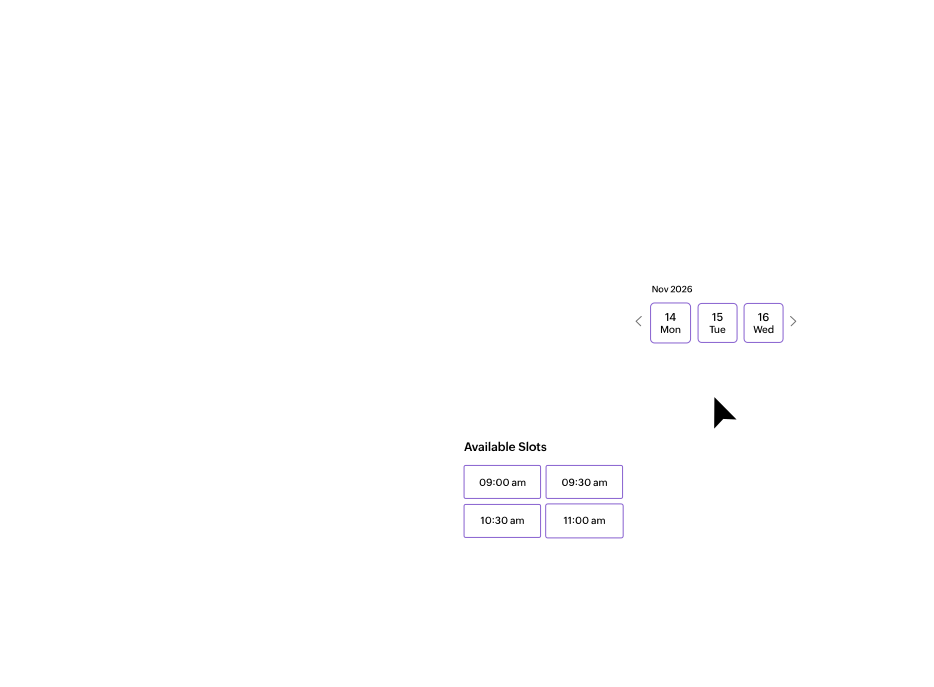
Pick a time slot
They pick a preferred meeting time in just a few clicks.
- STEP 03
Appointment booked!
They're all set. They'll get a confirmation with appointment details, along with automated reminders.
- STEP 01
Create your event type
Create an appointment—sales call, consultation, interview, or something else.
- STEP 03
Get appointments booked
Meetings automatically sync with your connected calendars, and all other tasks are automated.
Grow your business with scheduling automation
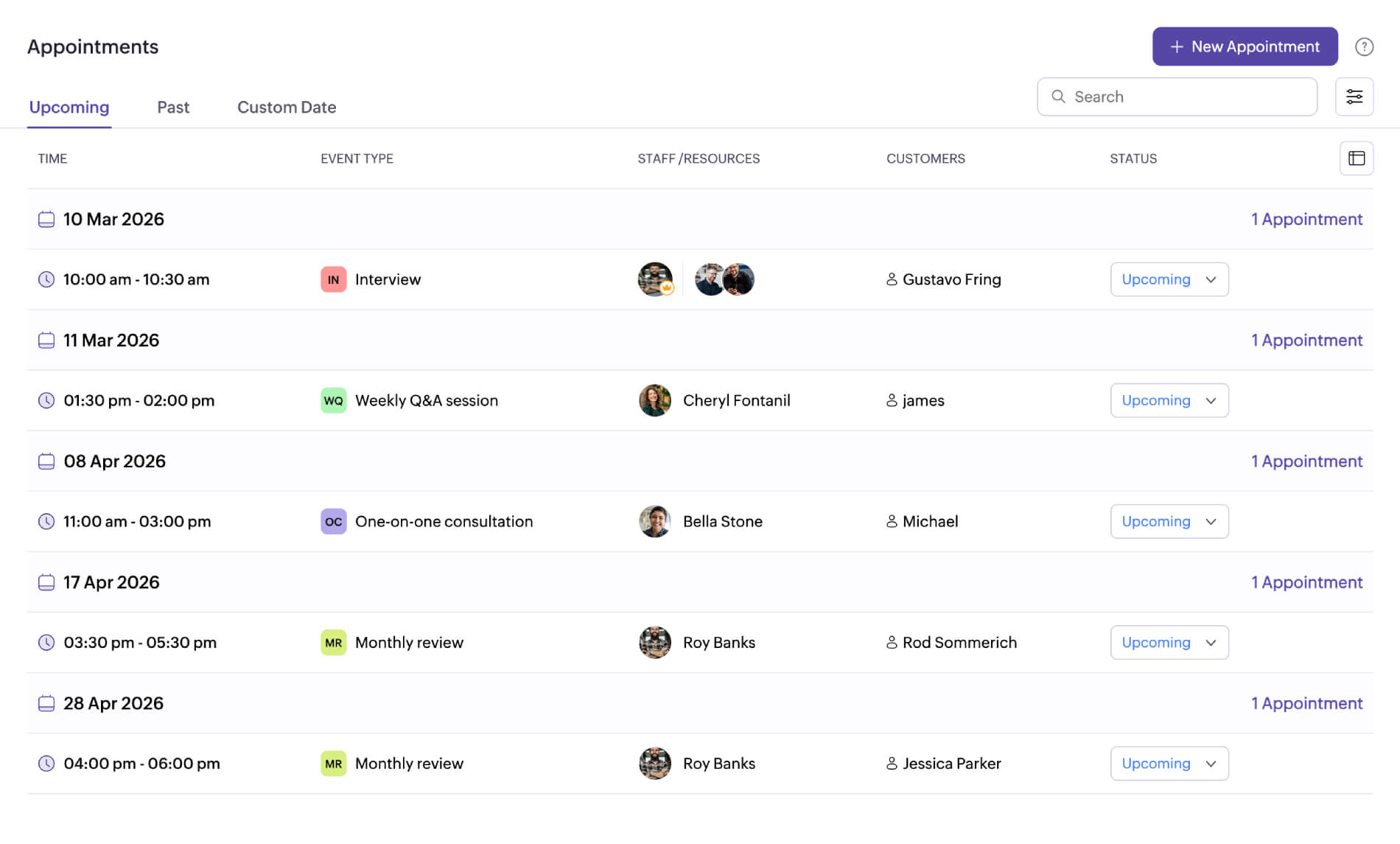
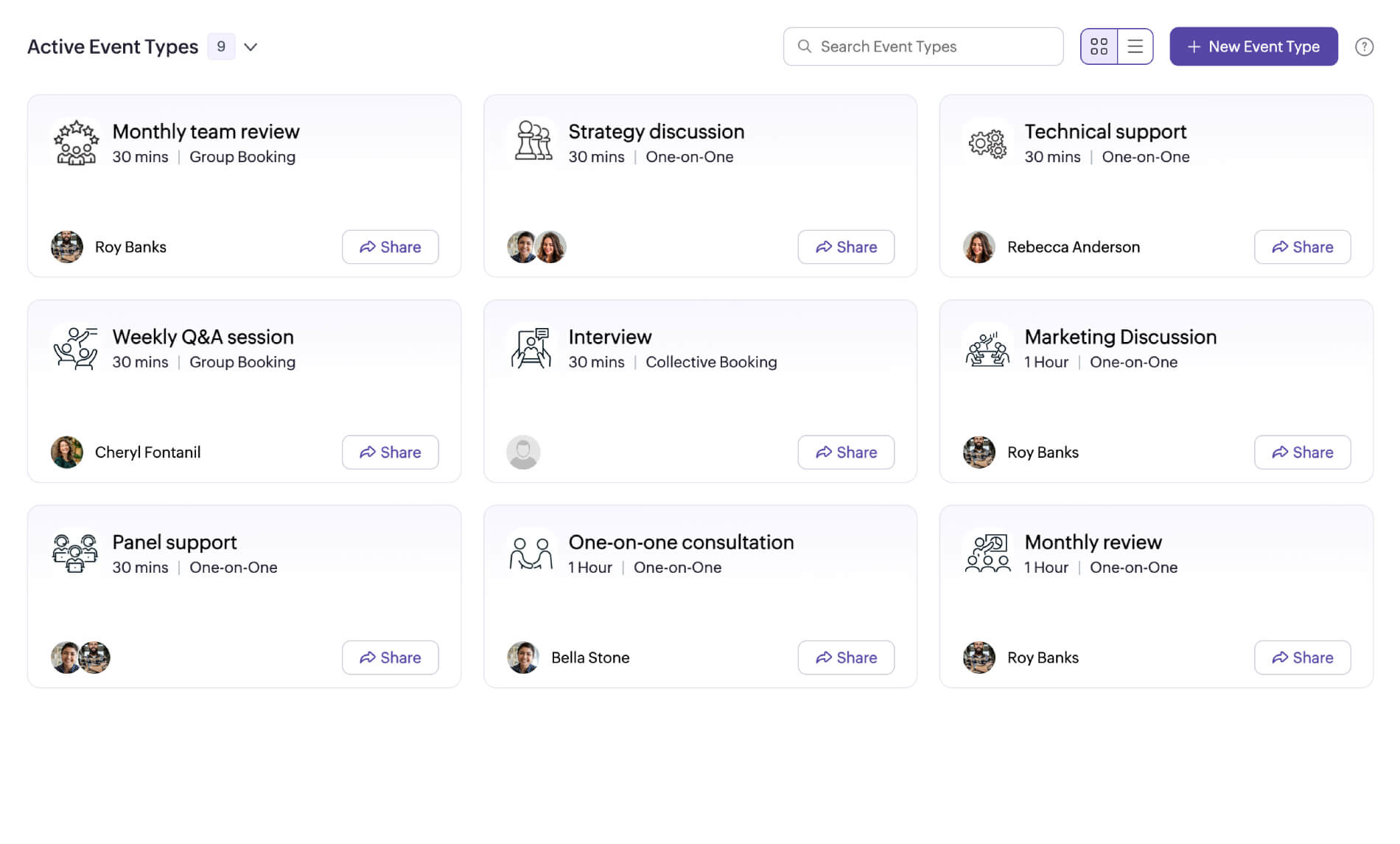
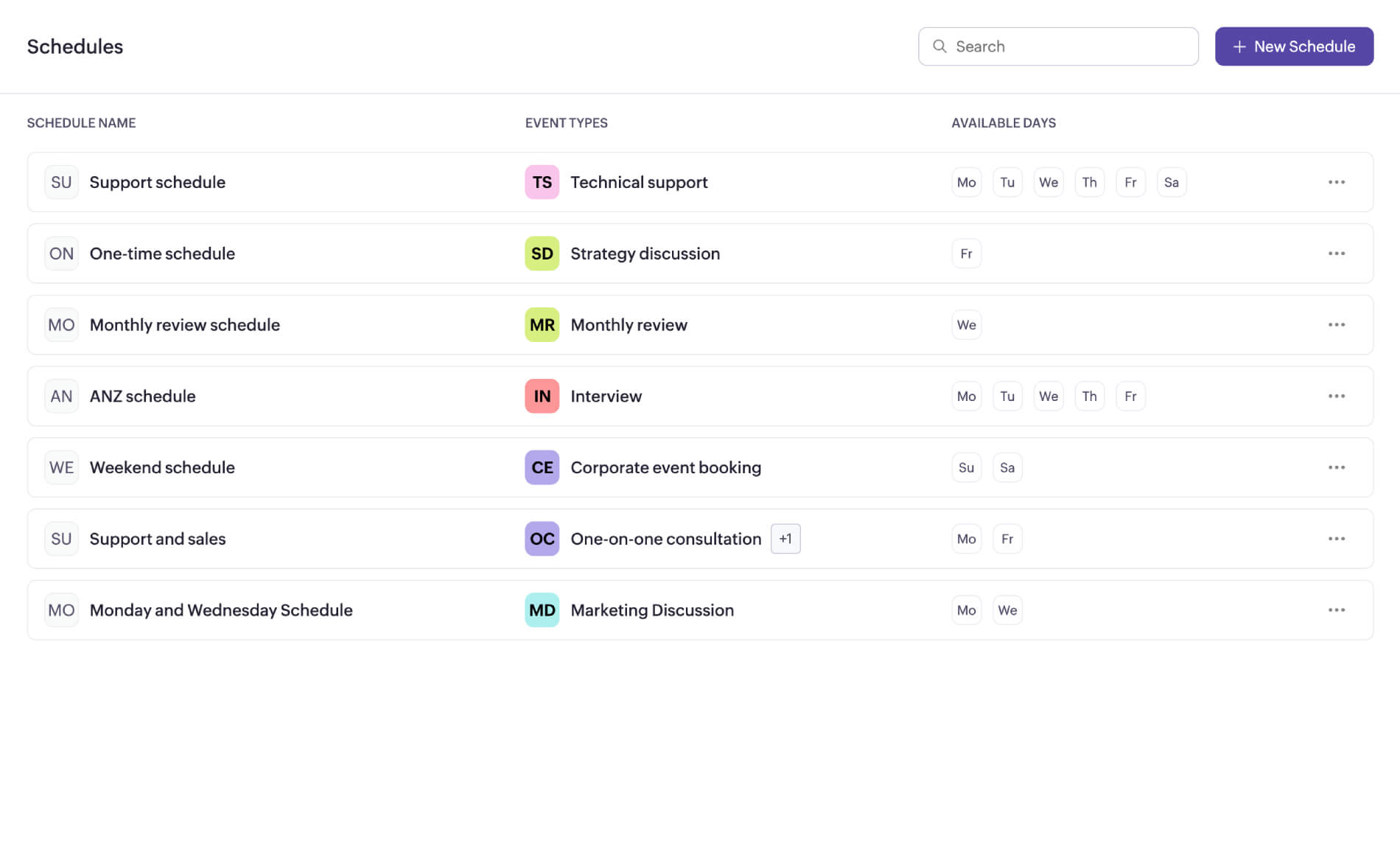
The Zoho Bookings interface where you set up appointments, manage teams, and create scheduling workflows for your business.

My Space
View across the workspaces
Zylker UK
9 Event Types
Create workspaces to oversee appointments for different branches or departments.Zylker India
3 Event Types
Zylker US
4 Event Types
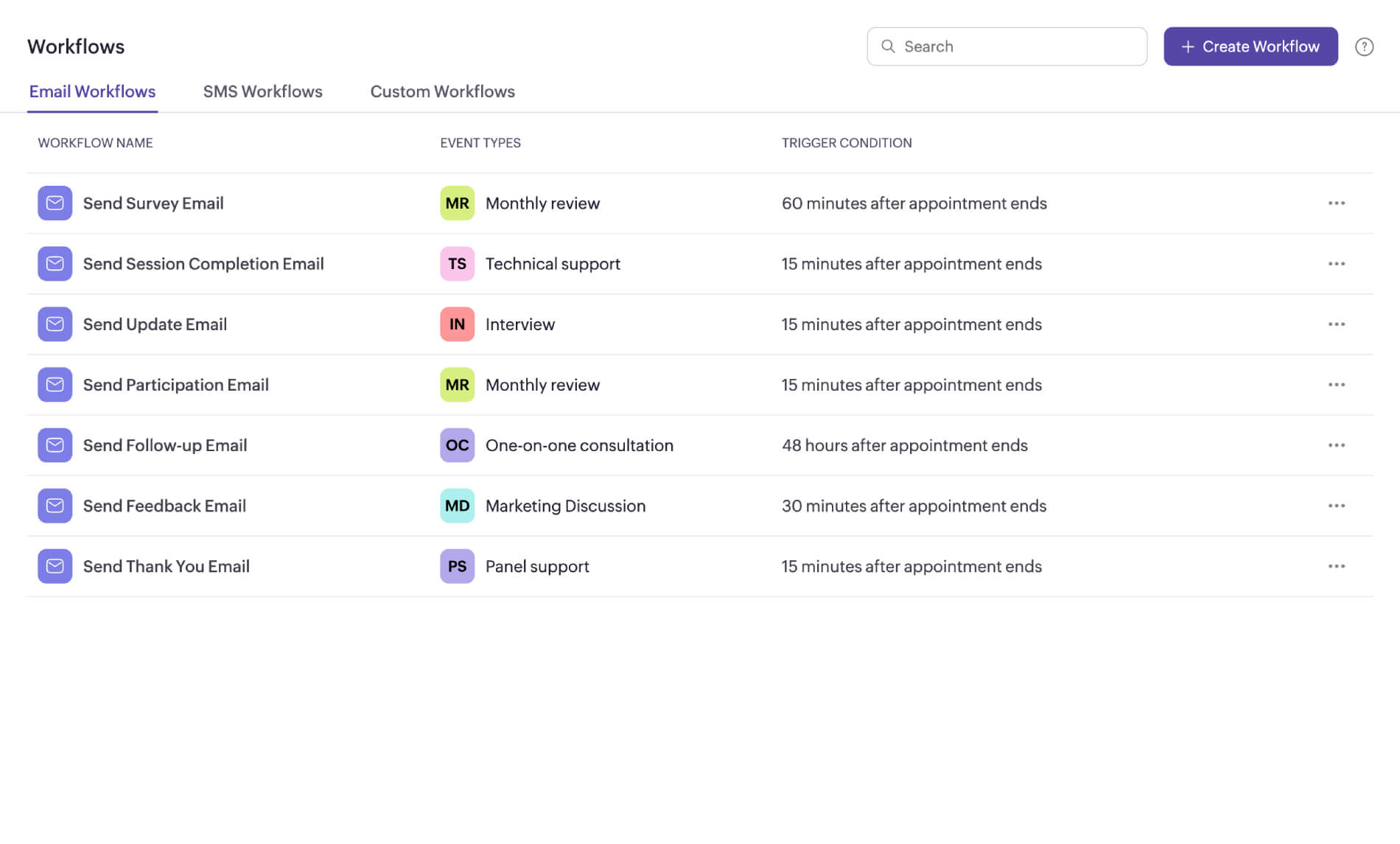
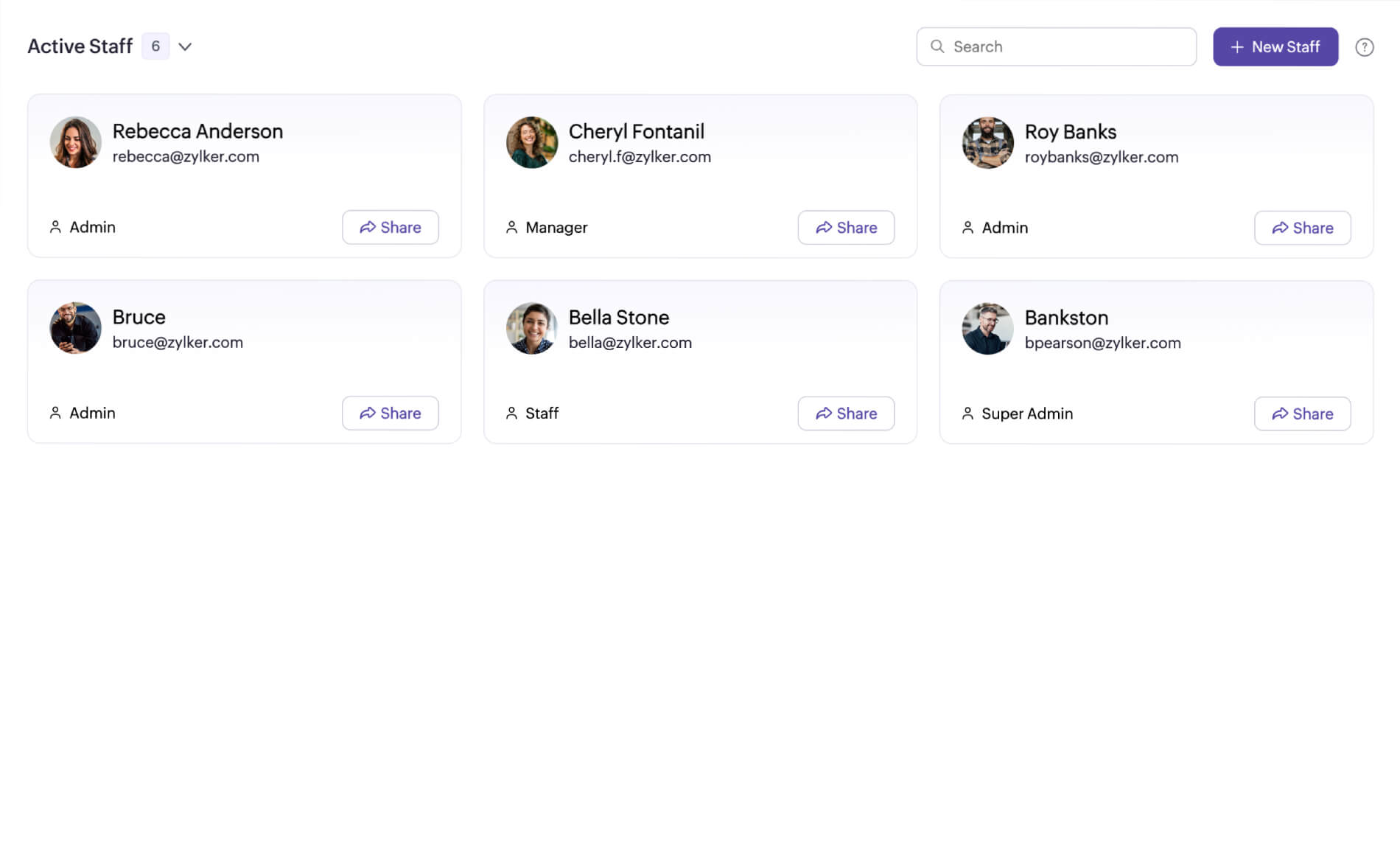
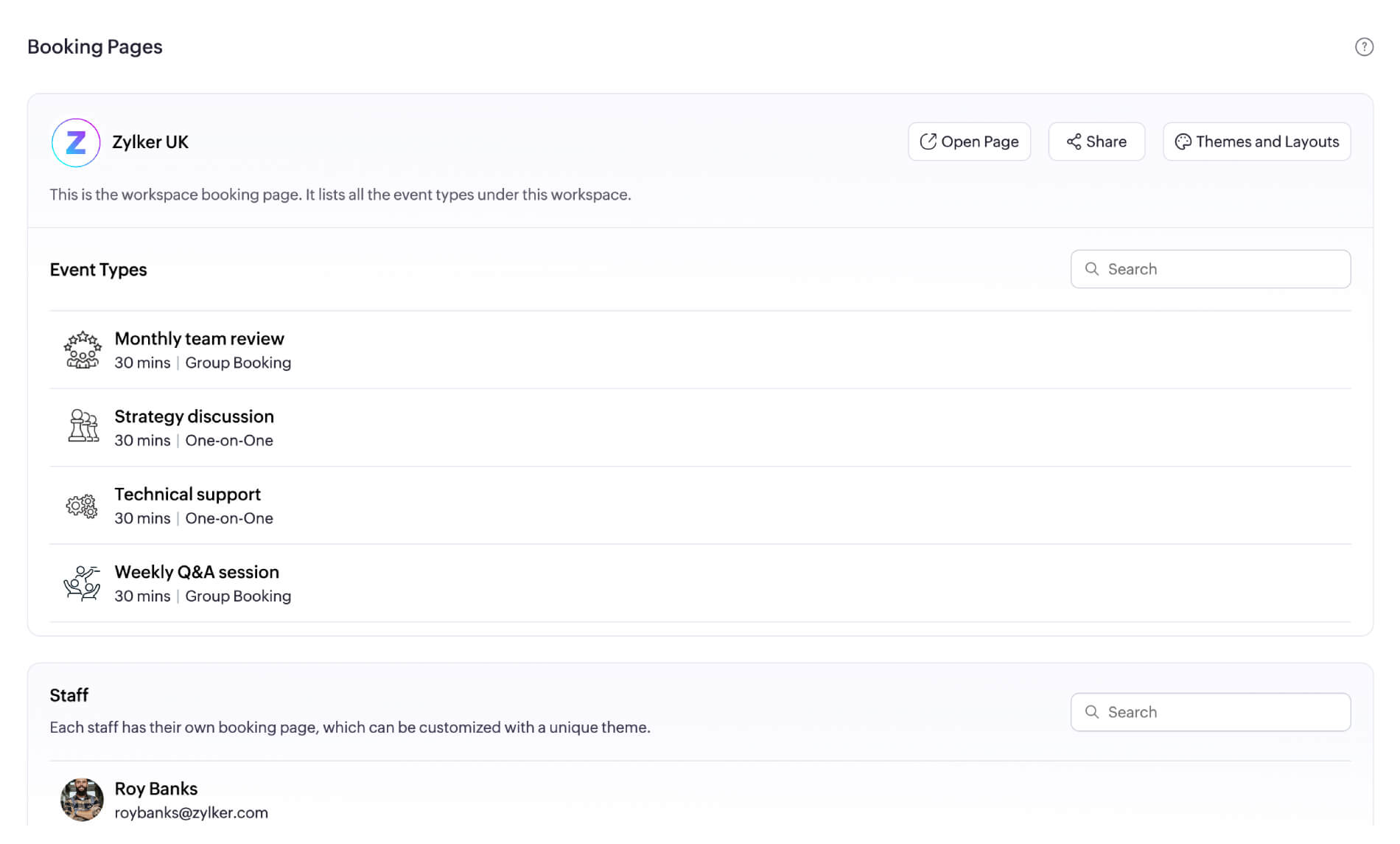
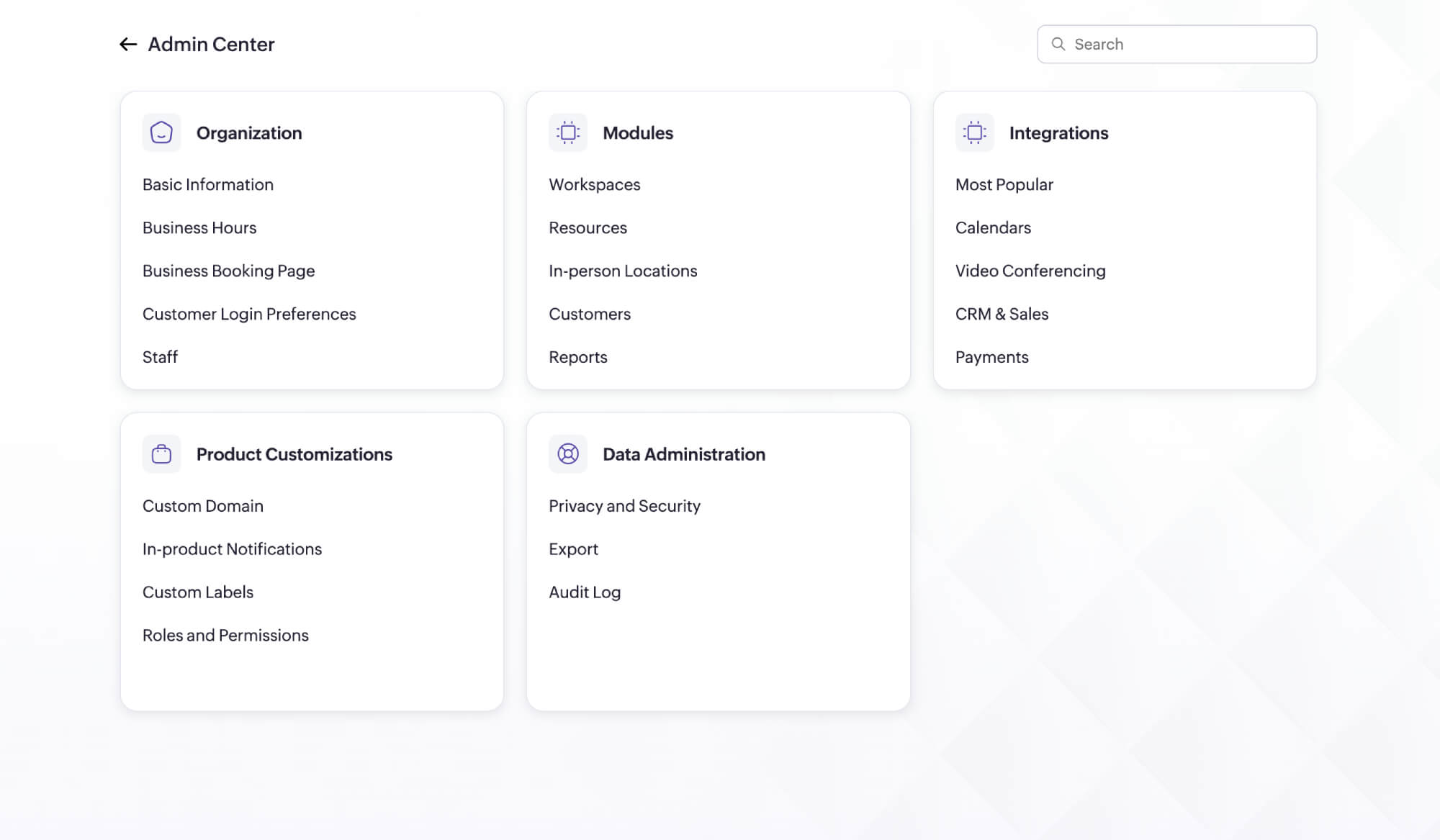
Smarter scheduling, powered by AI
- Onboarding AI
- Branding AI
- Conversational AI
AI-powered setup
Zia helps you quickly configure your setup so that you can start scheduling meetings with your clients right away.
Create booking pages in seconds
Enter your company's web address to have Zia, create an appointment booking page that mirrors your website—including your logo, theme, and social media links.
Trusted by businesses that drive growth through appointment scheduling
33% increase in lead conversions
LEARN MOREJeremiah Hartmann, Founder, Jeremiah Hartmann Live Event Hosts & MCs




It's been a game-changer for my business.
LEARN MOREMorgan DiGiorgio, Senior Vice President Sales & Marketing, Directmail 2.0

Go beyond basic appointment scheduling
Appointment limits
Set booking limits by day, people, or event type to stay organized and avoid overbooking.
Learn MoreRouting forms
Qualify leads through a form before they book, and automatically direct appointments to the right person.
Learn moreEmail widgets
Book meetings faster by sharing time slots and booking links directly from email tools like Zoho Mail, Gmail, and Outlook.
Learn moreCRM integrations
Give your sales team full context. Connect with Zoho CRM and Bigin by Zoho CRM to track leads, bookings, and follow-ups in one place.
Learn moreGoogle Analytics (GA4)
Track booking behavior to identify the campaigns that drive the most appointments and optimize them for better conversions.
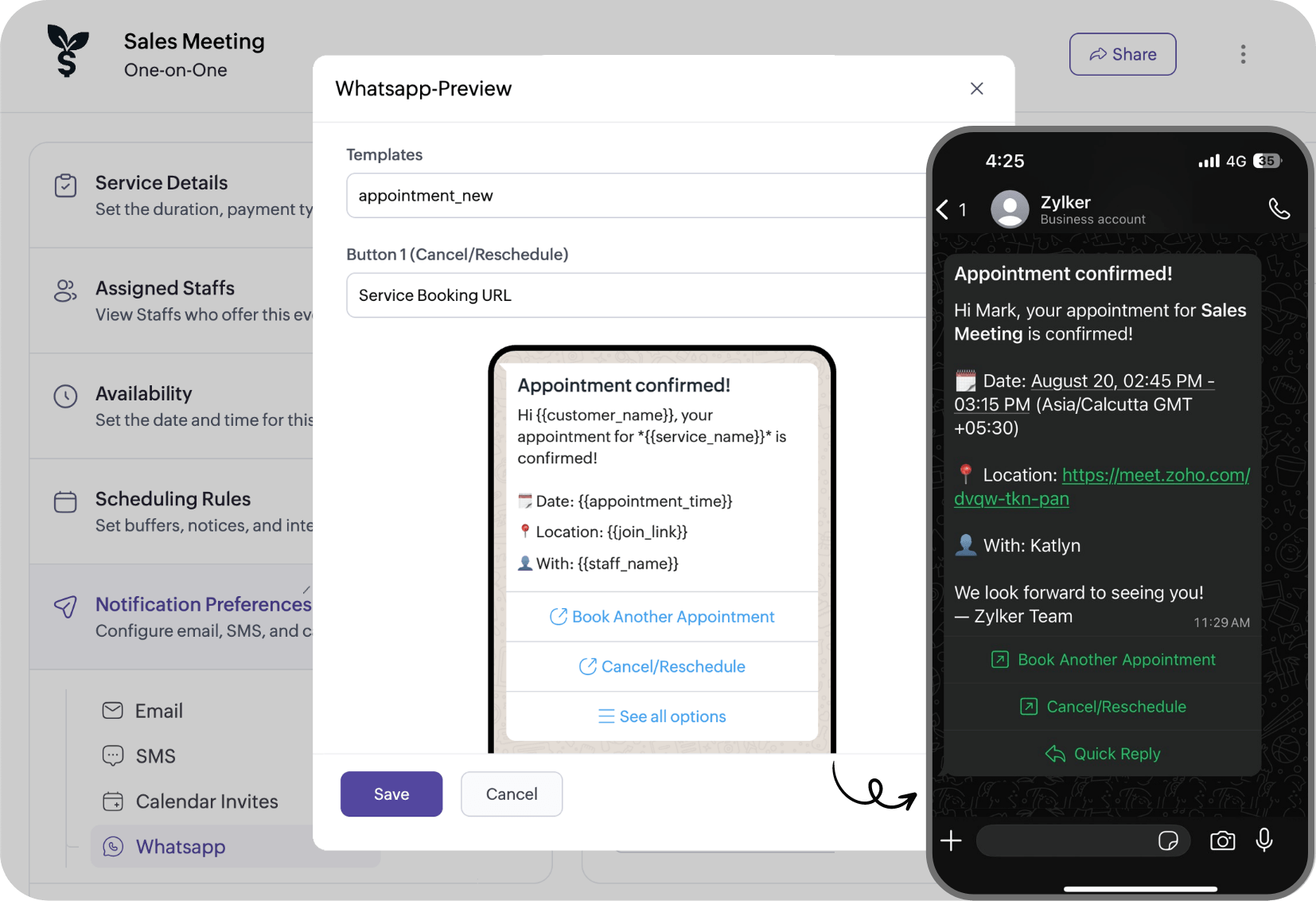
Learn moreWhatsApp integration
Schedule, reschedule, cancel, or book another appointment directly from WhatsApp chats.
Learn more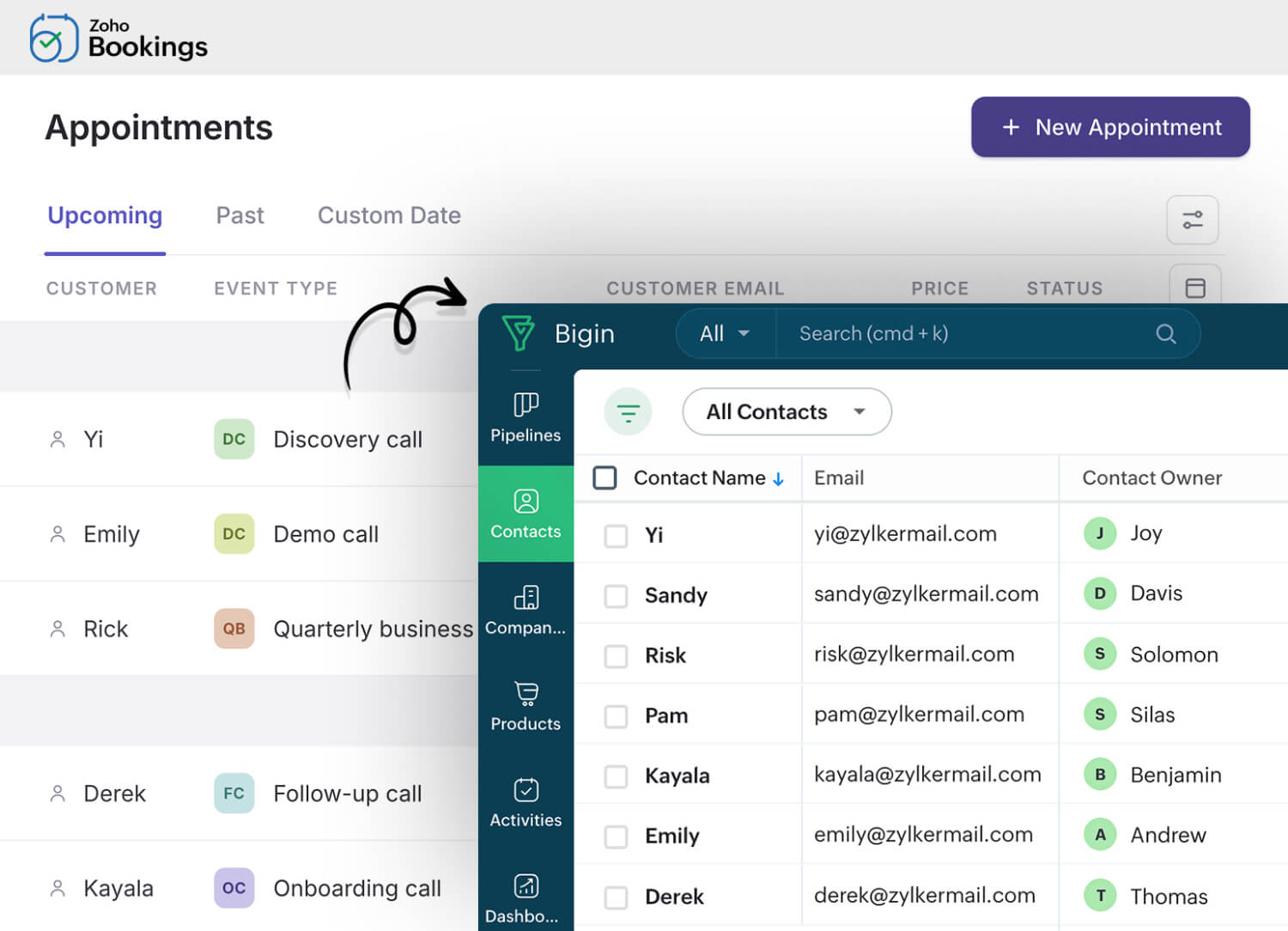



appointments scheduled around the world
With a new appointment scheduled every 4 seconds
Request a demo
Built for every industry that relies on appointment scheduling








Appointment scheduling that suits every team and business
Solopreneurs
Enable instant scheduling without a website. Share your booking link across email, WhatsApp, and social media channels. Let customers book and pay in one step, while you manage appointments through the mobile app.

SMBs
Manage multiple teams and departments using workspaces. Plus, deliver a fully branded booking experience with white-labeled pages, email notifications, and a custom domain.

Enterprise teams
Manage complex scheduling at scale with multiple event types, workspaces, granular user roles, and scheduling APIs. Automate workflows and connect with 75+ Zoho and third-party apps to support enterprise operations.

Built to work with your existing business tools
Connect Zoho Bookings with your existing apps to extend your appointment scheduling experience, automate time-consuming tasks, and focus more on your customers.
Explore all integrationsManage your appointments from anywhere
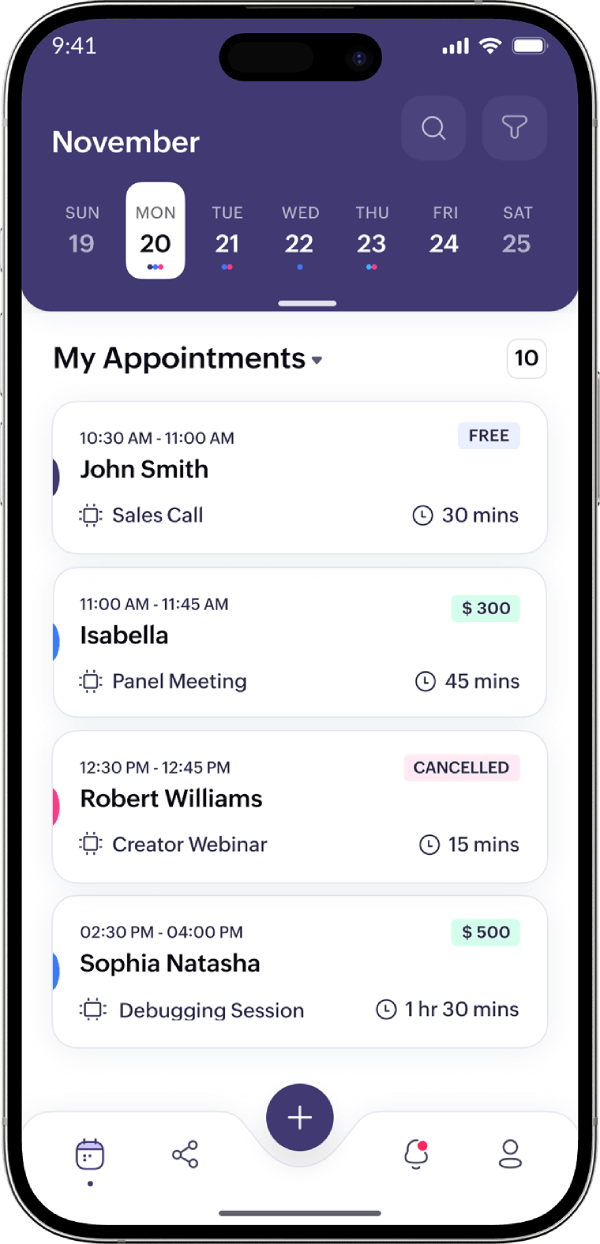
Stay on top of your schedule, availability, and notifications—wherever you are. Share booking links or join meetings instantly from your iOS or Android device.

Start your appointment scheduling journey with a 15-day premium trial.
Continue on the free plan after your trial, or upgrade whenever you're ready.
TRY ZOHO BOOKINGS NOWFrequently Asked Questions
1. Can I sync my appointments with Google or Outlook Calendar?
Definitely! Zoho Bookings' AI scheduling software offers two-way sync for both Google and Outlook Calendar. Your appointments stay updated across platforms to avoid double-bookings and catch scheduling conflicts.
2. How is Zoho Bookings different from Calendly or Acuity?
Zoho Bookings is AI scheduling software that stands out with its extensive customization capabilities. It drives end-to-end appointment scheduling from showcasing availability to automated followups. Check out this comprehensive guide to learn more.
3. Can I collect payments through Zoho Bookings?
Yes, Zoho Bookings helps you collect payments via Stripe, PayPal, Razorpay, and other major payment providers for a hassle-free customer experience.
4. Is the booking system embeddable on my website?
Absolutely! You can easily embed your booking page as a widget on your website. The booking page displays staff details, service or event types, and available slots. Here's a widget guide that shows you how.
5. Does Zoho Bookings support time zone conversion and multiple currencies?
Yes, you can set the booking time zone to match the customer's location, your business, or any other preference. Read more about managing time zones.
You'll choose your currency during setup, but the Zoho Bookings team can change it upon request. Write to support@zohobookings.com for assistance.
6. Can I try Zoho Bookings for free before purchasing?
Of course! Zoho Bookings provides a 15-day trial period—no credit card details required.
7. What's the pricing for Zoho Bookings?
Zoho Bookings provides user-based pricing, so you only pay for the number of staff you add to your Bookings dashboard. Learn about pricing.